Connect sound
Compare XLR, jack, RCA and speakerON.

★★★★★ 5.0 on Google · 151 reviews · Speaker Verhuur Amsterdam
Find cables and adapters for sound, video, network and power supply in Haarlem. First select what you want to connect and then view connectors, signal direction and length. Below are the main groups with links to appropriate equipment and further explanation.
Choose equipment for your event
Compare XLR, jack, RCA and speakerON.
Check HDMI, SDI and signal direction.
Review tax and connection conditions.
Measure length and appropriate protection.
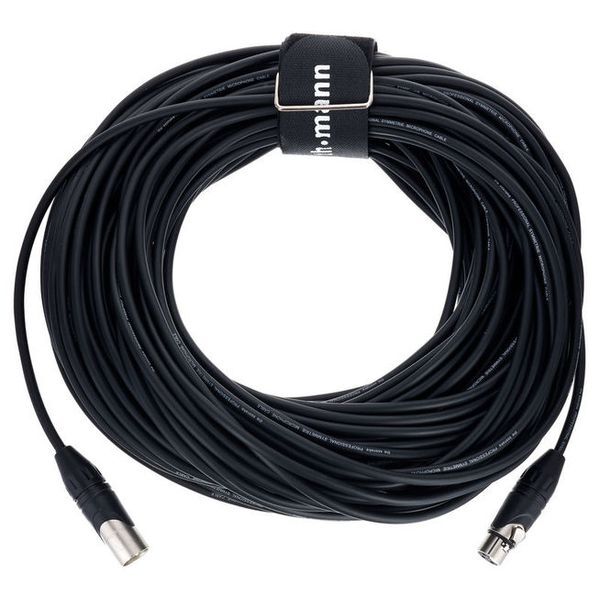
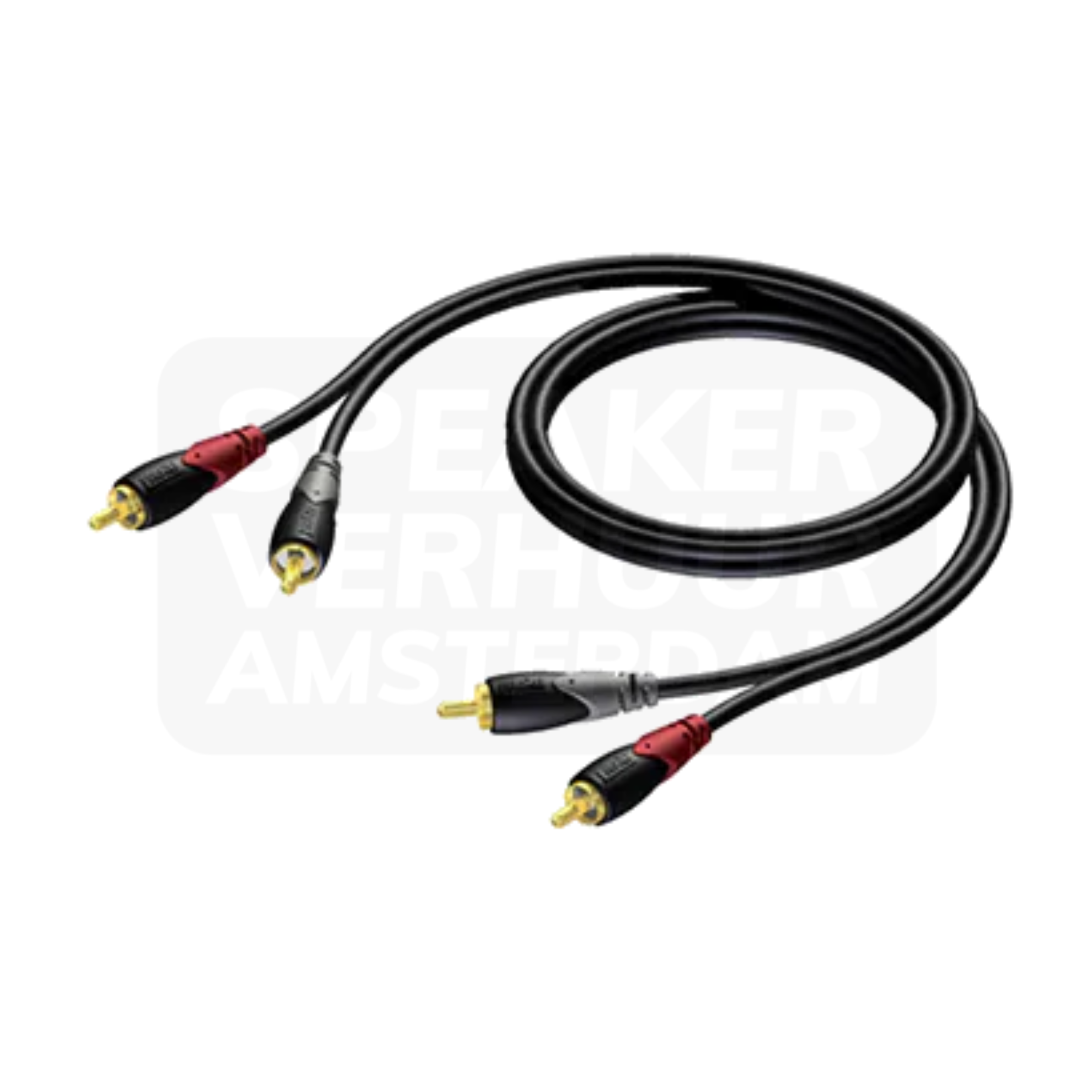
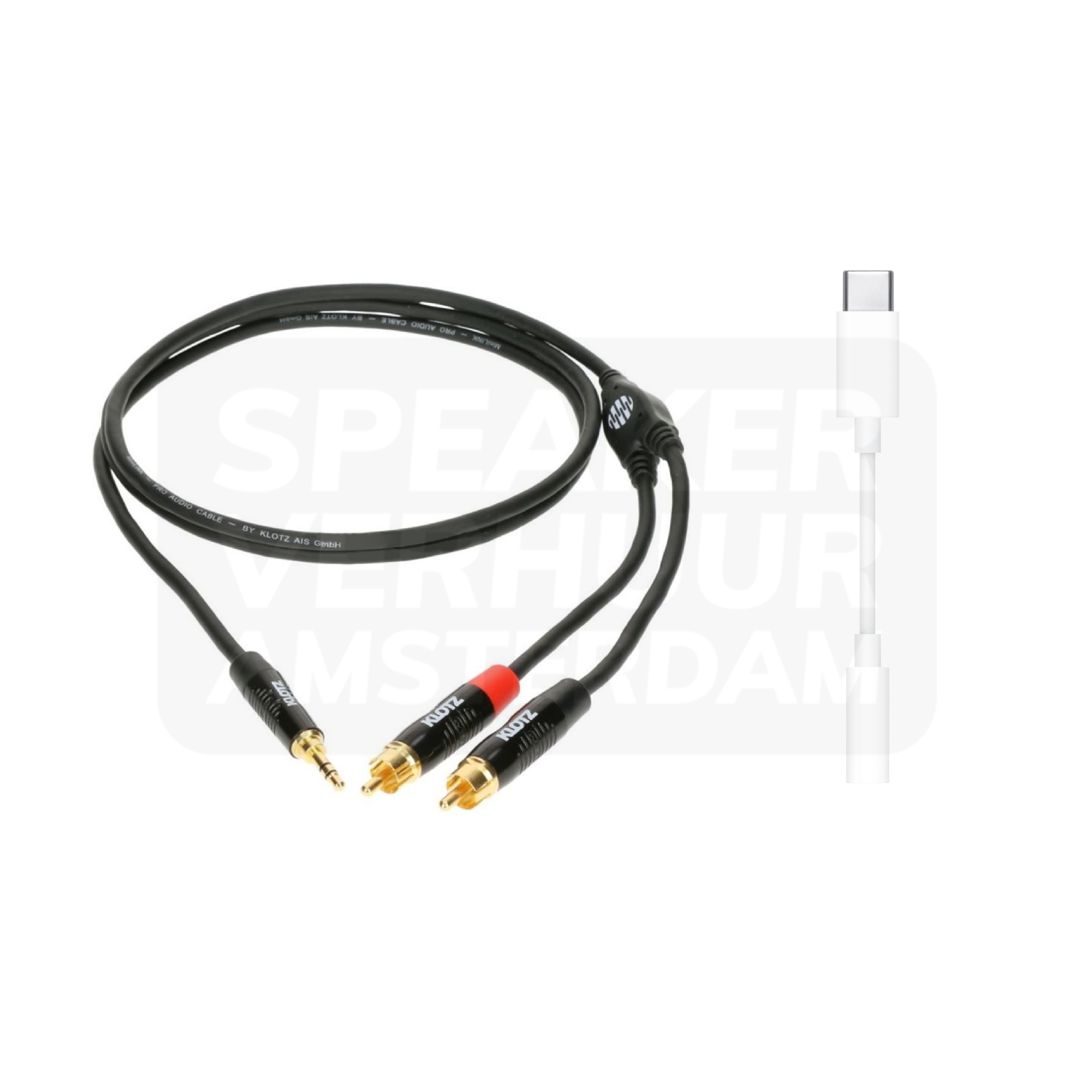
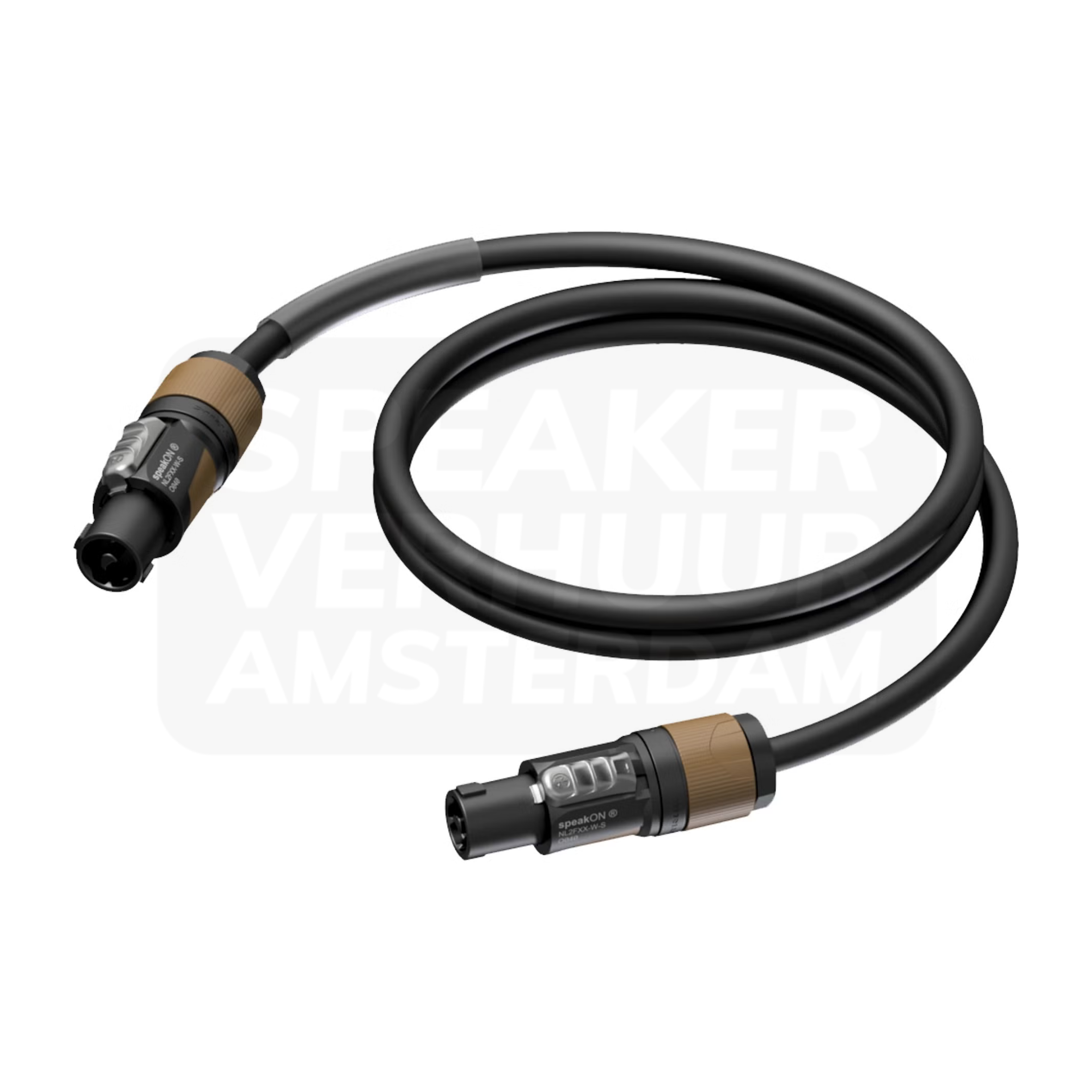
XLR, RCA, jack and speaker cables have different applications. Check the source and destination and choose the full signal connection. For a Haarlem presentation, the real laptop or phone and any mixer are part of that control. Audio cable hire in Haarlem or ask for advice on this choice.
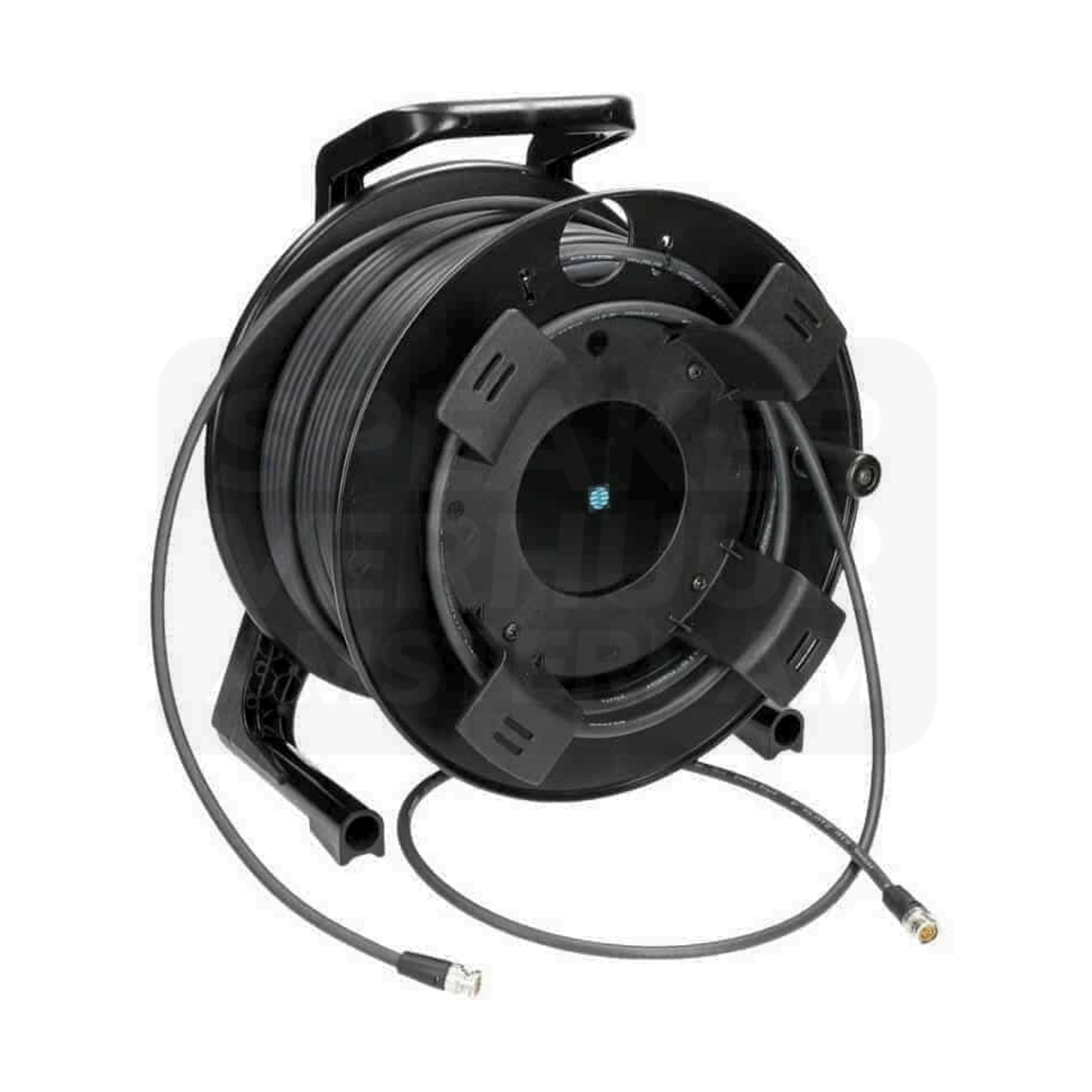
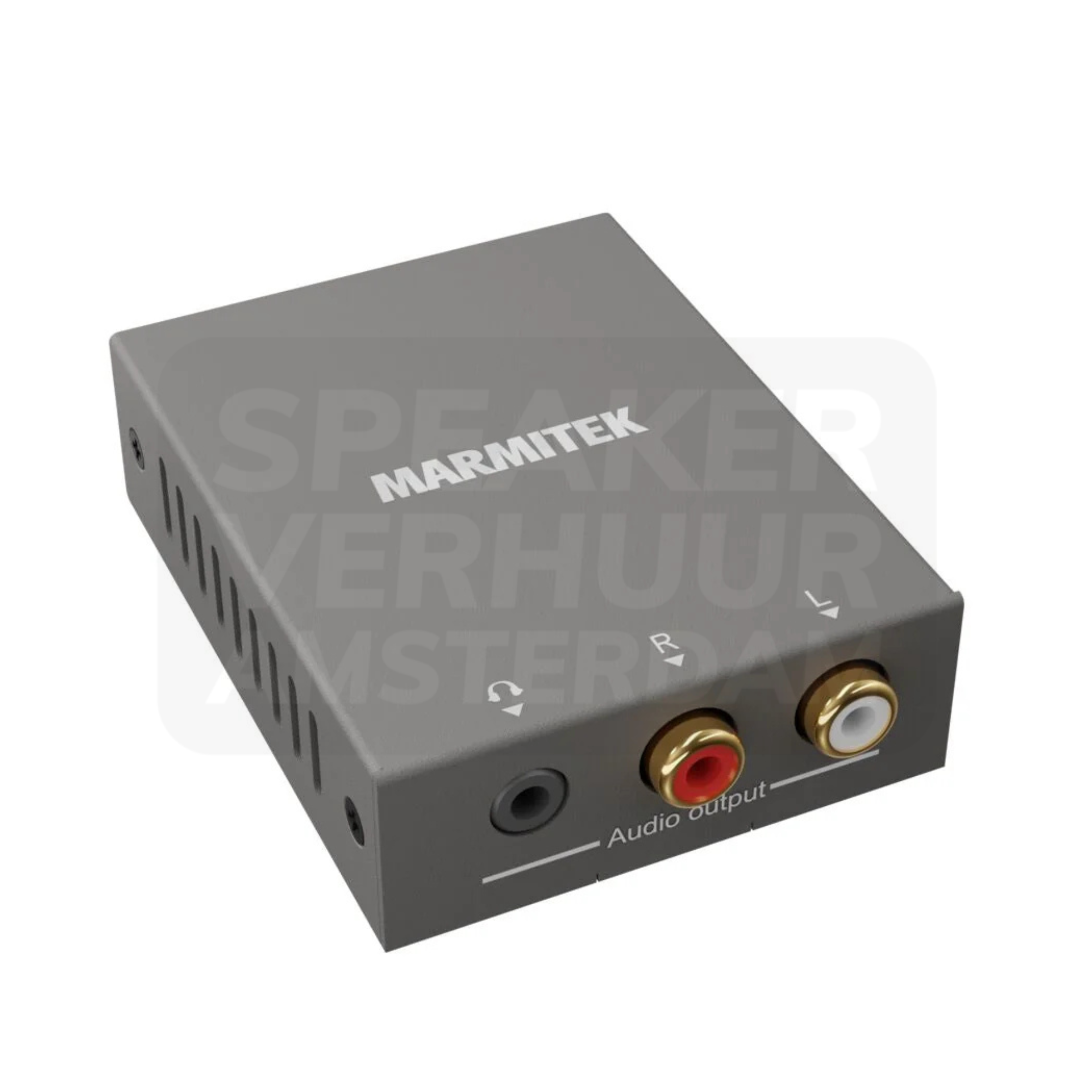
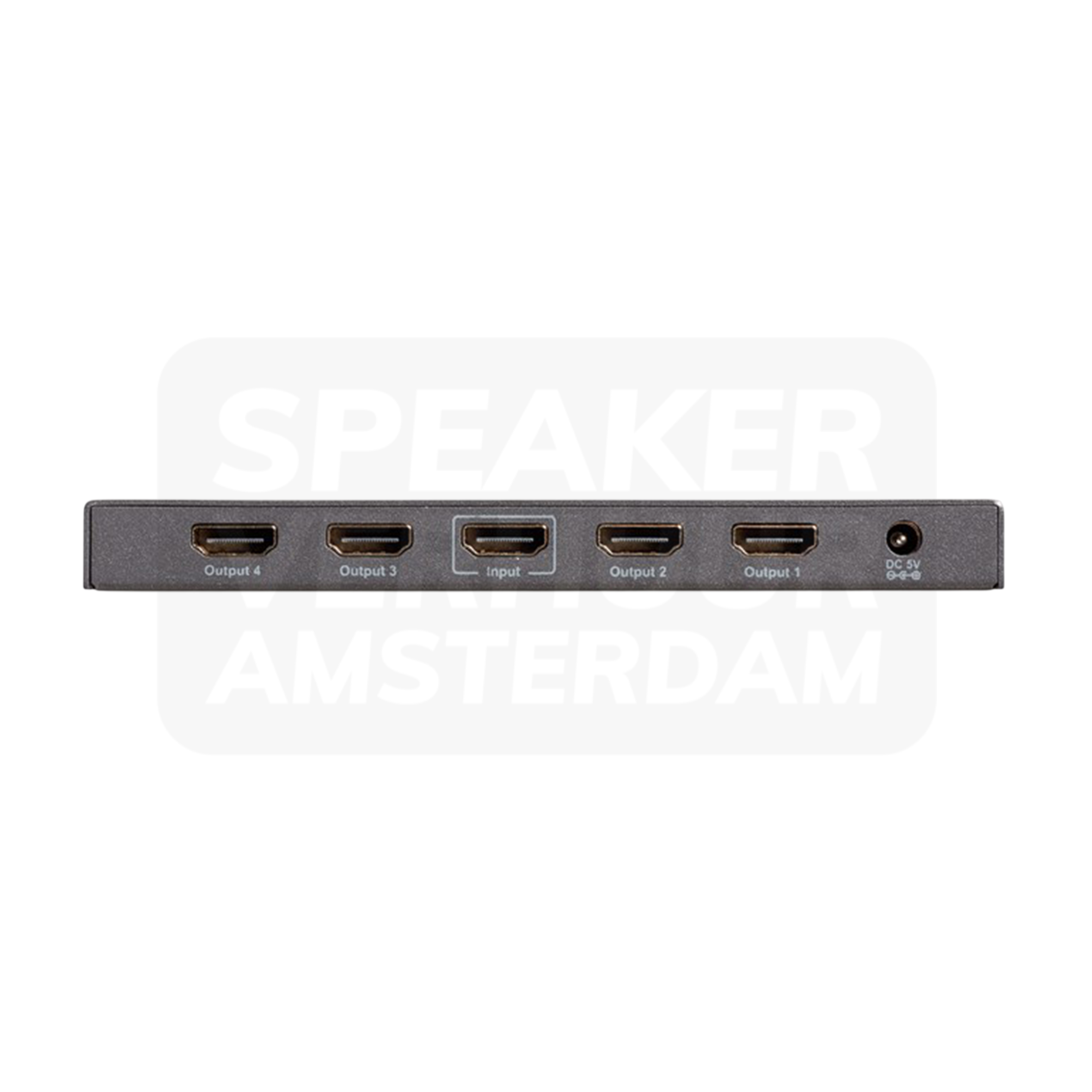
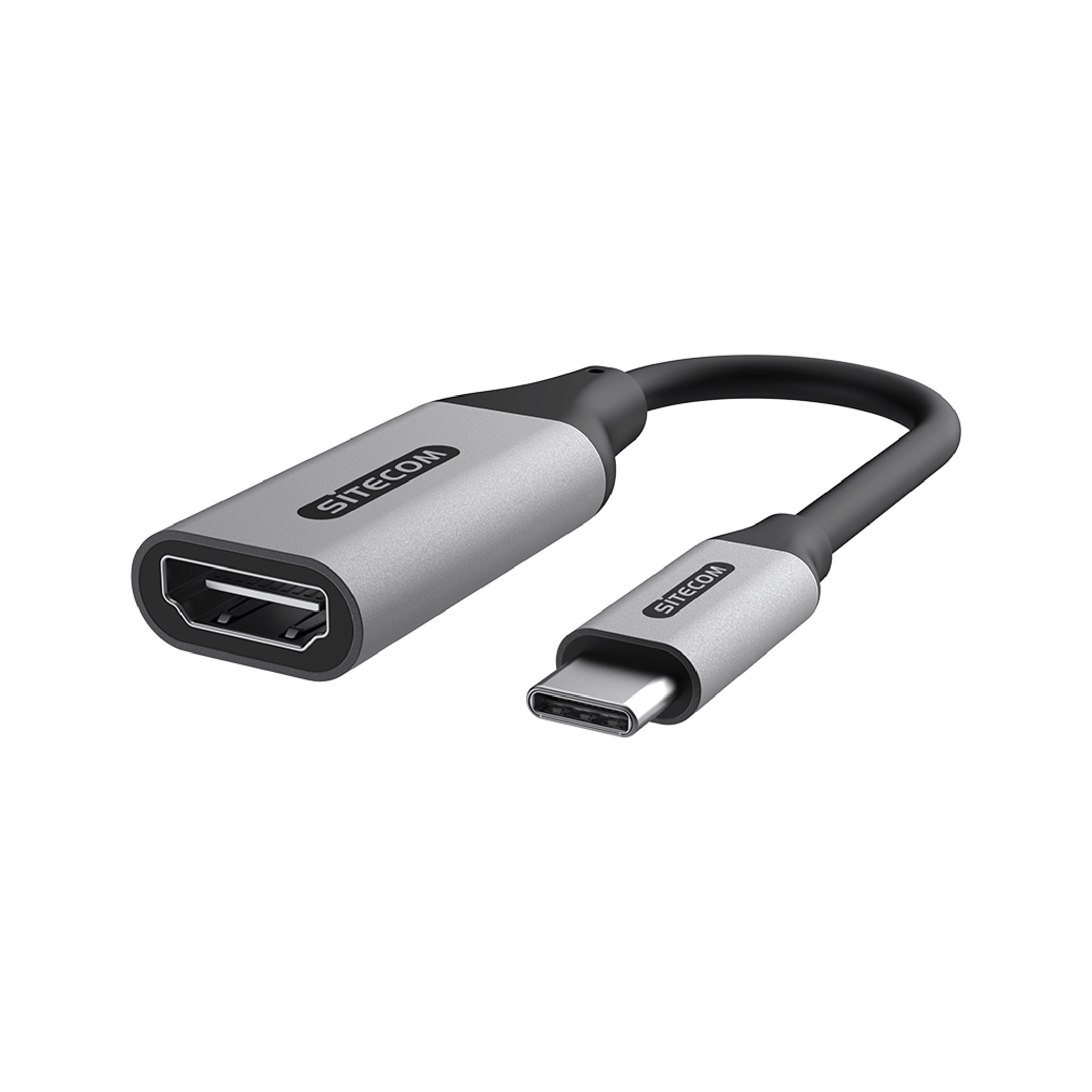
An adapter, converter, cable and splitter solve various problems. Check the direction in which a converter works and which image settings support the whole combination. In multiple screens, the desired source must fit all destinations. Video equipment hire in Haarlem or ask for advice on this choice.
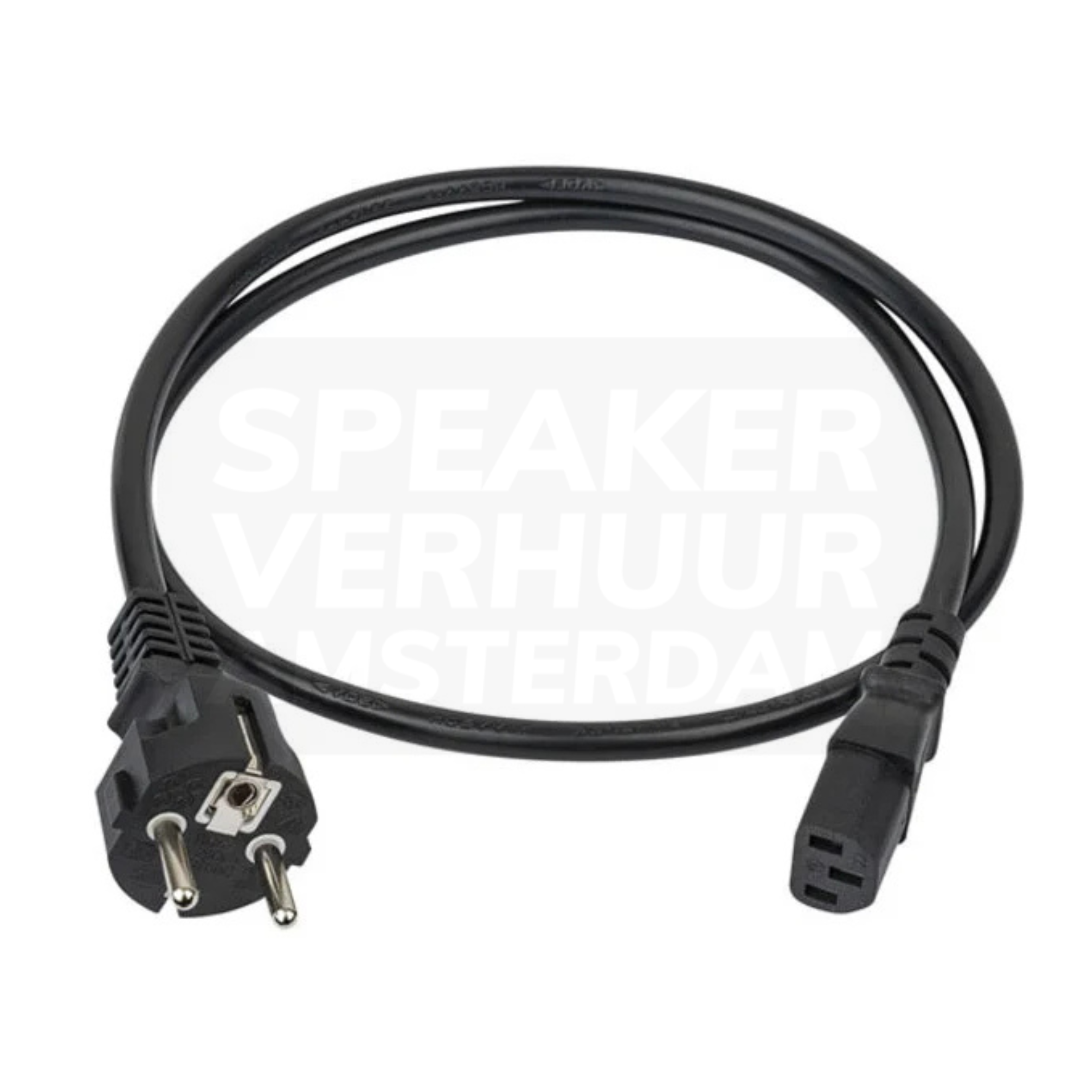
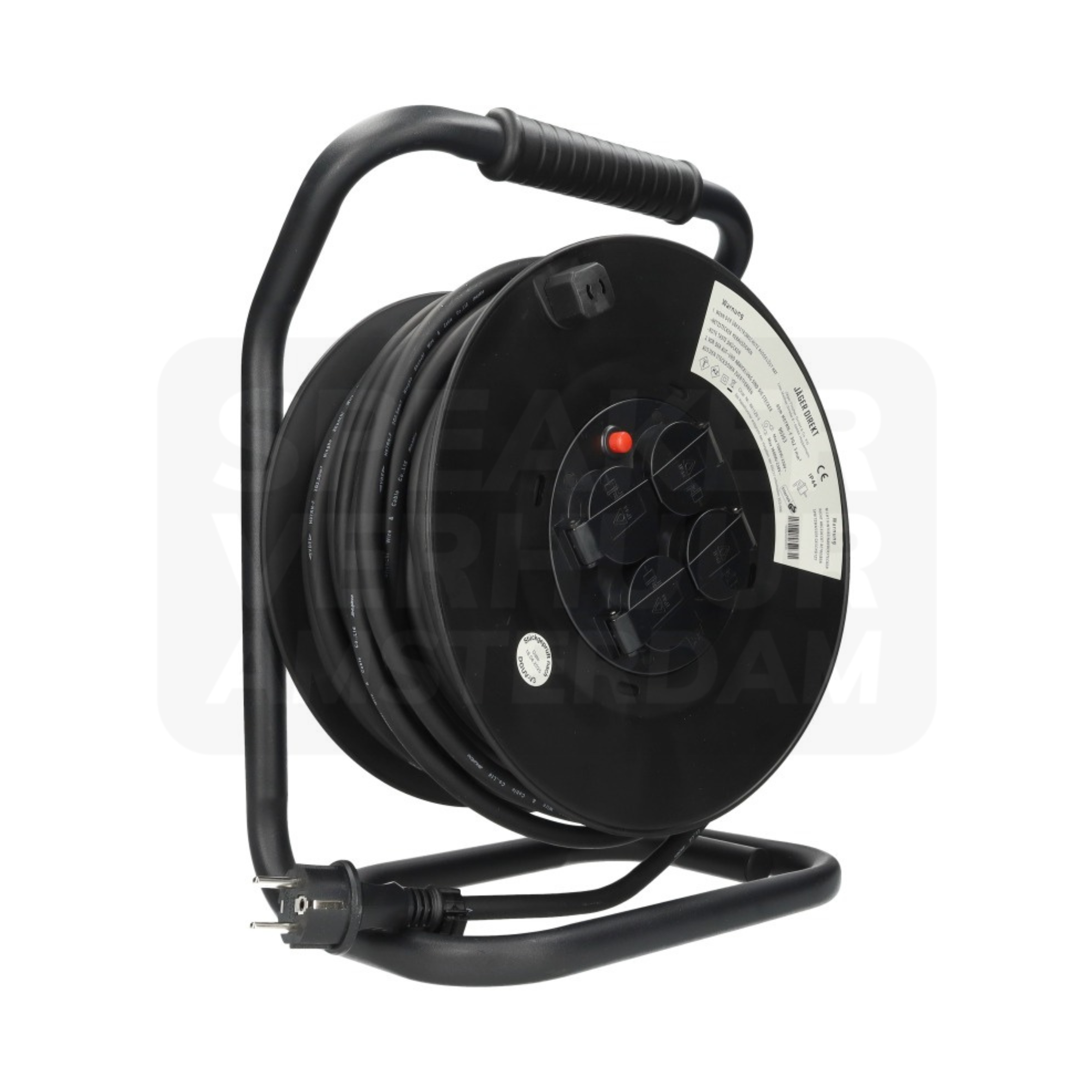
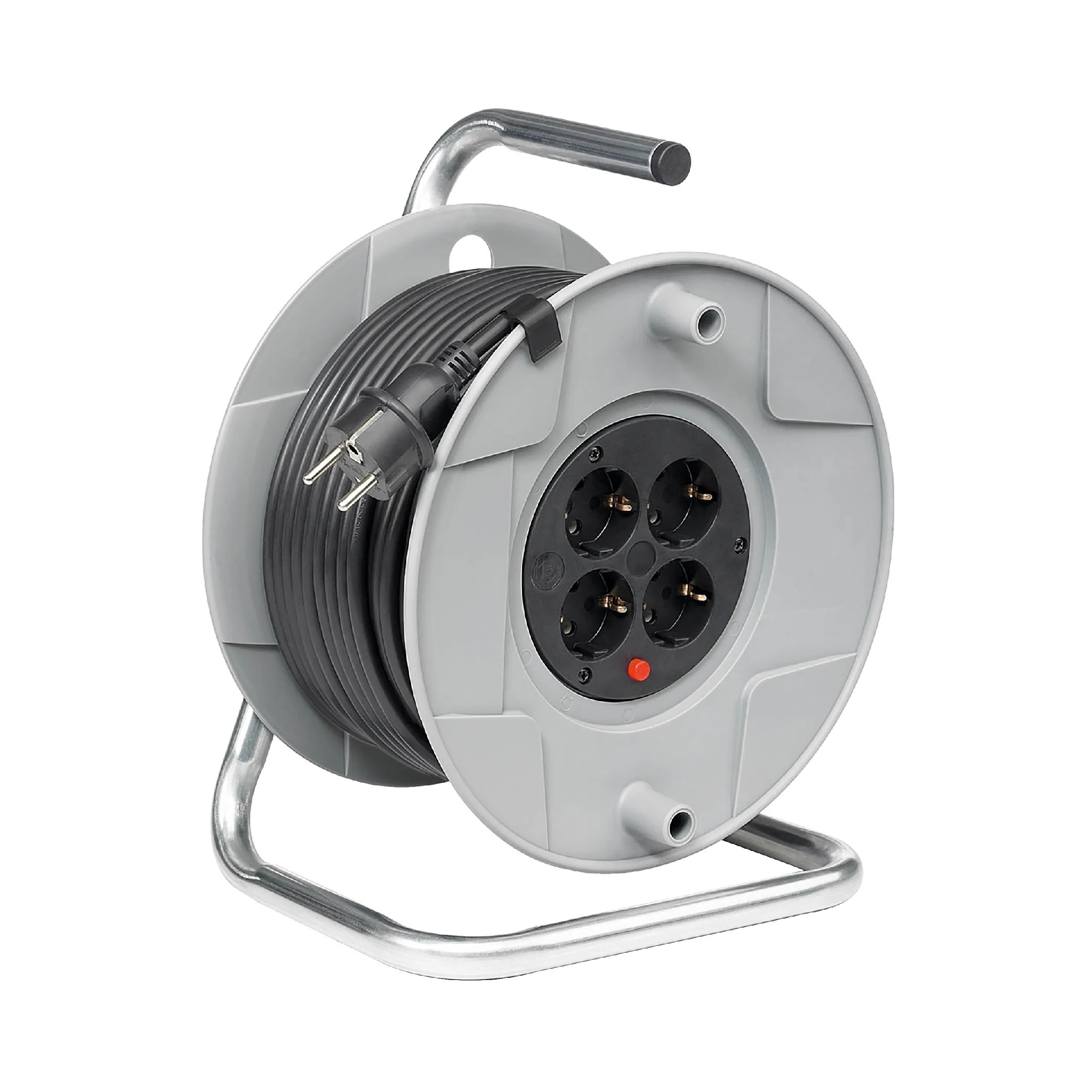
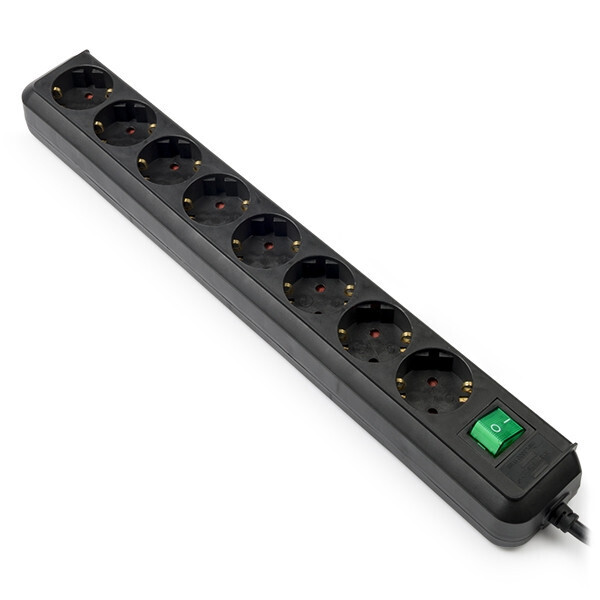
Check the available power supply and simultaneous load before extending or distributing. More connection points on a plug box do not mean higher source capacity. Take the route and conditions at the Haarlem location with you. Power cable hire in Haarlem or ask for advice on this choice.
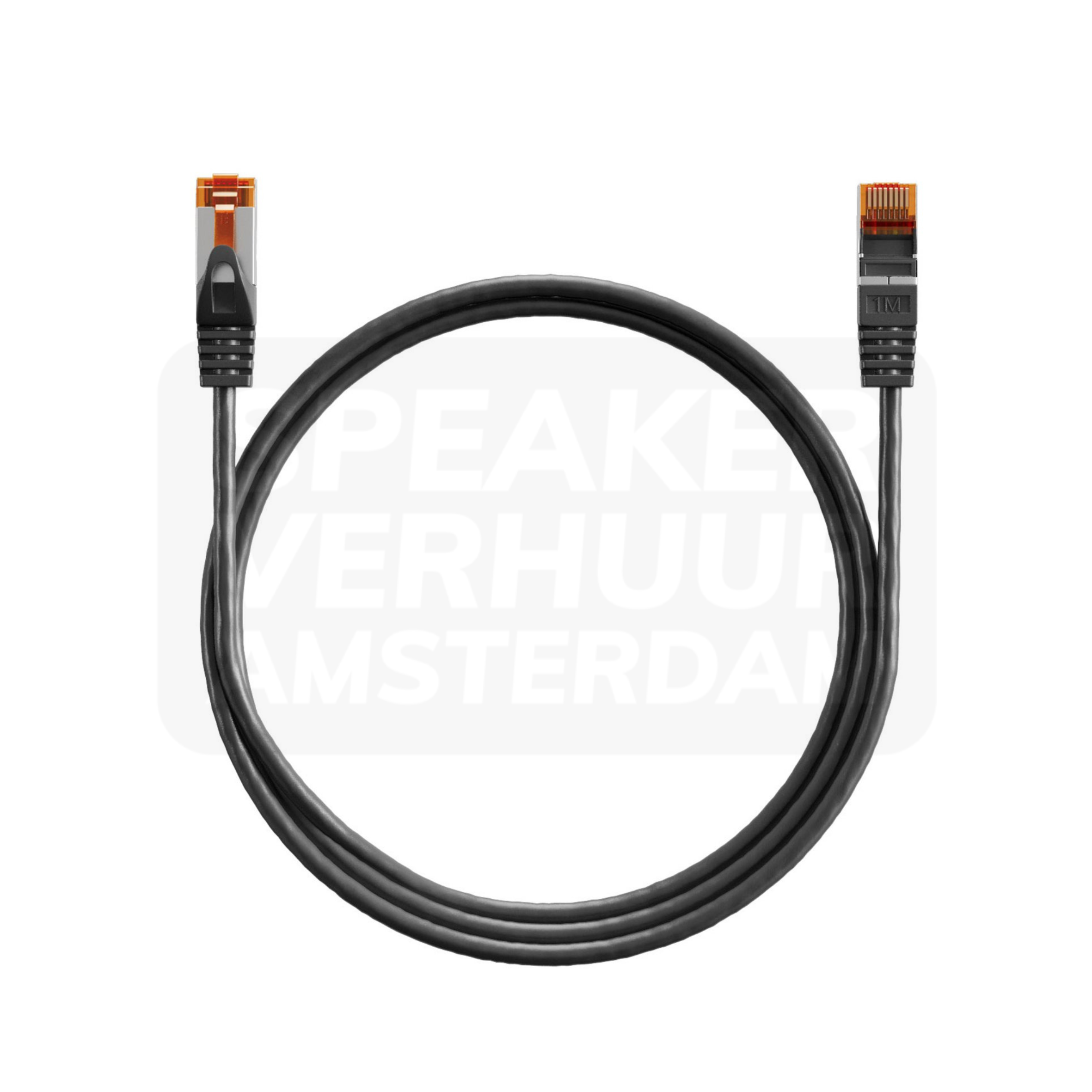
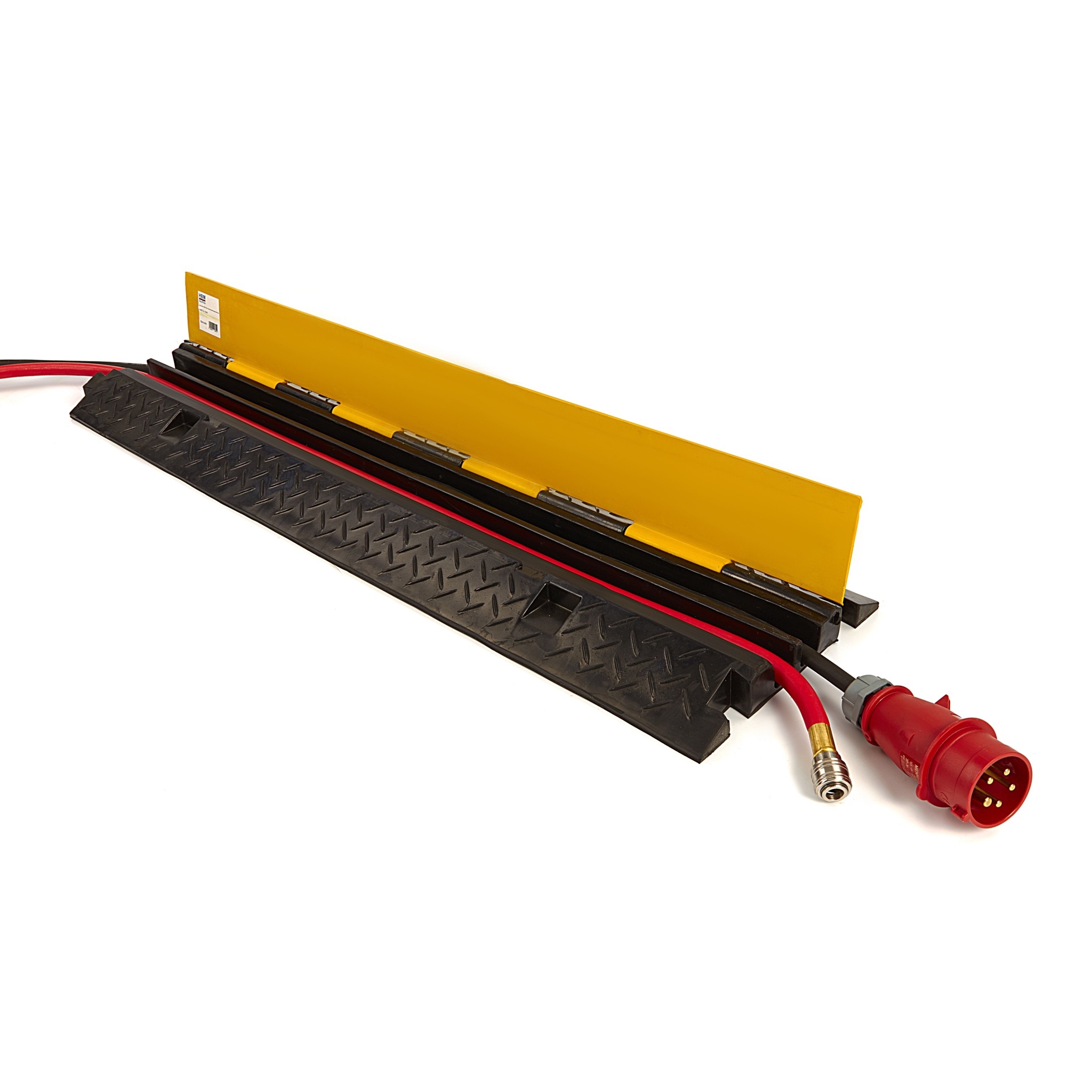
A network cable and a cable threshold each have their own function in the setup. Measure the route, keep access free and check the appropriate configuration. For an online meeting network access and computer connection are also important. Video equipment hire in Haarlem or ask for advice on this choice.
Write to which device is linked by connection to which destination. Add connectors, direction and length required. It will make it clear whether you only need a cable, or also distribution or conversion. For an event in Haarlem you can use the same list to check out your own equipment and parts rented. Start with the actual equipment: a category as video or sound only says little about the correct connection.
An adapter can adjust a connection form, a converter converts a supported signal and a splitter distributes a source according to the device's capabilities. These rolls are not interchangeable without any change. Check active power supply and the supported direction as the configuration needs. An HDMI-to-SDI converter is a different choice than an SDI-to-HDMI converter. For a Haarlem presentation with multiple screens, the entire route should be able to support the same desired view.
Not only measure the distance between two devices. See where the audience, doors, stairs and work stations are and choose an executable route. Keep connectors accessible and prevent pulling at connecting points. Cable protection must fit route and use; a product name does not confirm fitness for any load. When setting up with different spaces in Haarlem, you prefer to pre-lock the source and destination spots. This makes material selection and installation more clear.
A power cable and a signal cable have different tasks and conditions. Check the permissible power load and compatibility of the signal connections separately. A network cable does not automatically control Internet access at the location. For a hybrid meeting in Haarlem, you have to prepare network, equipment and meeting platform in addition to the cable. Test the complete application and not only whether a plug fits in both devices.
First compare what is already included in the equipment and add the missing connections targeted. Please take into account length, distribution, adapters and any power supply of converters. Select the parts for the same period of use and check the complete content. When you request installation in Haarlem, please also provide the equipment available. This way you prevent double material and it becomes clear which connection the rented parts should make with the existing setup.
See the design, applications and connection of this particular product.
Read the rental guideSee the design, applications and connection of this particular product.
Read the rental guideSee the design, applications and connection of this particular product.
Read the rental guideTalk to us about your setup
Tell us what you are organizing in Haarlem or around the world. We will help you with the choice of equipment, a quote and the delivery appointment. Do you need anything last-minute? Please contact us to discuss the possibilities.
Send your plans or ask your question right away.
Open WhatsAppinfo@speakerverhuuramsterdam.nl
Send an e-mail020 308 6033
Call usAnswer before you rent
Find answers about equipment choices, setup and rental arrangements.
Note the exact source and destination, connectors and required length. Then check that only connection, also conversion or distribution is required.
Please indicate the models, the output used and the application you want. Photos of the connections can help to determine the connection.
Do not assume that. Check the signal direction and characteristics of the specific model.
A suitable splitter distributes a source to multiple destinations according to the supported capabilities. Check the entire combination of source, cables and screens.
No. Distribution of the same source does not automatically result in a second independent playback source. Discuss real spares separately.
Check the supported settings and the full combination. Connector name or cable length only does not confirm that the desired view works.
Measure the executable route and keep accessible connecting points. There is no fixed length that is right for each room and setup.
No. Besides the cable, a suitable network connection, access and the working rest of the connection are required.
Review where a route crosses with public or traffic and choose appropriate protection for the conditions. Keep passageways and access clear.
Not always. Check if the concrete device needs separate power supply and which parts are in the rental content.
Compare the included set content with your connection plan and only book the missing types and lengths.
Please pass on the program, the devices and an overview of the routes. Please agree to the complete selection and any installation in advance.
Continue Choosing
Plan your event
Check out the versions, choose your rental period and make your selection. Please pass on the space and your program if you want advice about the combination or installation.
Check out the versions, choose your rental period and make your selection. Please pass on the space and your program if you want advice about the combination or installation.