Small text presentation
Compare TV screens and the remotest viewing distance.

★★★★★ 5.0 on Google · 151 reviews · Speaker Verhuur Amsterdam
Hire video equipment in Haarlem for meetings, presentations and film screenings. Compare TV screens, projectors, projection screens and meeting equipment. Plan how your source reaches each display and how every guest will see and hear the programme.
Choose equipment for your event
Compare TV screens and the remotest viewing distance.
Watch beamer and projection screen together.
Discuss image distribution and multiple screens.
Choose from the complete hybrid audio and video chain.
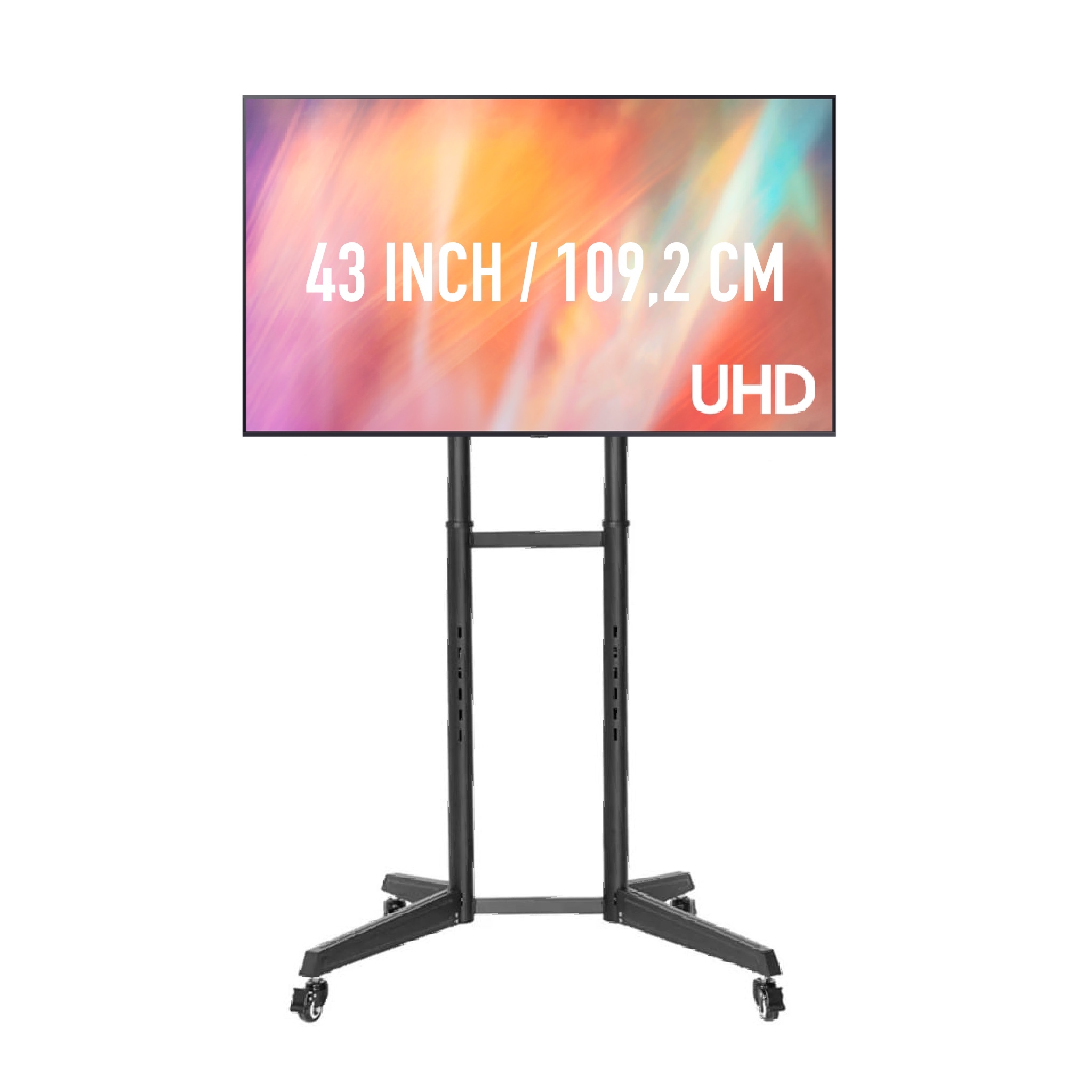
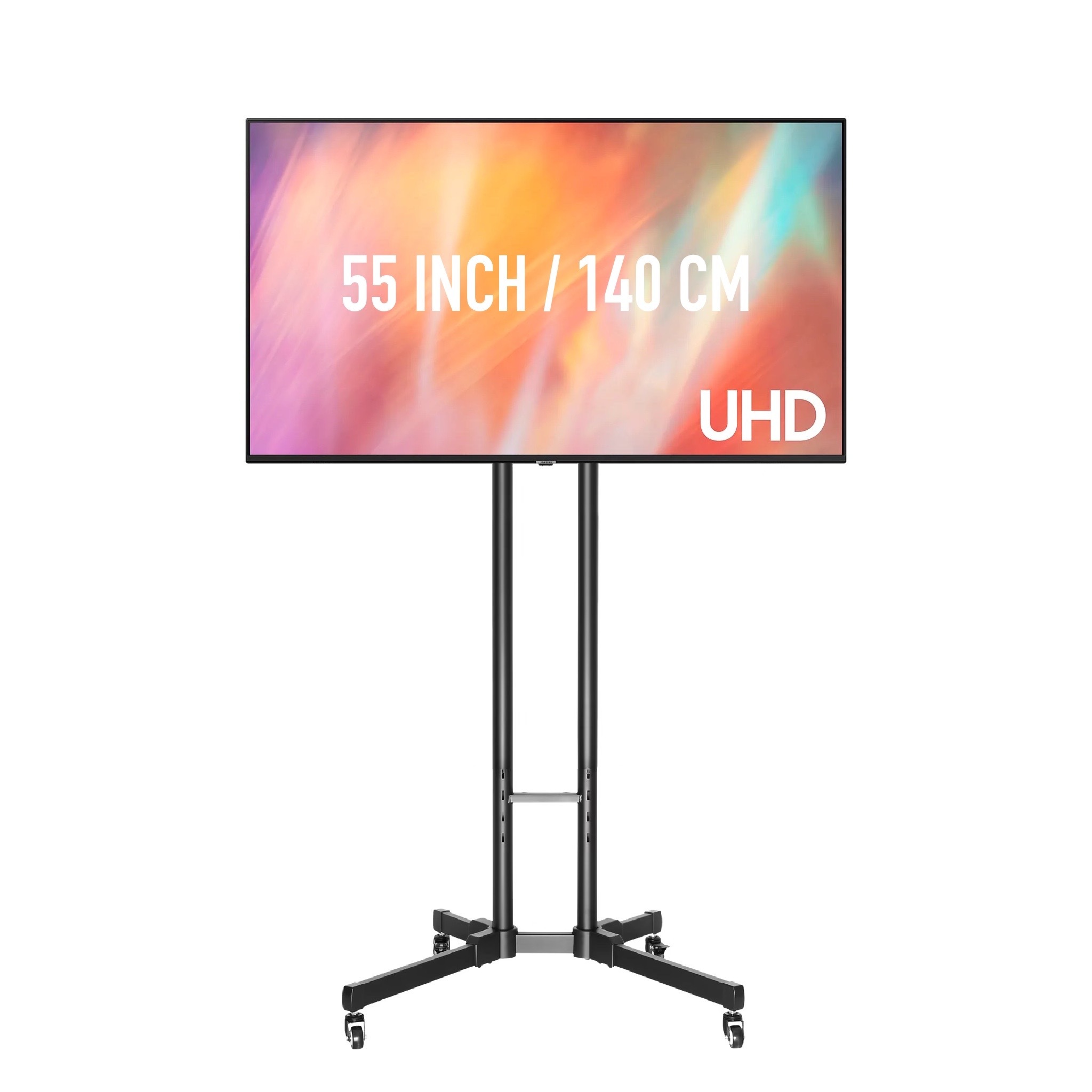
A TV screen can show slides, video or a welcome message without a projector-to-screen distance. Compare screen size, stand type and the direction from which people will watch. For a Haarlem meeting with several seating areas, two screens may provide better visibility than one larger screen at the front. Tell us whether both screens should show the same laptop or separate sources so the cabling and any HDMI distribution can be planned.
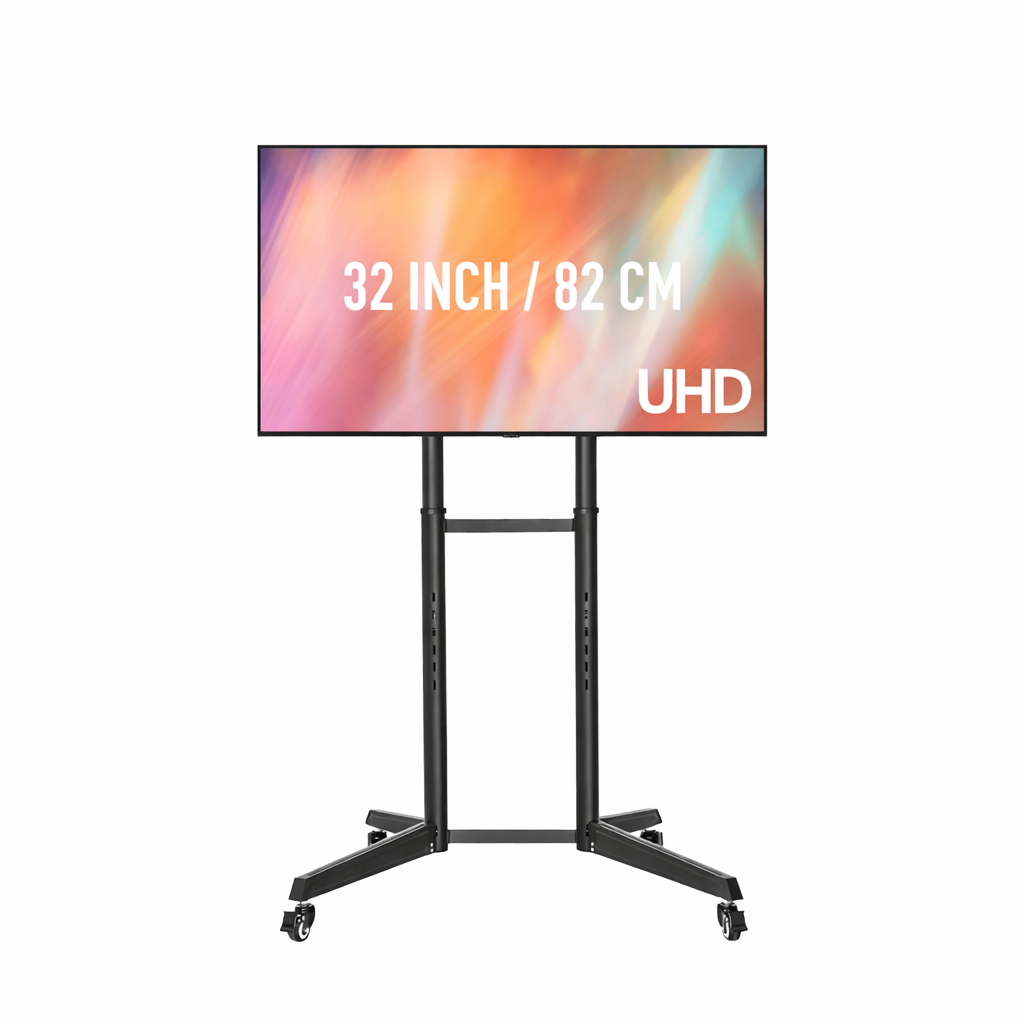
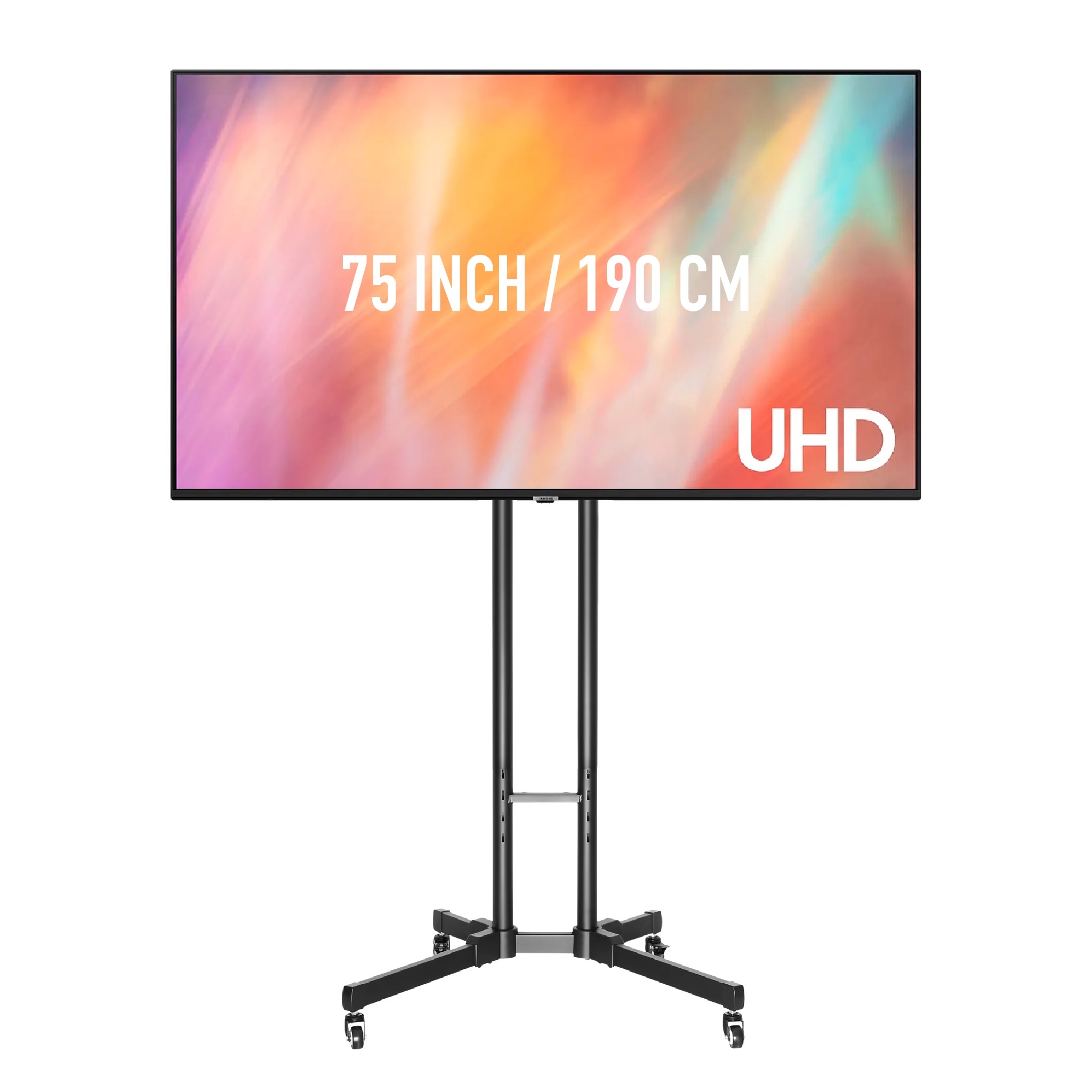
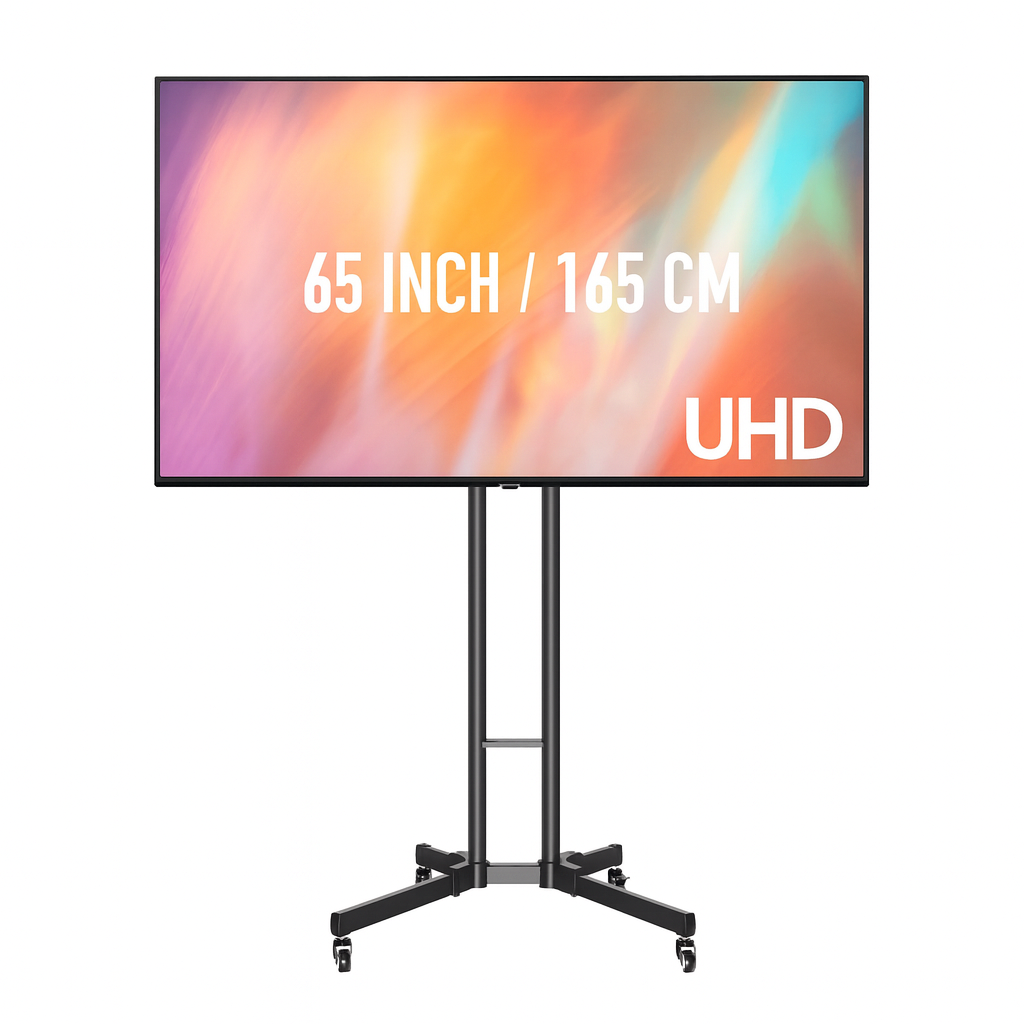
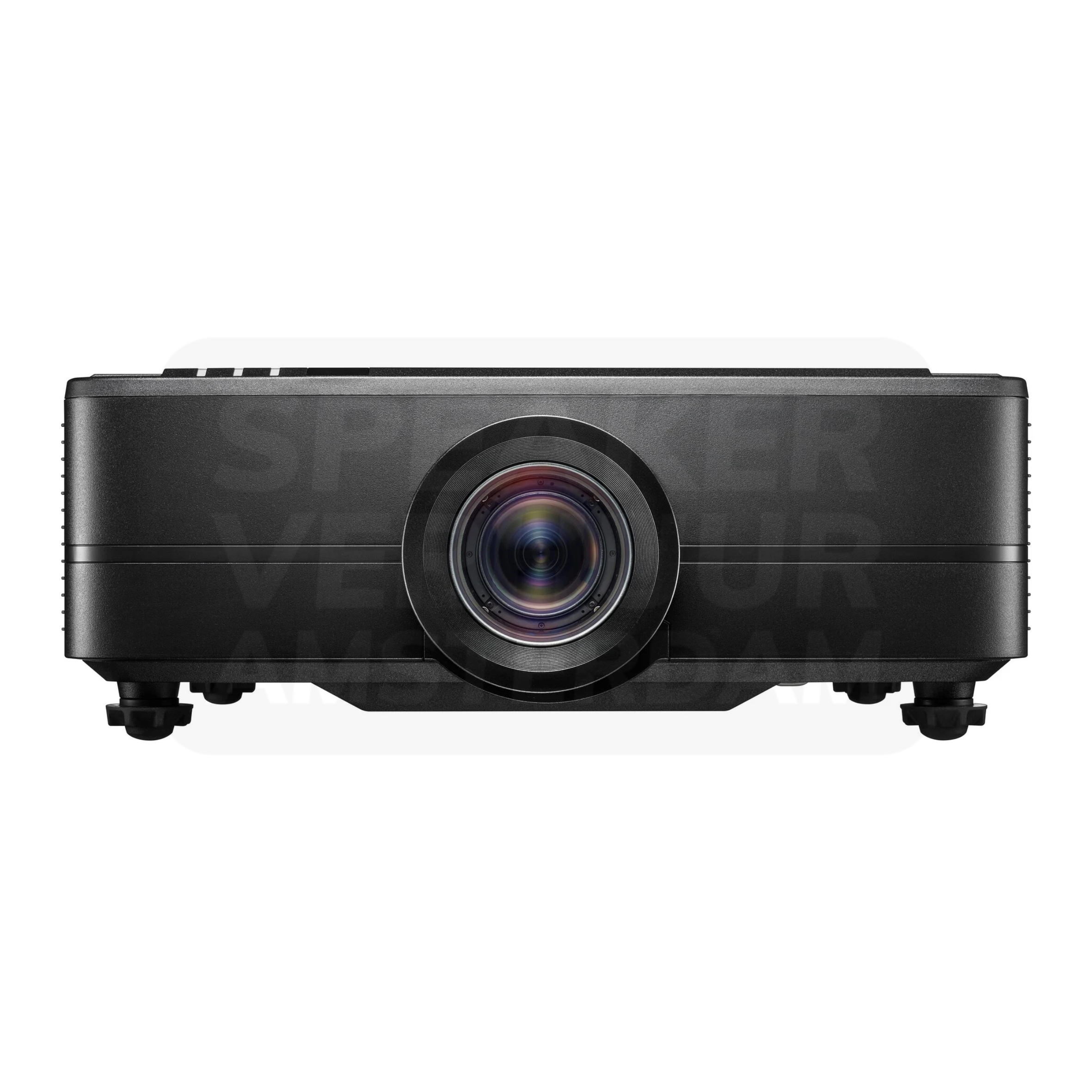
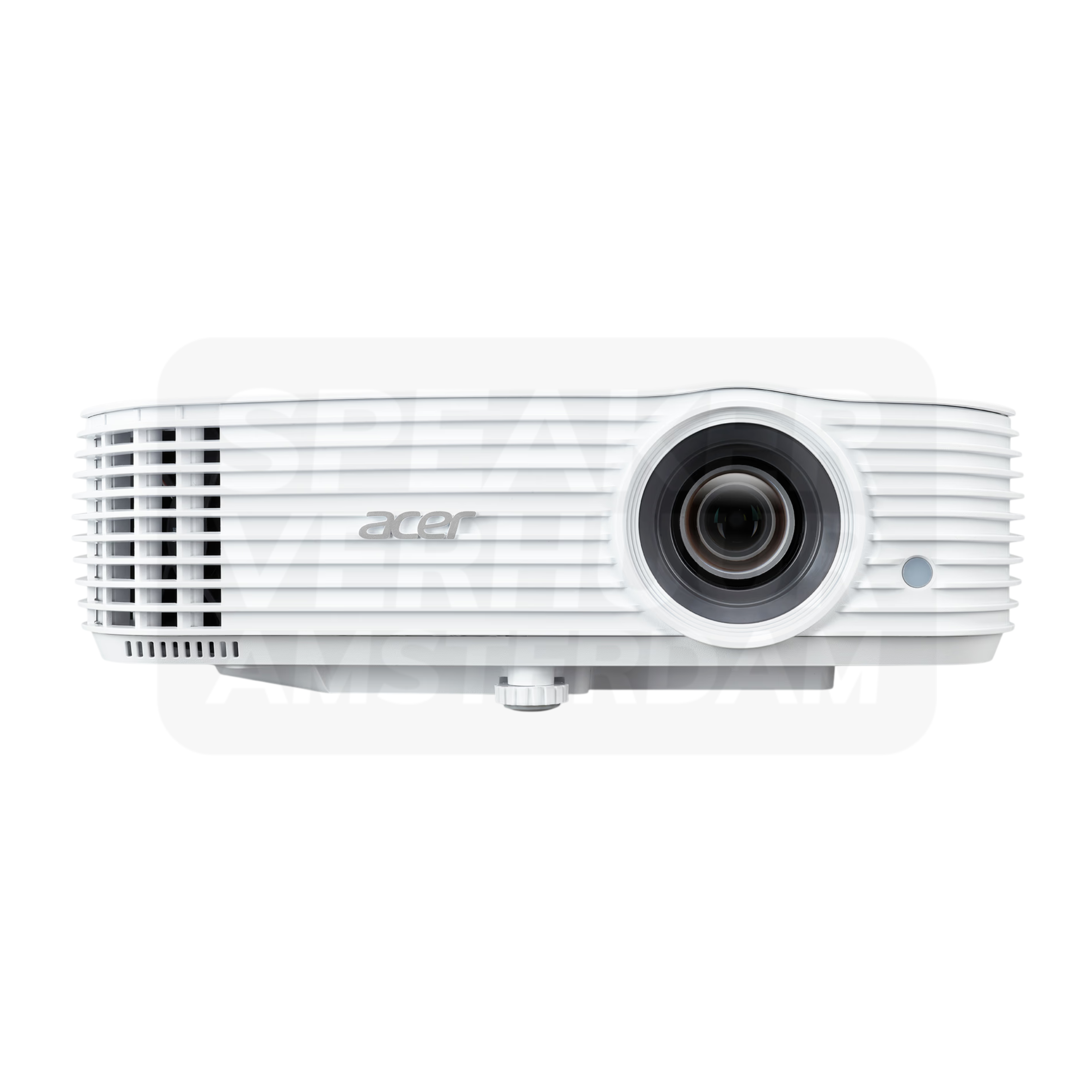
Choose a projector by image size, ambient light and available throw distance. A film screening and a detailed spreadsheet presentation place different demands on the image. For your Haarlem venue, check whether daylight can be controlled and where the projector can stand without obstructing guests. Compare individual models with packages and confirm the screen and audio equipment separately.
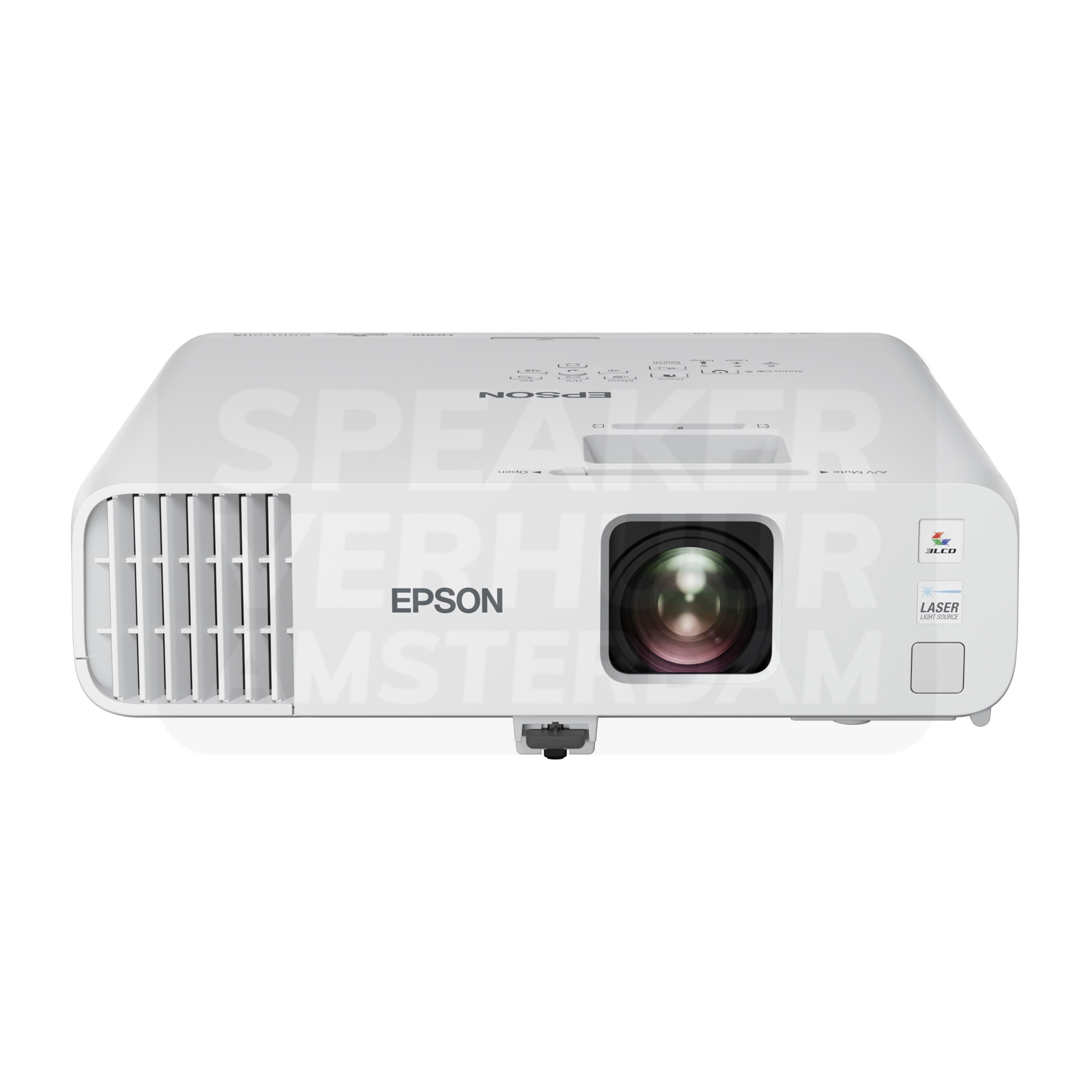
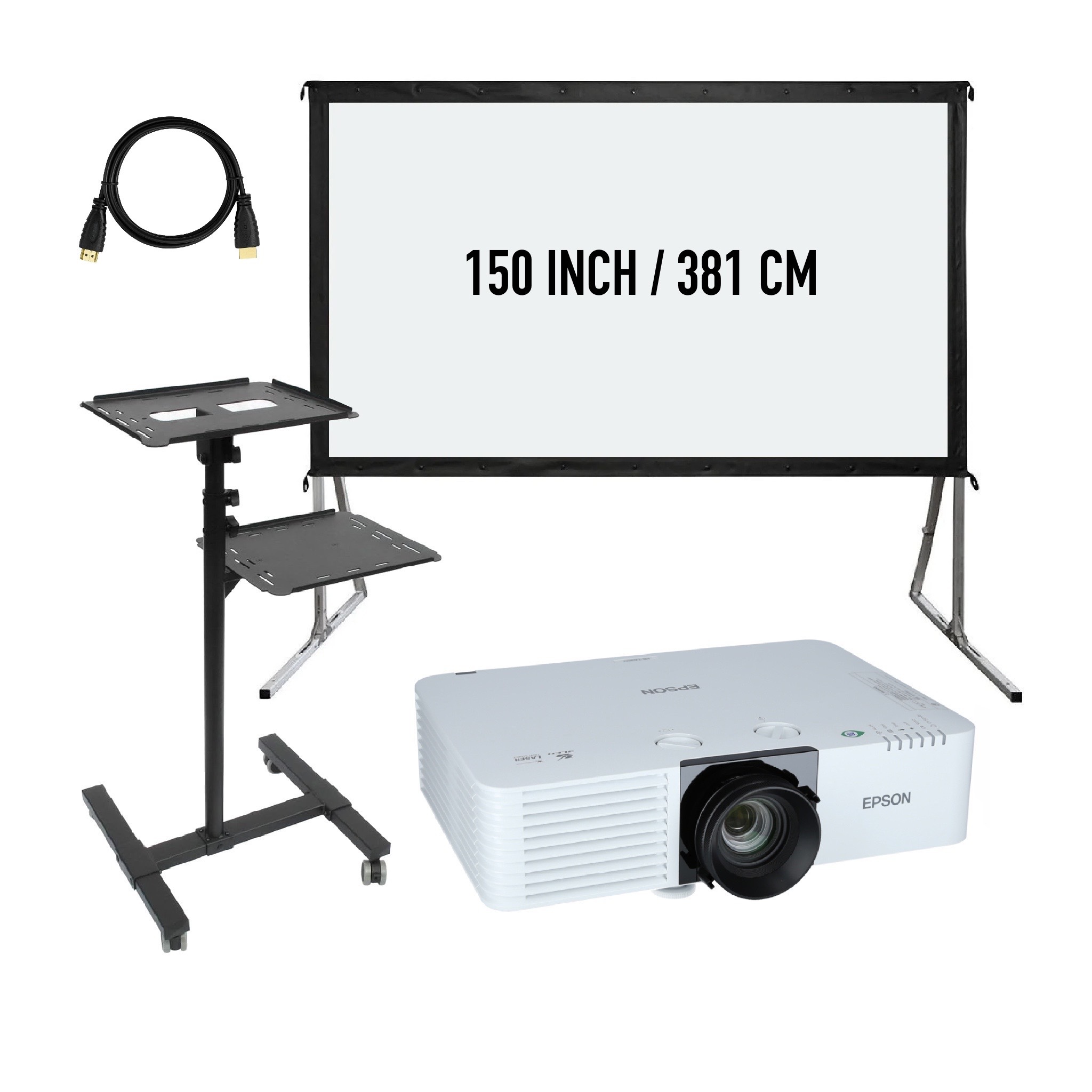
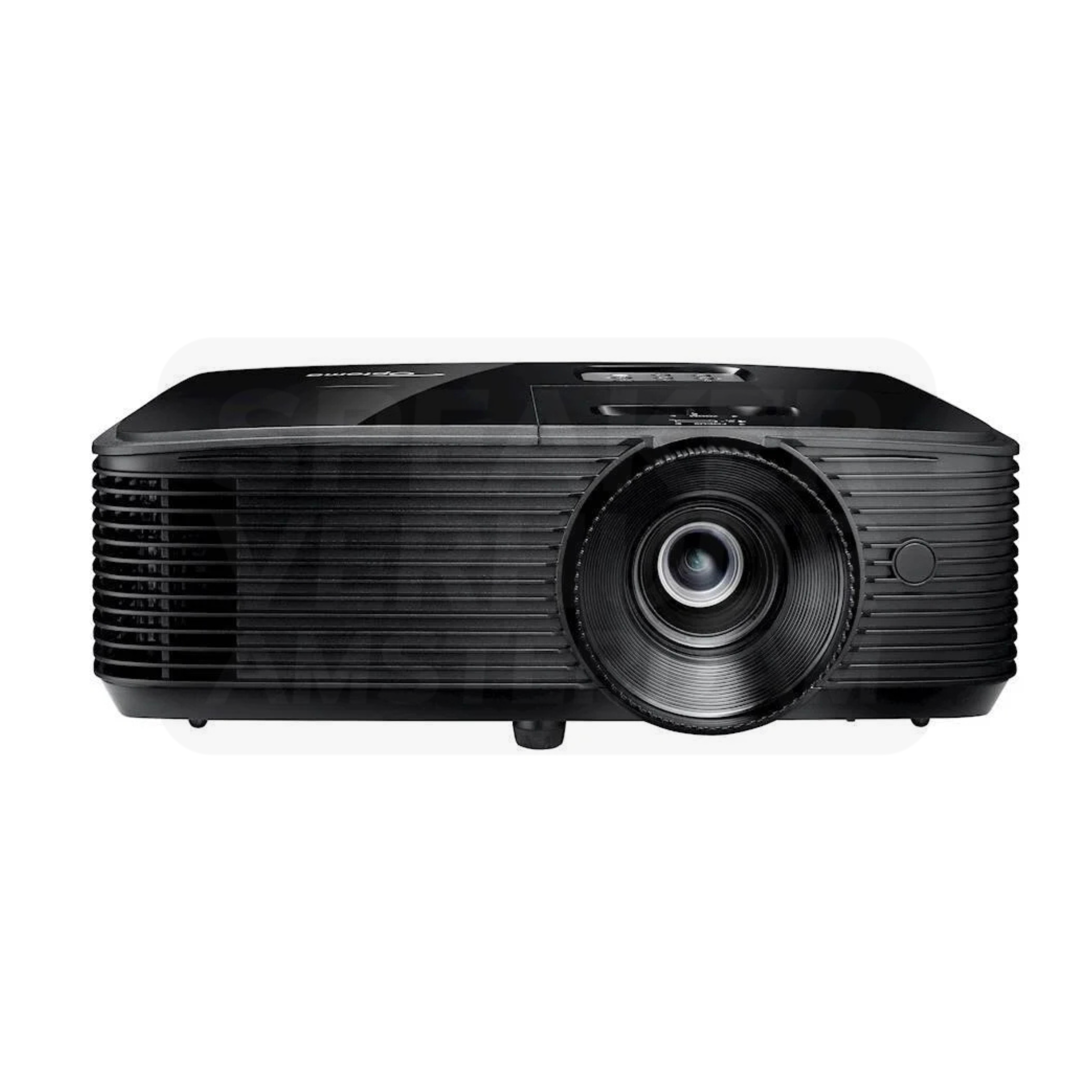
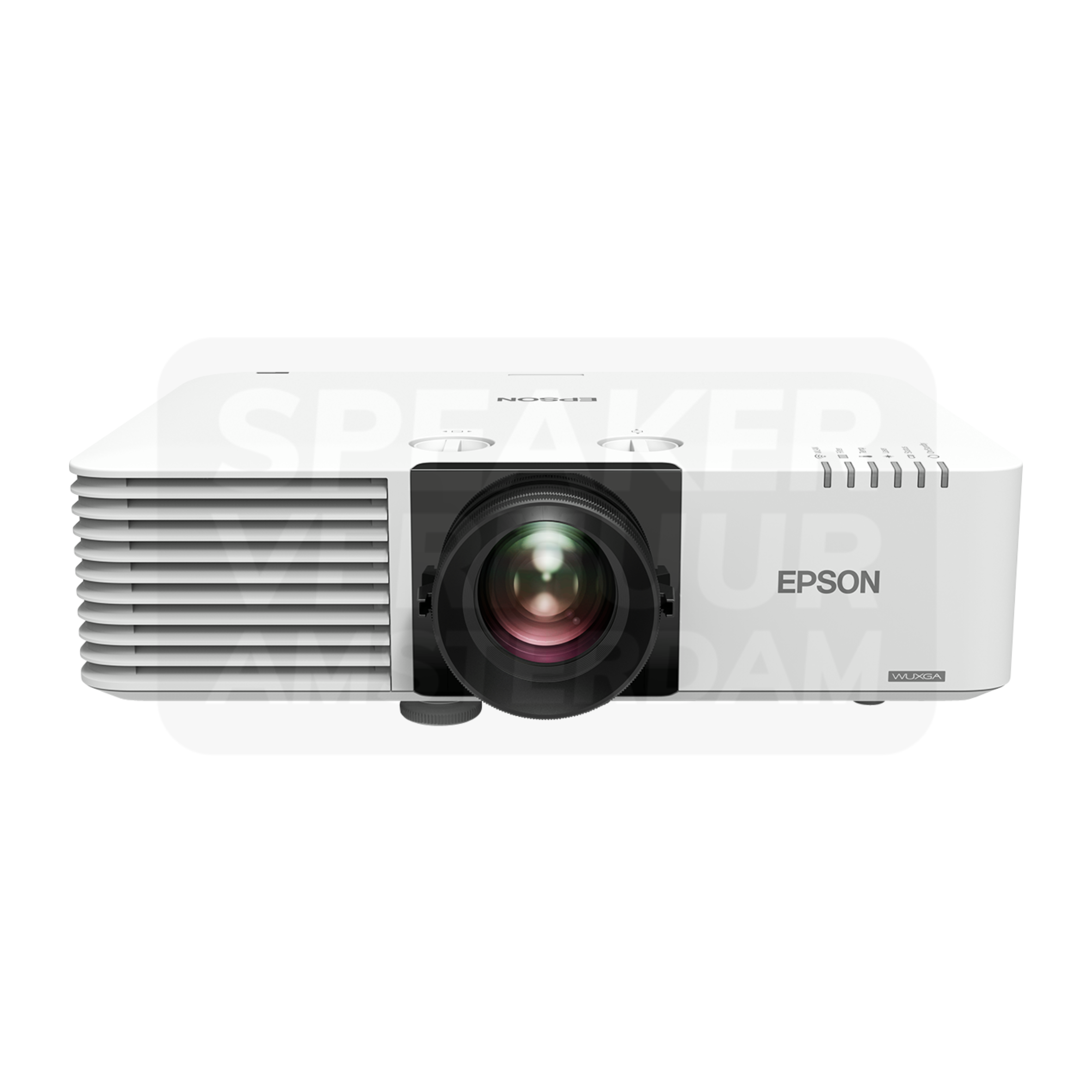
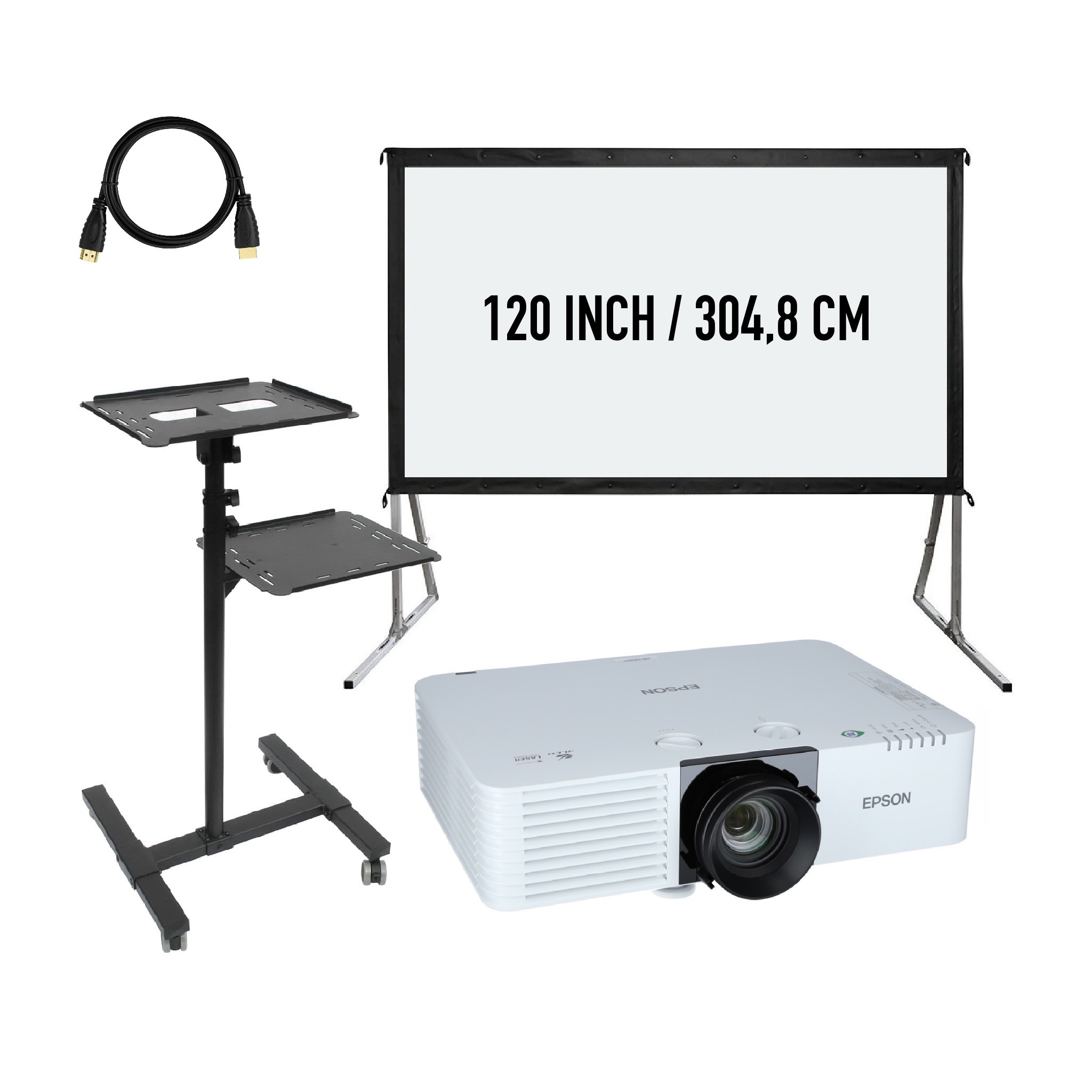
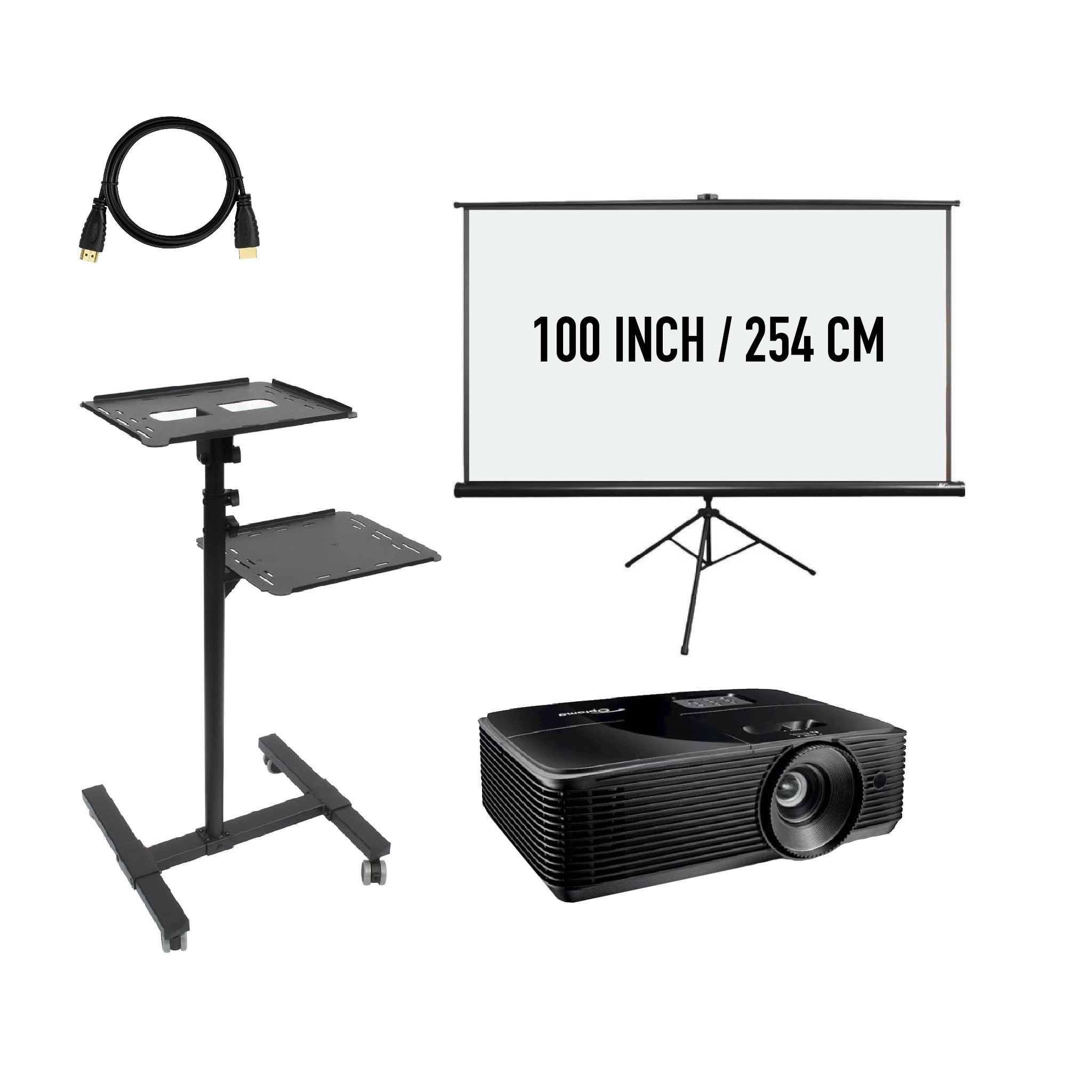
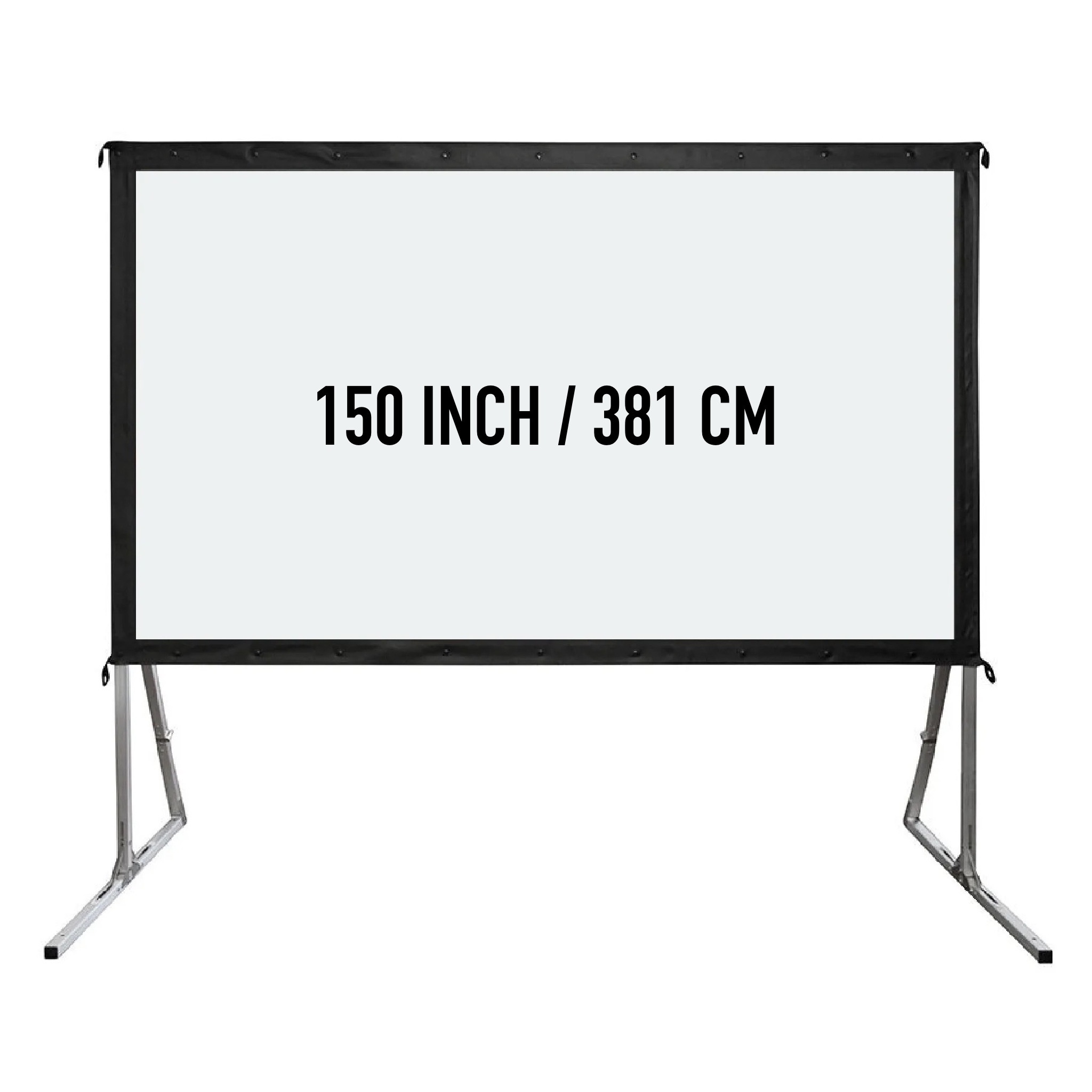
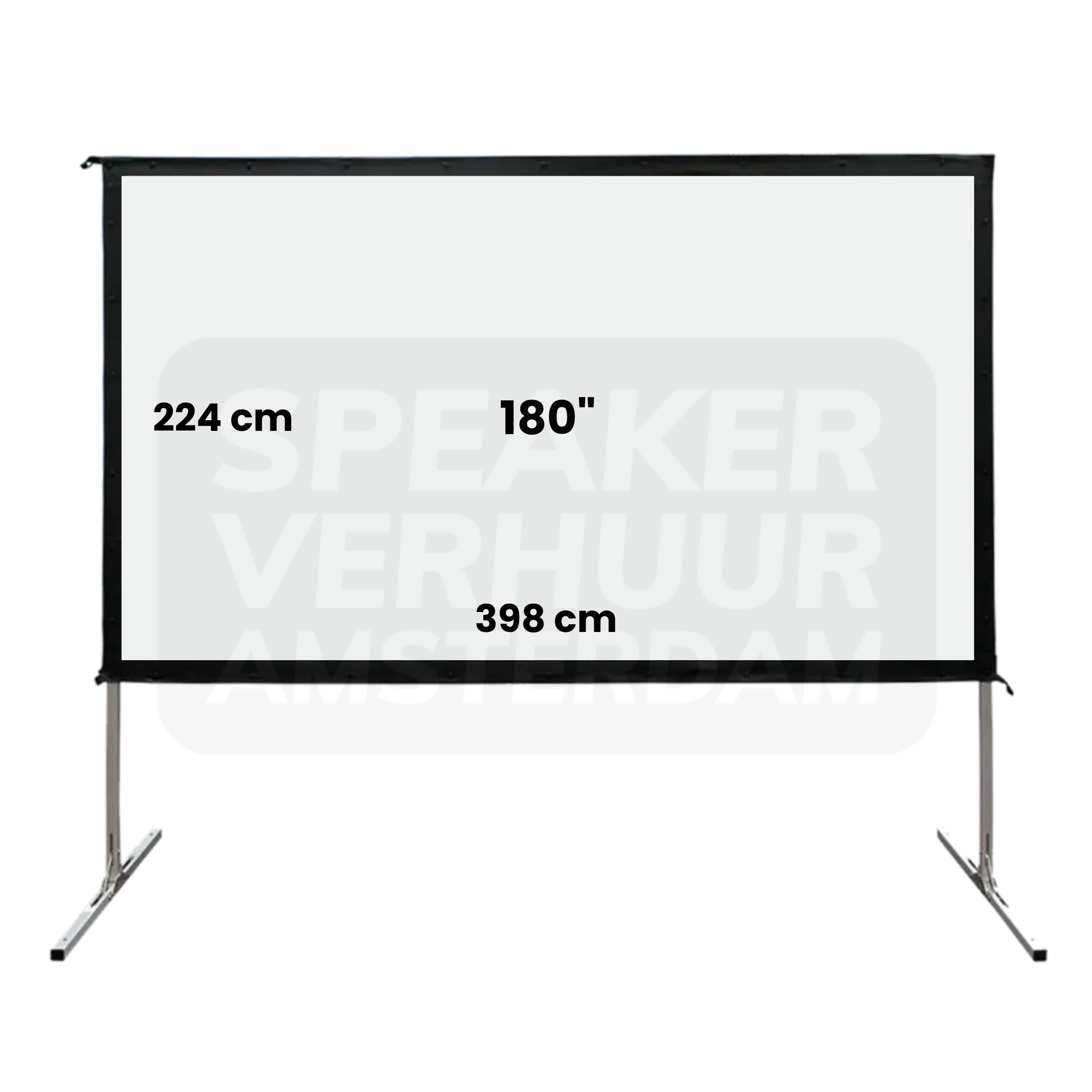
A screen provides the viewing surface; the frame or stand determines how it fits the room. Check the actual screen dimensions, format and supported projection direction. Allow room for the base or frame as well as the visible image. For a Haarlem presentation, test visibility from the last row and the outer seats before deciding that a larger screen alone solves the layout.
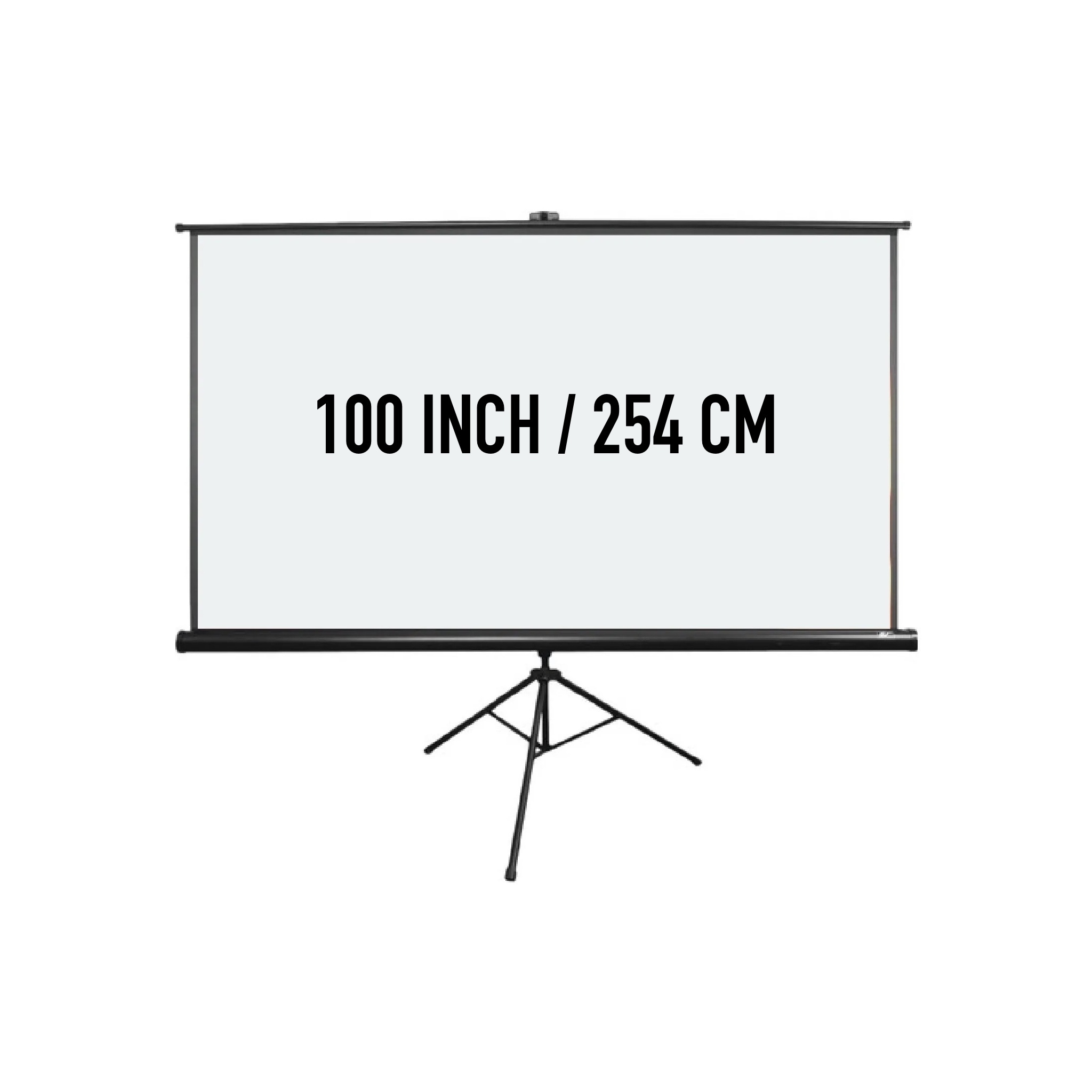
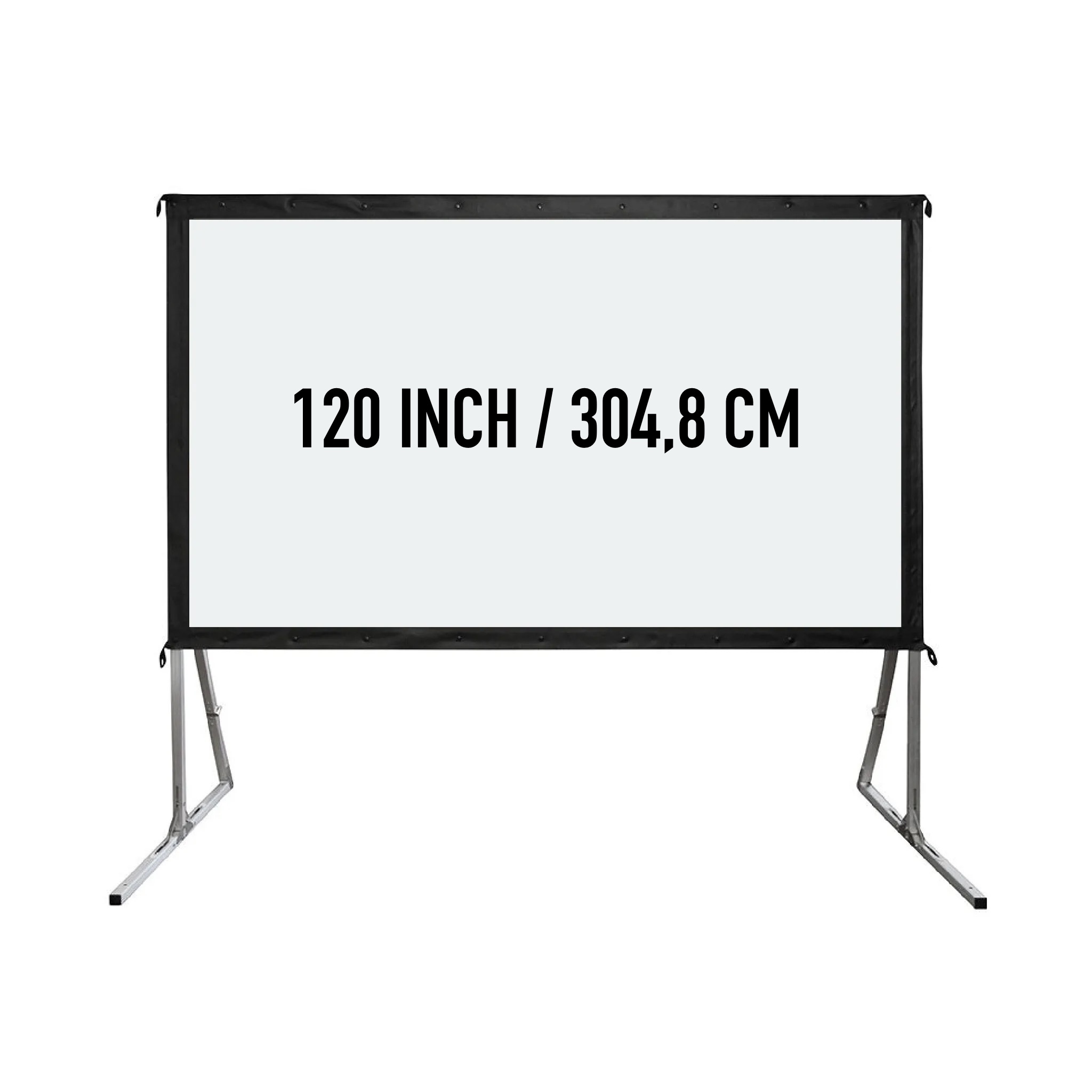
A hybrid meeting needs audio and video in both directions. Remote participants must hear the speakers, and people in the room must hear remote contributors without feedback or echo. Start with the offered meeting equipment and check compatibility with your laptop and meeting platform. Test using the real accounts and a remote participant before the Haarlem event begins; adding a webcam to a room does not automatically create a complete hybrid system.
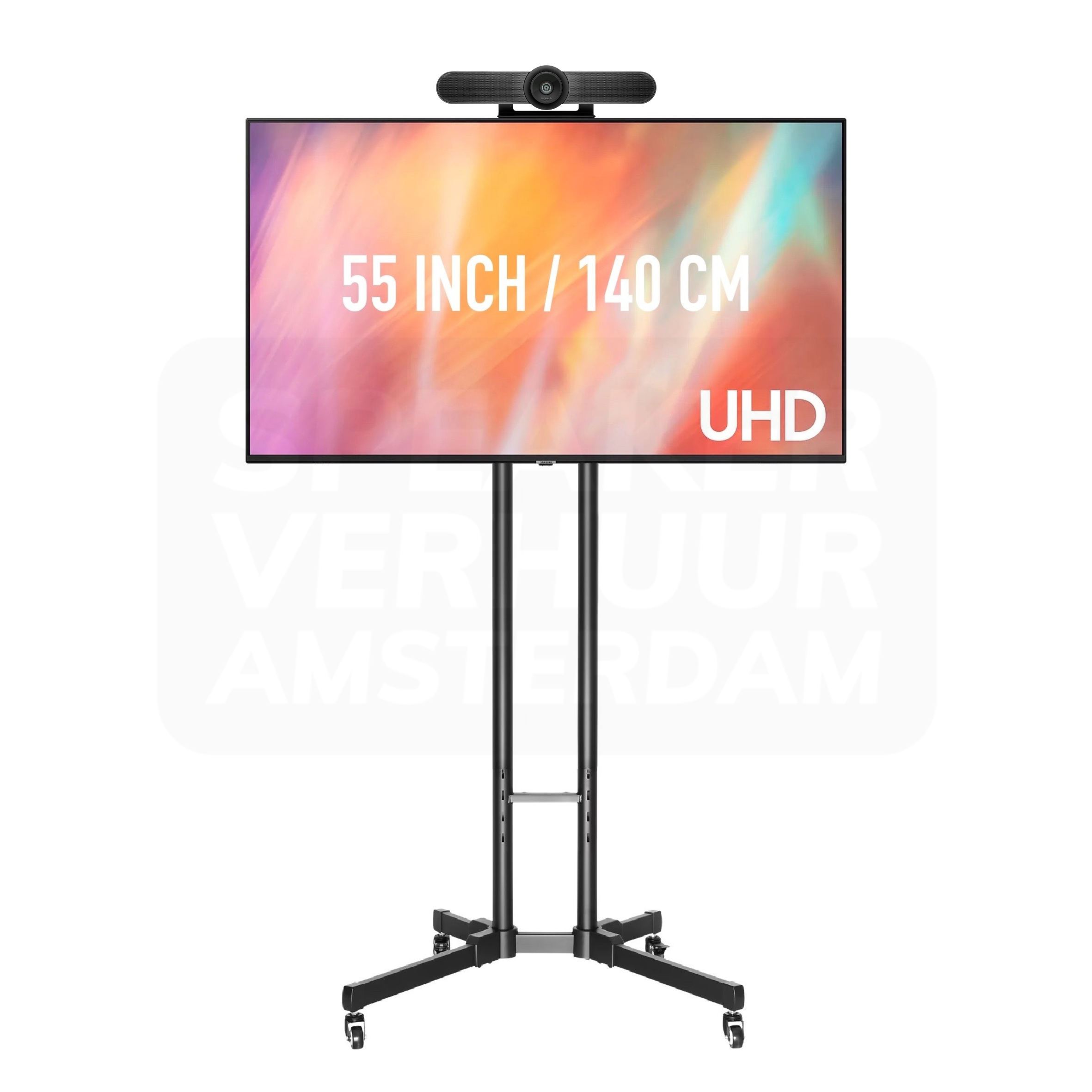
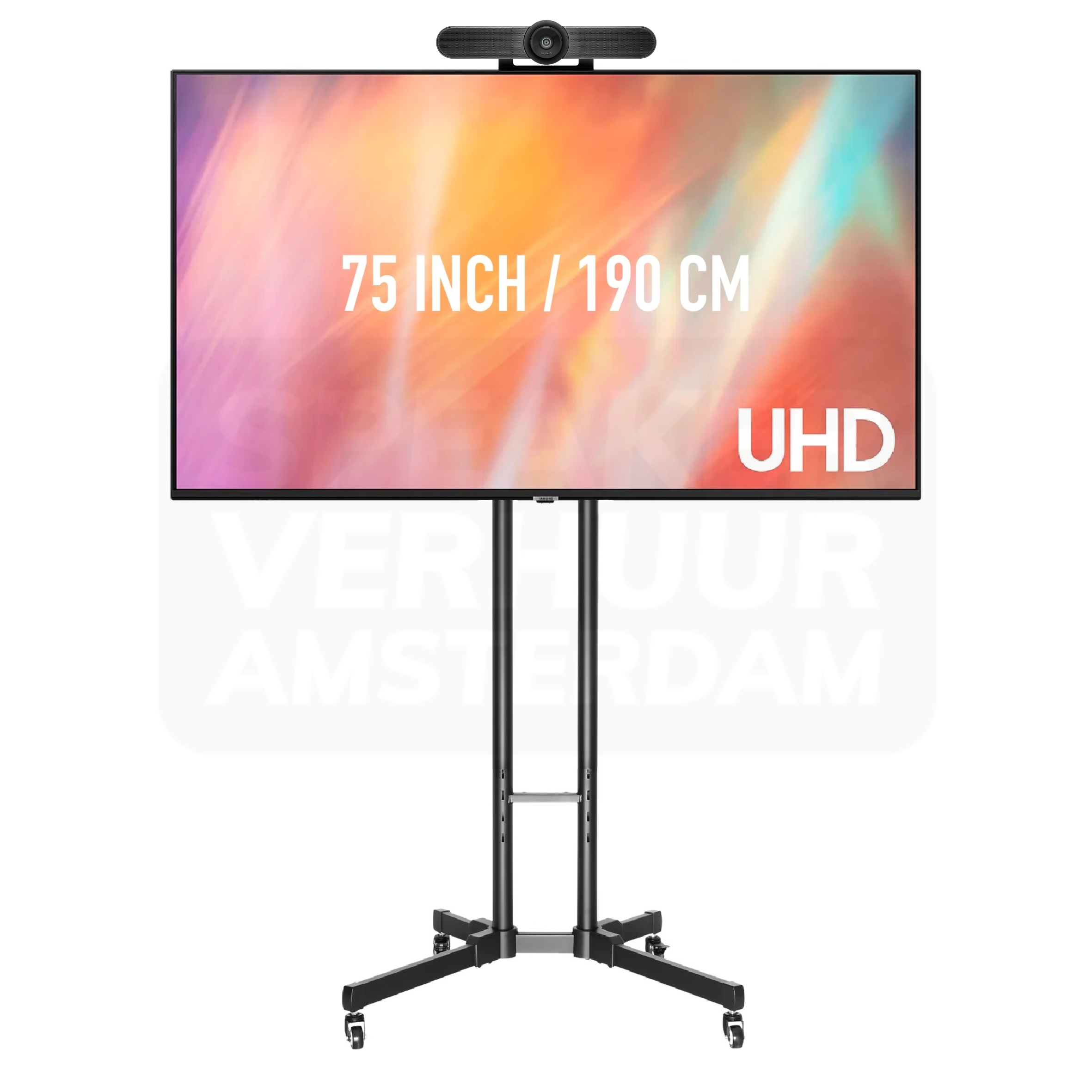
A speaker with audience in the room needs a different image route than an online meeting. Make sure everyone sees the same screen, whether a viewing screen is needed and whether participants should participate remotely. This way you choose between a single TV, multiple screens, projection or a complete hybrid setup.
Note which device plays the presentation or video and which connection is available. Take any adapters, distribution and cable length with you. Test the real content for the right aspect ratio. A connector that fits does not automatically make the complete image route suitable for any resolution, distance or working method.
A video can be visible on the screen while the rear row does not hear the sound properly. In a hybrid conversation, people in the room should be able to hear the online participants without the microphones causing a disturbing cycle. Therefore, describe the sound route together with the camera and screens.
Check the viewing spots and check doors, pillars and other obstacles. Review small text from the rear spot. Multiple screens can improve the visibility lines. Please agree separately what you want to keep available in case of a malfunction, as shared source devices can affect multiple screens at the same time.
Compare the devices with their standards, screen frames, power supply and connections. For the Haarlem location, please provide access and build-up options. You can pick up equipment yourself by appointment in Amsterdam Sloterdijk or coordinate delivery and installation. Technical guidance during the program is a separate service.
See the design, applications and connection of this particular product.
Read the rental guideSee the design, applications and connection of this particular product.
Read the rental guideSee the design, applications and connection of this particular product.
Read the rental guideTalk to us about your setup
Tell us what you are organizing in Haarlem or around the world. We will help you with the choice of equipment, a quote and the delivery appointment. Do you need anything last-minute? Please contact us to discuss the possibilities.
Send your plans or ask your question right away.
Open WhatsAppinfo@speakerverhuuramsterdam.nl
Send an e-mail020 308 6033
Call usAnswer before you rent
Find answers about equipment choices, setup and rental arrangements.
You can compare TV screens, projectors, projection screens and parts for online meetings. First choose the application and then the entire equipment chain.
Compare viewing distance, image size, content and light. A TV and a projection setup have different placement conditions; both assess the concrete space.
With an appropriate distribution, the same source can go to multiple screens. Check splitter, cabling and the supported combination. Specify which screens and source are used.
No. Check out the chosen composition. A screen or beamer alone does not mean that a sound system is included for the public.
Listen to group layout, number of speakers, meeting platform, computer and what online participants should follow. This will assess your camera, microphones and listen-back as a whole.
This depends on the laptop output and the rest of the route. Sometimes, an appropriate adapter, distribution or other components are required. Check the concrete models.
This is important for readability. Test the actual slides from the remotest viewing spot instead of using only a screen size or guest number.
Check floor space, height, light, power supply and access. A suitable support and free cable route are part of the complete setup.
Depending on the desired display and space, review the listening spots and the program and choose a separate suitable sound solution if necessary.
An additional screen can give more visibility lines. For an independent alternate device you also need to view source, connection and other shared parts.
Delivery and installation are possible. Please provide source, content, room plan and access. Technical support during the program is agreed separately.
Add the desired appliances and parts with the same rental period. Then choose the desired service and check the full quote. Making an offer is not a reservation yet.
Continue Choosing
Plan your event
Check out the versions, choose your rental period and make your selection. Please pass on the space and your program if you want advice about the combination or installation.
Check out the versions, choose your rental period and make your selection. Please pass on the space and your program if you want advice about the combination or installation.