
★★★★★ 5.0 on Google · 151 reviews · Speaker Verhuur Amsterdam
Mixing desk hire in Haarlem
Hire a mixing desk in Haarlem for speeches, live sound, recording or a DJ setup. Compare analogue, Bluetooth, digital and DJ mixers by their real inputs and outputs. Make an input list first so every microphone, instrument and playback source has a suitable connection.
✓ Free collection by appointment in Sloterdijk✓ Delivery, installation and collection available✓ Price or advice via WhatsApp within 10 minutes
Choose your rental period below
Mixing desk rentals in Haarlem
Arrange speech and music separately in Haarlem
For a presentation in the Haarlem city centre you want to keep the speaker understandable while music is soft in the background. Choose an analogue mixer with enough real microphone inputs and a separate connection for the music source. In a reverb room, more reverb does not help: start with a dry voice and a focused speaker setup.
Rent advice for a presentation with questions from the room
Besides the presenter, add a possible question microphone and the sound of the laptop. Please give each one a control so that a video fragment does not sound unexpectedly louder than the speaker.
Analogue mixers for microphones and live sound
View all analog mixers and rental advice for HaarlemAn analogue mixing desk gives direct control over source levels and the mix sent to your speakers. Count the microphones, stereo playback devices and any instrument inputs before choosing a model. The channel total alone does not tell you how many microphone preamps or independent monitor outputs are available. For a Haarlem event, prepare an input list with a name beside every source so the operator can set levels quickly and consistently.
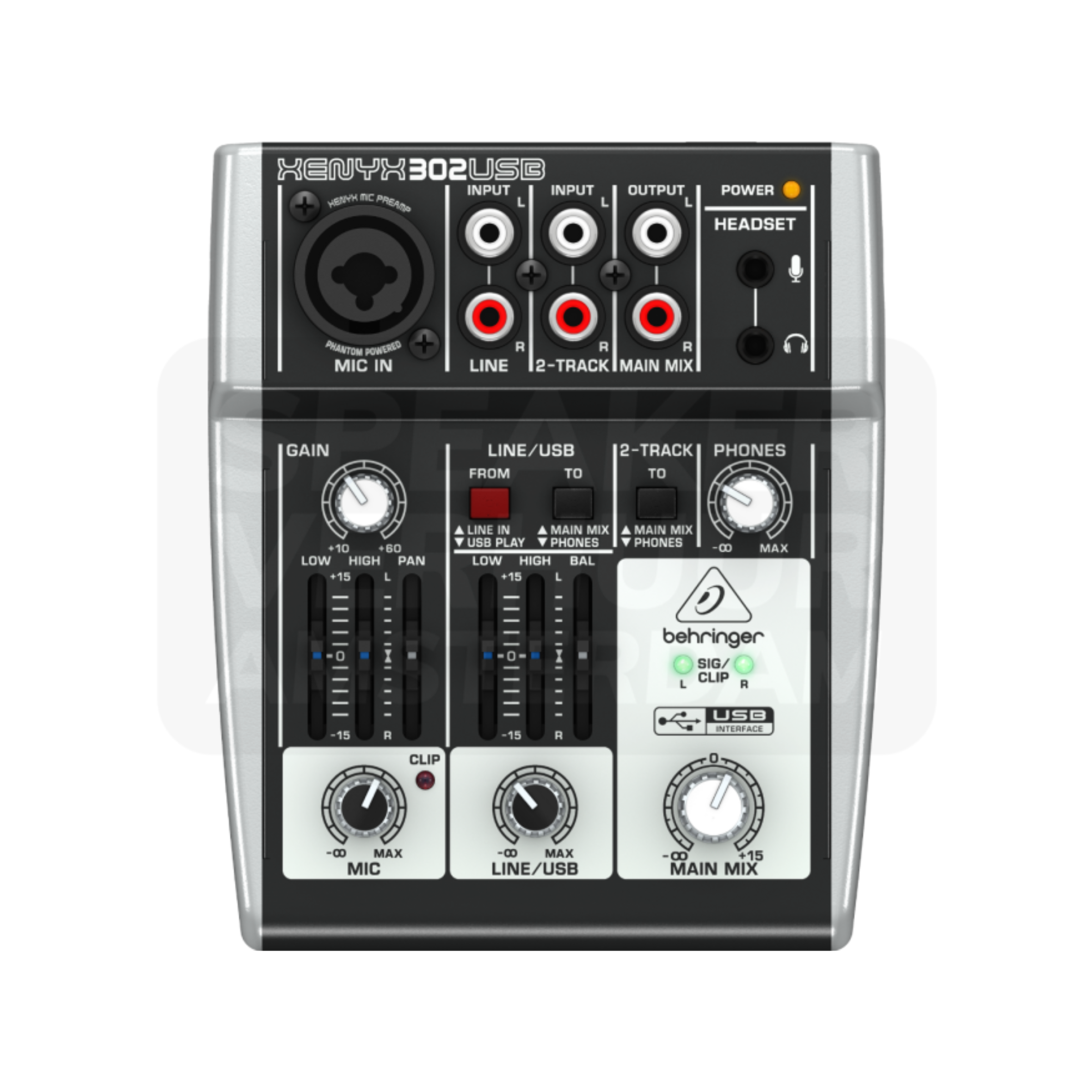
Behringer Xenyx 302USB mixer
€10,00 / 24 hours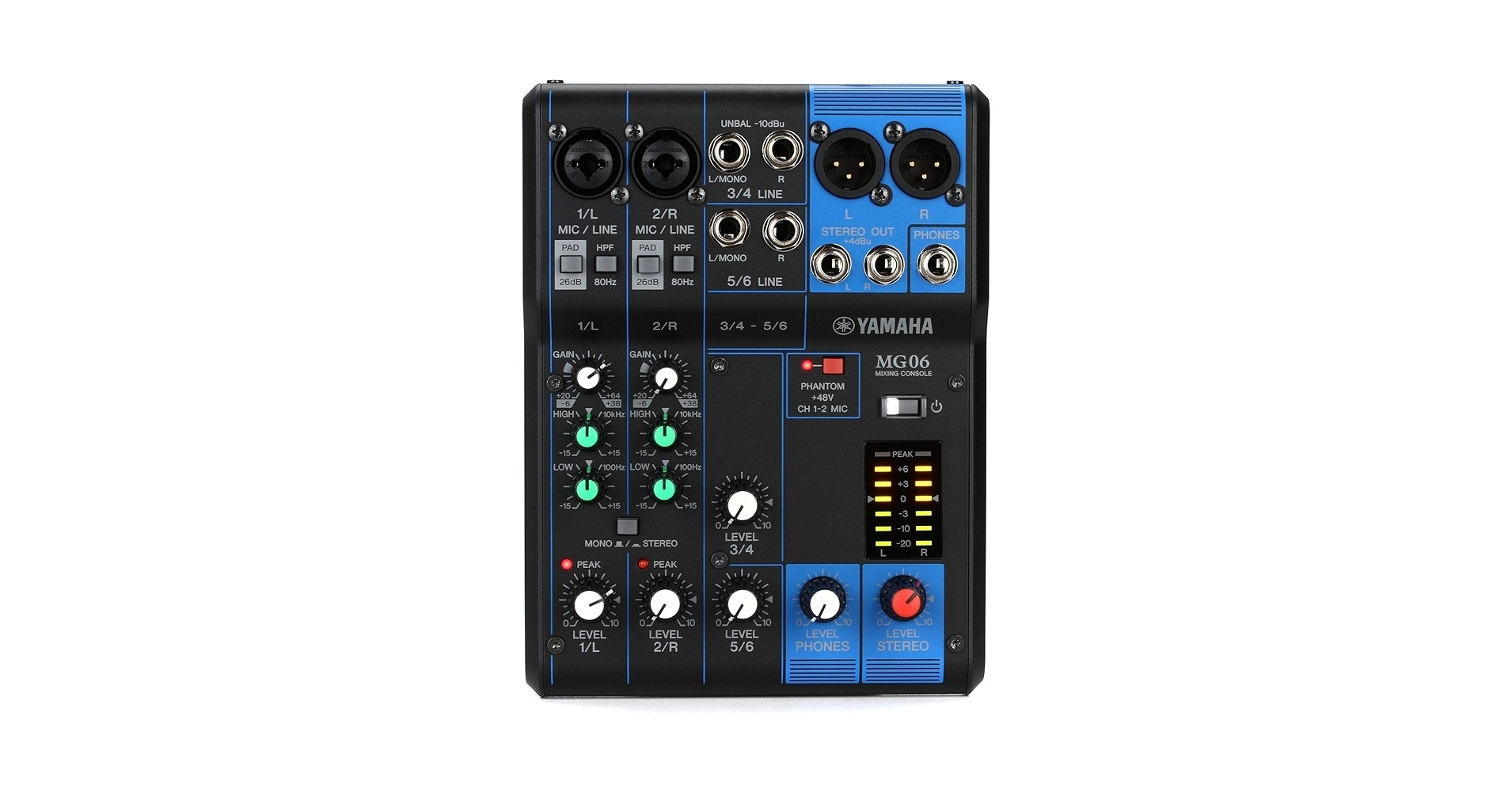
Yamaha MG06 mixer
€10,00 / 24 hours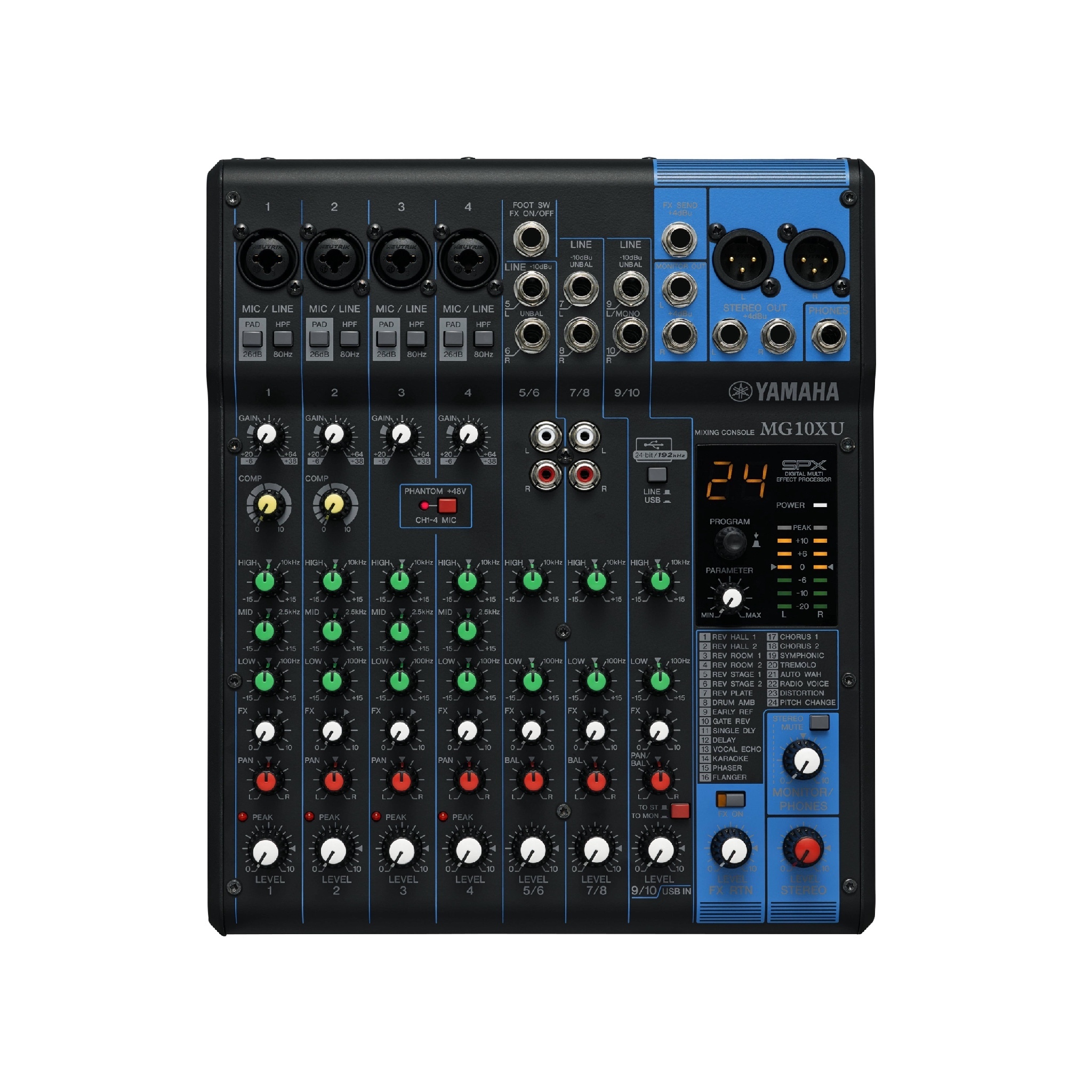
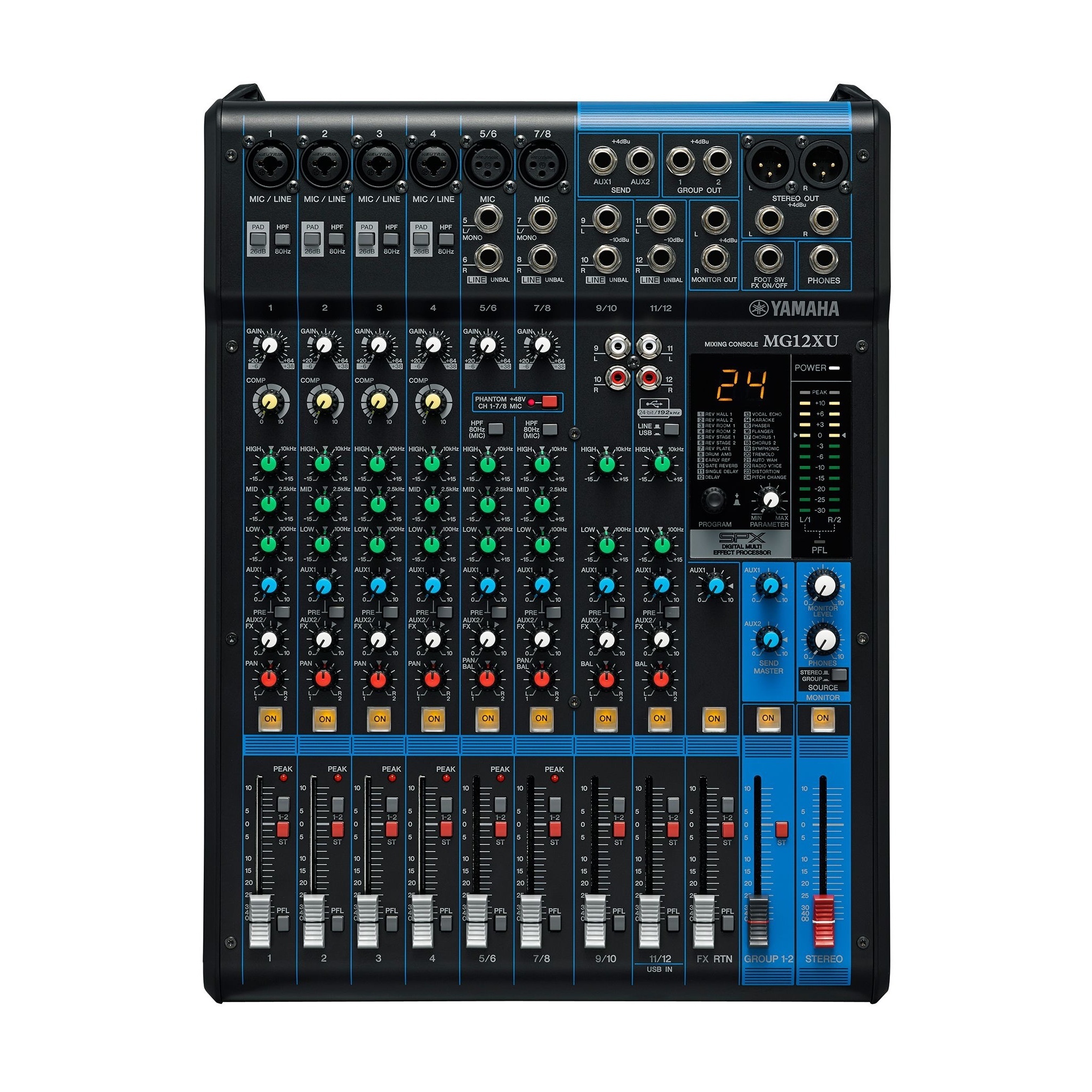
Yamaha MG10XU live mixer
€20,00 / 24 hours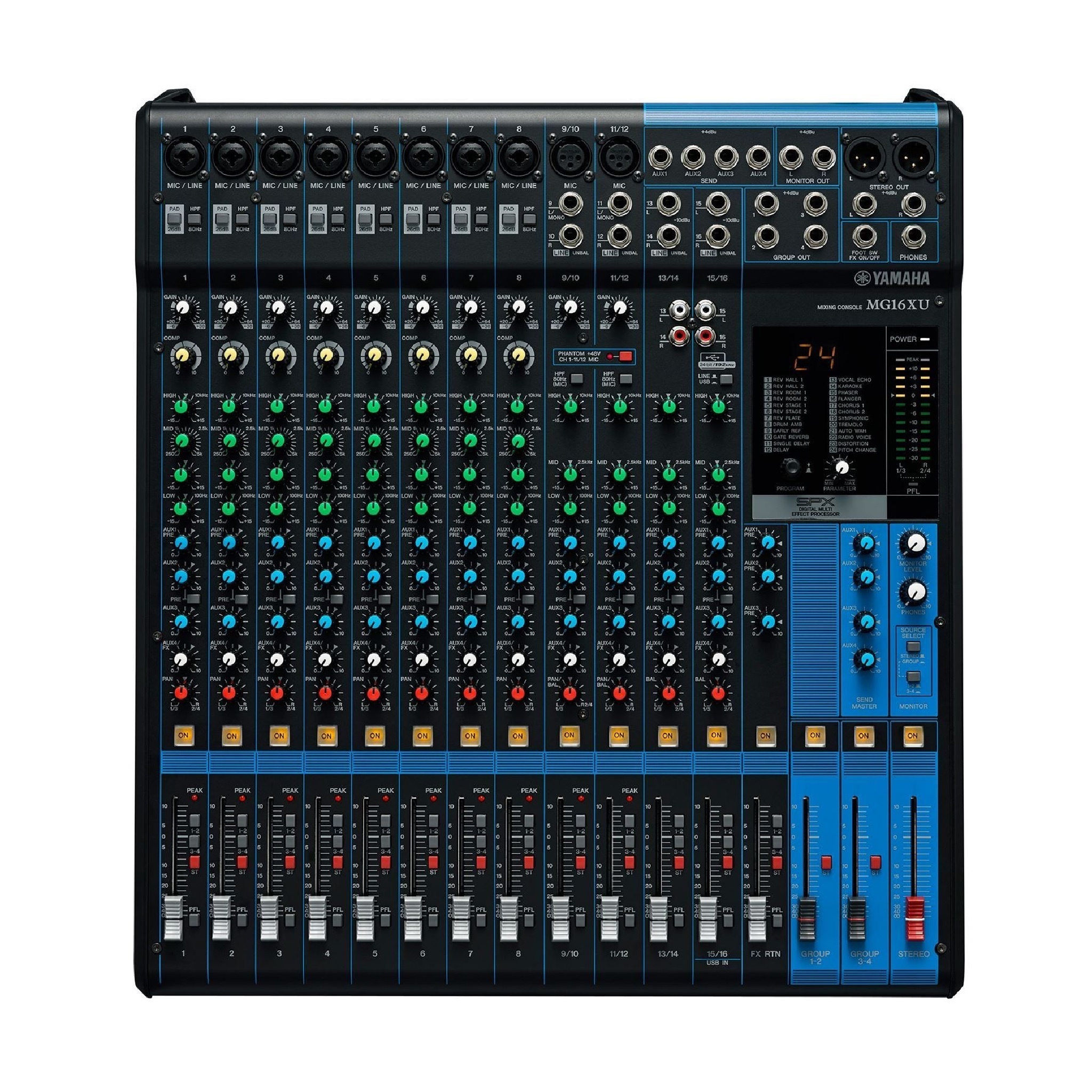
Yamaha MG16XU live mixer
€35,00 / 24 hours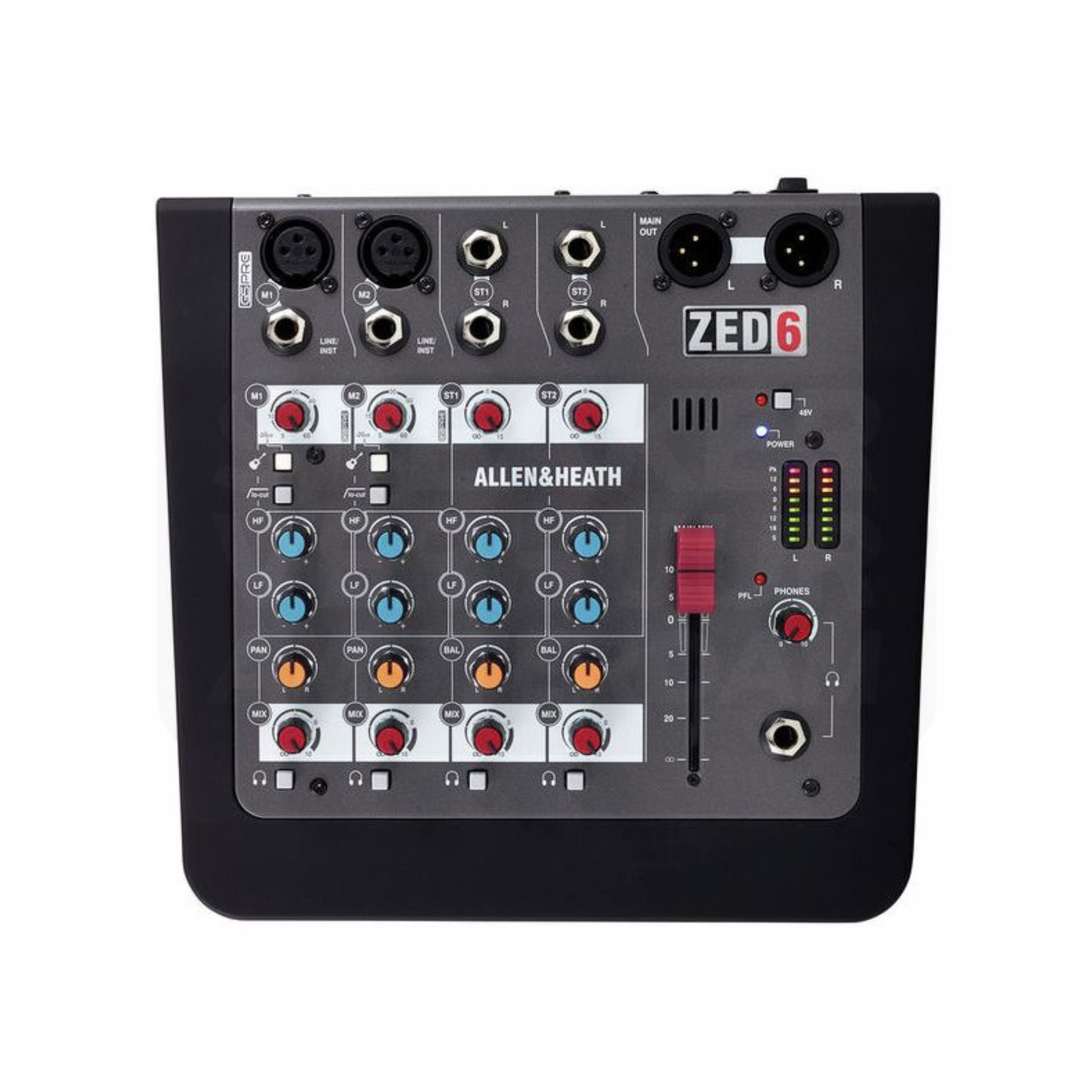
Allen & Heath ZED-6 Analog Mixer
€15,00 / 24 hoursMixers with Bluetooth playback
View all bluetooth mixers and rental advice for HaarlemA Bluetooth input can bring music from a phone or tablet into a mixer alongside other sources. It does not make every input wireless, replace microphone receivers or guarantee the same connection options on every model. Compare the mixer’s actual inputs and outputs, and test the source device before your Haarlem booking. Keep a suitable wired playback option available when reliable programme playback is important.
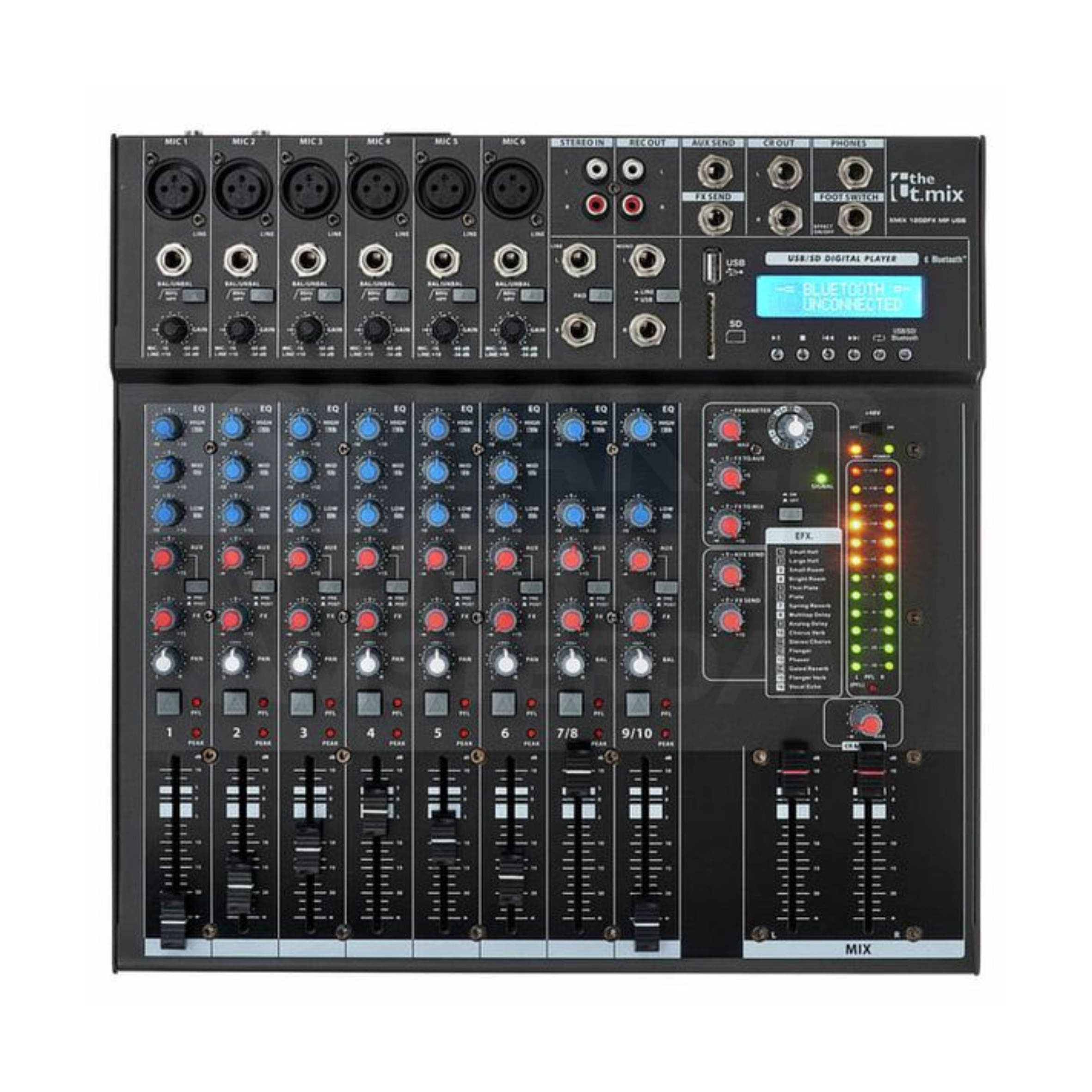
the t.mix xmix 1202 FXMP USB bluetooth mixer
€20,00 / 24 hours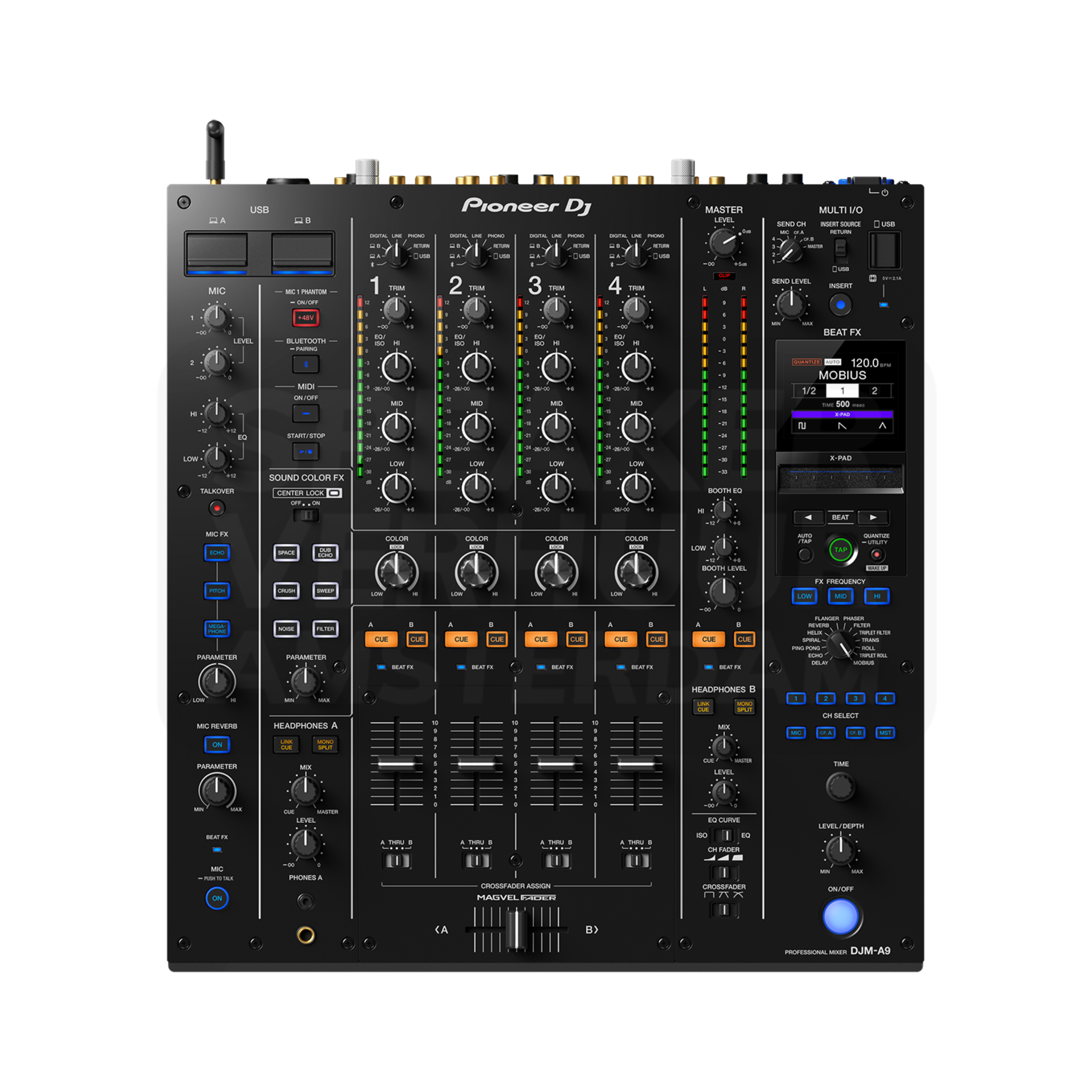
Pioneer DJM-A9 4-channel DJ mixer
€95,00 / 24 hoursDigital mixers for routing and recording
View all digital mixers and rental advice for HaarlemA digital mixer can offer routing, processing or recording options that differ substantially by model. Confirm the number of microphone inputs, independent mixes and computer connections needed for the job. A USB socket alone does not establish multitrack recording capability. For a Haarlem panel discussion or recording session, describe the required outputs and files before selecting the mixer and rehearse with the software you will use.
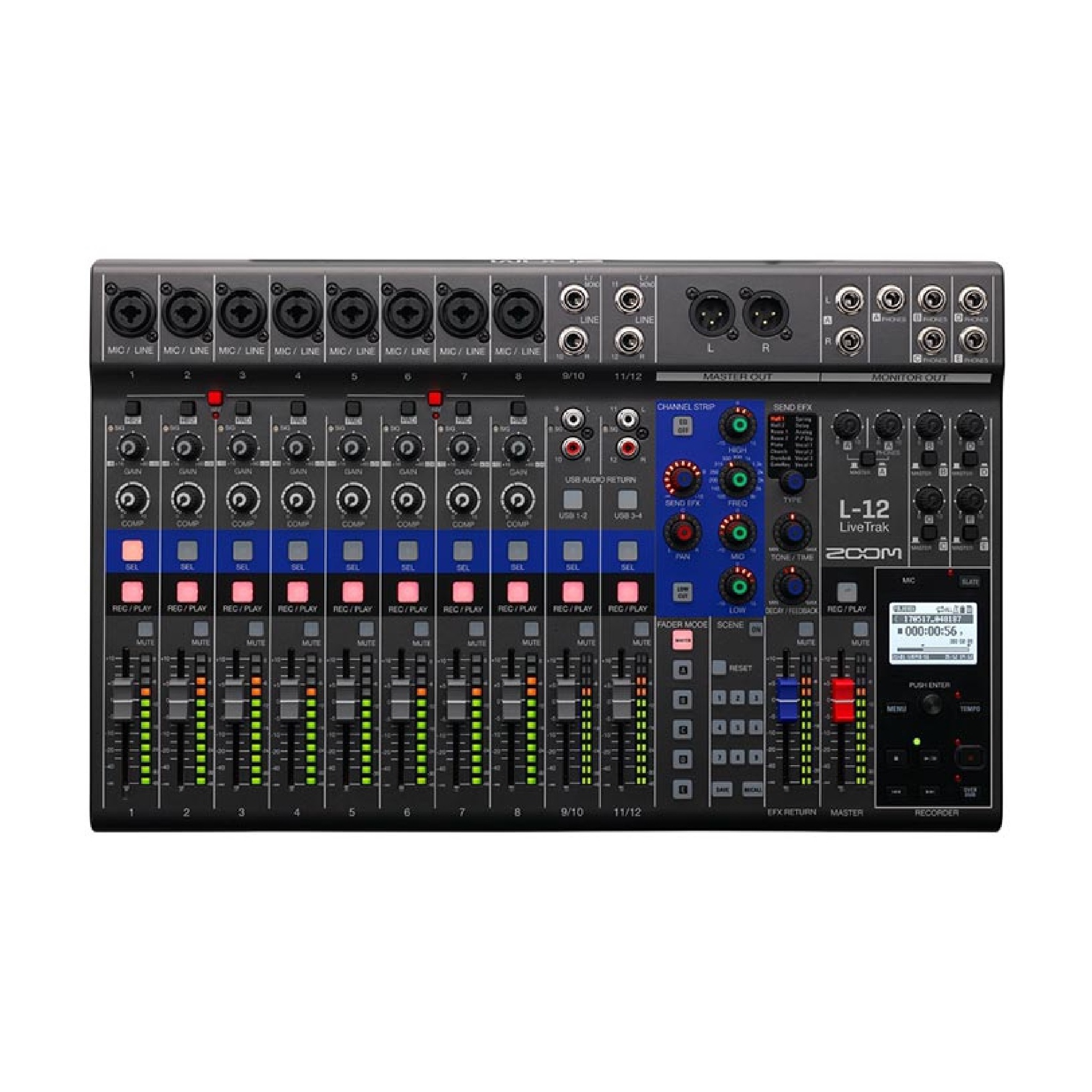
Zoom LiveTrak L-12 digital mixer
€25,00 / 24 hoursDJ mixers for players and turntables
View all DJ mixers and rental advice for HaarlemA DJ mixer combines the sources used by the DJ and provides headphone cueing and performance controls. Check whether the connected devices need line or phono inputs, and whether the requested workflow requires a particular model. For a Haarlem event, agree the DJ’s equipment list before booking and include the correct player, mixer, monitoring and cabling connections.
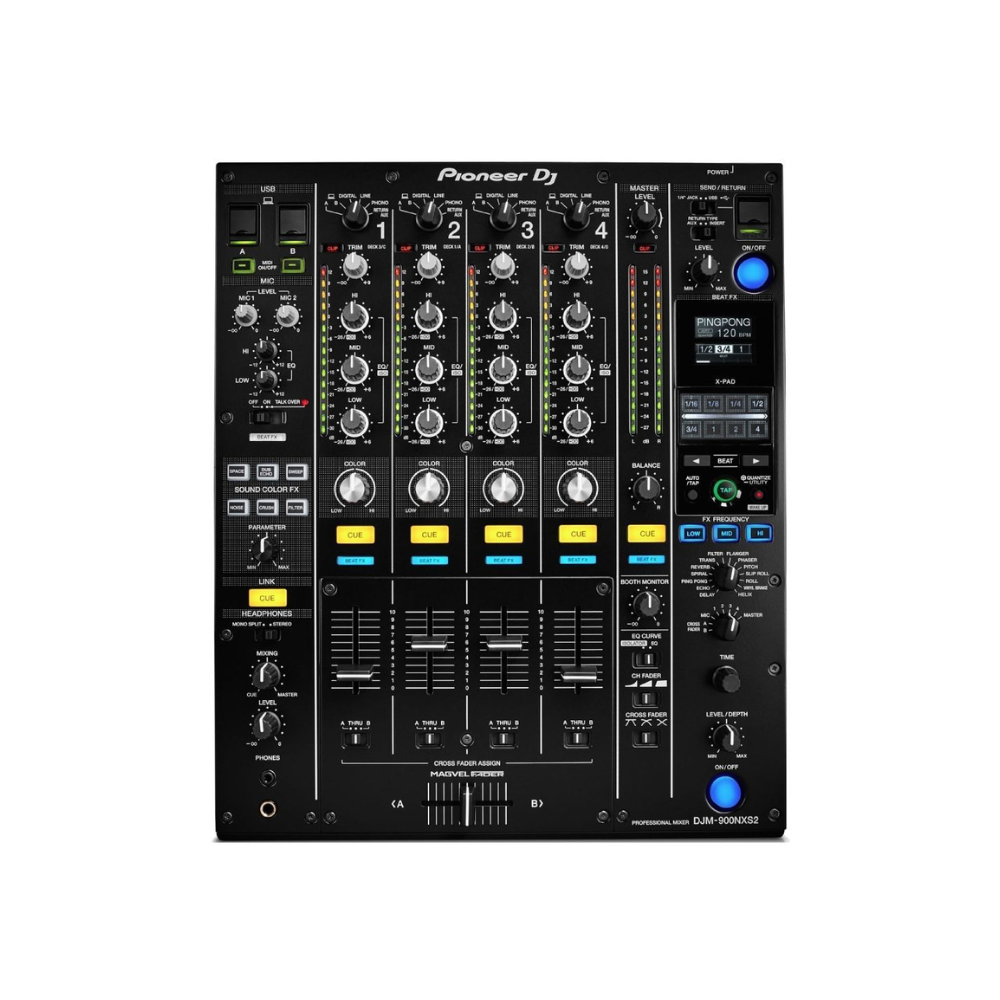
Pioneer DJM-900 NXS2 mixer
€75,00 / 24 hours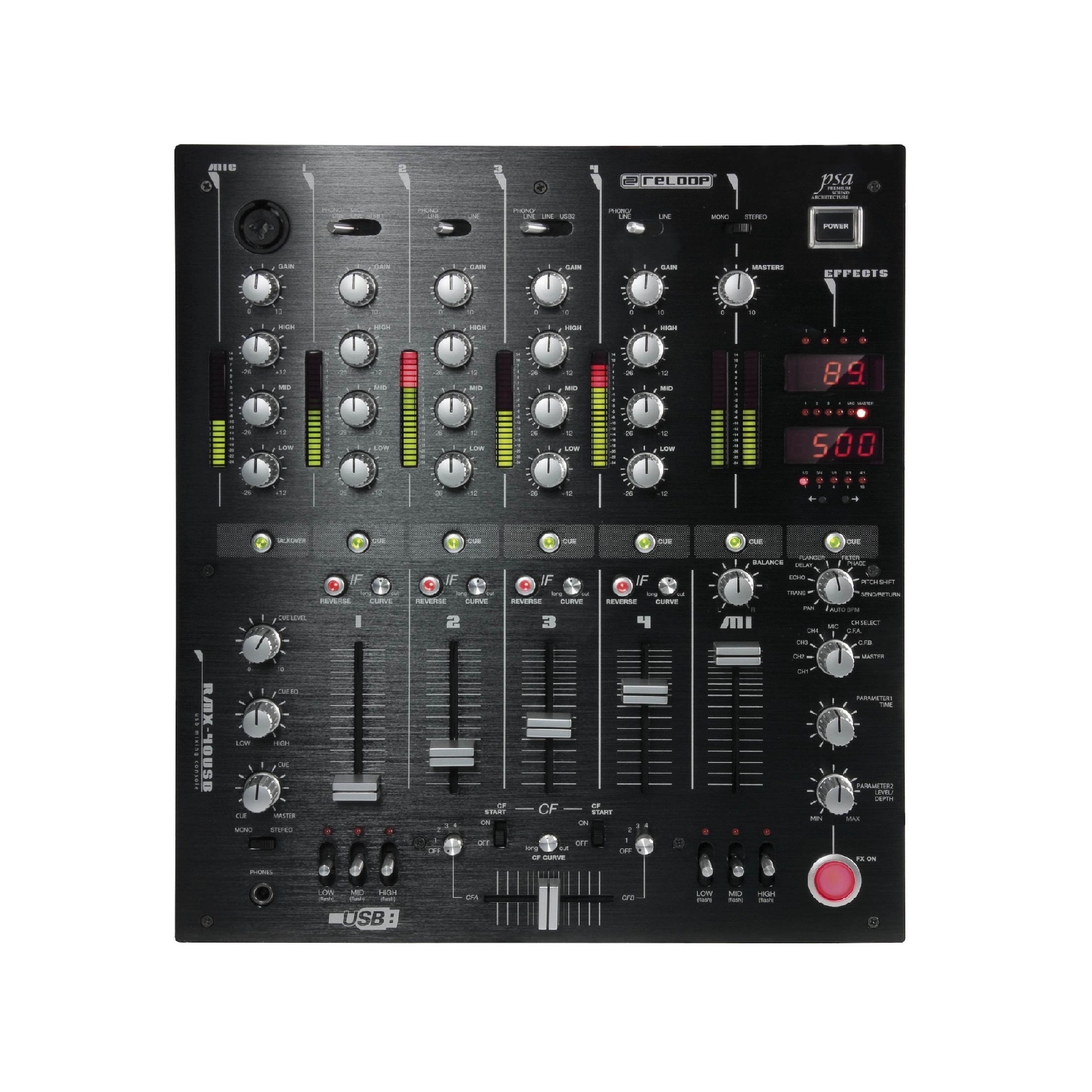
Reloop RMX-40 mixer
€25,00 / 24 hours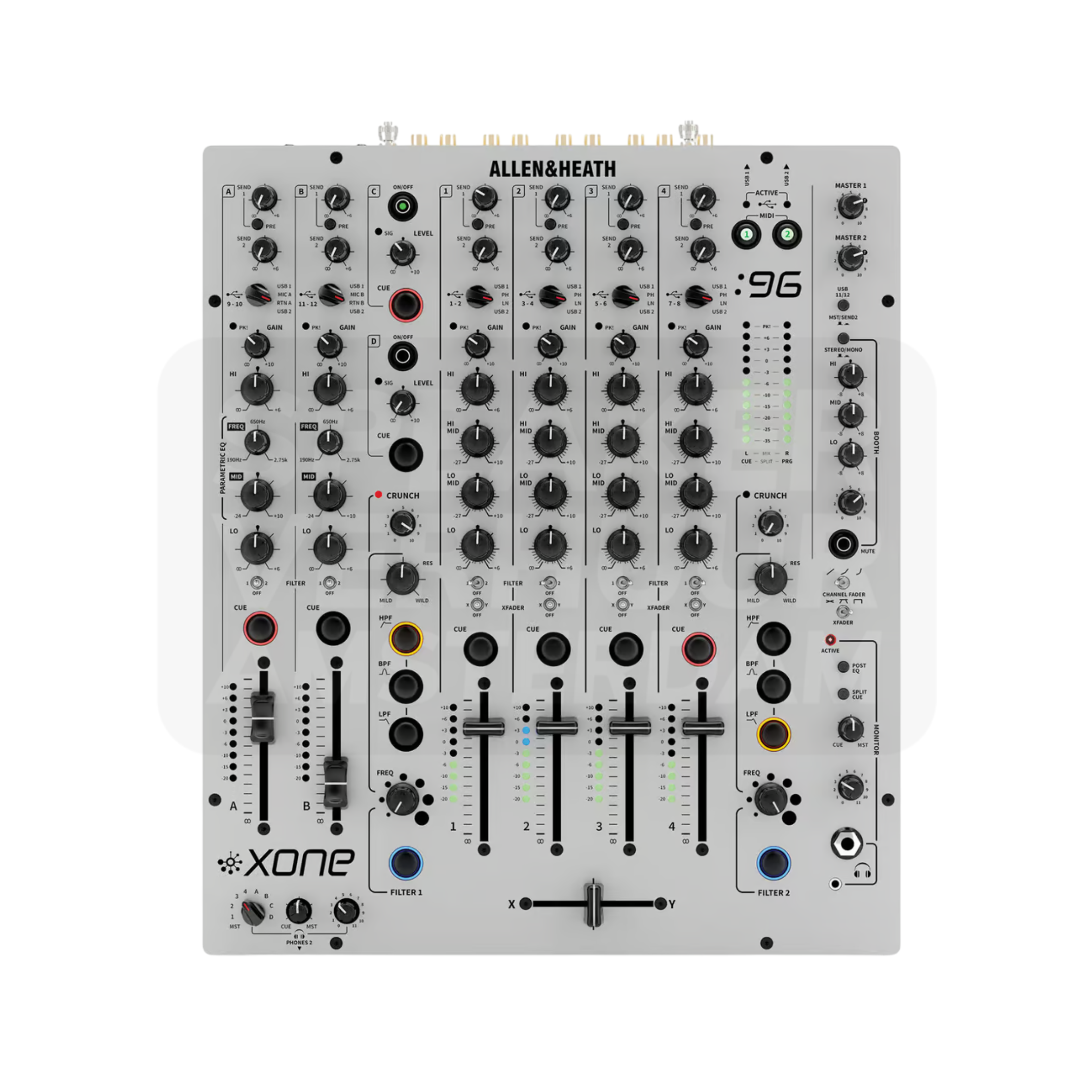
Allen & Heath Xone 96 6-channel DJ mixer
€85,00 / 24 hours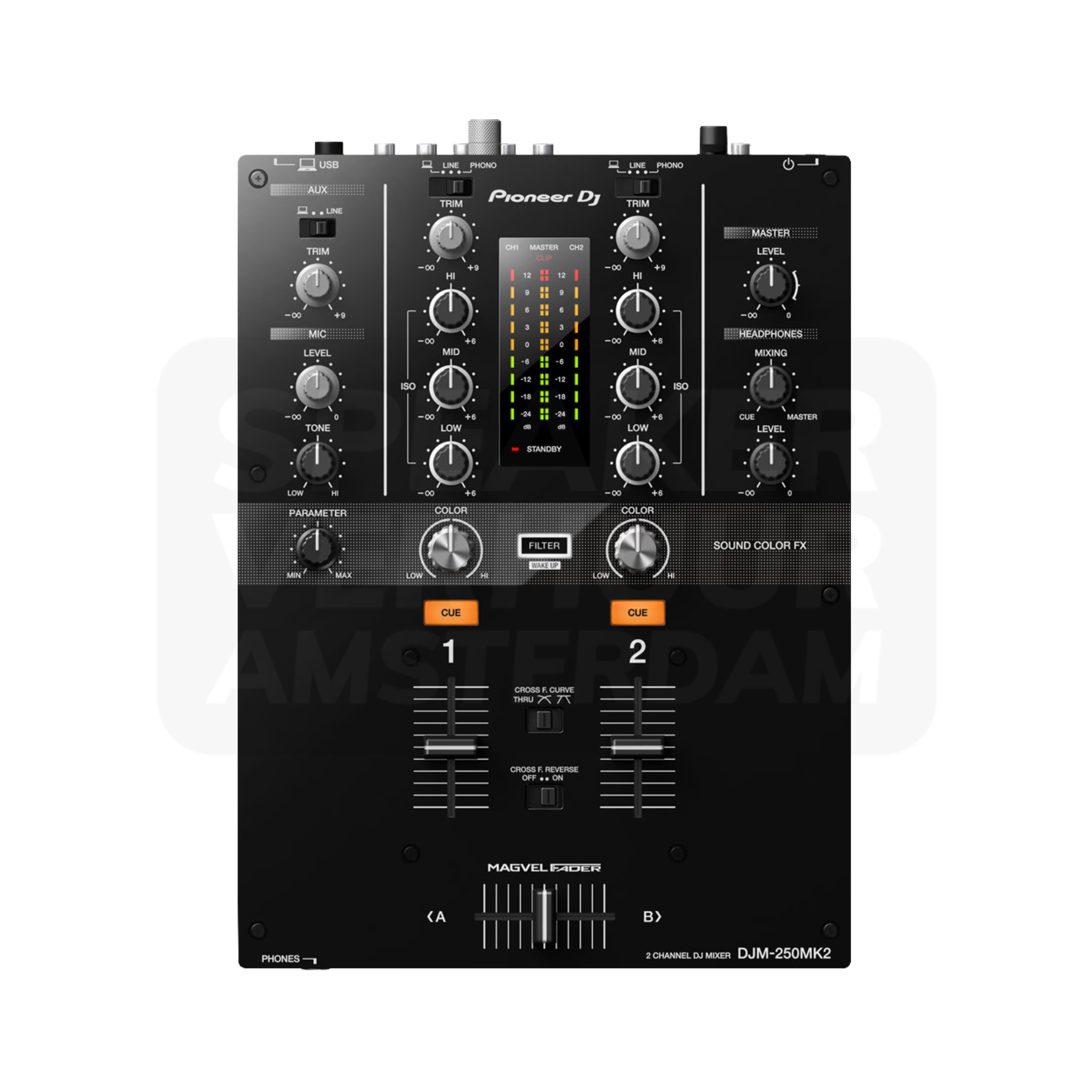
Pioneer DJ DJM-250MK2 DJ mixer
€35,00 / 24 hoursExternal DJ effects and remix equipment
View all DJ effects and rental advice for HaarlemAn external effects unit adds another connection and control stage to the DJ setup. Confirm how it connects to the chosen mixer, whether it uses a send-and-return route or another arrangement, and who will operate it. For a Haarlem party, test the complete chain before the performance so the effect can be introduced without interrupting the main output.
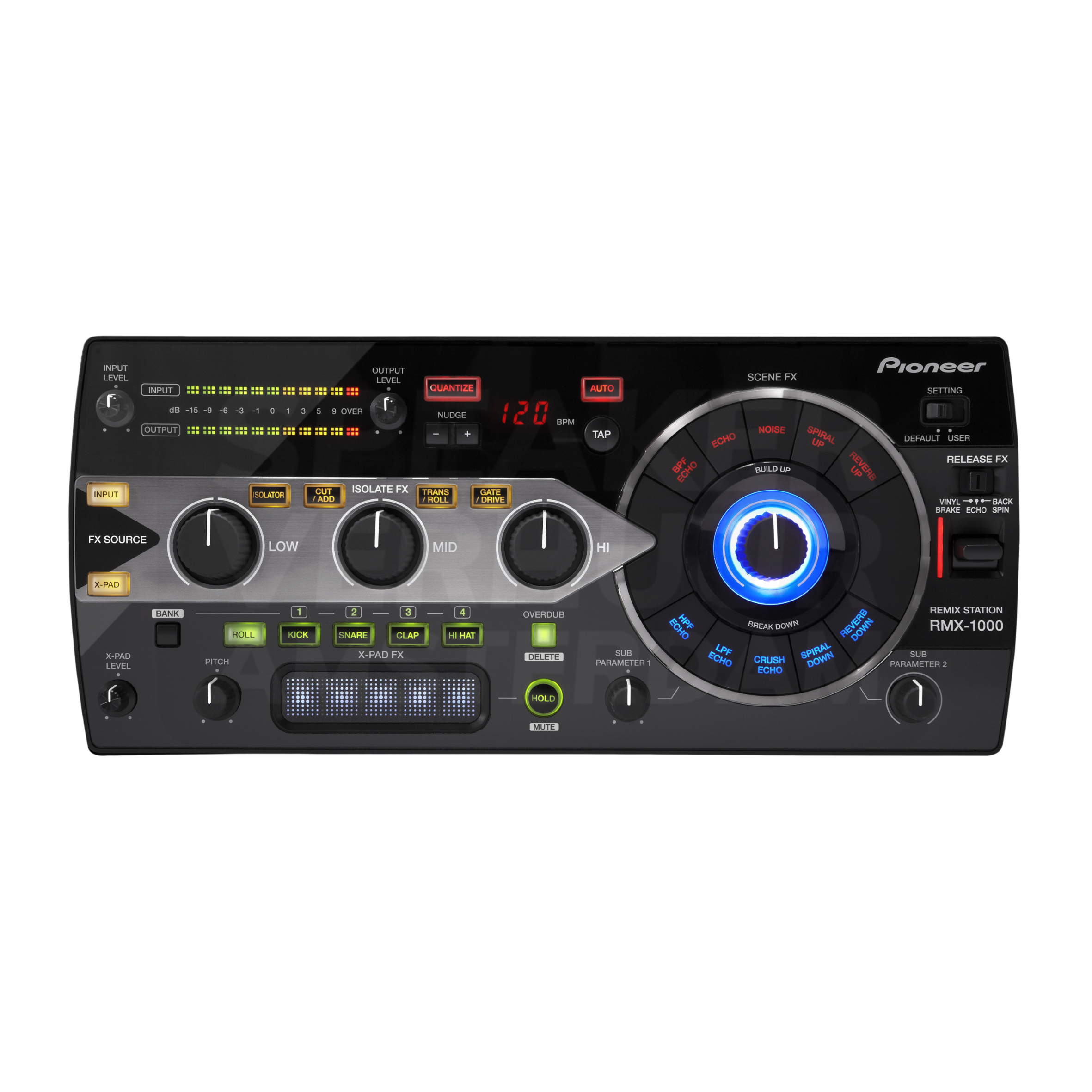
Pioneer RMX-1000 remix station
€50,00 / 24 hoursWhat does a mixing console do?
A mixer brings together different audio signals and lets you control their level of interaction. The main mix then goes to suitable active speakers, reinforcement or a subsequent audio input. A microphone signal requires a different arrangement than a laptop at line level. Therefore, choose from the sources and their connections. A single mixer is not a complete sound system and does not just feed passive speakers.
Complete your setup for Haarlem with Microphone hire in Haarlem and Speaker hire in Haarlem.
How many channels and microphone inputs do you need?
Write down any simultaneous source: presenter, demand microphone, vocals, instrument and music. Then check how many appropriate inputs the chosen model actually has. Manufacturers can count stereo channels in the total channel number; that number is not equal to the number of XLR microphone inputs. Reserve where useful a free appropriate input and tune the desired monitor or recording output.
Reverb, delay, EQ and compressor explained
Reverb adds a spatial effect; delay makes repetitions. Vocals may require a modest effect, while speech often remains more understandable with little or no added effect. EQ changes the sound balance and a compressor limits dynamic differences under the set conditions. These functions are not interchangeable and are not on any mixer. Yamaha MG10XU, MG12XU and MG16XU have effects according to Yamaha SPX; do not attribute that function to any MG model.
Compare USB, Bluetooth and connections
A USB connection can have different tasks: audio to a computer, audio back, storage or any other model specific function. Look in the manual what is really supported. Bluetooth can be useful for music from a phone, but does not replace a wireless microphone system. Check the real main outputs for the speakers and for turntables whether the required phono input is present. An appropriate connector does not prove that the signal level is right.
Set up and avoid override
Start with low output levels and let each source test at the actual usage level. Set the input enhancement according to the meters and manual and then build the mix. If the input is already upset, do not restore it by only turning the main output down. Use phantom power only when the connected equipment and connection are suitable. Test main noise, monitor and record as separate routes.
Answer before you rent
Mixing desk hire in Haarlem: frequently asked questions
Which mixing console fits with a presentation with questions from the Haarlem room?
For a presentation in the Haarlem city centre you want to keep the speaker understandable while music is soft in the background. Choose an analogue mixer with enough real microphone inputs and a separate connection for the music source. In a reverb room, more reverb does not help: start with a dry voice and a focused speaker setup. Besides the presenter, add a possible question microphone and the sound of the laptop. Give each one a control so that a video fragment does not sound unexpectedly louder than the speaker.
Is an analog mixer suitable for my program?
An analogue panel is an option when the appropriate inputs and outputs are present and the operation fits your program. Digital is not a mandatory upgrade; compare recording and monitor requirements.
Can I play music via Bluetooth?
Choose a version with a confirmed Bluetooth input, for example the DJM-A9. The function is missing on other models. The A9 is designed for audio input, not wireless speakers.
Do I need two channels for two microphones?
You need two appropriate microphone inputs with the desired individual control. Check the real number of microphone preamps instead of just the total channel number.
Are there any effects on every Yamaha mixer?
No. Check the exact type designation. The MG10XU, MG12XU and MG16XU have SPX effects; the function should not be automatically attributed to another MG configuration.
What is the difference between a DJ mixer and a live mixer?
A DJ mixer focuses on playback sources, cue controls and transitions. A live mixer offers a different format for microphones and instruments. Choose based on the concrete connections and working methods.
Can I record loose traces via USB?
Only if the specific model and the route used support it. A USB port or stereo connection does not automatically mean separate recording tracks per input.
Is reverb necessary for speeches?
Not as a default choice. Added reverb can make words less clear. Start with a dry voice and review placement and level before adding an effect.
Can a laptop be directly on the mixing console?
Check the laptop output and the mixer input. An appropriate adapter or audio connection may be needed. Test with the real device, not only with a similar plug.
Are speakers and cables included?
Only when these parts are explicitly in the composition of the chosen version. A single mixing table is not a complete set with microphones, cables and speakers.
When do I rent an external security unit?
If you want to use the specific effect functions and the chosen mixer provides an appropriate connection route, check how you insert and listen back.
Where do I get the mixing console?
Pickup is done by appointment at Theemsweg 40, 1043 BJ Amsterdam Sloterdijk. No local collection facility has been promised in Haarlem. Delivery and installation on site are possible.
From microphone to a complete mix
Read about Connect microphones to mixer and speakers and compare Complete wireless microphone sets and separate parts.
Technical sources: Yamaha MG specifications and Pioneer DJM-A9 functions.
WE'RE DONE WITH YOU
Need questions or last-minute equipment?
Tell us what you are organizing in Haarlem or around the world. We will help you with the choice of equipment, a quote and the delivery appointment. Do you need anything last-minute? Please contact us to discuss the possibilities.
WhatsApp us
Send your plans or ask your question right away.
Open WhatsAppMail us
info@speakerverhuuramsterdam.nl
Send an e-mailCall us
020 308 6033
Call usContinue Choosing
Also hire in Haarlem
- Sound rental in Haarlem
- Lighting hire in Haarlem
- Video equipment hire in Haarlem
- Special effects hire in Haarlem
- Speaker hire in Haarlem
- Bluetooth speaker hire in Haarlem
- Microphone hire in Haarlem
- DJ equipment hire in Haarlem
- Silent disco hire in Haarlem
- Karaoke equipment hire in Haarlem
- Disco lighting hire in Haarlem
- Uplight hire in Haarlem
- TV screen hire in Haarlem
- Projection screen hire in Haarlem
- Smoke machine hire in Haarlem
- Confetti cannon hire in Haarlem
- Projector hire in Haarlem
YOUR EVENT IS IN HERE
Rent a mixing console in Haarlem: first create a channel list?
Check out the available versions and choose your rental period. Ask for advice about the connection, set content or combination with your own equipment. From the rental basket you can make a quote or complete your booking.
Pick up in Amsterdam Sloterdijk · Delivery by appointment