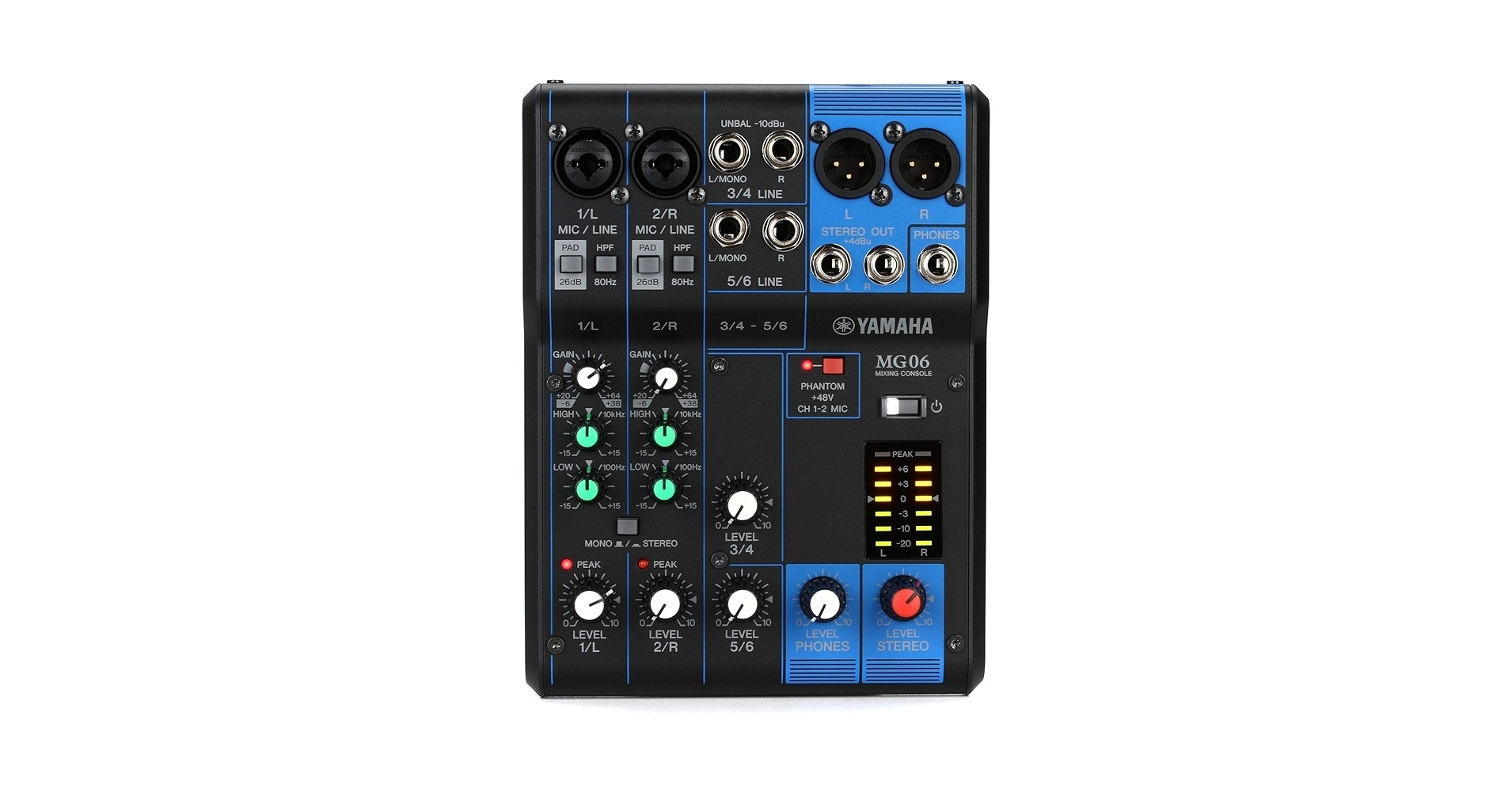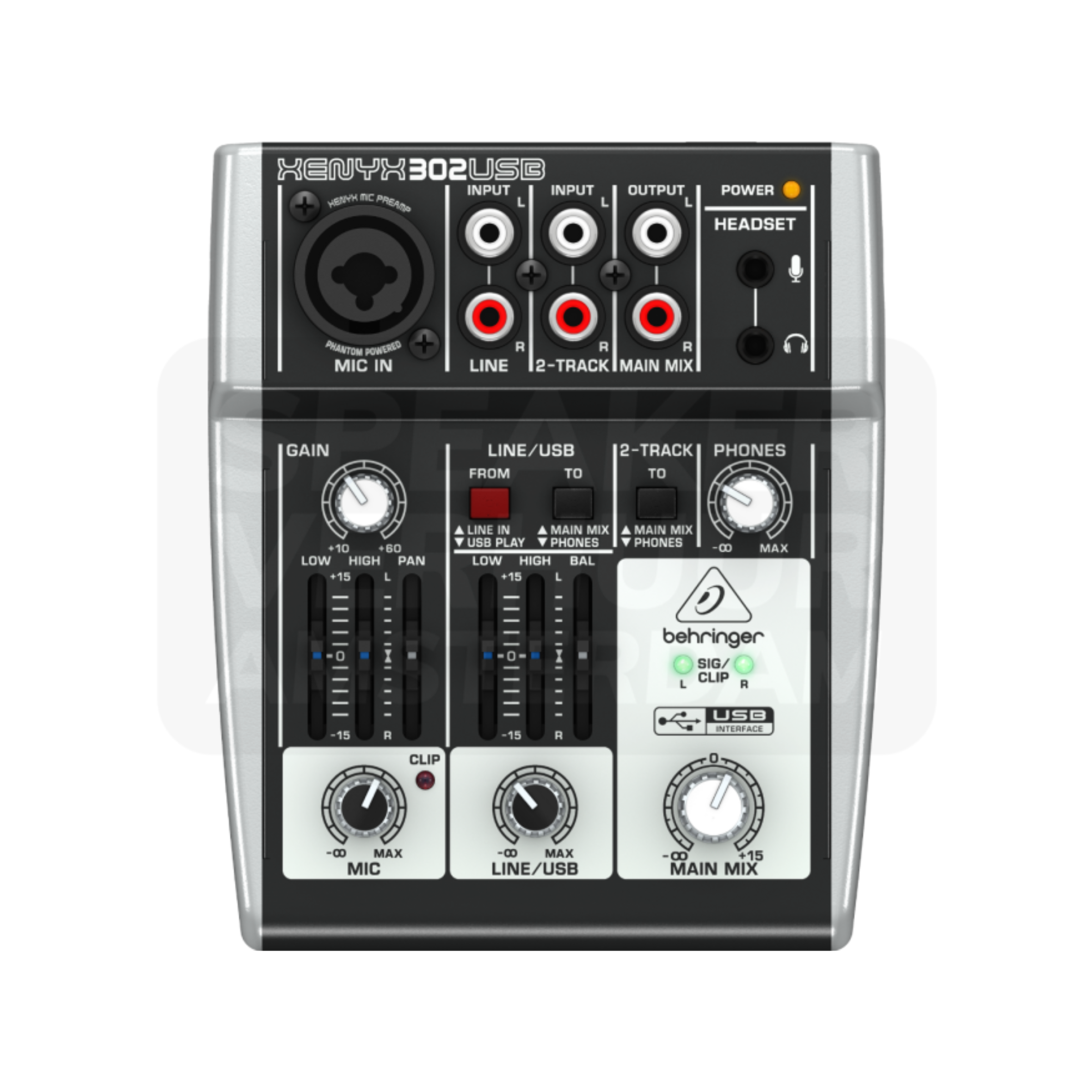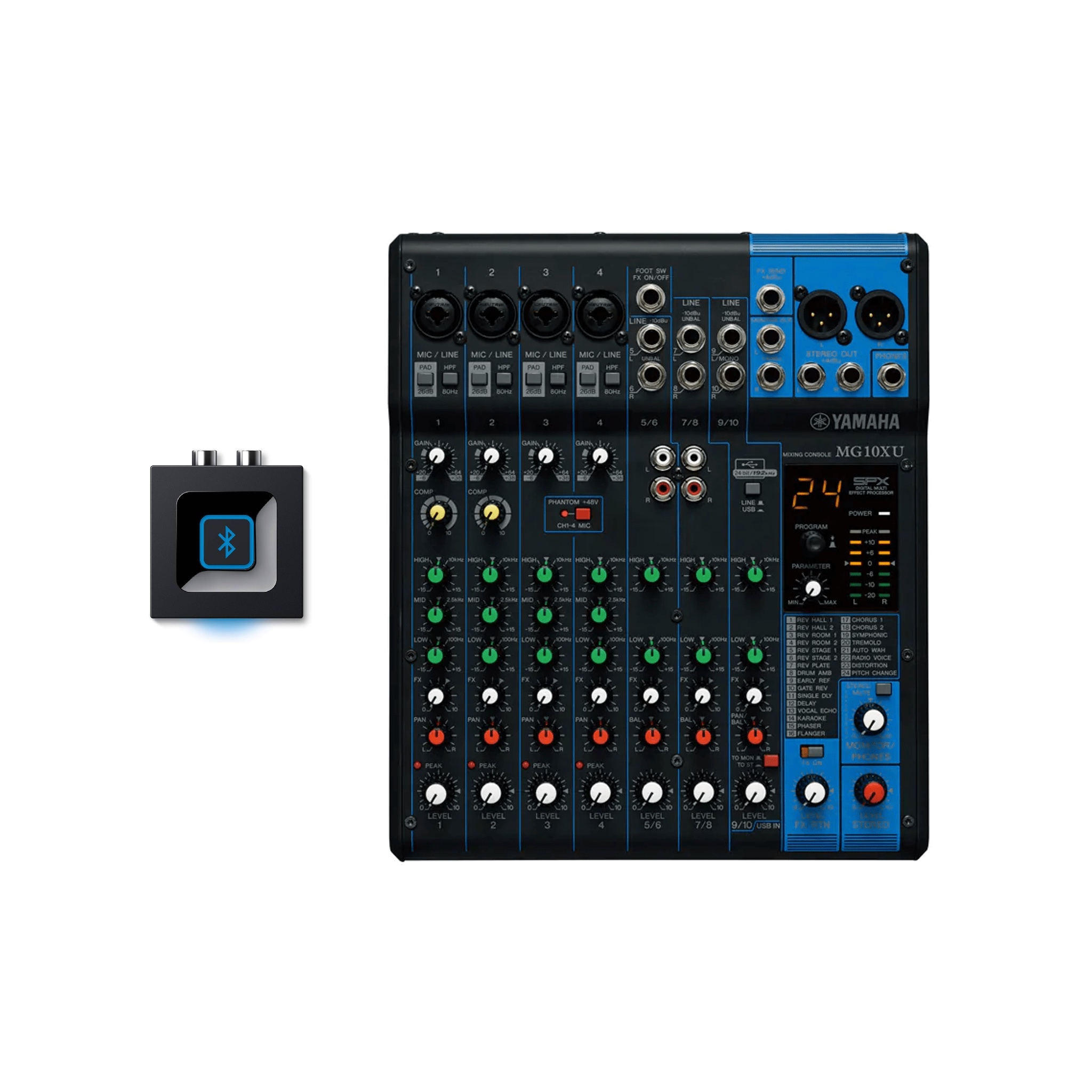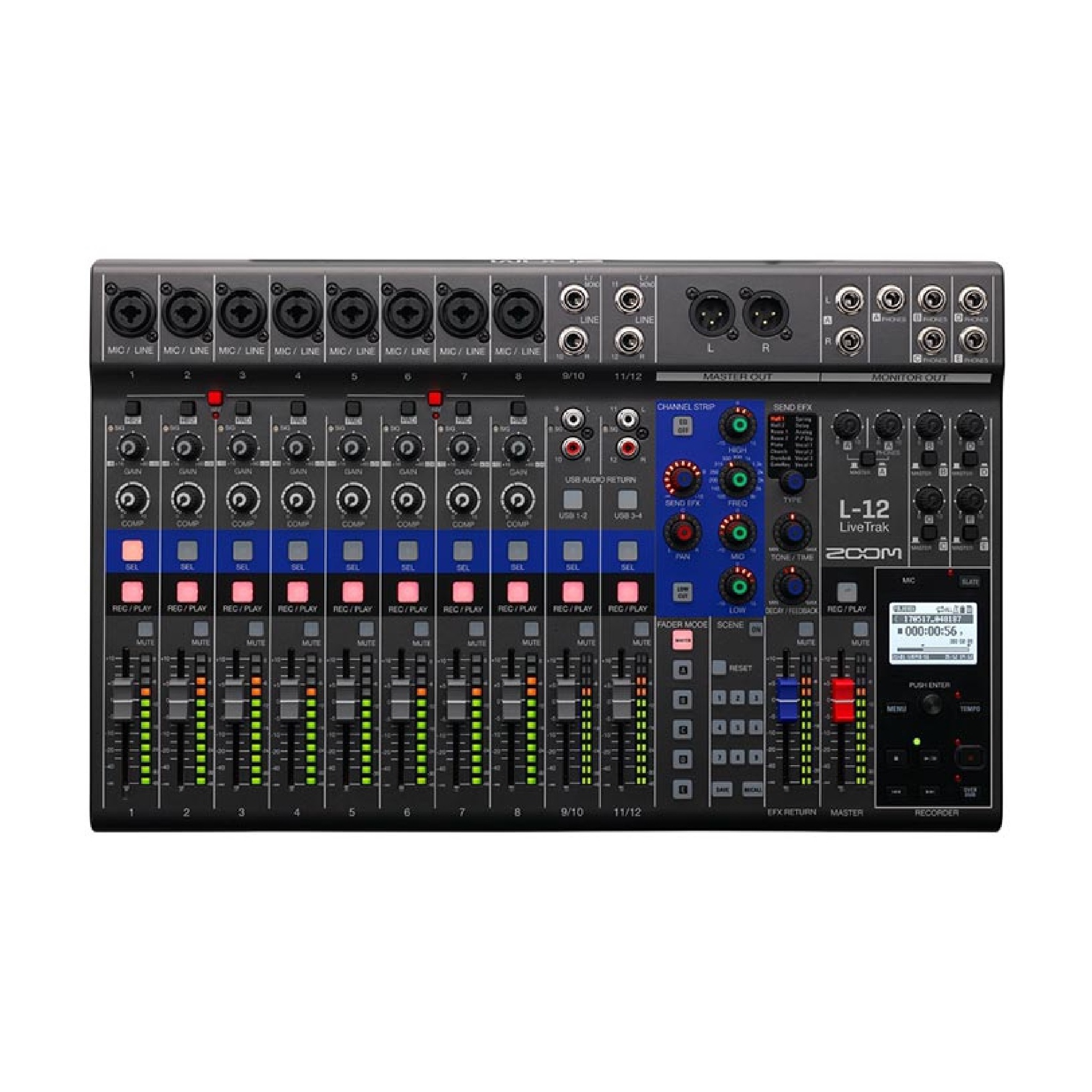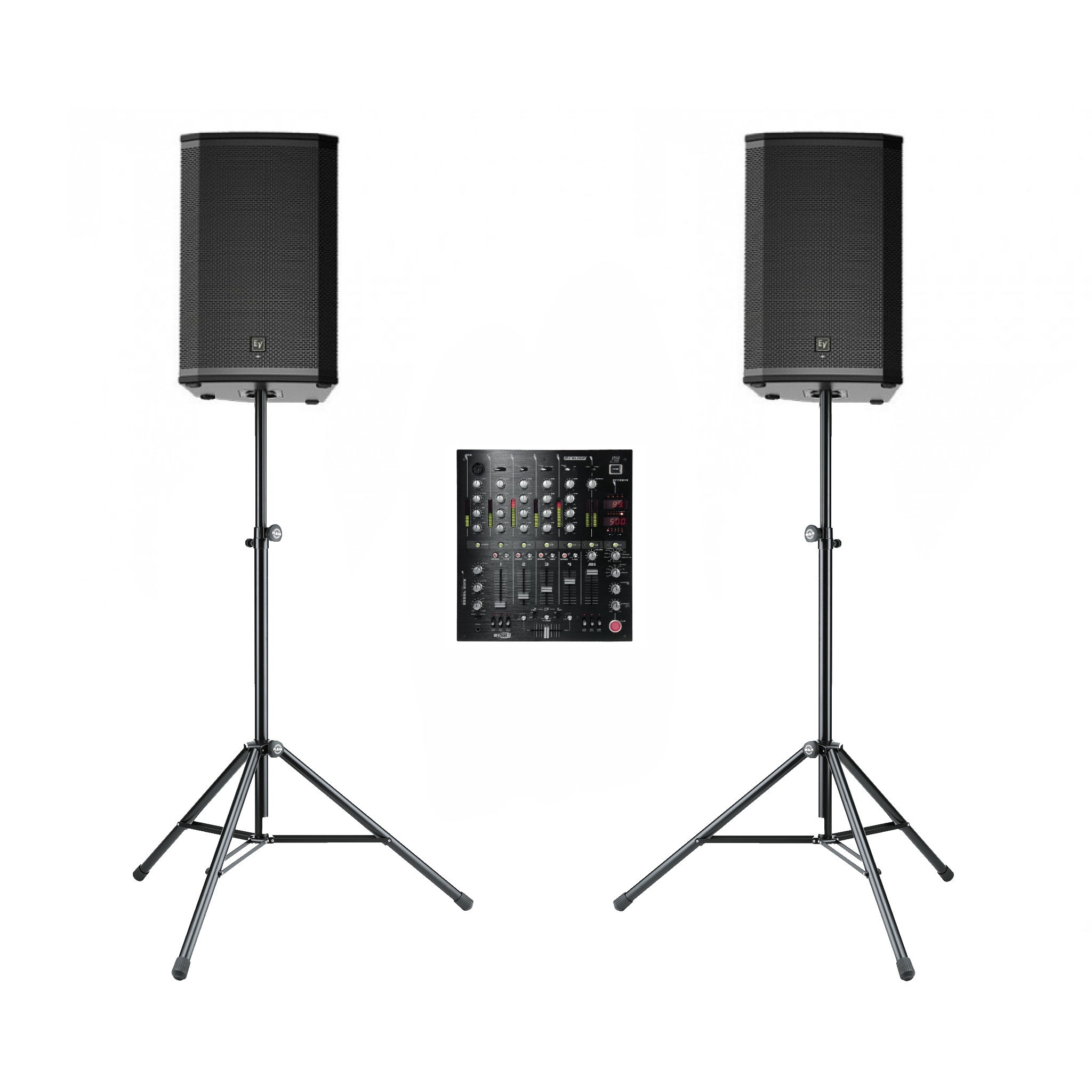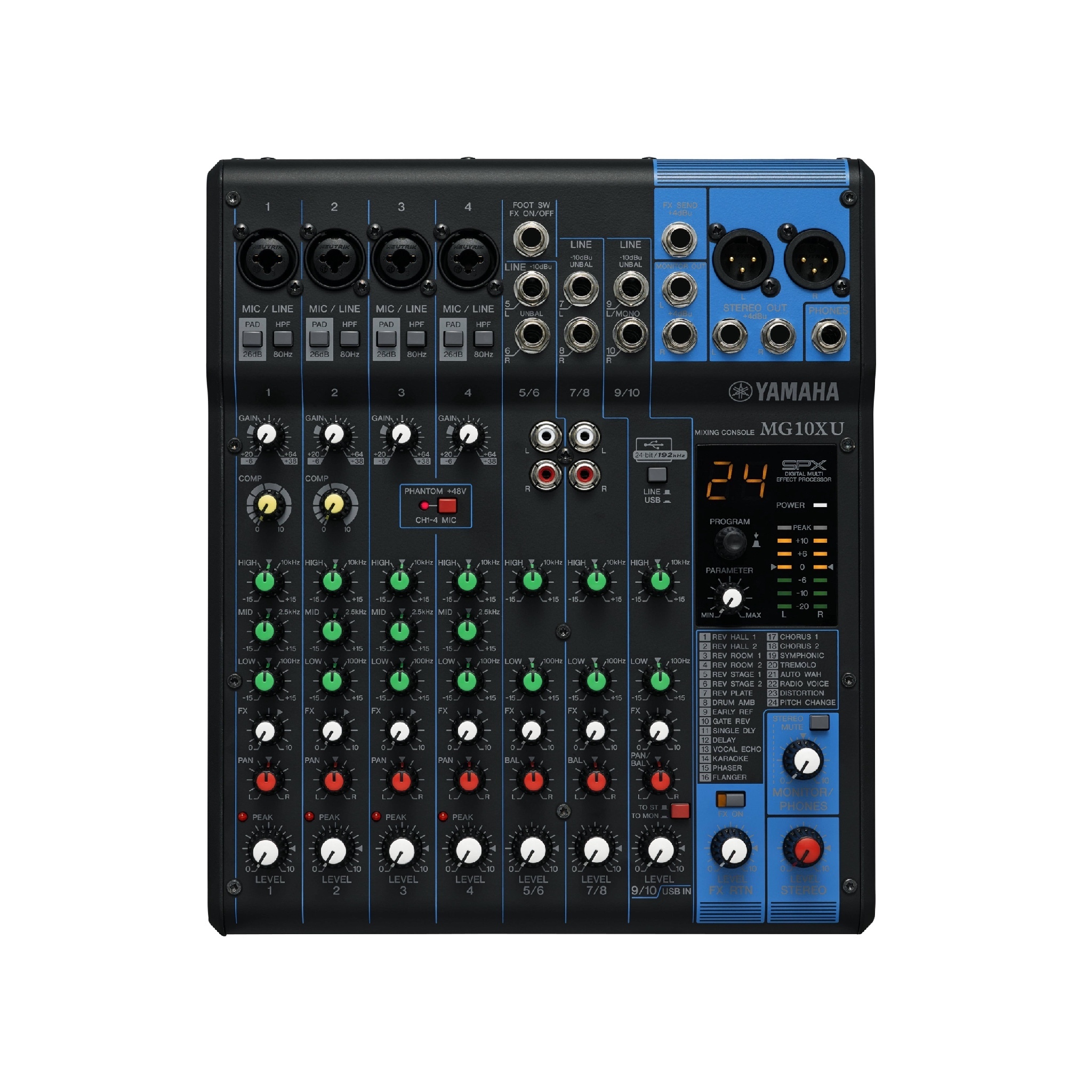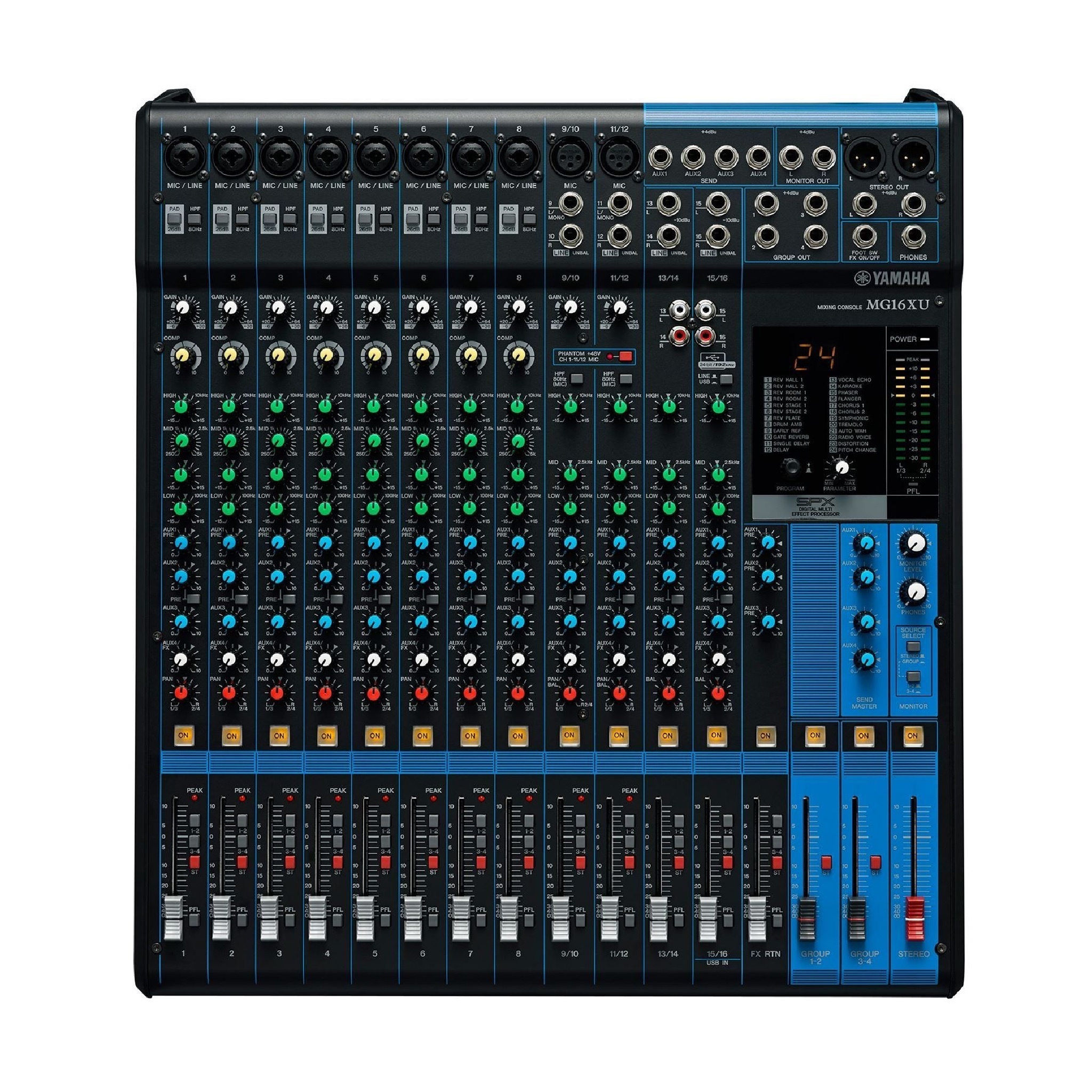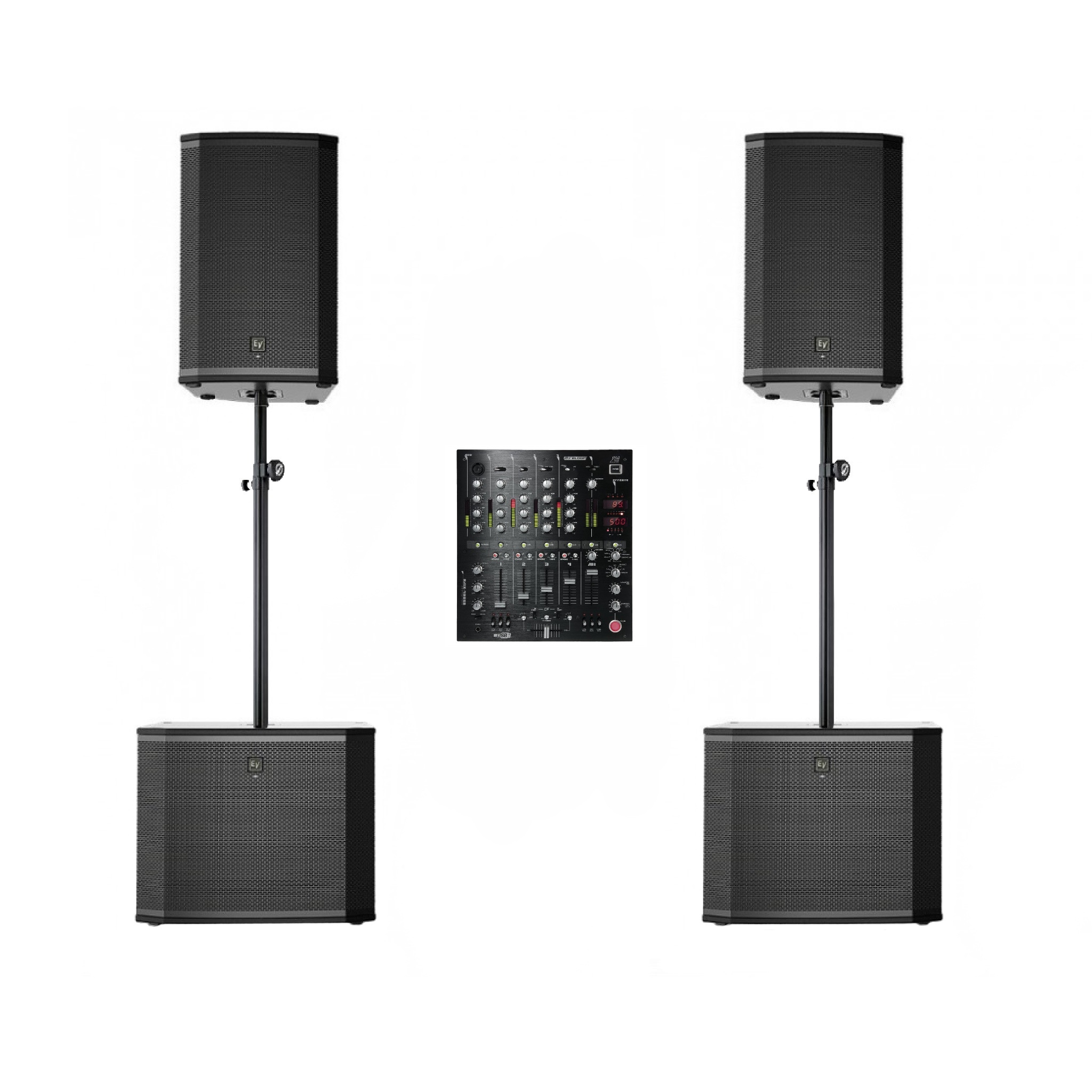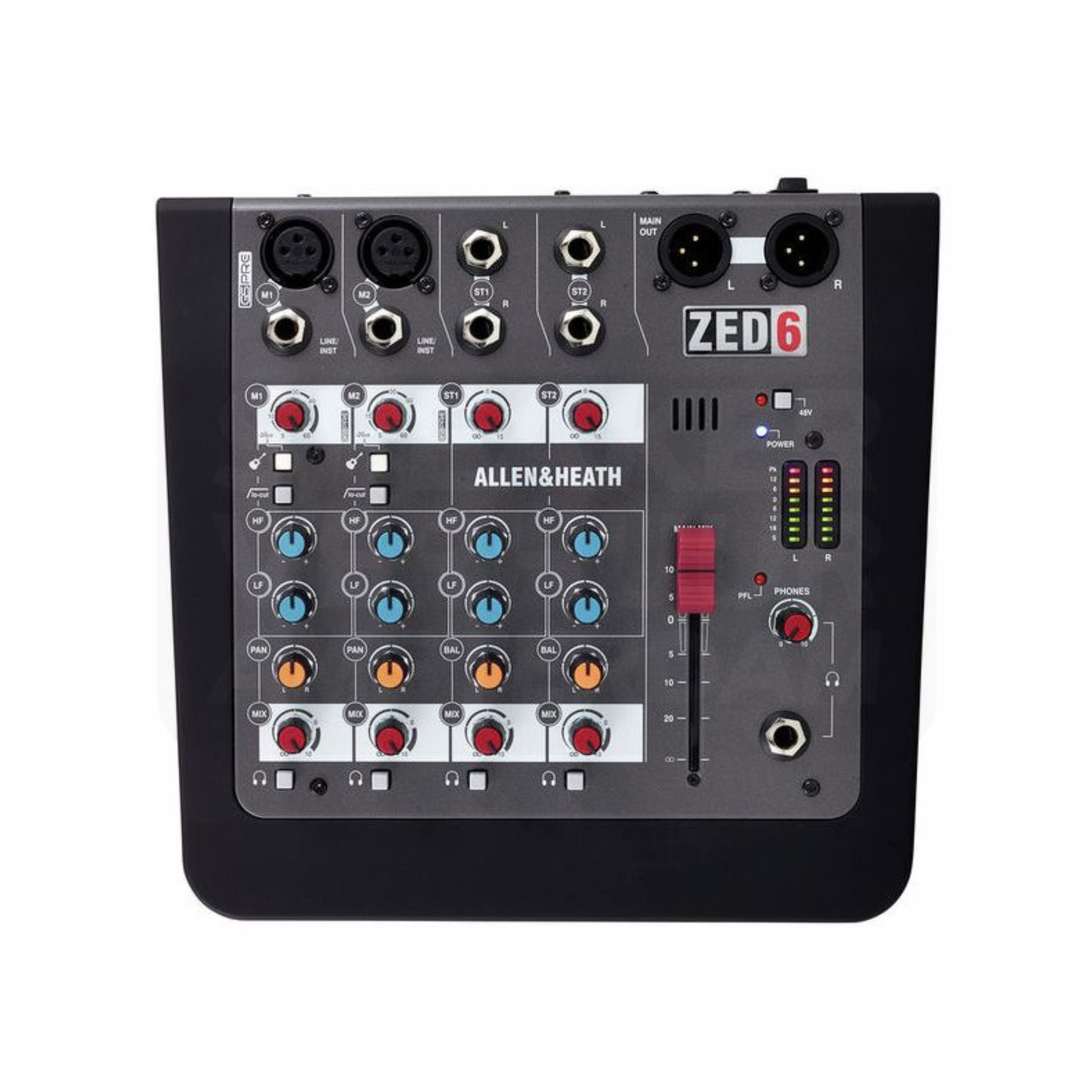
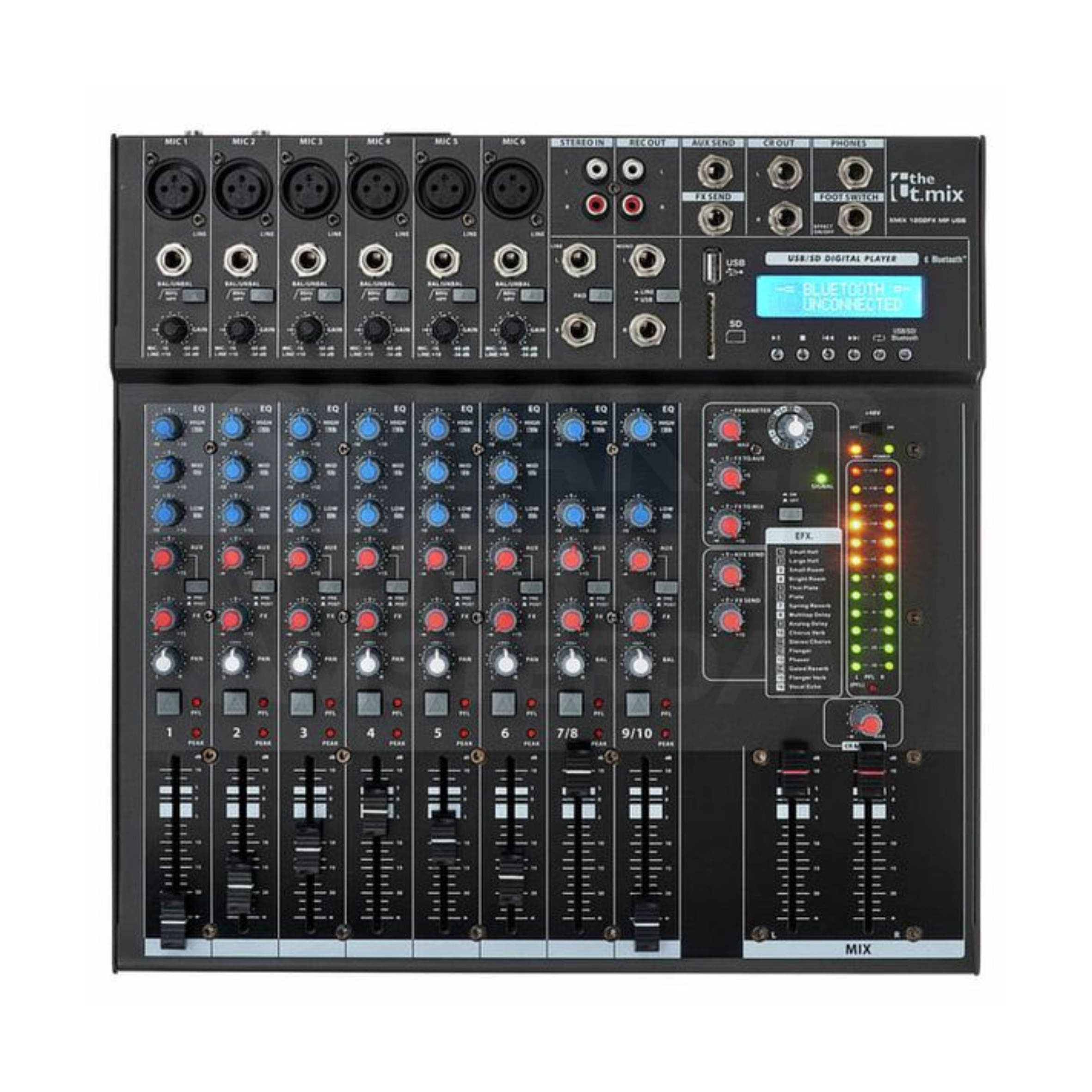




the t.mix xmix 1202 FXMP USB bluetooth mixer hire

Choose your rental period

Your rental period determines the price and availability.

/
Deposit for this product€0.00Refunded within one working day
The deposit provides security against damage or missing equipment and helps us keep rental prices low. Previous experience makes this security necessary. Return everything complete and in good condition and we refund the deposit within one working day.
InvoiceCard

Delivery to your venue

What does delivery cost?

Enter your address to compare delivery, collection and installation.

Collect & return yourself in AmsterdamFree
Delivery & collection4-hour time window
From €50 + €2/km
Delivery & collection1-hour time window
From €75 + €2/km
Delivery, installation & collection4-hour time window
From €100 + €2/km
Delivery, installation & collection1-hour time window
From €125 + €2/km

Installation

  1. Ready to use
  2. Connect yourself
  3. Technical setup
  4. Specialist needed

Transport

  1. Bicycle
  2. Car
  3. Van
  4. Large van

the t.mix xmix 1202 FXMP USB bluetooth mixer hire in Haarlem

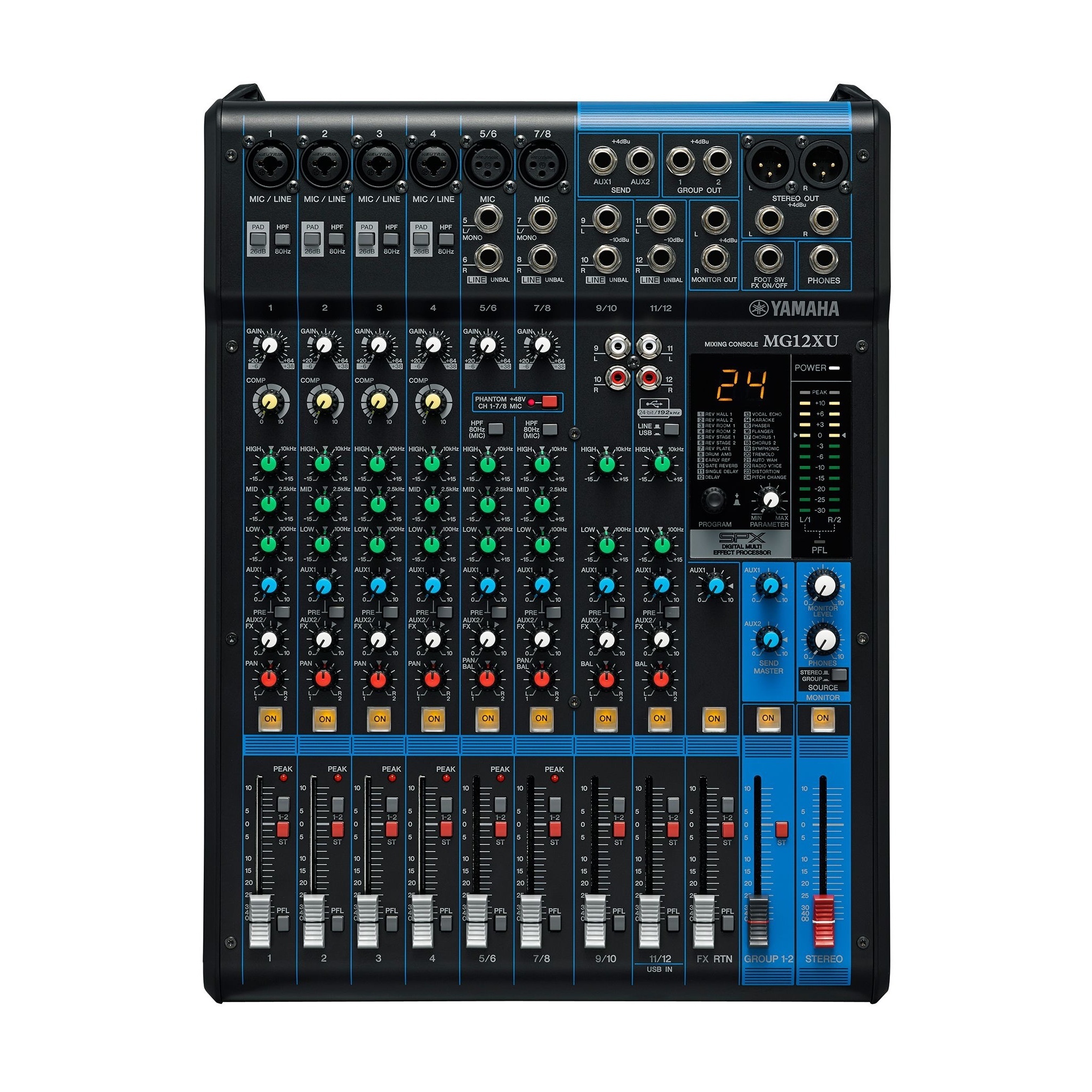
the t.mix xmix 1202 FXMP USB bluetooth mixer hire for your setup. A mixing desk brings together multiple sound sources. Not only the number of channels counts: a microphone, stereo music player and computer can ask for any other inputs and settings.

The the t.mix xmix 1202 FXMP USB bluetooth mixer in your setup

This is where the sound sources meet. Count the microphones, players and other sources you will use simultaneously. Establish a low-level balance during setup and decide who controls levels during the programme. Also confirm the connection to the loudspeakers.

Which extras should you hire?

For the t.mix xmix 1202 FXMP USB bluetooth mixer, first establish the connection, position and control you need. The extras below the frequently asked questions are available to hire separately. Brand alone does not guarantee a match: models and connections must work together. Identify what you already own so that you hire the missing cables, supports or other equipment.

Specifications
the t.mix xmix 1202 FXMP USB bluetooth mixer specifications
Productthe t.mix xmix 1202 FXMP USB bluetooth mixer
Equipment typeMixing desks
What is included?

This listing is for the t.mix xmix 1202 FXMP USB bluetooth mixer. Accessories not explicitly listed for the selected version are not automatically part of the booking. Share your source device, existing equipment or intended layout to confirm suitable additions.

What can you use the t.mix xmix 1202 FXMP USB bluetooth mixer for?

A mixing desk brings together multiple sound sources. Not only the number of channels counts: a microphone, stereo music player and computer can ask for any other inputs and settings.

For a party, consider audience position, the music source and sound coverage. Decide whether you need background music, dance music or monitoring. A separate component serves a different role from a complete sound system.

the t.mix xmix 1202 FXMP USB bluetooth mixer rental in Haarlem starts with the role the equipment needs to fulfil at your event. Create a channel list with the plug type and the user per source. Also note separate outputs for recording, monitors or streaming. This is how you choose from the connection requirement instead of the largest channel number.

Connect resources with the low levels and set one channel at a time. Then check the total mix and all necessary outputs. Choose who manages the level and mute buttons during the program.

Looking to hire the t.mix xmix 1202 FXMP USB bluetooth mixer for a venue in Haarlem, Beverwijk or Zandvoort? Tell Speaker Verhuur Haarlem what you want to achieve, which equipment you plan to connect and how the space is arranged. Compare the relevant accessories and browse the rental range for alternatives for the same setup.

Hiring with Speaker Verhuur Haarlem

How hiring works

the t.mix xmix 1202 FXMP USB bluetooth mixer

  1. Choose your rental period

    View the t.mix xmix 1202 FXMP USB bluetooth mixer at Speaker Verhuur Haarlem (Speaker Verhuur Haarlem) and enter your start and end dates. The booking module shows availability and the hire price for your selected period.

  2. Check your version and rental basket

    Select the version and quantity. Check the package contents, deposit and any extra components. Add your selection to the rental basket; booking and checkout are handled by Speaker Verhuur Amsterdam.

  3. Arrange collection or delivery

    Collection and return are free and by appointment at Theemsweg 40, 1043 BJ Amsterdam Sloterdijk. Need delivery in Haarlem or the surrounding area? Calculate the cost on this page and agree the time window and any installation when booking.

  4. Use, check and return

    Test the t.mix xmix 1202 FXMP USB bluetooth mixer before your event and follow the instructions provided. Afterwards, check that all booked components are complete and return them at the agreed time, or arrange collection. Speaker Verhuur Amsterdam checks the equipment and handles the deposit according to your booking terms.

the t.mix xmix 1202 FXMP USB bluetooth mixer hire at Speaker Verhuur Haarlem
the t.mix xmix 1202 FXMP USB bluetooth mixer

See the product

the t.mix xmix 1202 FXMP USB bluetooth mixer in video

Speaker Verhuur Haarlem

Our photo presentation with digitally narrated Dutch explanation.

Before you book

Questions about the t.mix xmix 1202 FXMP USB bluetooth mixer

the t.mix xmix 1202 FXMP USB bluetooth mixer: how do I count the required number of channels?

Count the simultaneous sources and note whether they are mono or stereo. Then check if the mixer has the right type of inputs; the channel number alone does not tell which connections are available.

the t.mix xmix 1202 FXMP USB bluetooth mixer: is a mixer also an amplifier?

A mixer controls and combines signals. Whether a power amplifier is needed also depends on the speaker system and the chosen mixer version.

Which additions can I rent with the t.mix xmix 1202 FXMP USB bluetooth mixer?

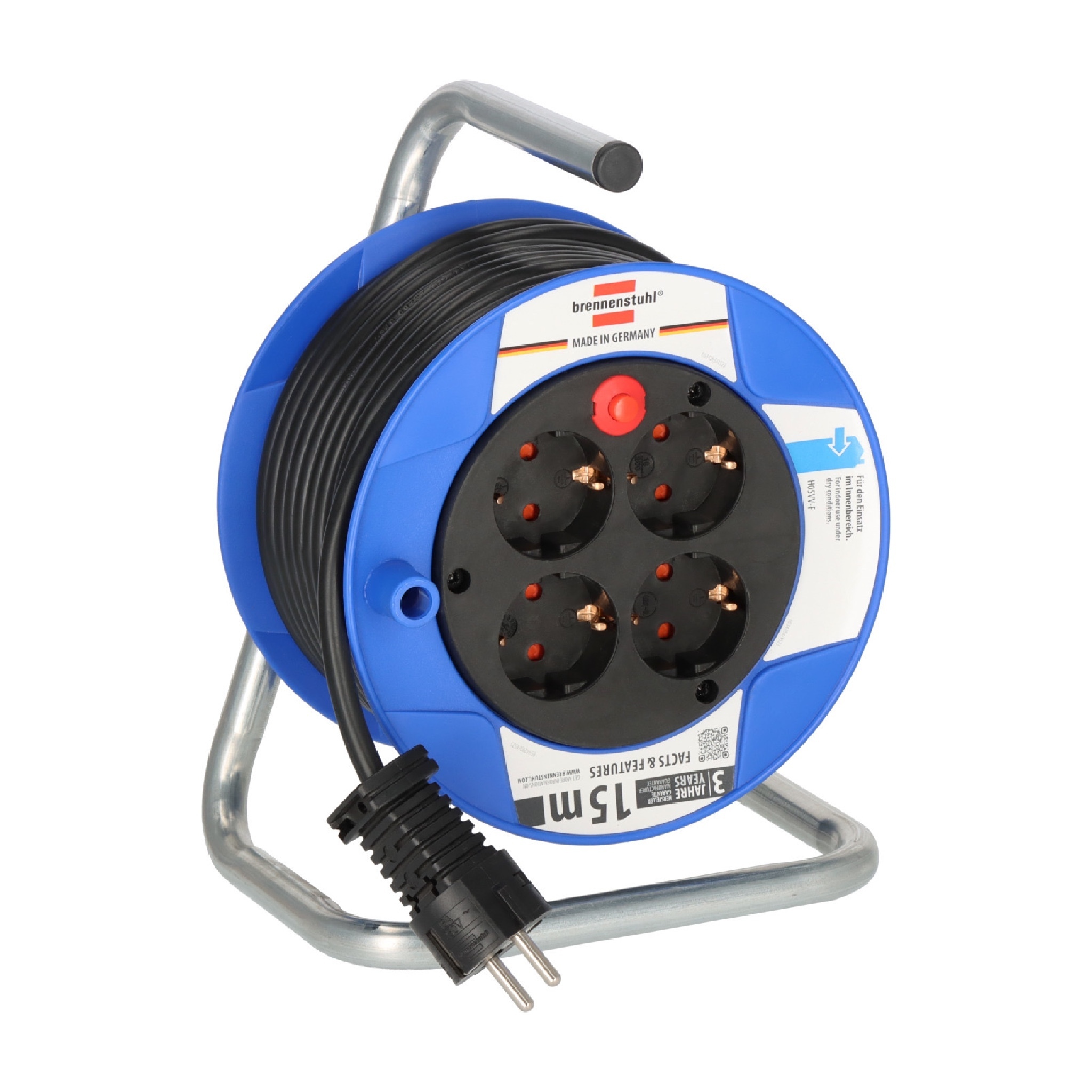
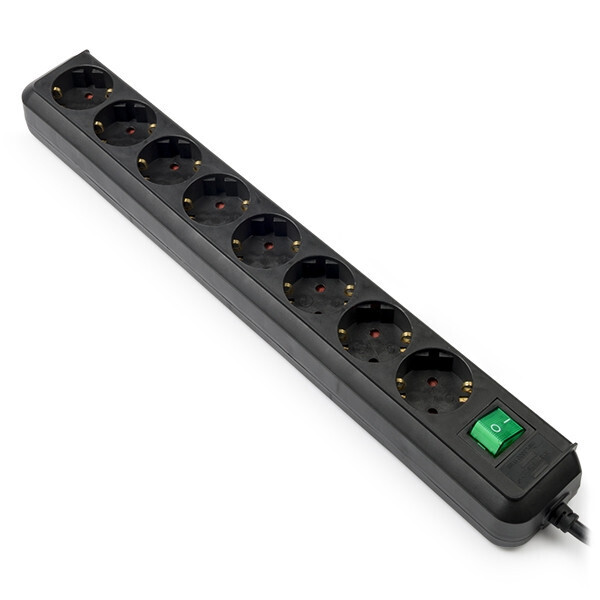
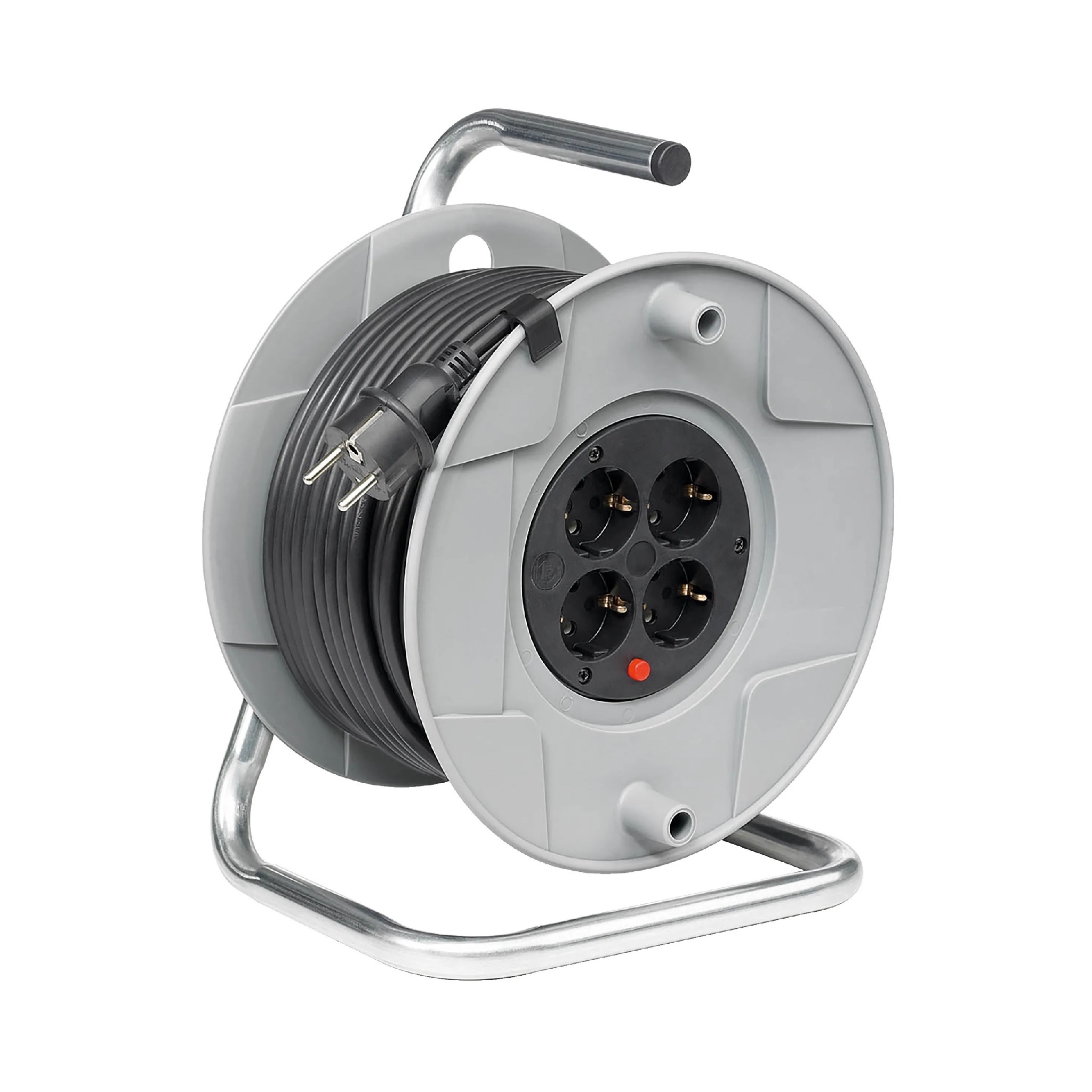
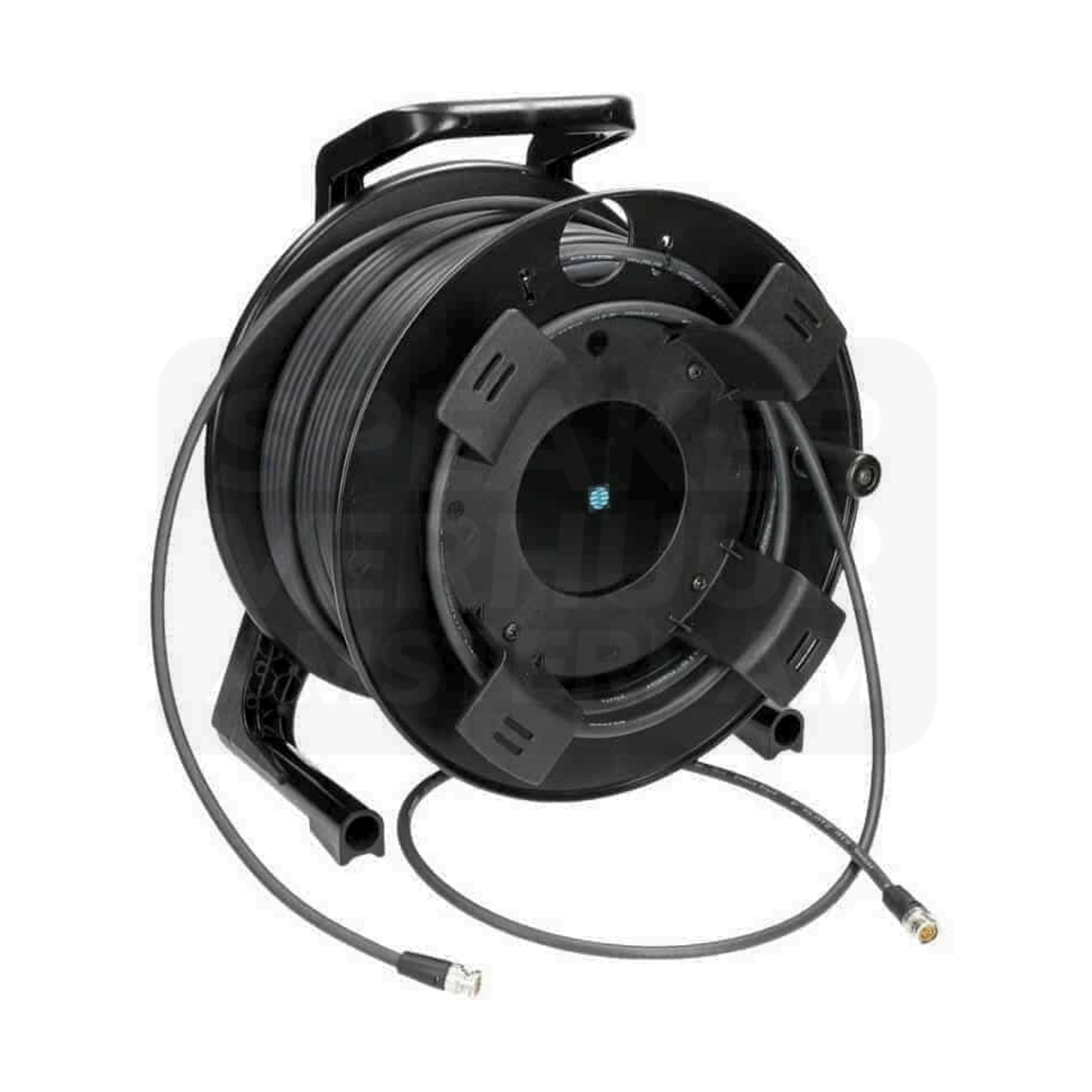
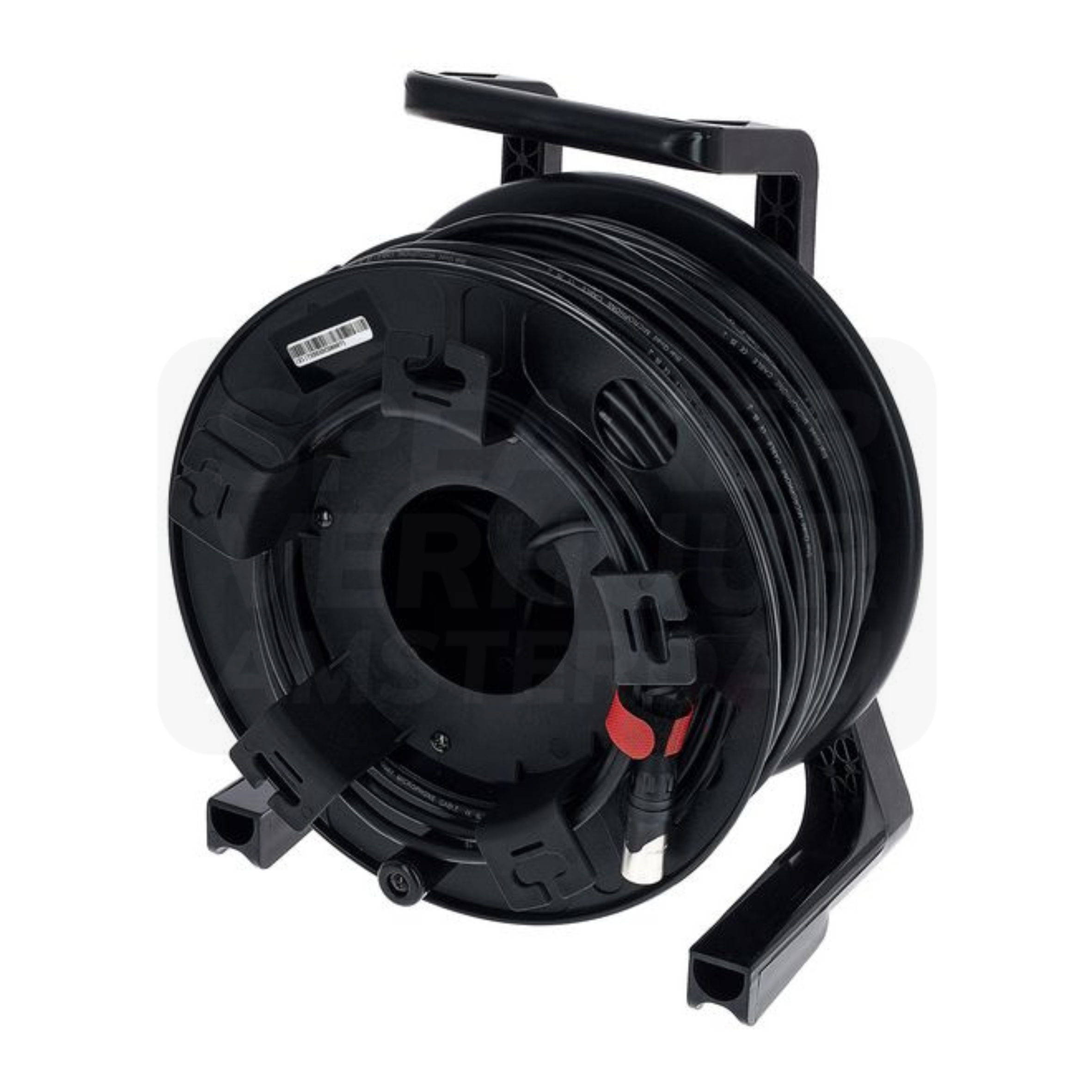
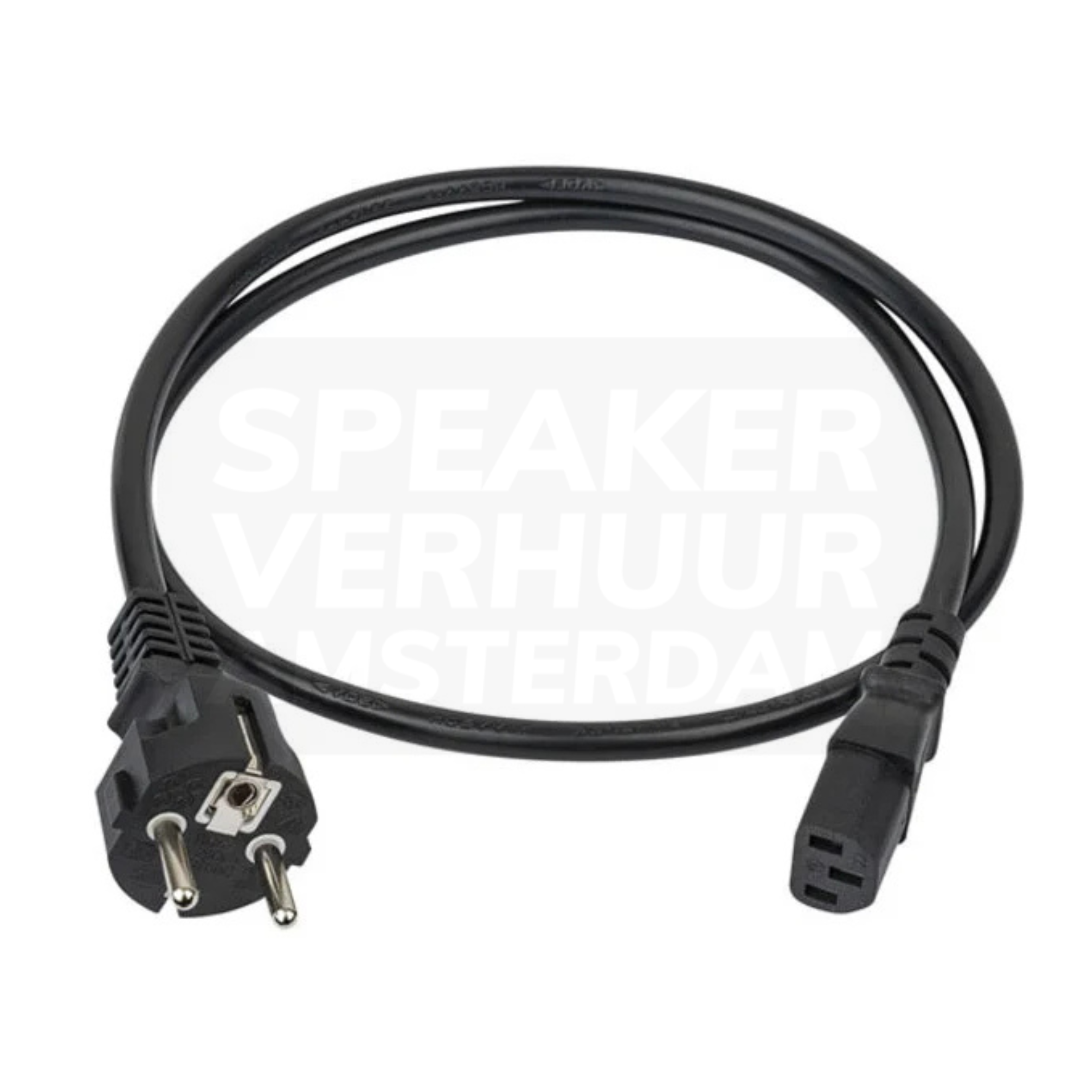
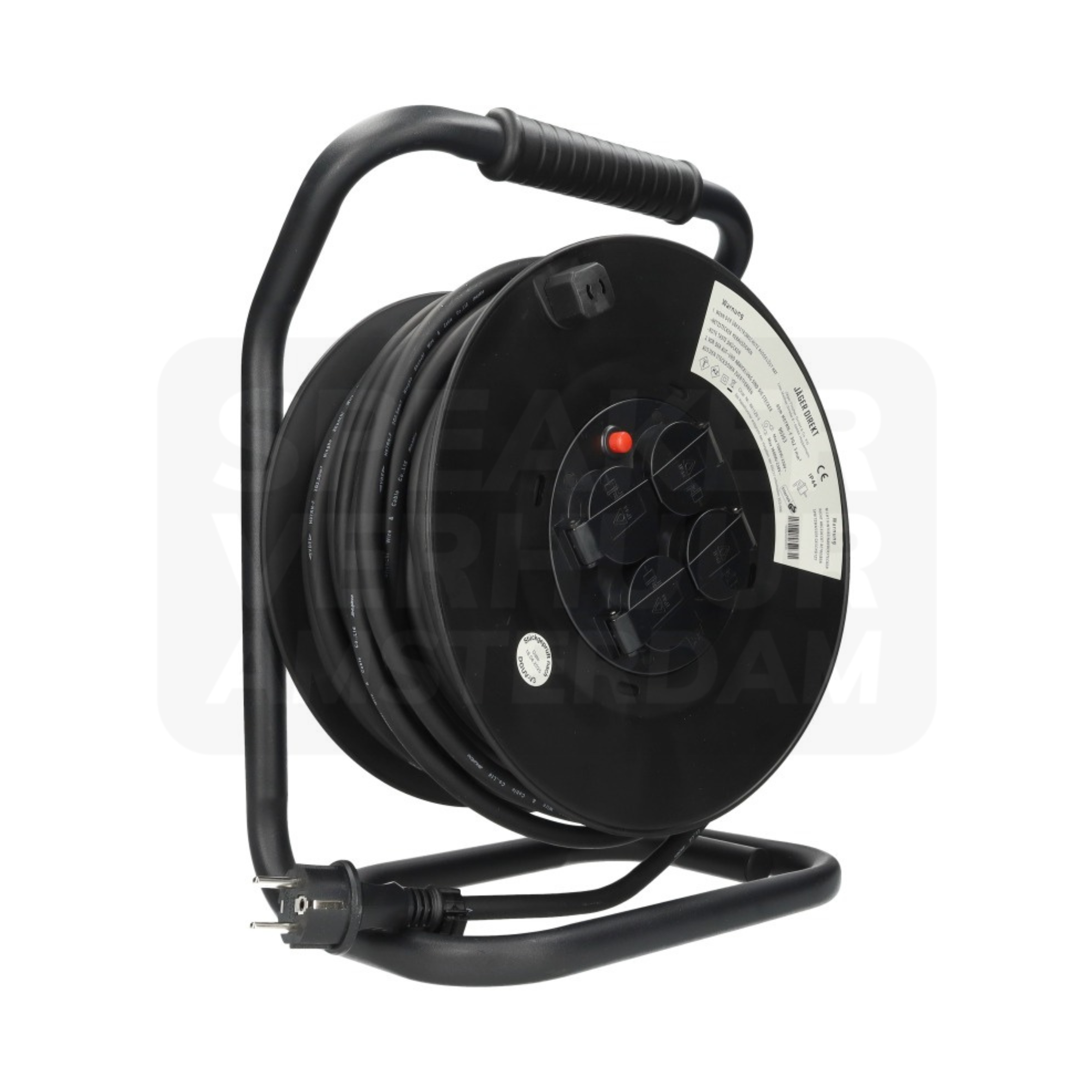
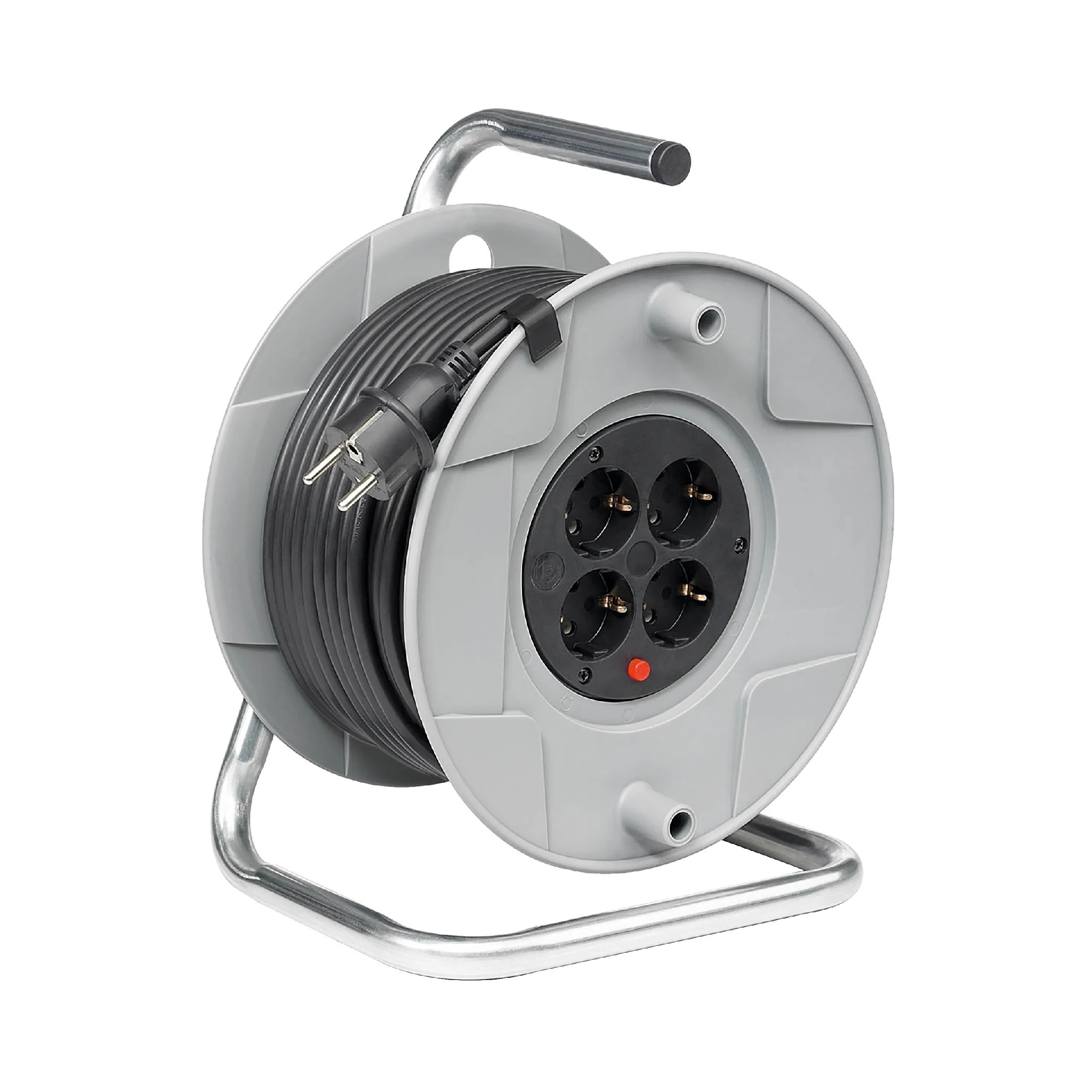
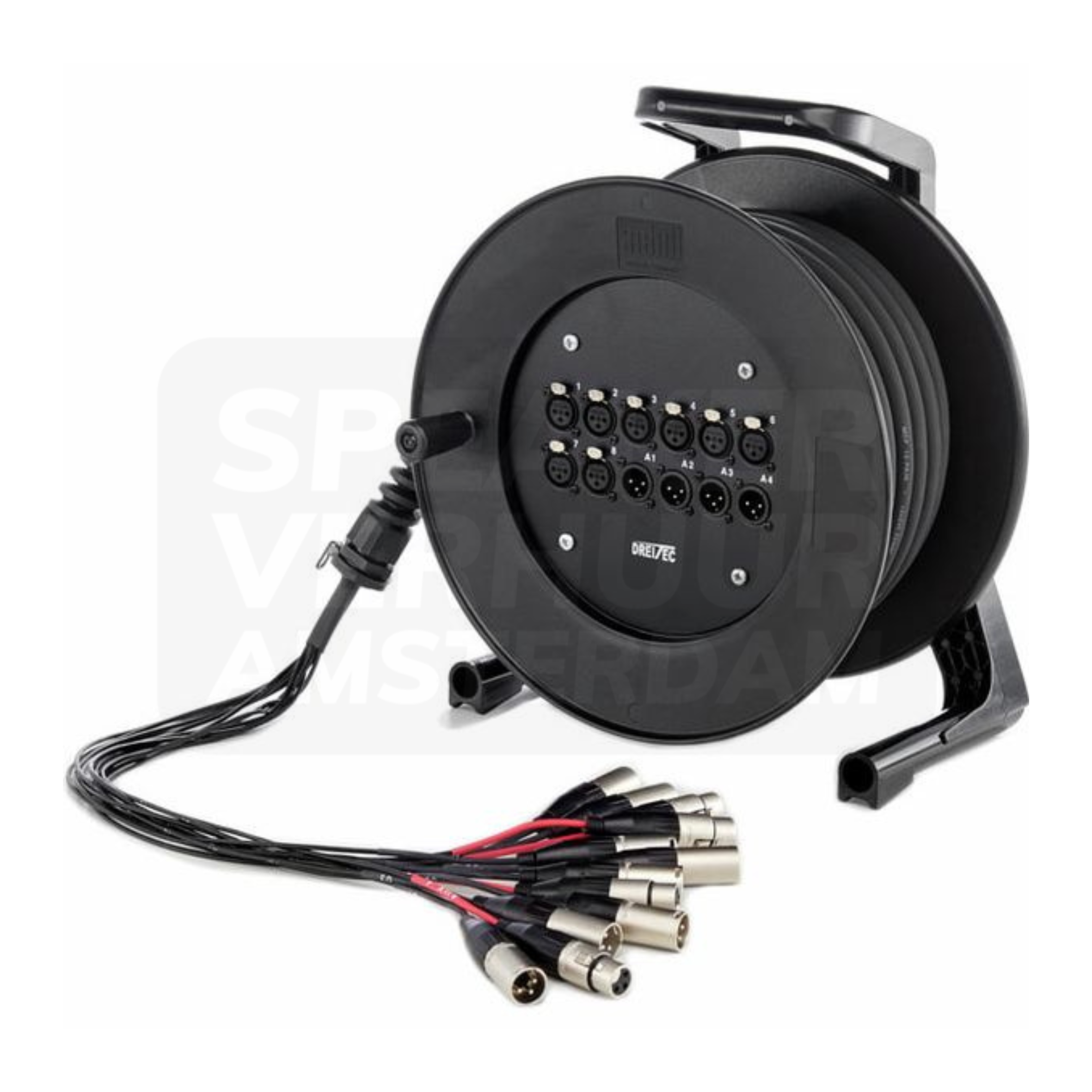
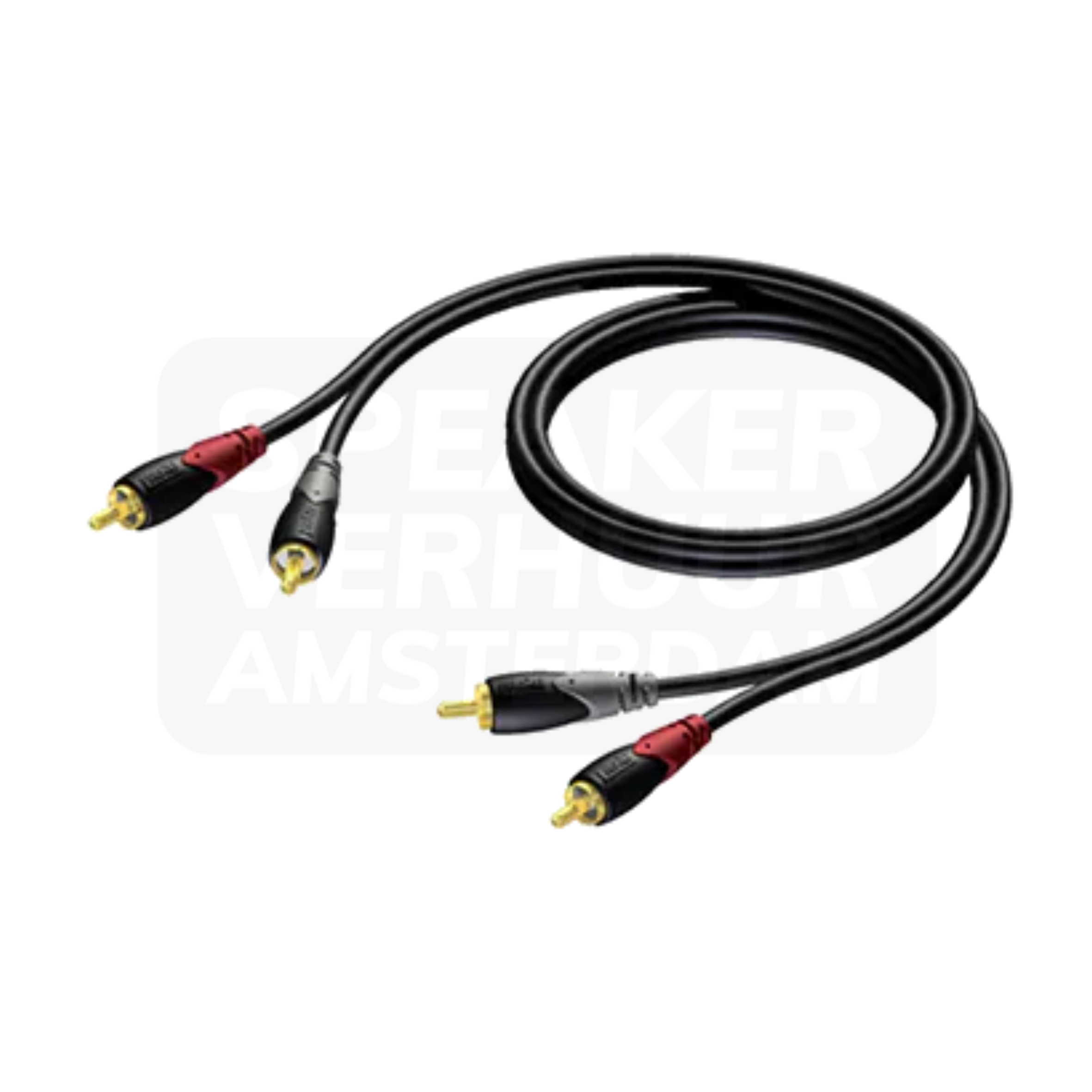
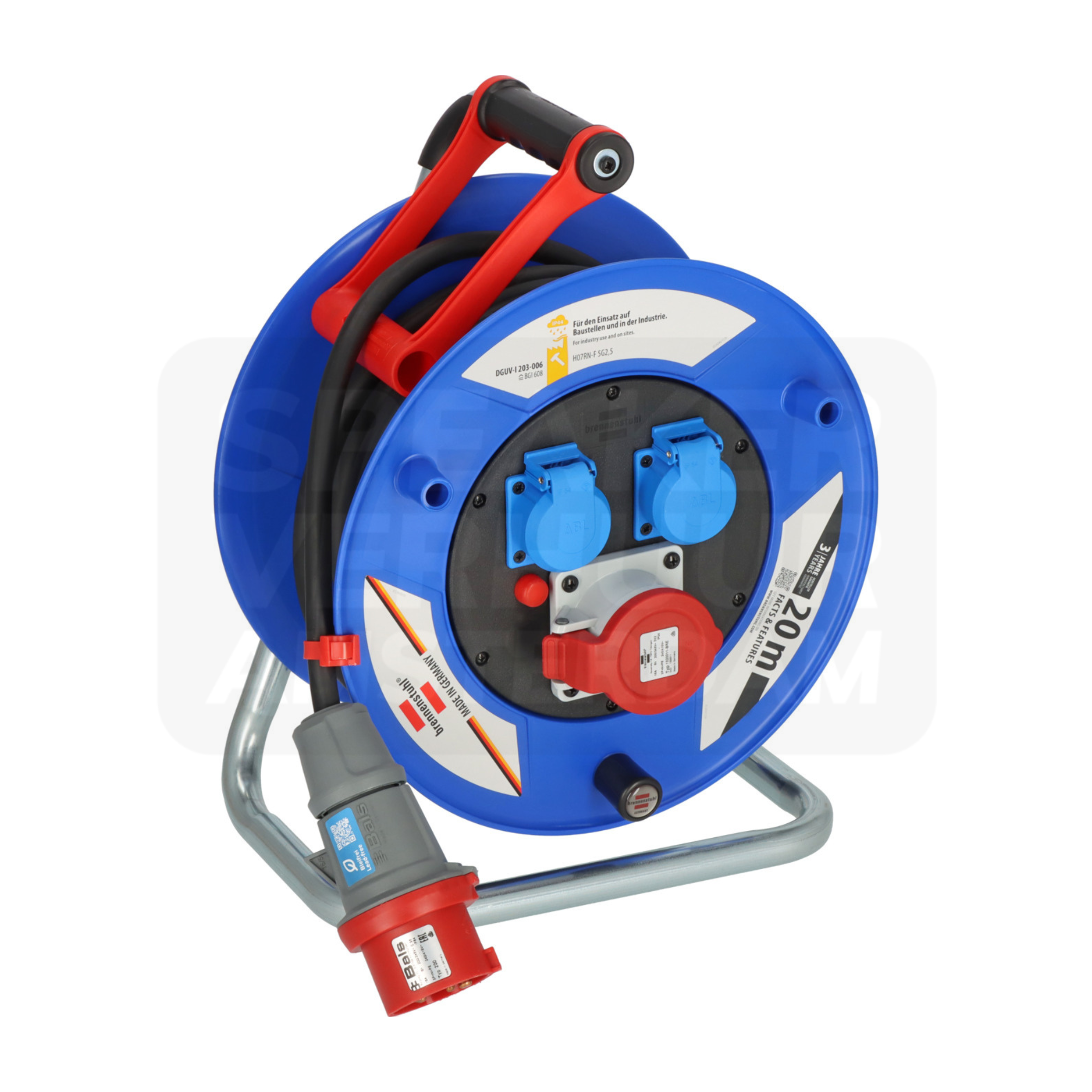
You can compare Cable reel 15 meters, 8-fold plug box, Cable Reel 40 Meter on this page. These additions are booked separately unless they are explicitly included with the t.mix xmix 1202 FXMP USB bluetooth mixer. Check your source and connections first so you choose useful accessories rather than duplicate equipment.

How should I set up the t.mix xmix 1202 FXMP USB bluetooth mixer before my event?

When setting up the t.mix xmix 1202 FXMP USB bluetooth mixer, focus on the following: Connect resources with the low levels and set one channel at a time. Then check the total mix and all necessary outputs. Choose who manages the level and mute buttons during the program.

When is the t.mix xmix 1202 FXMP USB bluetooth mixer a suitable rental choice?

Create a channel list with the plug type and the user per source. Also note separate outputs for recording, monitors or streaming. This is how you choose from the connection requirement instead of the largest channel number.

What role does the t.mix xmix 1202 FXMP USB bluetooth mixer have in my setup?

A mixing desk brings together multiple sound sources. Not only the number of channels counts: a microphone, stereo music player and computer can ask for any other inputs and settings.

What should I check when transporting the t.mix xmix 1202 FXMP USB bluetooth mixer?

Plan transport for the complete rental version of the t.mix xmix 1202 FXMP USB bluetooth mixer, including protection and any separate components. Confirm packed dimensions and total weight before choosing a vehicle. Also check doors, stairs and loading space at your venue.

What is included when I rent the t.mix xmix 1202 FXMP USB bluetooth mixer?

This listing is for the t.mix xmix 1202 FXMP USB bluetooth mixer. Accessories not explicitly listed for the selected version are not automatically part of the booking. Share your source device, existing equipment or intended layout to confirm suitable additions.

How much is the security deposit for the t.mix xmix 1202 FXMP USB bluetooth mixer?

The listed deposit for the t.mix xmix 1202 FXMP USB bluetooth mixer is €0,00. This is separate from the rental price. It is handled after return according to your booking terms with Speaker Verhuur Amsterdam.

Complete your setup

Extras for your the t.mix xmix 1202 FXMP USB bluetooth mixer

Choose your additions. Hire separately and confirm connections for your selected version.

Need help choosing your accessories?

Tell us what you want to connect. We can help you choose suitable cables, power supplies and accessories.

Ask for advice

Advice for this product

How do you select and use the t.mix xmix 1202 FXMP USB bluetooth mixer?

Does it fit your plan?

Create a channel list with the plug type and the user per source. Also note separate outputs for recording, monitors or streaming.

Check the version

    Compare source, connections and intended use with this exact version.

    Read the full explanation and selection advice

    Rental advice

    Prepare your audio connections: the t.mix xmix 1202 FXMP USB bluetooth mixer

    Check the source and the product’s role: audience sound, monitoring, recording or control. Confirm connections and complete contents.

    Experiences of tenants

    Customers about the rental service

    Google reviews from Speaker Verhuur Amsterdam.

    Your equipment for Haarlem

    the t.mix xmix 1202 FXMP USB bluetooth mixer hire in Haarlem?

    Hire the t.mix xmix 1202 FXMP USB bluetooth mixer in Haarlem and choose the version that suits your venue, programme and existing equipment. Compare this option within our mixing desks range to prepare your event.

    For events in Haarlem, Beverwijk, Zandvoort and Bloemendaal, collection, delivery and installation are arranged by appointment. You can collect from Speaker Verhuur Amsterdam in Amsterdam Sloterdijk.

    Not sure whether the t.mix xmix 1202 FXMP USB bluetooth mixer is the right product? Tell us what you want to connect and where you will use it. We are happy to help you choose.

    Also explore our Mixing desks for Haarlem