
Small group at short distance
Compare a single screen and test readability.

★★★★★ 5.0 on Google · 151 reviews · Speaker Verhuur Amsterdam
Show your presentation, video or information with a TV screen on a suitable standard. Compare single and double screen settings, choose from viewing distance and text size and check the connection of the laptop you are actually using.
Choose equipment for your event
Compare a single screen and test readability.
Consider multiple screens for better visibility lines.
Let viewing distance and content determine the size choice.
Check if a separate screen is the missing component.
Overview for your presentation
Start advice for a sitting group. Test your real slides from the farthest seat: room layout, viewing distance and text size determine the readability.
| Persons | Screen size to compare | What are you looking at? |
|---|---|---|
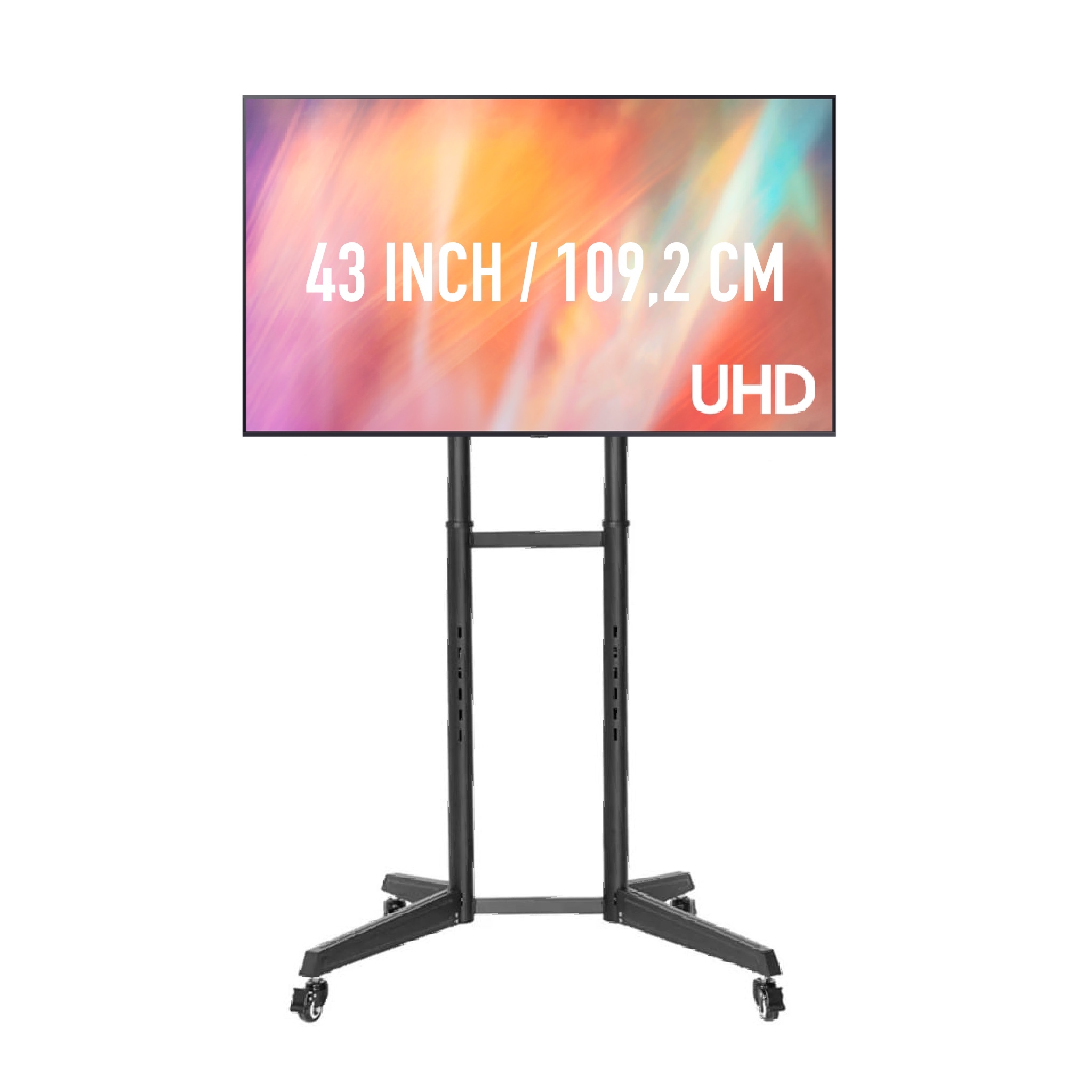
| 1–15 | 43.0.55 inches | One screen can be a starting point at short viewing distance. |
| 16–30 | 55.0665 inches | Check the back row and the smallest text in your slides. |
| 31–60 | 65 .75 inch / 2 screens | Compare one larger image with two more distributed screens. |
| 61–100 | 2 × 65 .0.75 inch | Divide the image across the room and check all the lines of vision. |
| 100+ | Multiple screens / customisation | Let the layout and content determine the number of screens. |
When presenting an important feature, we recommend that you consider several screens, even with a smaller group. We have HDMI splitters and can provide cabling and connection. Please agree on which parts and installation you need. Screens with a shared source and splitter do not form a fully independent backup.
Read the full guide to screen size and line of visionA screen on standard combines image with an offered support. Compare the image diagonal, the complete composition and the space for the foot. For a presentation in Haarlem, the remotest viewing area and any obstacles between screen and audience are also important. Video equipment hire in Haarlem or ask for advice on this choice.
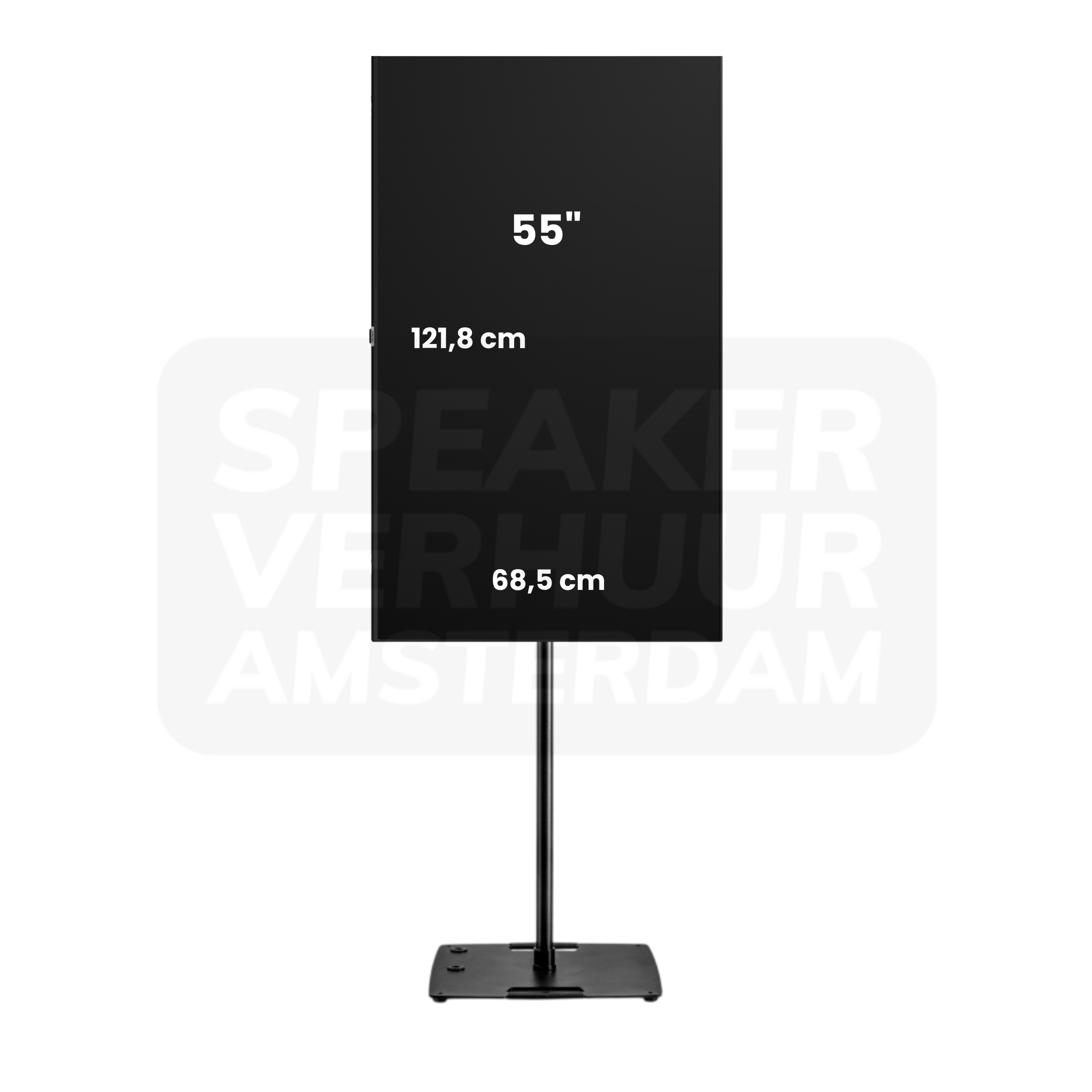
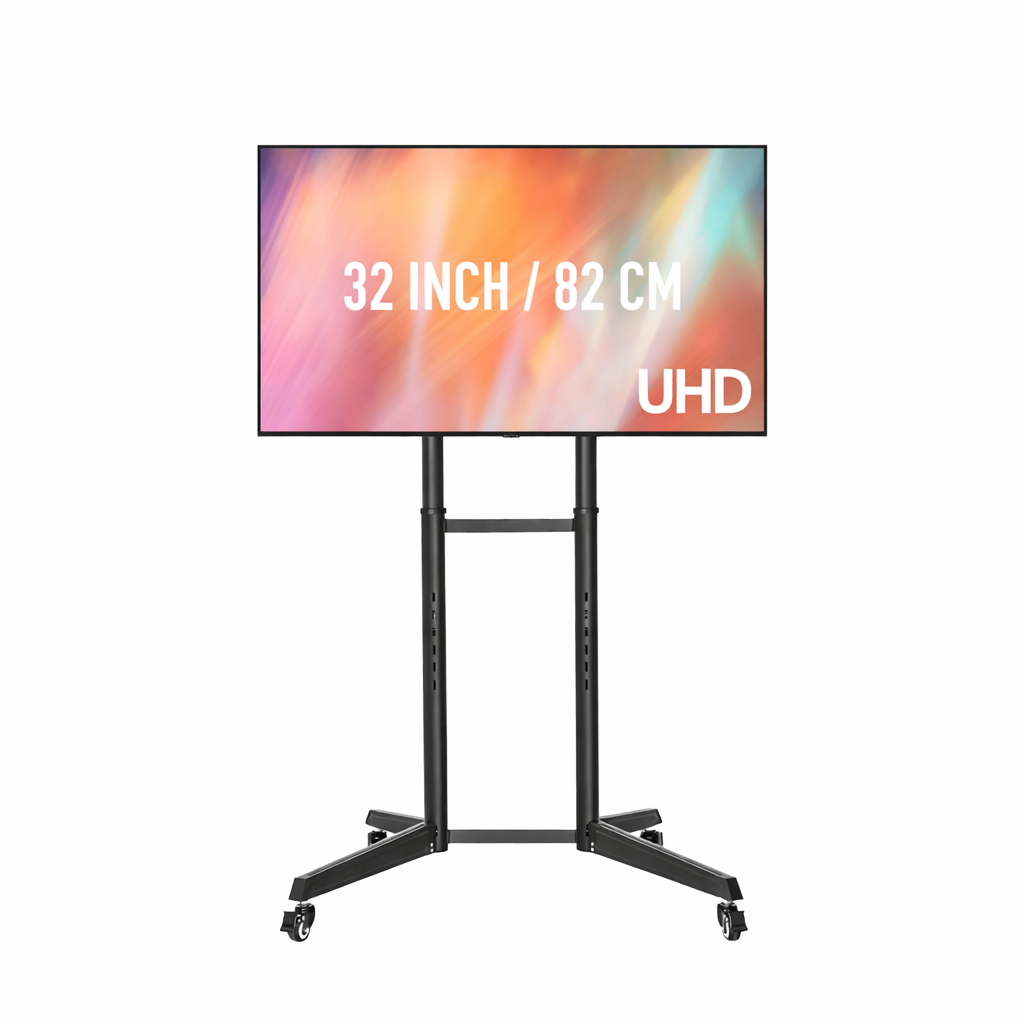
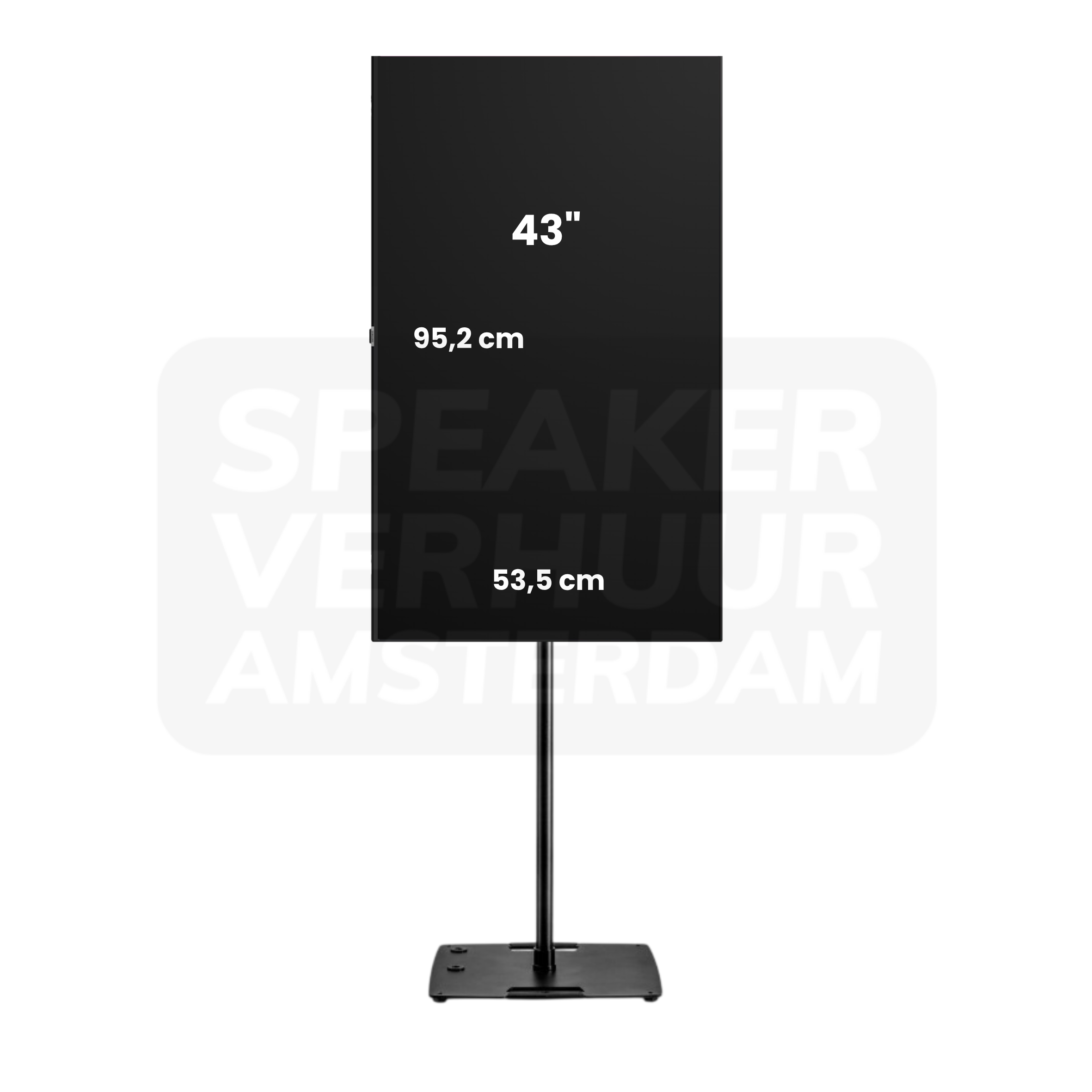
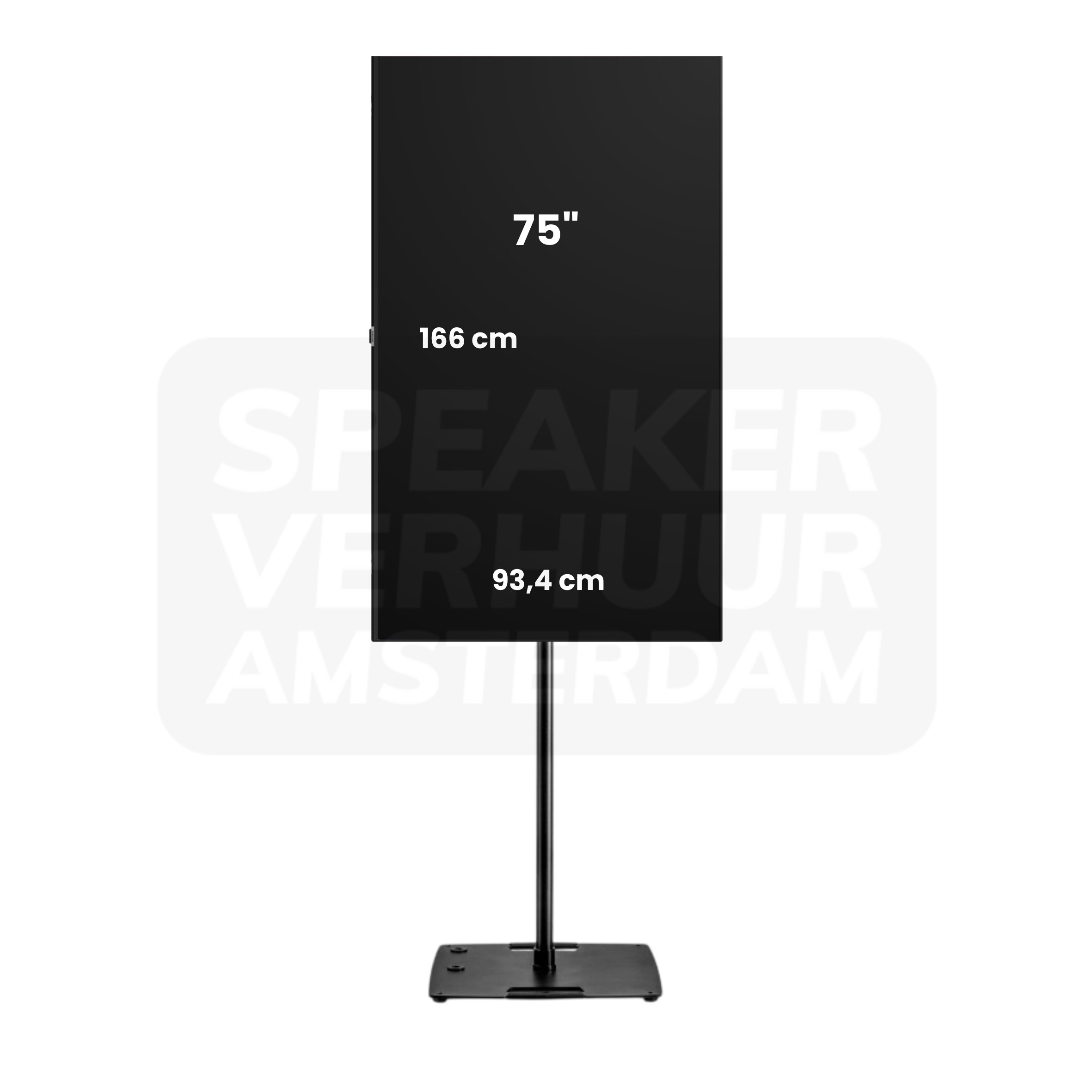
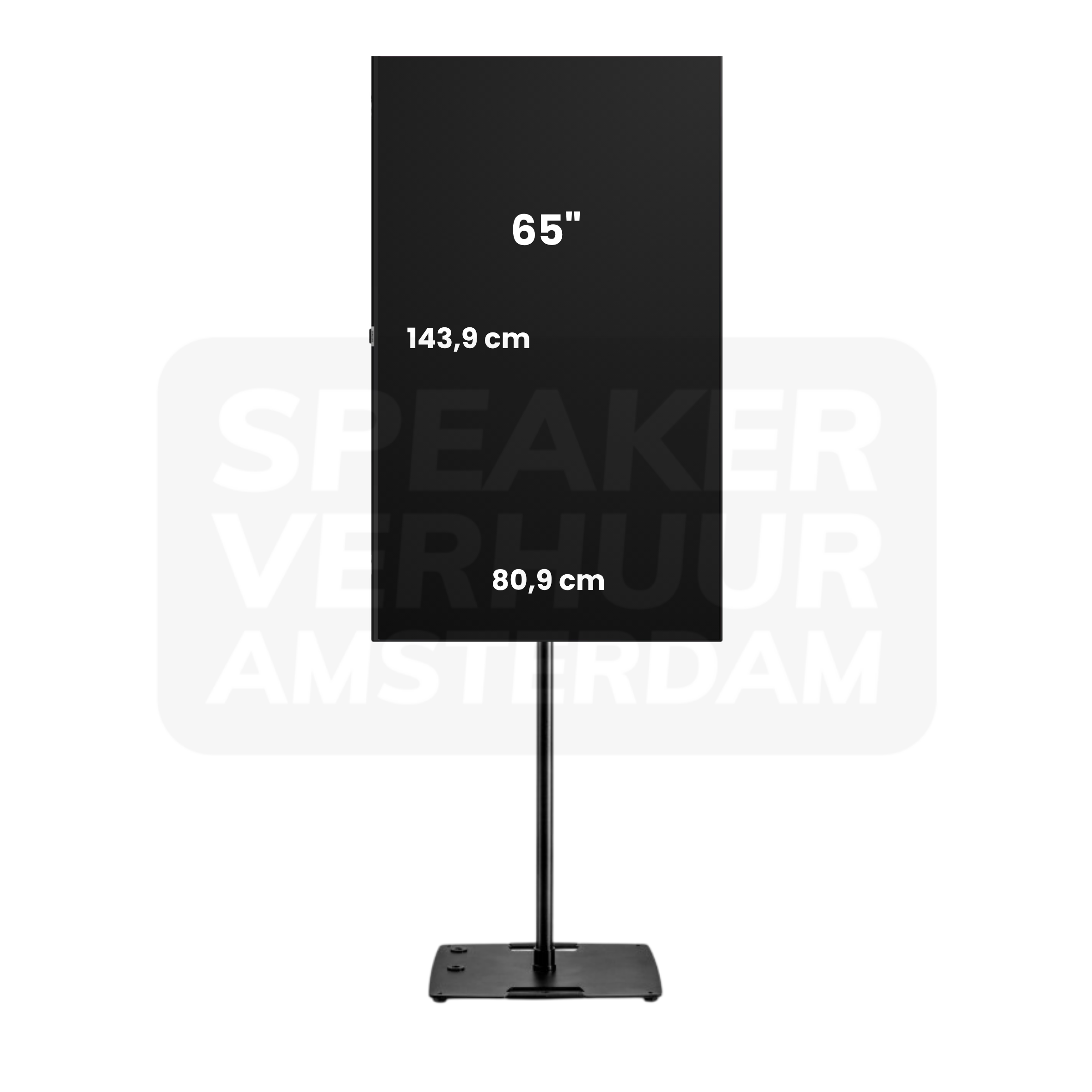
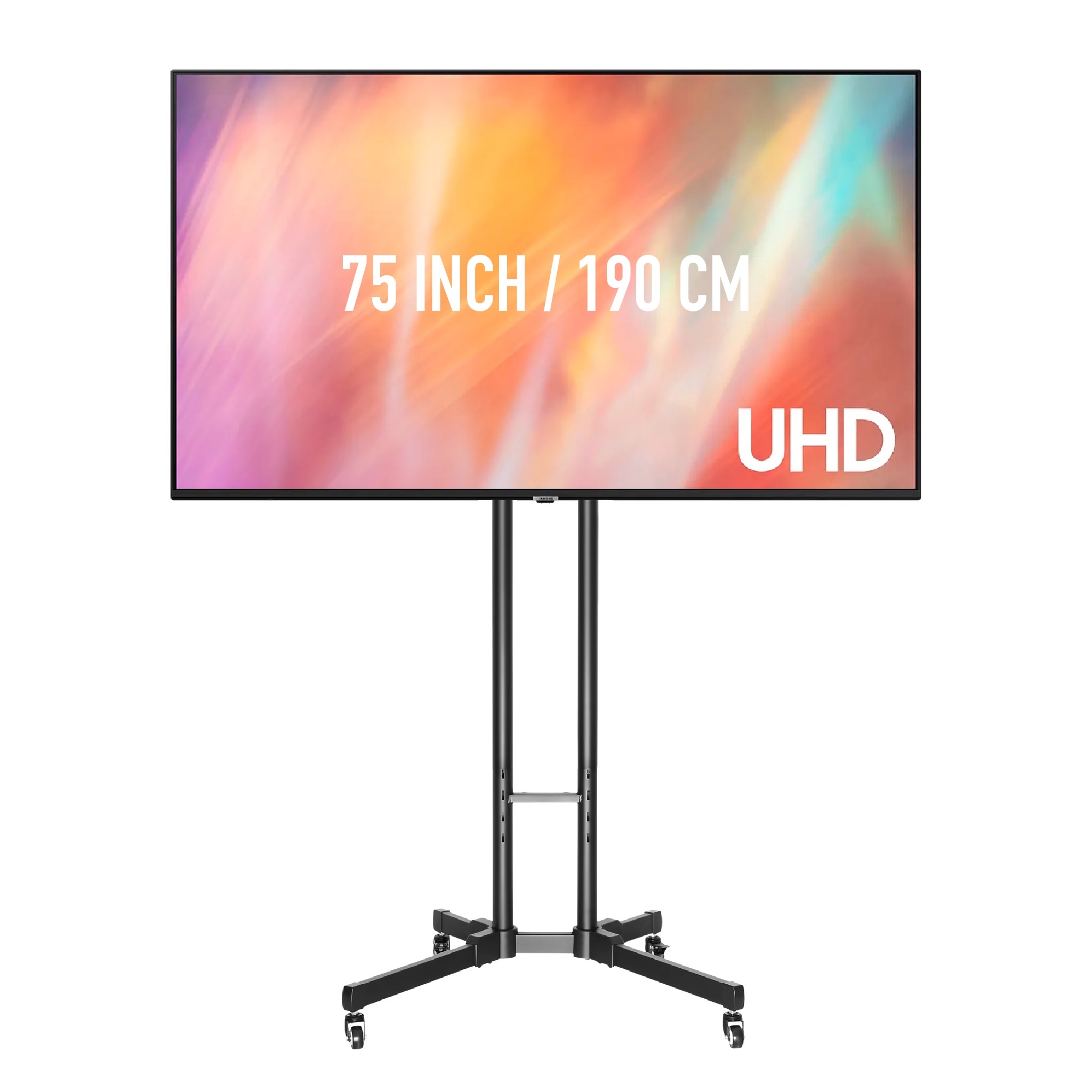
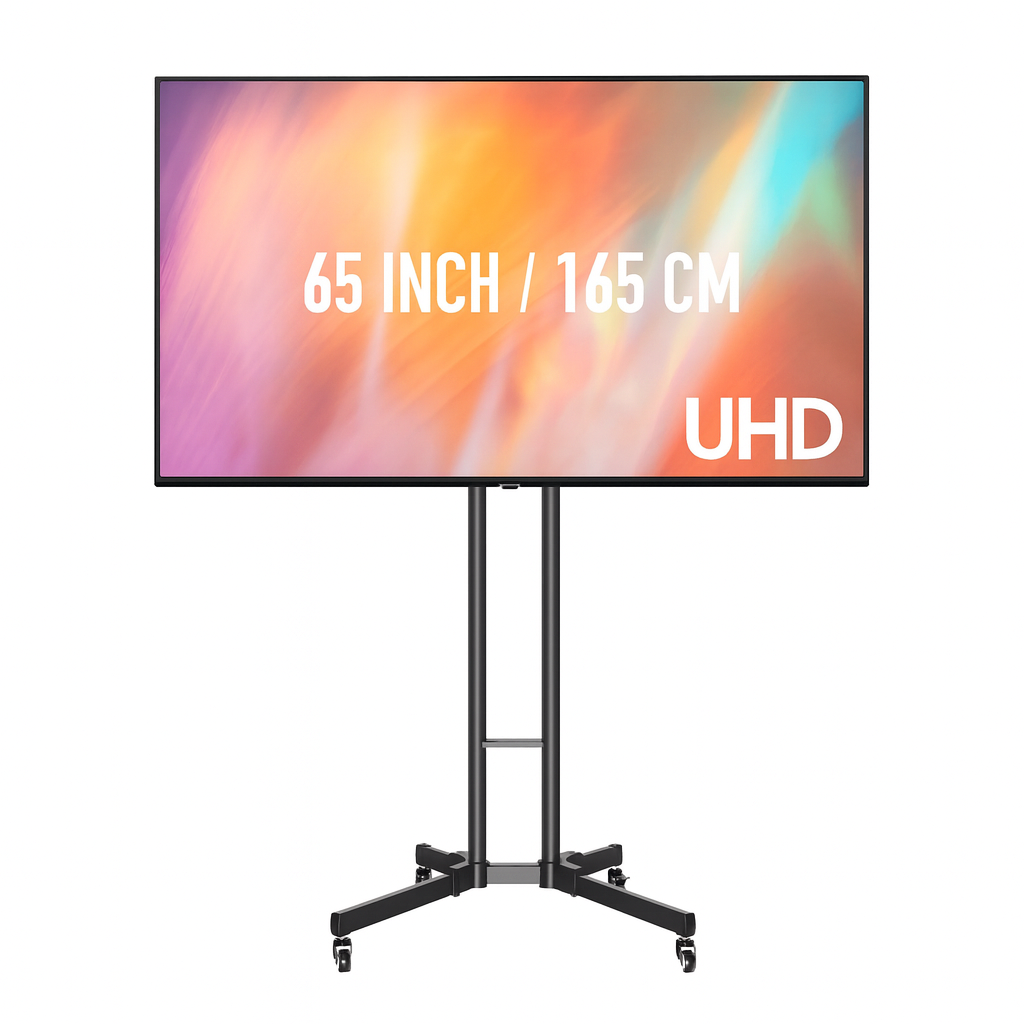
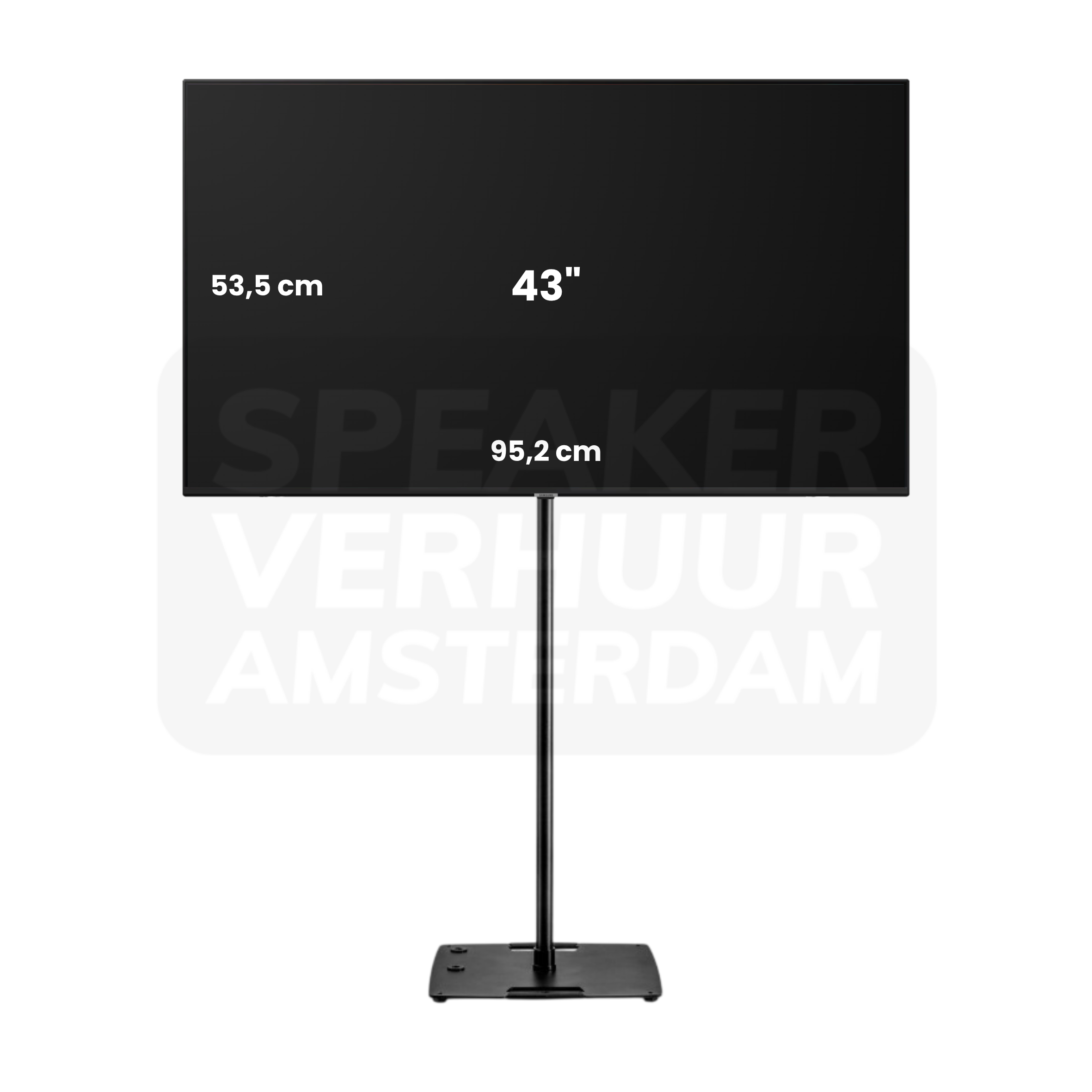
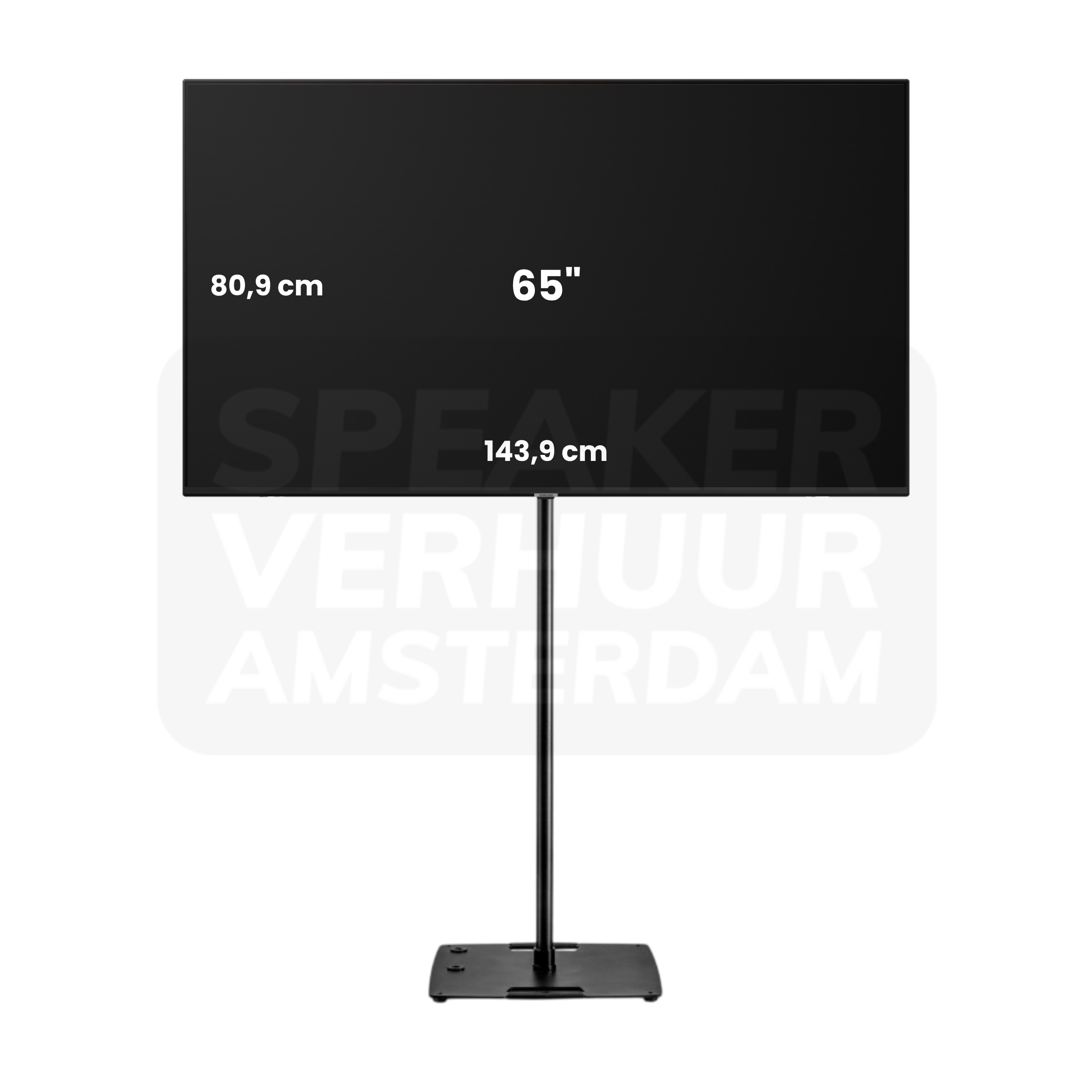
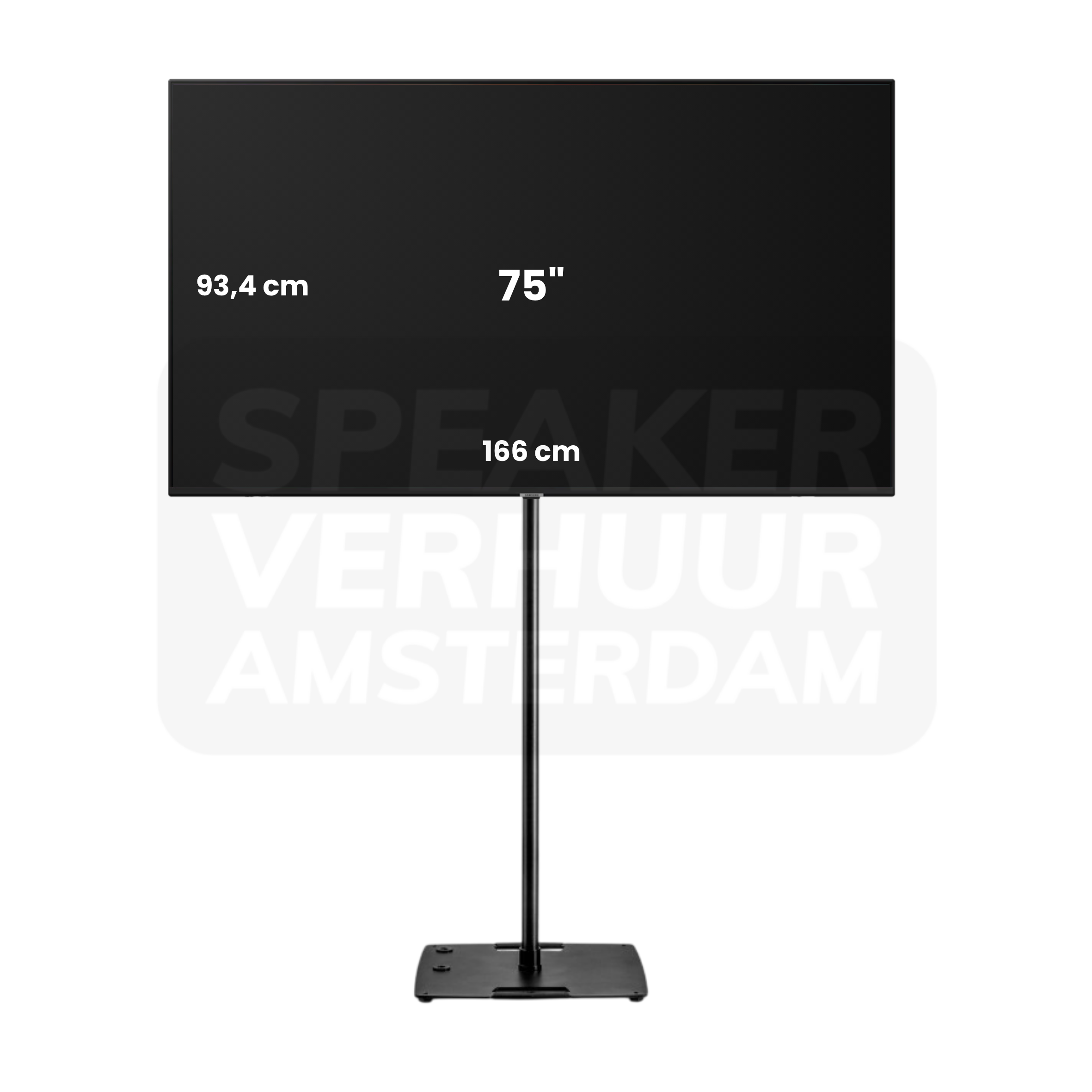
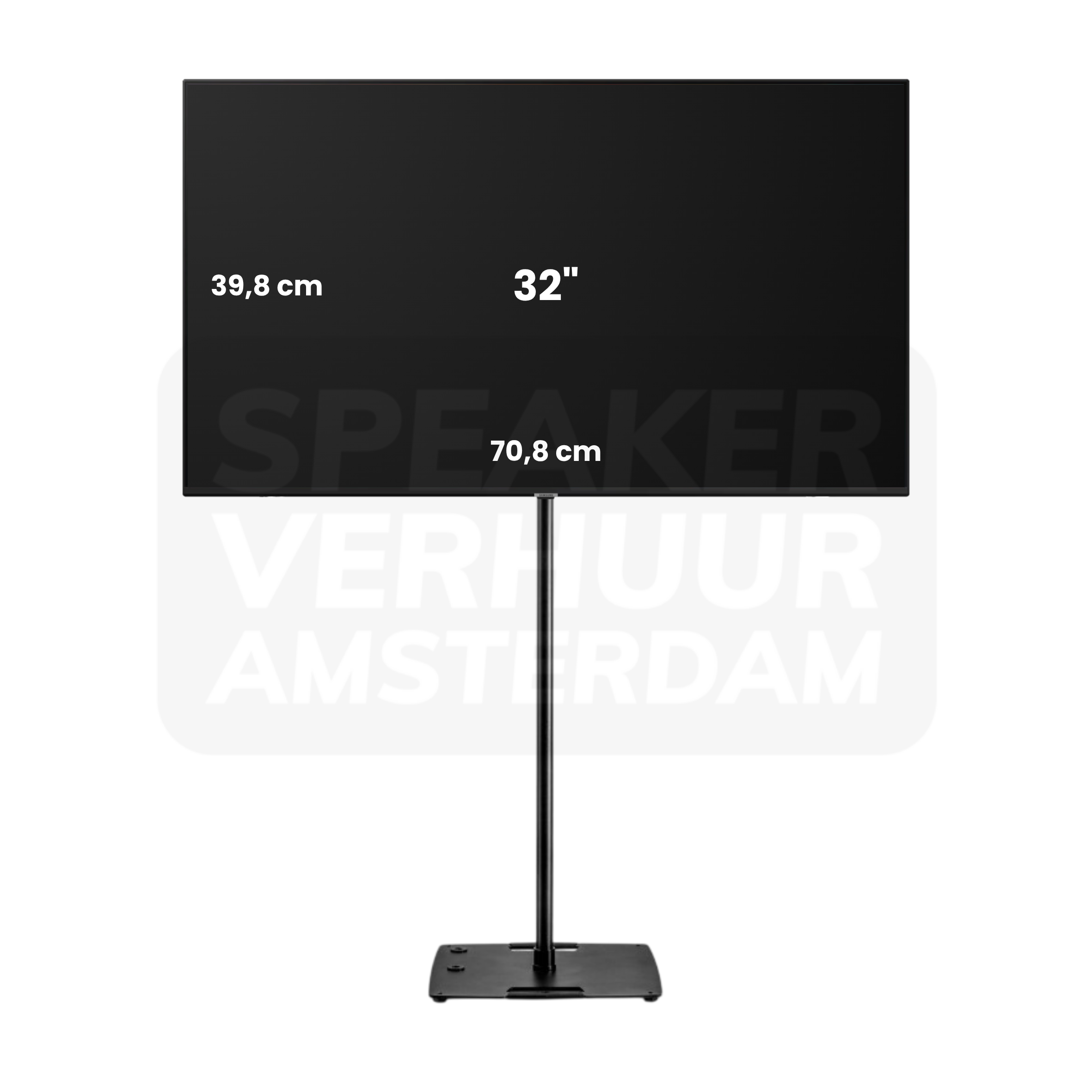
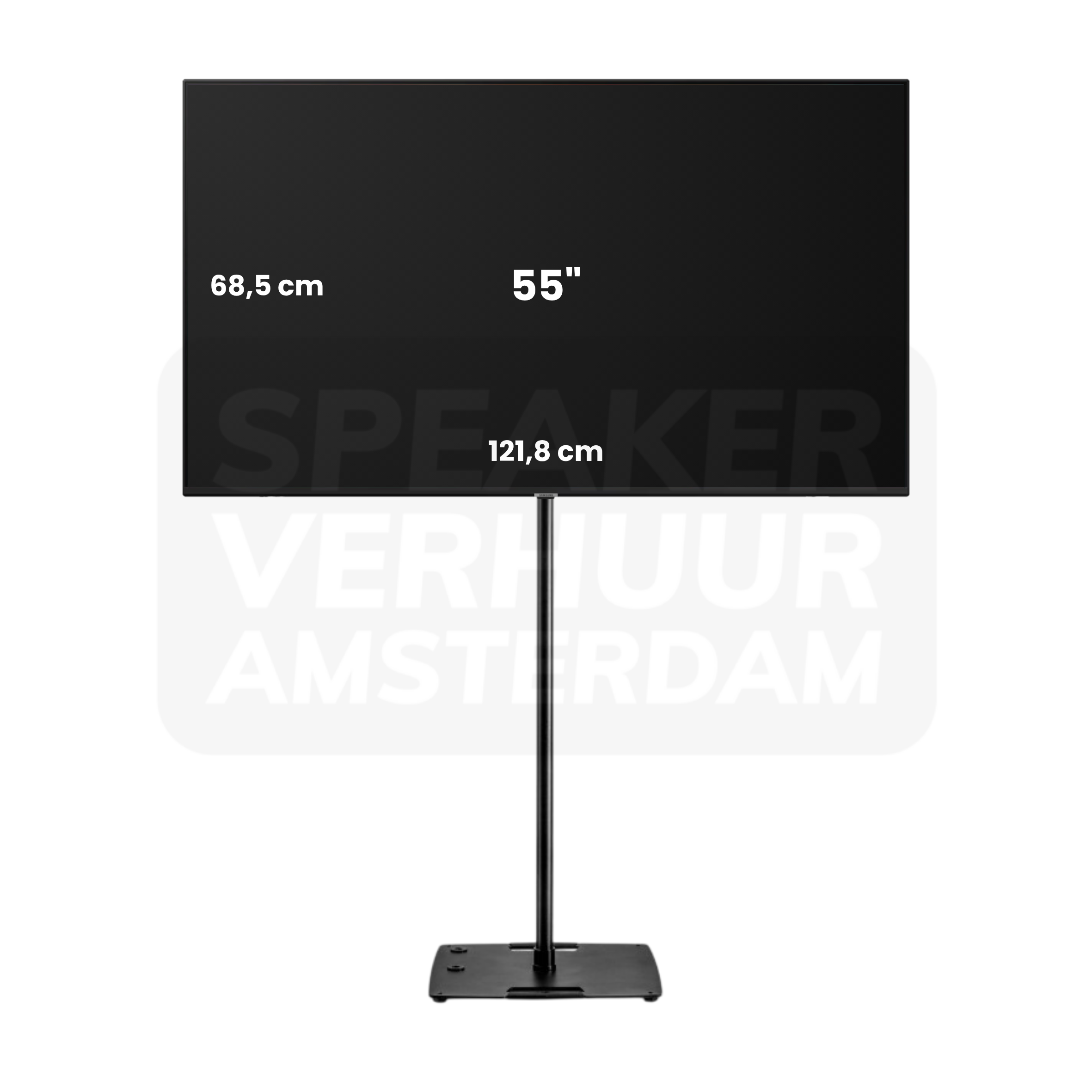
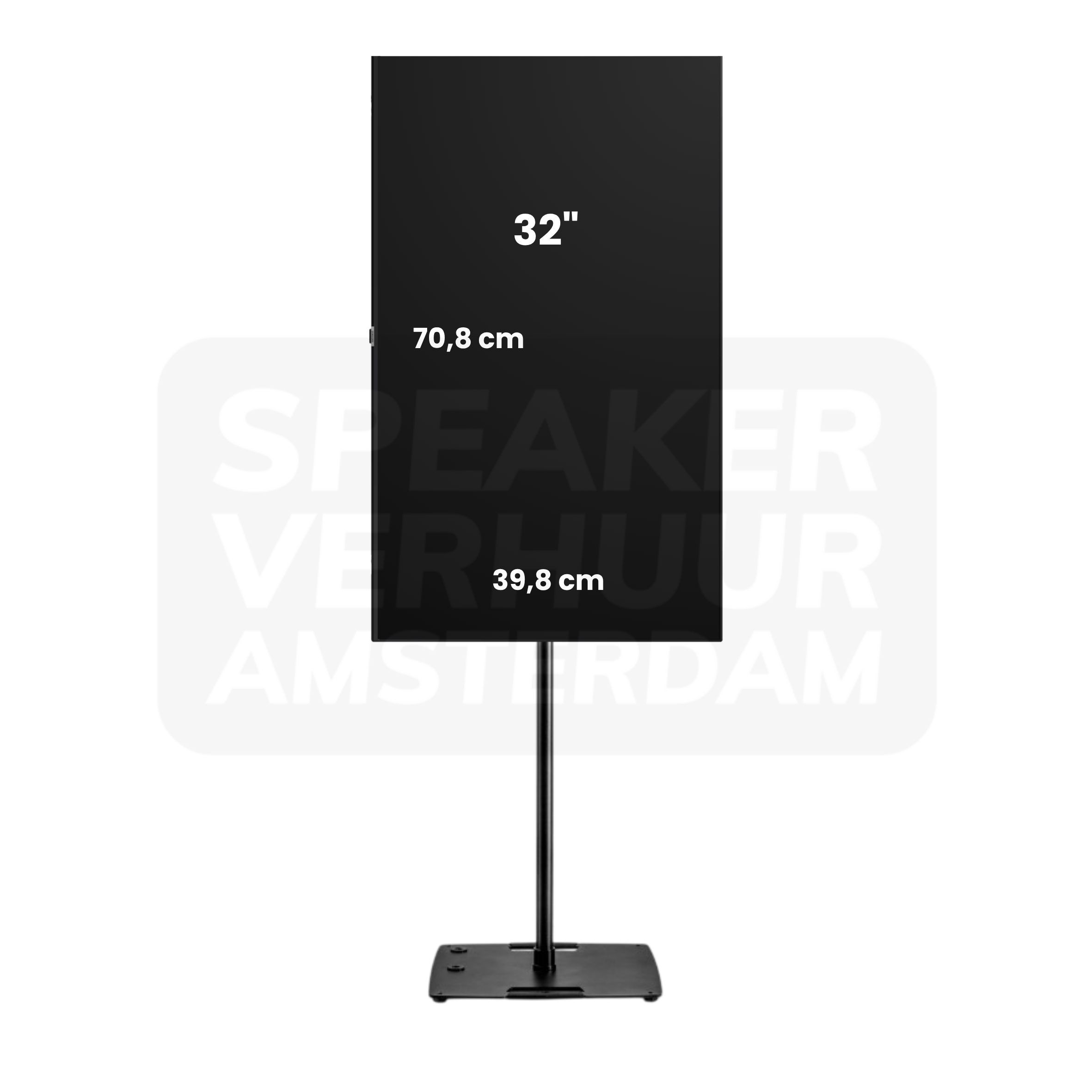
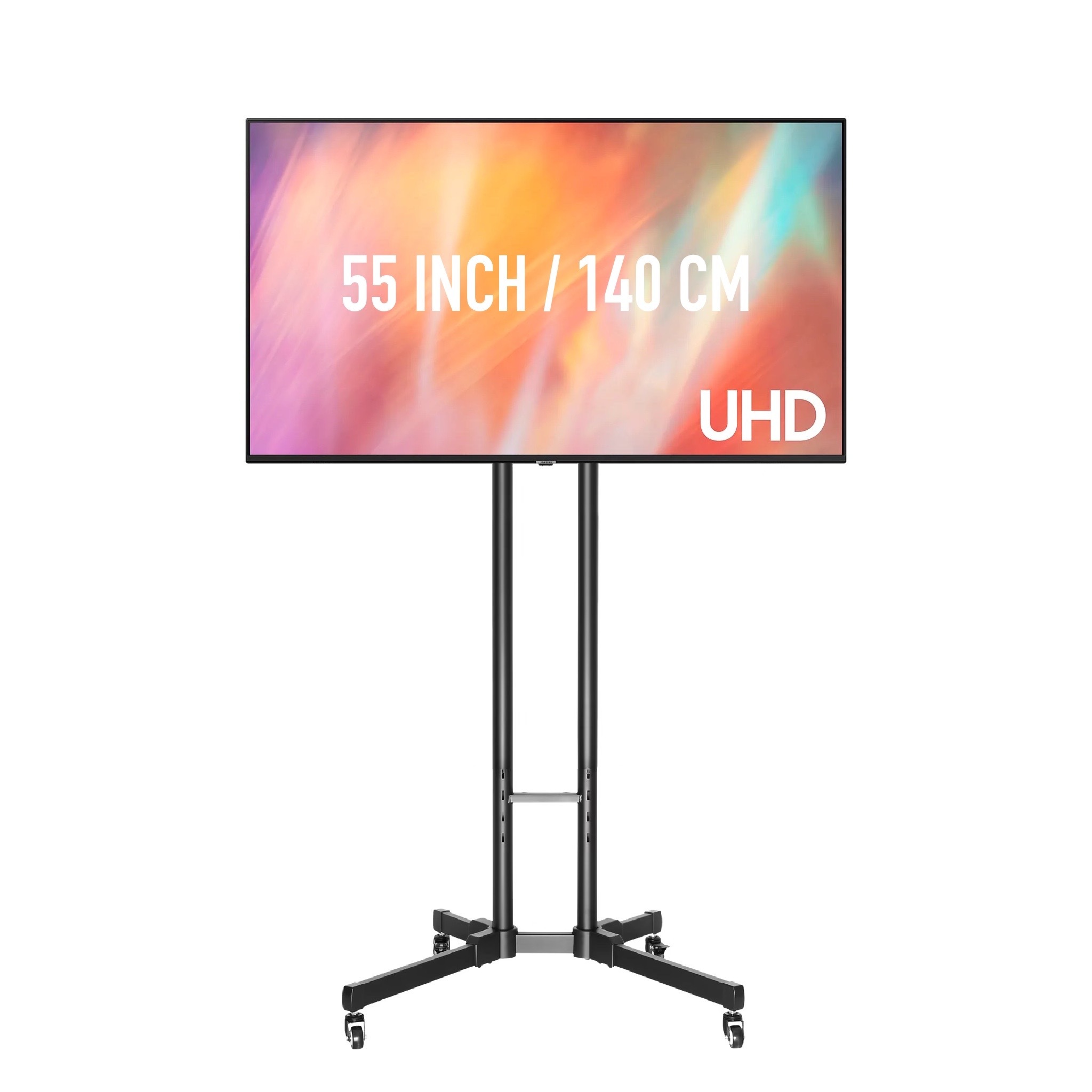
Two screens allow you to display the same image in multiple places, which can help in a wide room or an important program. Check the splitter, cabling and connection route; a second screen is not automatically a fully independent spare system. Video equipment hire in Haarlem or ask for advice on this choice.
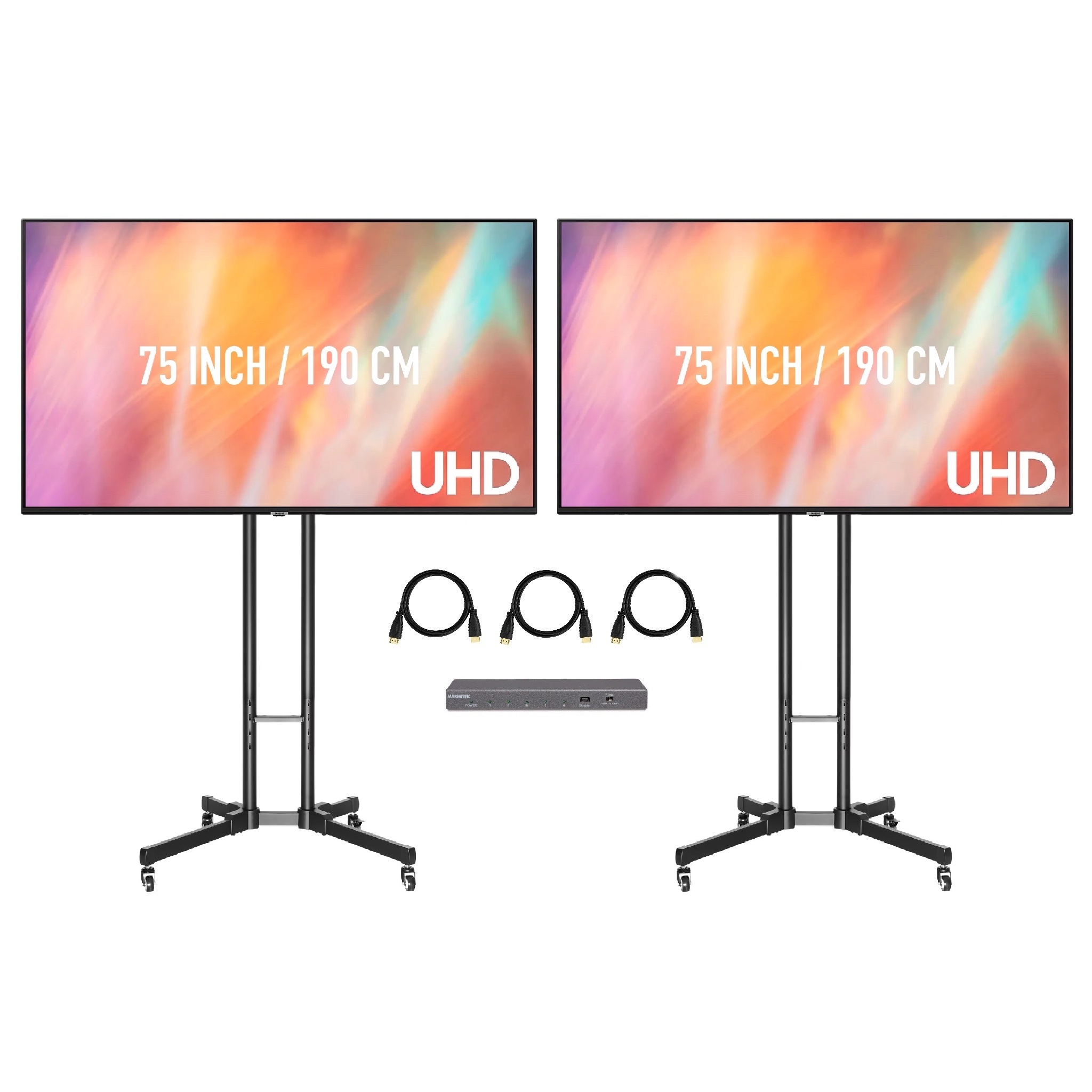
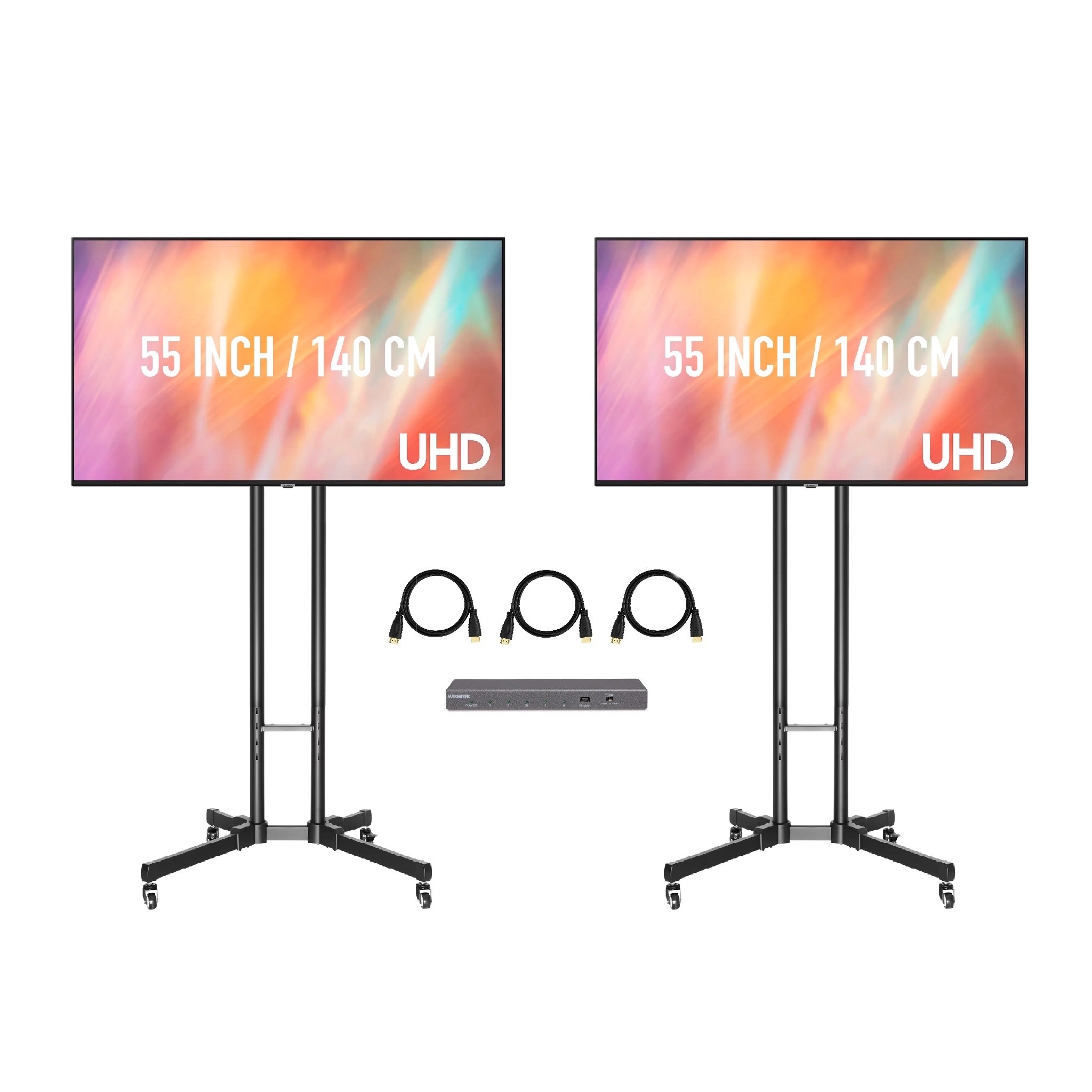
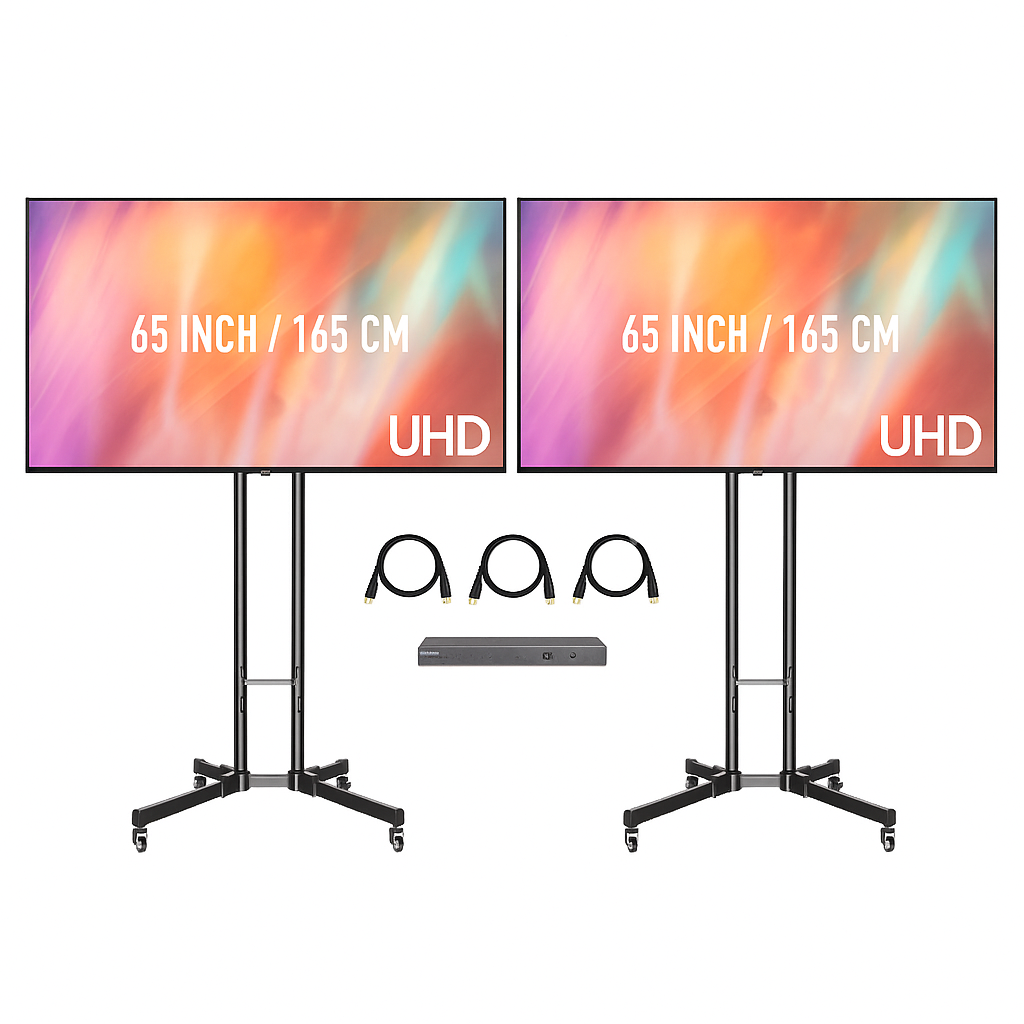
Rent the screen only when you have an appropriate and allowed support, or check out the other complete versions. The image diagonal is not the total transport size and does not say anything about the included foot or standard. Projector hire in Haarlem or ask for advice on this choice.
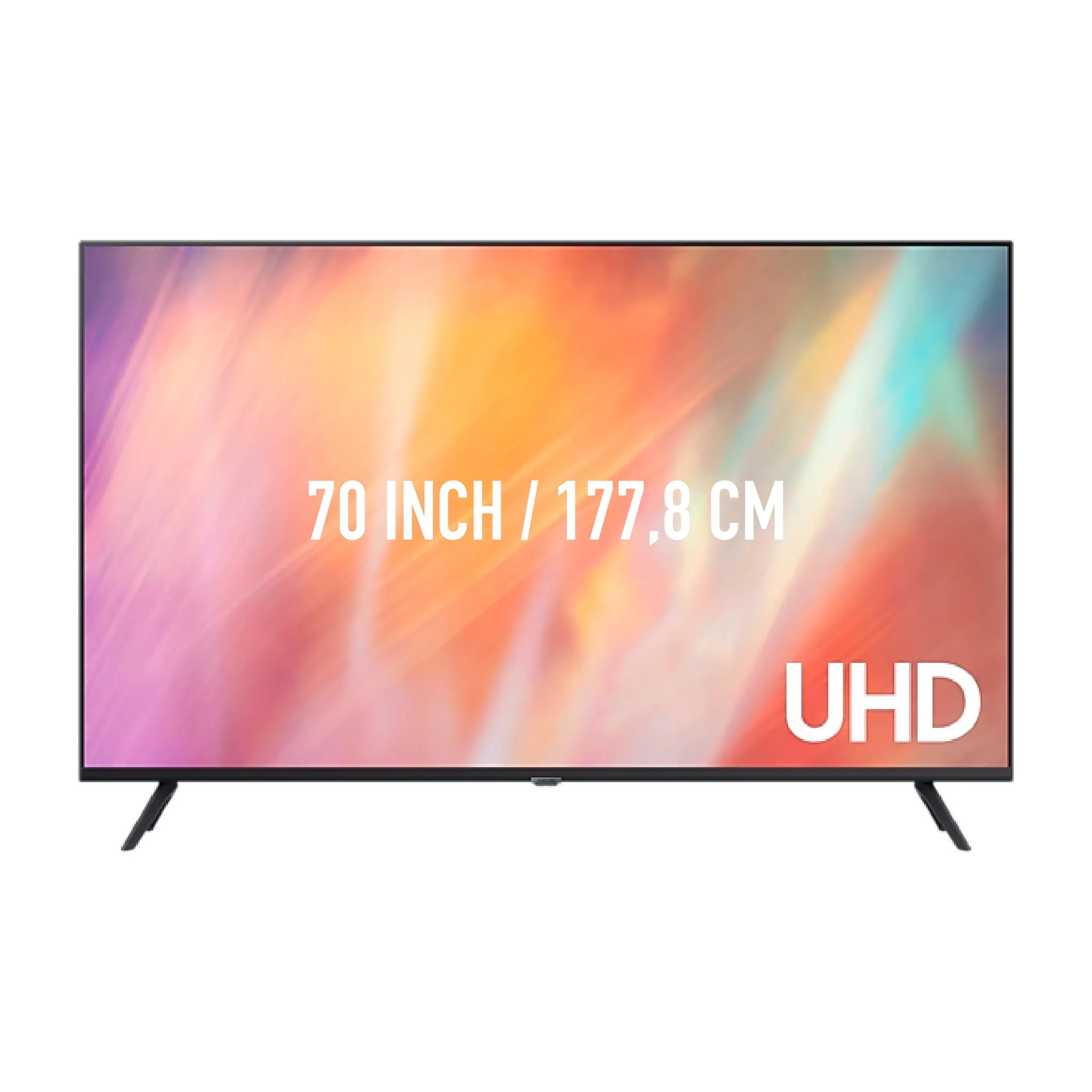
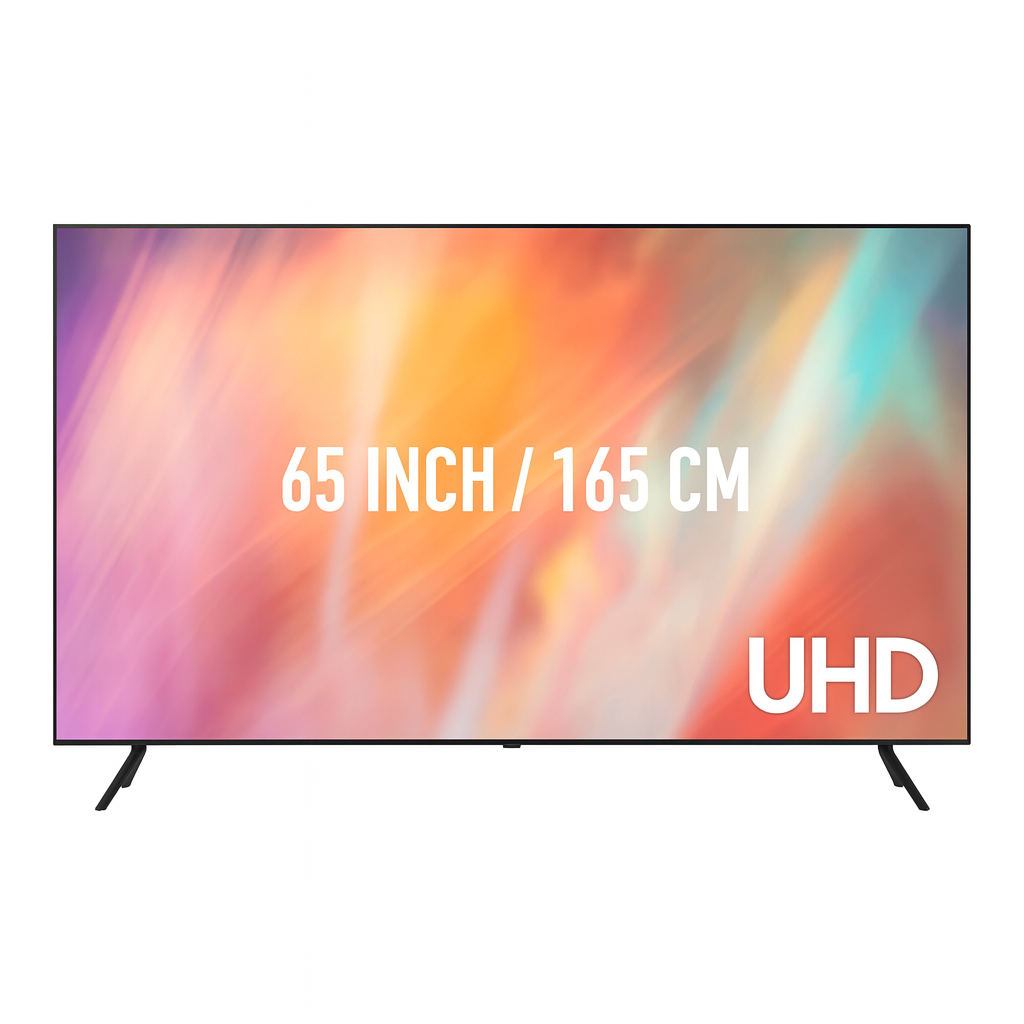
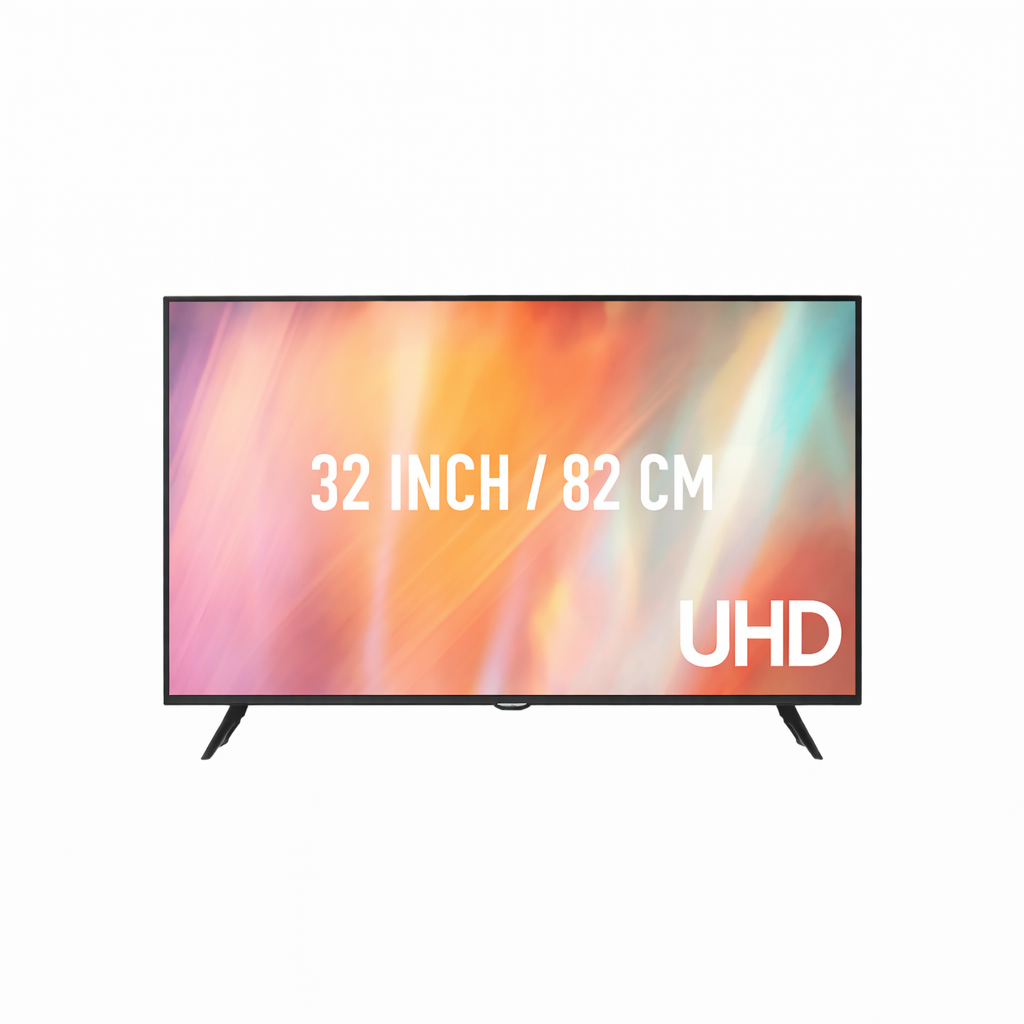
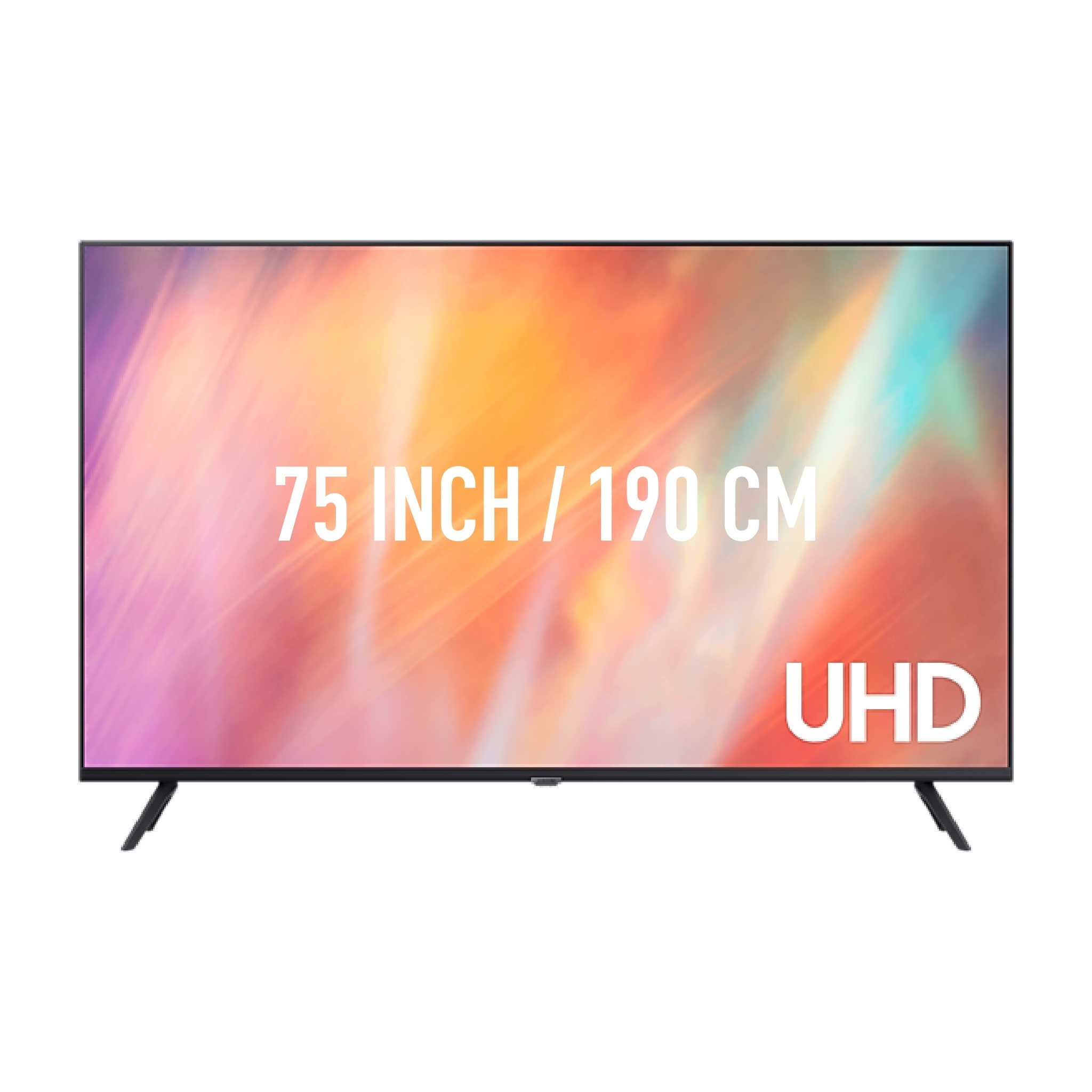
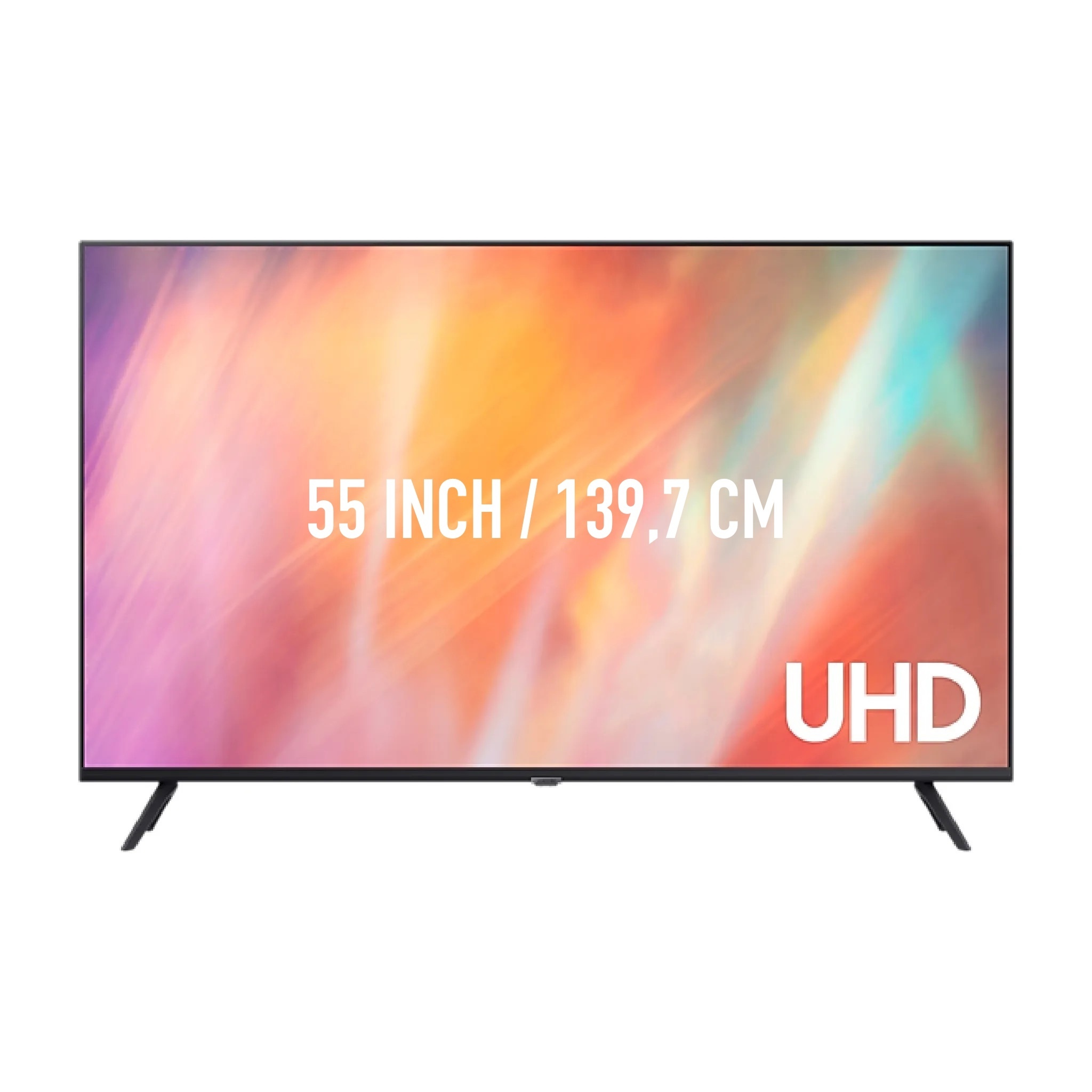
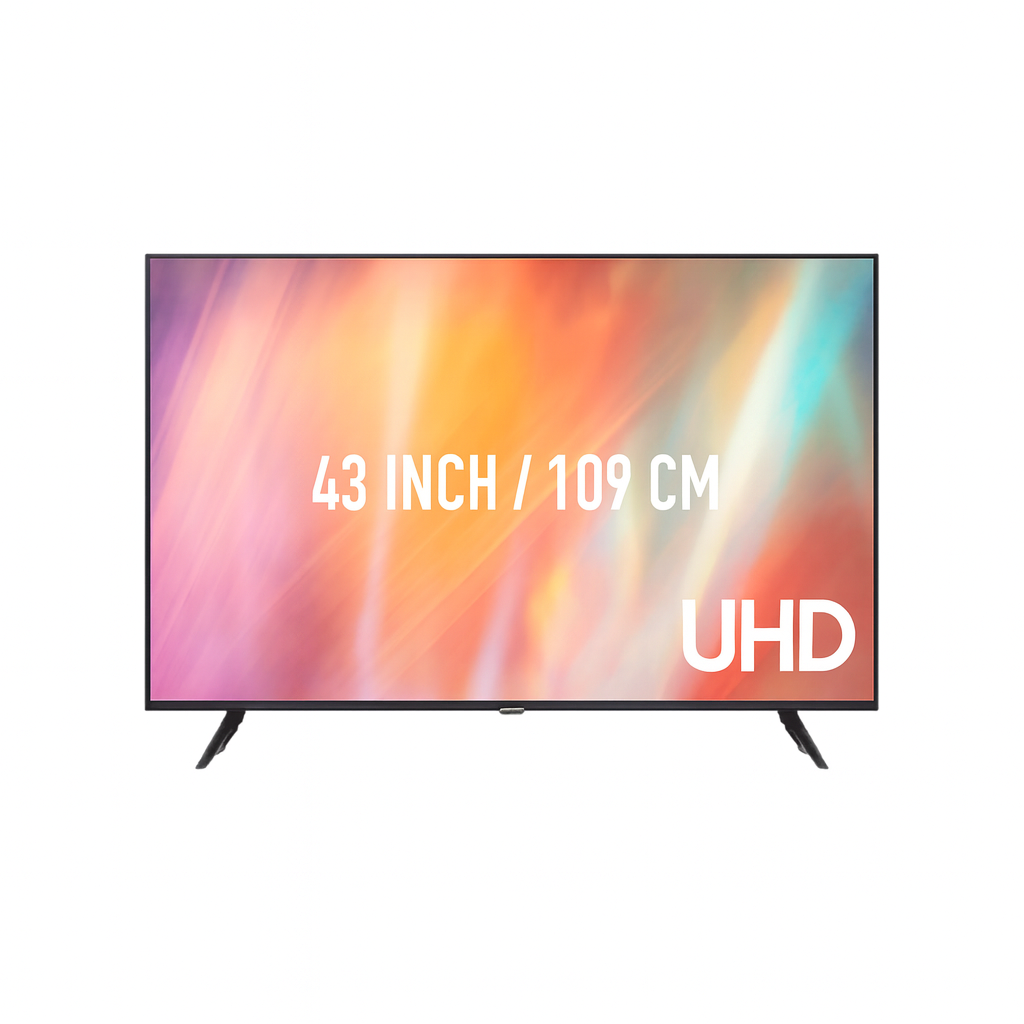
Start with the remote viewer and the type of content. Small tables or detailed photos require a readability other than a large title or a movie. A guest number helps with the conversation, but does not determine the correct inch size. Set the presentation to the actual aspect ratio and assess it from the rear seat.
Distribute the image to two or more places when a single screen does not give a good line of vision for everyone. This may also be necessary for a smaller group, for example around a wide table. We have HDMI splitters and can tune cabling and connection with you. Please explicitly agree to the desired service. Two screens on the same laptop and splitter are not yet a complete technical alternate.
Note the exact laptop model, the available output and the screen you choose. A USB-C port does not give the same video functions on each device. Check if the required adapter is in your selection. Test with the real file and take sound display when the presentation contains video.
The foot takes up floor space and the height should match the viewing lines. Check for doors, fixed furniture and the route from the point of unloading. Make sure that the screen does not disappear behind guests or decor. The allowed mounting of the precise screen and the chosen standard remains leading.
For a reception screen with information, a different location can be used than for a presentation where everyone looks at it at the same time. Determine who starts and changes the content and whether the screen should be moved during the program. Test the entire chain in advance, including source, connection, image and possible sound.
See the design, applications and connection of this particular product.
Read the rental guideSee the design, applications and connection of this particular product.
Read the rental guideSee the design, applications and connection of this particular product.
Read the rental guideTalk to us about your setup
Tell us what you are organizing in Haarlem or around the world. We will help you with the choice of equipment, a quote and the delivery appointment. Do you need anything last-minute? Please contact us to discuss the possibilities.
Send your plans or ask your question right away.
Open WhatsAppinfo@speakerverhuuramsterdam.nl
Send an e-mail020 308 6033
Call usAnswer before you rent
Find answers about equipment choices, setup and rental arrangements.
Start with viewing distance, room layout and the real file. A global group advice can help, but small text or blocked view lines may require a larger or extra screen.
Check the list of included parts of the selected version. A separate screen and a complete combination on standard do not have the same content.
Consider multiple screens in a wide room, different viewing directions or an important program. This allows you to place the image closer to multiple groups.
This is not necessary for the same image. An appropriate HDMI distribution can show one source on multiple screens. Different images or an alternate device may require a different setup.
We have HDMI splitters and can tune the connection, cable route and any installation. Check which parts and services are actually in your selection.
Check the port video functions and the adapter needed for the specific laptop. The fact that a plug fits does not prove that the desired image connection is supported.
Image and sound must be tested together. Check the source setting and desired sound reproduction. A separate sound solution can be suitable for the public.
No. The inch size describes the diagonal image. The housing, standard and foot have their own dimensions and placement space.
Check access, lift or stairs, doors and the room for maneuvering. Please indicate any restrictions in advance; the product size alone does not describe the entire transport route.
Not when sharing the same source and splitter, for example. Discuss separately what should remain available independently in an important program.
Use the same start and end time and compare the complete content. Please include standards, distribution, cables and any service provided in the review.
Yes, delivery and installation are possible. Please provide source, layout, access and the desired usage, so that the complete image connection can be tuned.
Continue Choosing
Plan your event
Check out the versions, choose your rental period and make your selection. Please pass on the space and your program if you want advice about the combination or installation.
Check out the versions, choose your rental period and make your selection. Please pass on the space and your program if you want advice about the combination or installation.