
Projector already present
Choose a suitable separate screen and check the surface size.

★★★★★ 5.0 on Google · 151 reviews · Speaker Verhuur Amsterdam
Choose a projection screen from the required image size and the available build-up space. Compare separate screens and complete beamer packages. In addition to the image diagonal, check the frame, feet, projection direction and projector position.
Choose equipment for your event
Choose a suitable separate screen and check the surface size.
Compare a package with projector and screen.
Measure the full frame and support.
Check that the exact canvas supports that.
A screen provides the image surface; the projector can be rented separately if necessary. Check the supported construction of the version and measure the available height and floor area. The inch size is not the total size of the frame and the support. Projector hire in Haarlem or ask for advice on this choice.
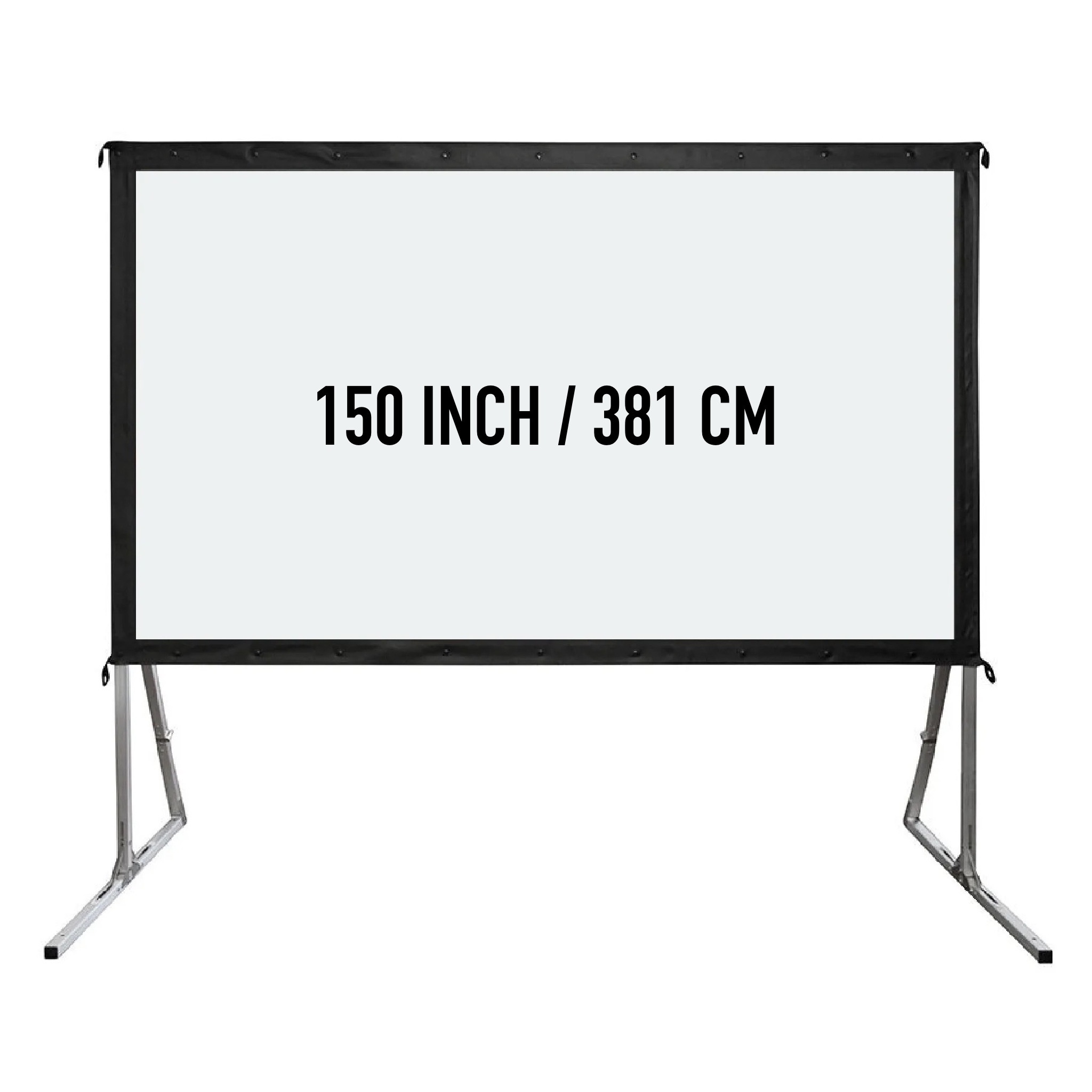
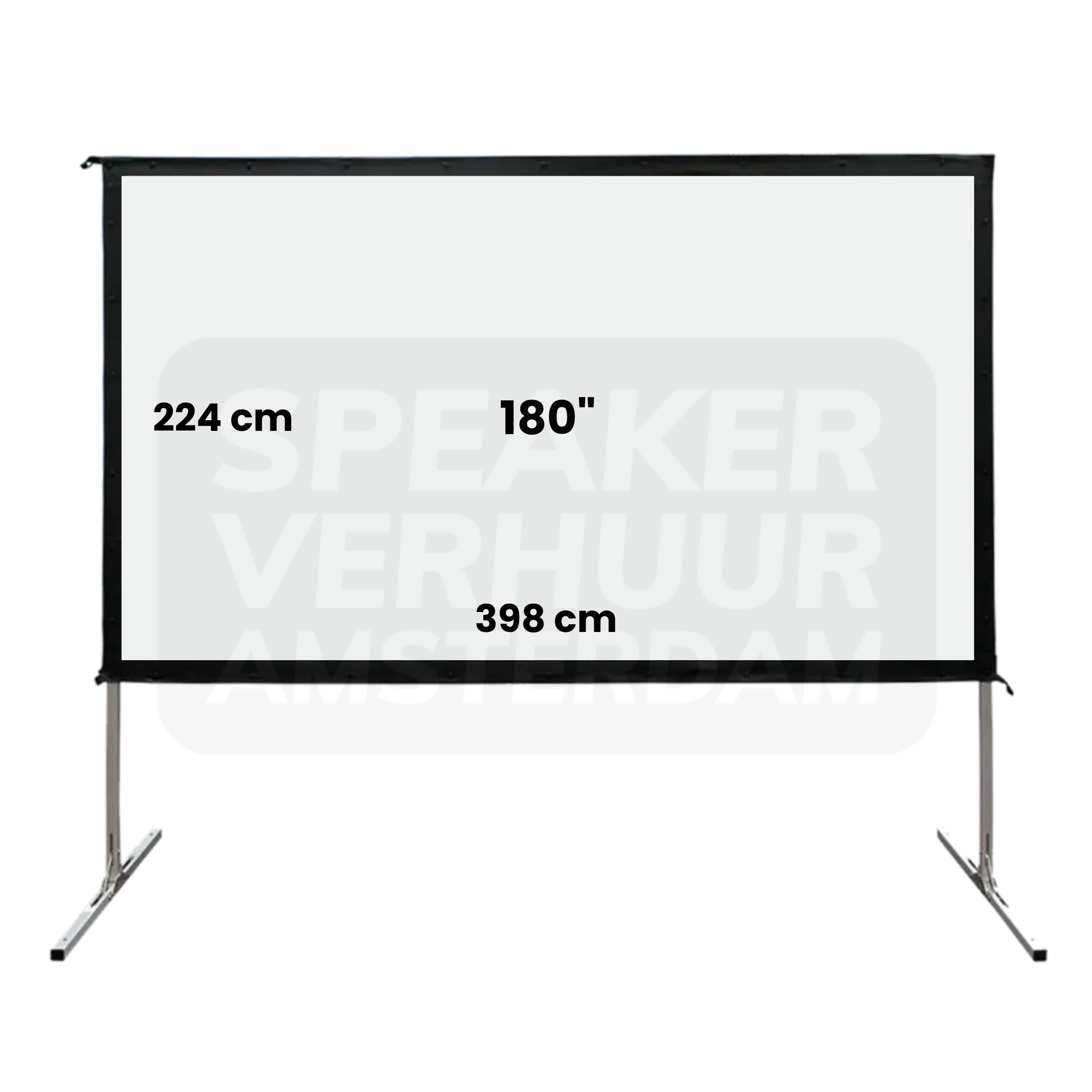
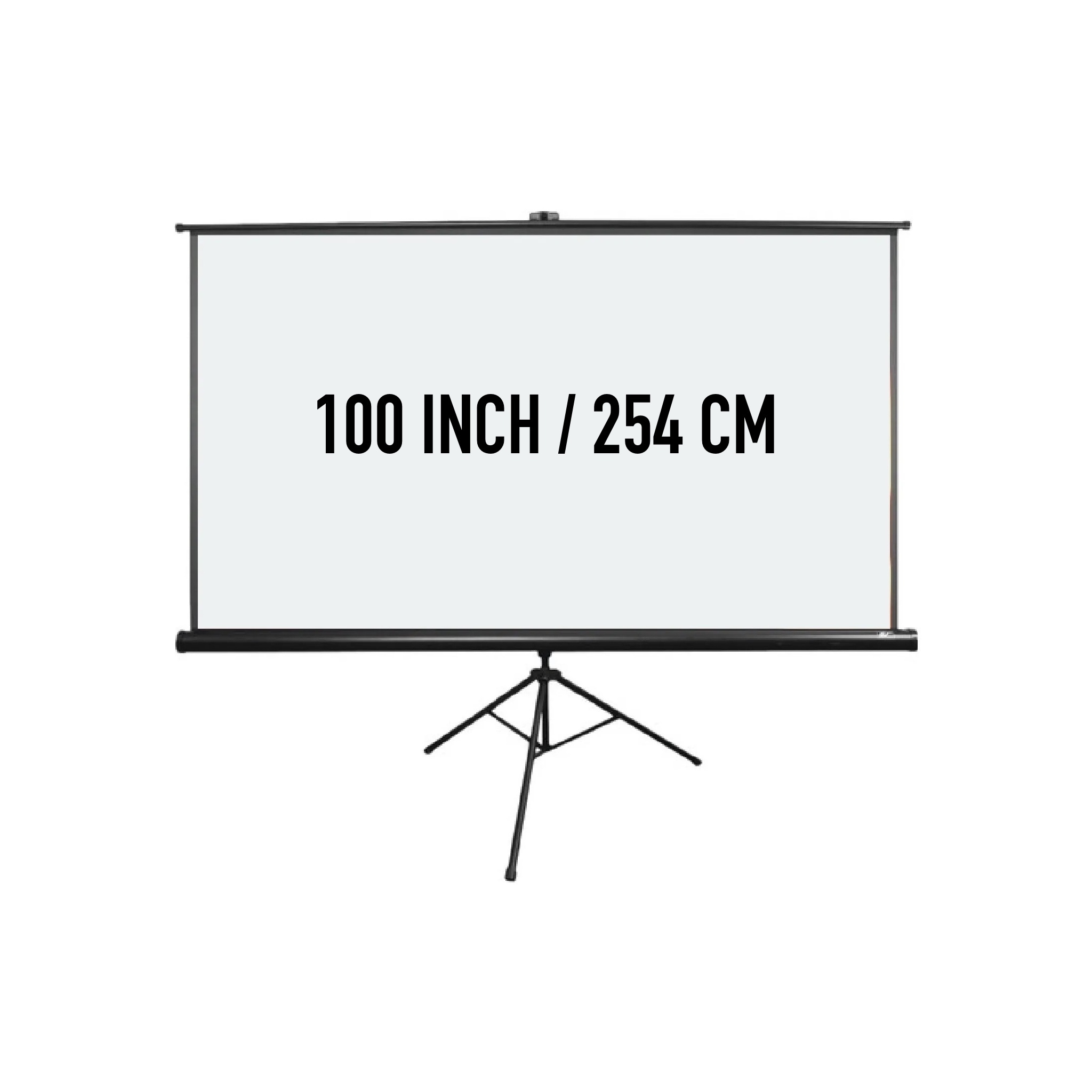
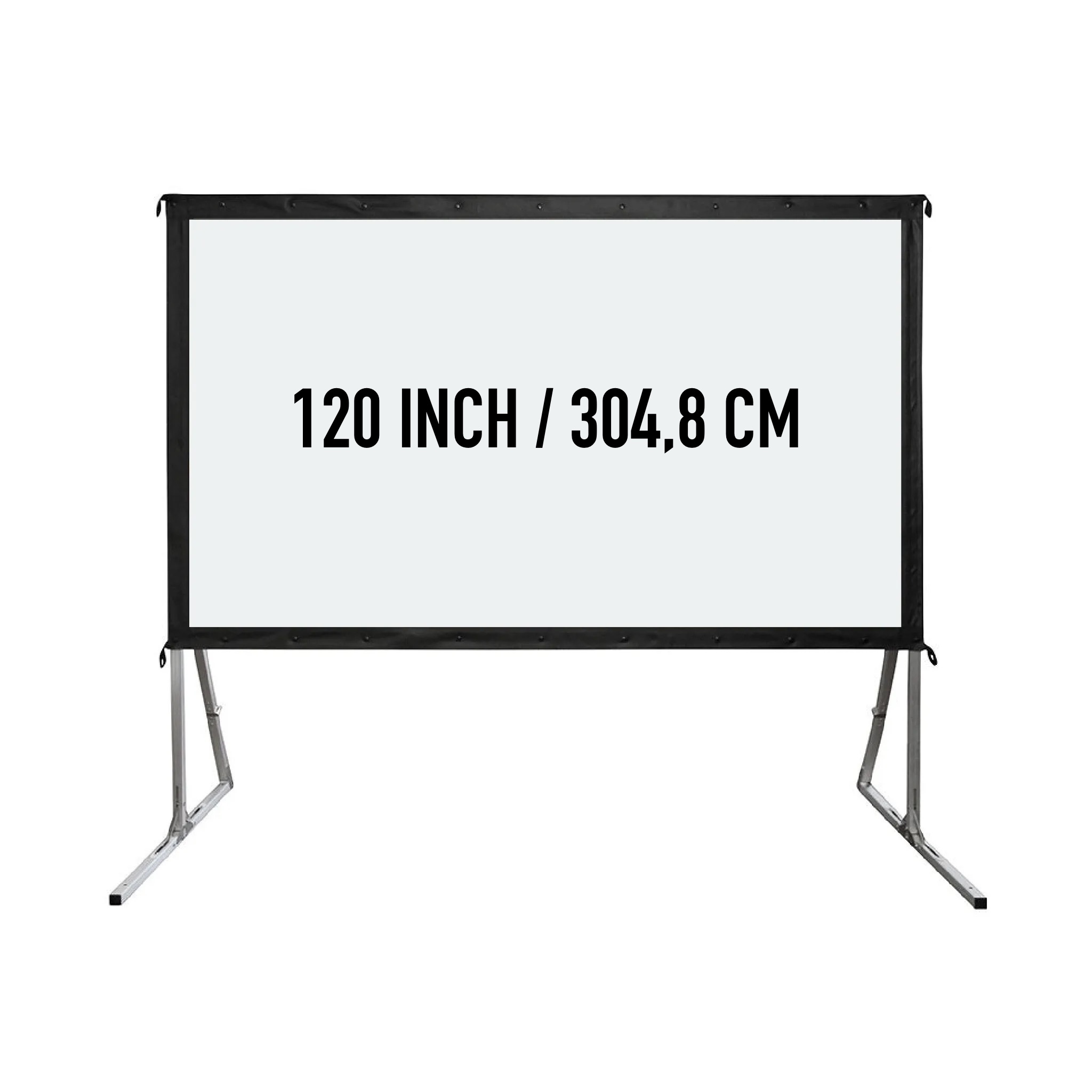
Check a package when you need the projector and other parts. Check the content per configuration and compare the available projection distance with the selected room. A package name with a guest number does not replace that check. Video equipment hire in Haarlem or ask for advice on this choice.
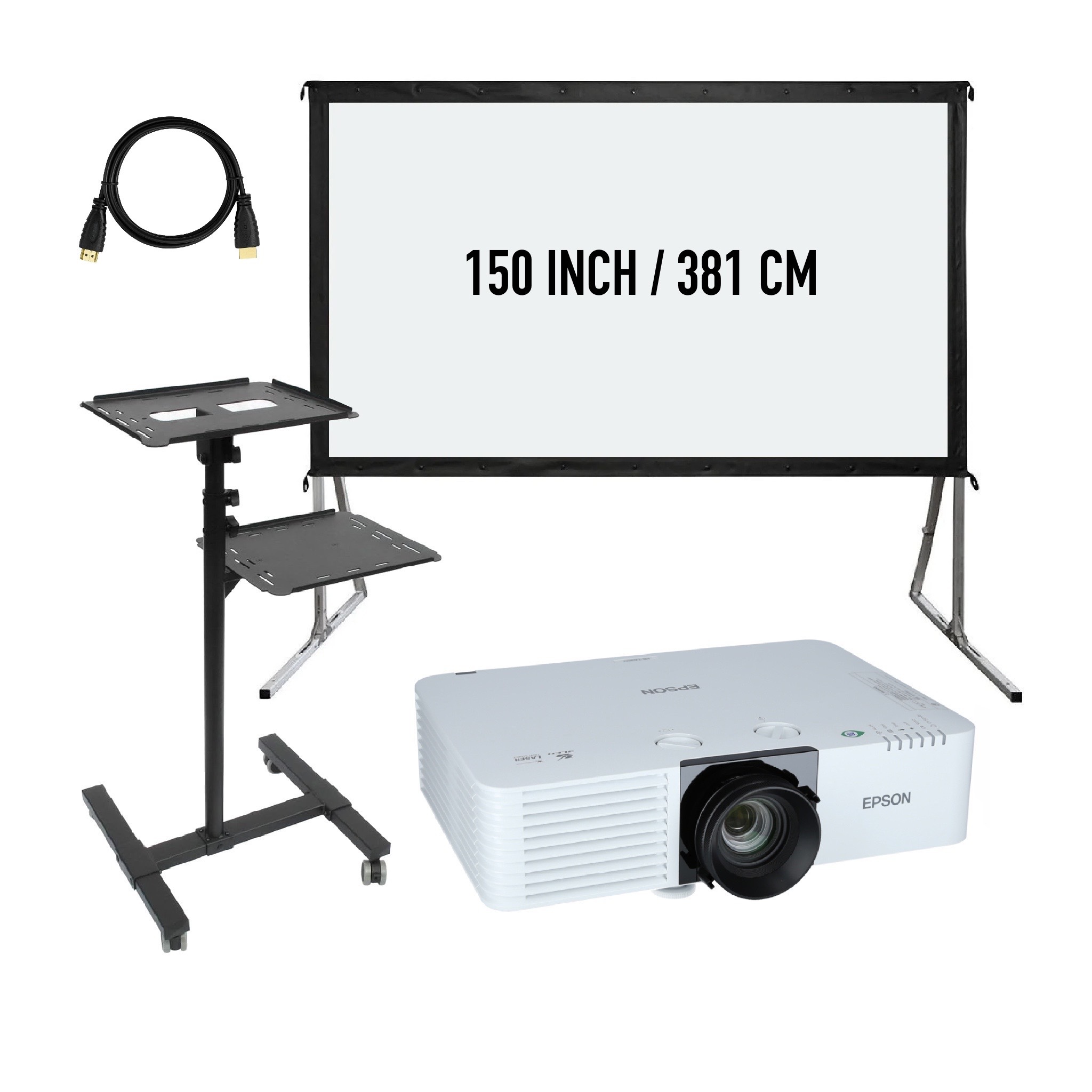
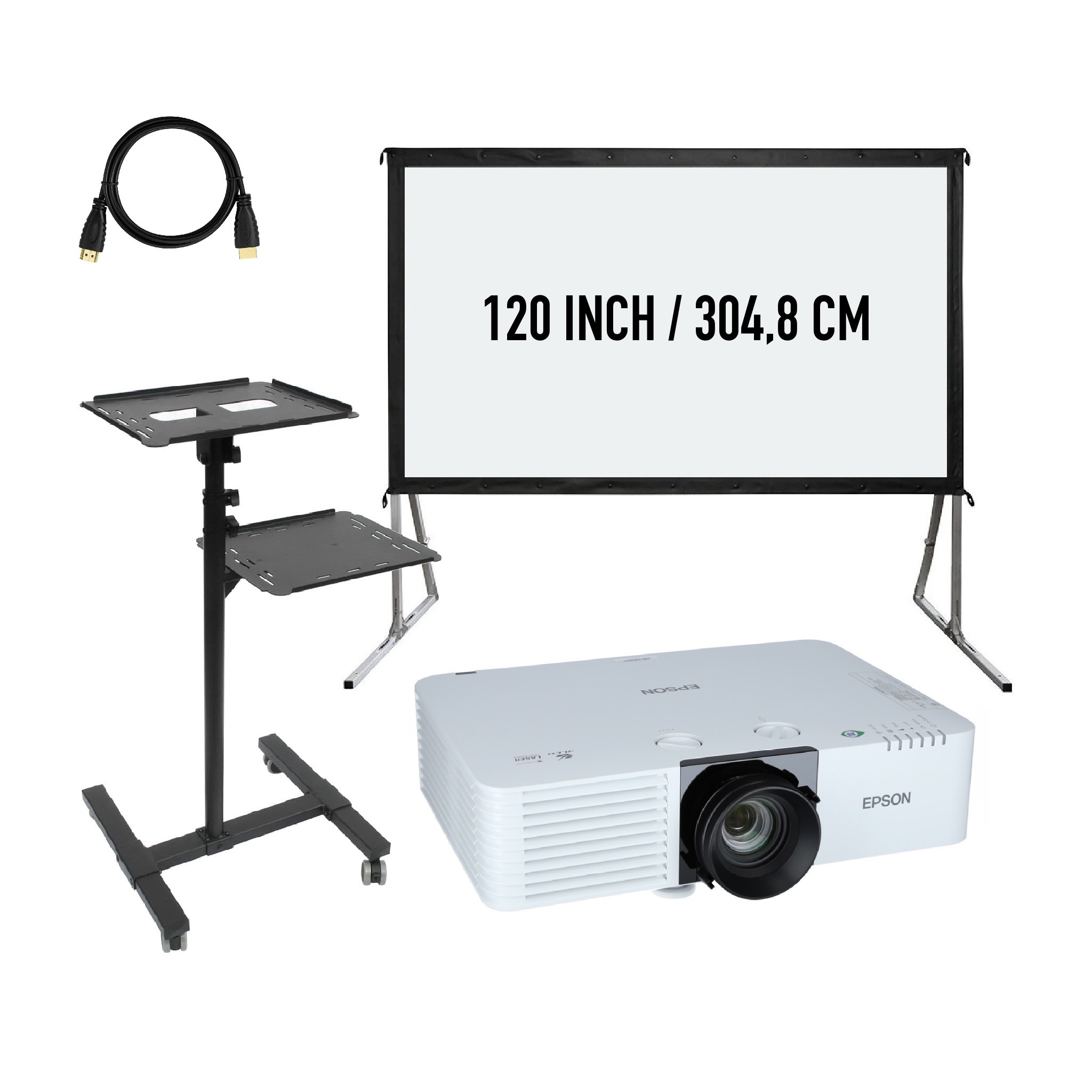
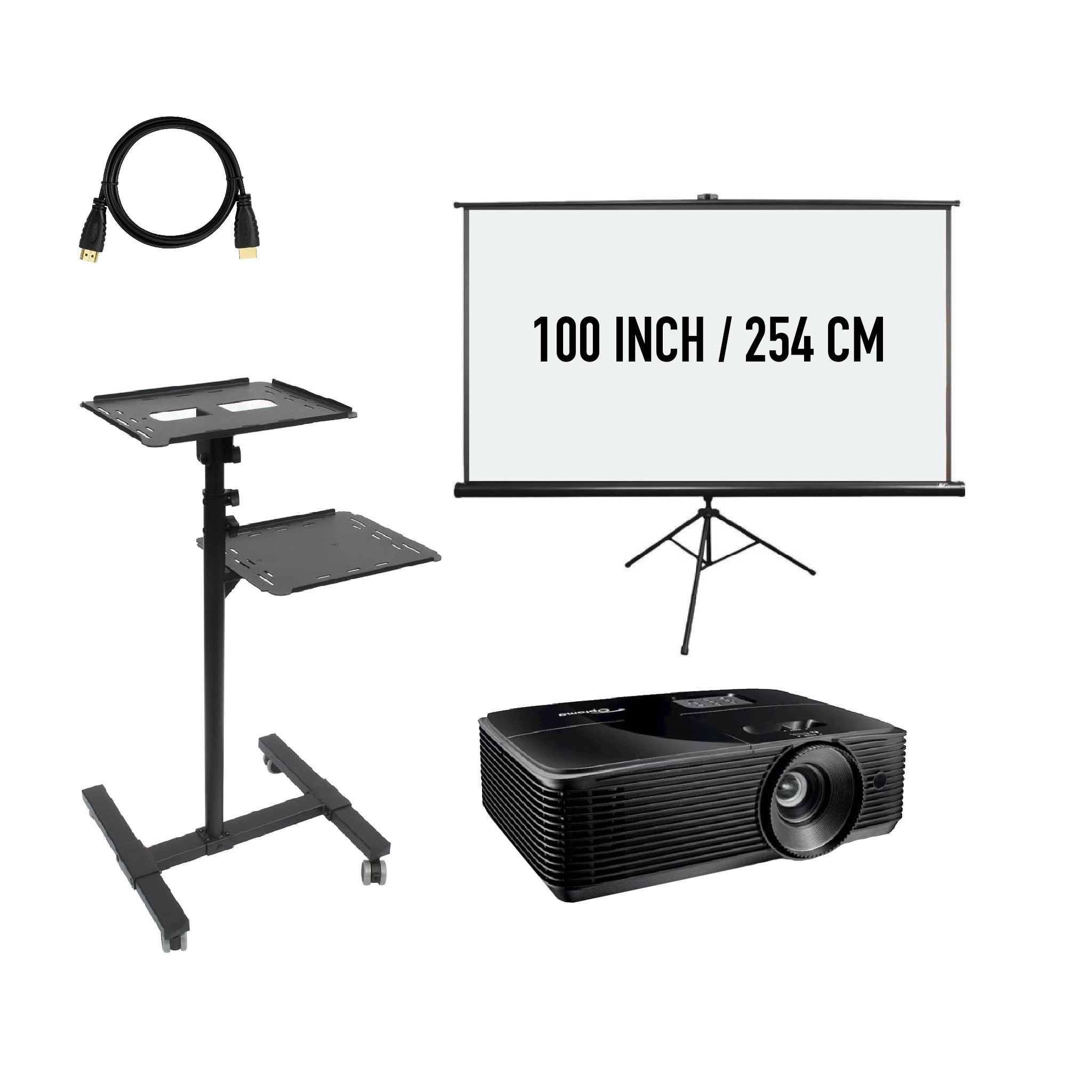
The inch size describes the diagonal of the image. For the placement, count your frame, feet and other support. Therefore, measure the ceiling height and free floor space on the Haarlem location. An image surface that fits width can still require too much space with the complete support.
Determine the remote viewing distance and the detail that should be visible. Small texts and tables require attention to readability. Choose the aspect ratio in conjunction with the presentation and projector. A large screen does not automatically make an unsuitable or too small text design easily readable.
Check whether the selected screen material supports front or rear projection. With front projection, the projector is on the audience side. Rear projection needs compatible material and sufficient space behind the screen. A photograph of the frame alone does not establish the supported projection direction.
See how many parts the version has and how the support is built up. The packaging and the longest parts also determine the transport. For a Haarlem location with narrow access or stairs, pass through the route. Choose support when building up when the dimensions or working method so requires.
Check that the beamer can make the desired width from the available lens position. Please consider ambient light, the light path and the presentation source. Combine screen and projector on their properties, not just because both refer to the same aspect ratio.
See the design, applications and connection of this particular product.
Read the rental guideSee the design, applications and connection of this particular product.
Read the rental guideSee the design, applications and connection of this particular product.
Read the rental guideTalk to us about your setup
Tell us what you are organizing in Haarlem or around the world. We will help you with the choice of equipment, a quote and the delivery appointment. Do you need anything last-minute? Please contact us to discuss the possibilities.
Send your plans or ask your question right away.
Open WhatsAppinfo@speakerverhuuramsterdam.nl
Send an e-mail020 308 6033
Call usAnswer before you rent
Find answers about equipment choices, setup and rental arrangements.
Start with image size, remote viewing, ceiling height and frame space. Also, tune the projector and desired projection direction.
A tension screen uses a cloth that is mounted in or on a frame according to the configuration. Check the exact way of mounting and the included support.
No. Inch describes the diagonal image. The total width and height including frame and feet can be found in the chosen version.
Check the aspect ratio, desired image width, lens distance and projection direction together. A suitable connection to the laptop does not say anything about these placement conditions.
Only with a suitable design and sufficient space for that arrangement. Check the canvas and the product conditions; not every projection screen is intended for rear projection.
View the rental content of the concrete product. The term separate screen distinguishes it from a package with beamer, but is not a full spare parts list.
Yes, judge outdoor light, conditions and allowed support. An interior layout cannot be moved out without a doubt.
Test the actual presentation from the farthest viewing spot and watch for lines of vision. Height, image size and text size must fit together with the setup.
Keep accesses and emergency routes clear. Please discuss the placement with the Haarlem site manager in advance.
No. For film or video, you can include the audio source and appropriate sound reproduction separately in the selection.
Delivery and installation are possible. Please provide measurement, access and desired setup, so that the necessary support can be matched.
Open a complete version or add the required parts with the same rental period. Compare the complete composition, not just the loose screen price.
Continue Choosing
Plan your event
Check out the versions, choose your rental period and make your selection. Please pass on the space and your program if you want advice about the combination or installation.
Check out the versions, choose your rental period and make your selection. Please pass on the space and your program if you want advice about the combination or installation.