
Video rental
Compare products within video. Search by model, filter by brand and open a product for its version, contents and price for your rental period.
Products and versions
18 products
No products found. Try a different search term or clear the filters.
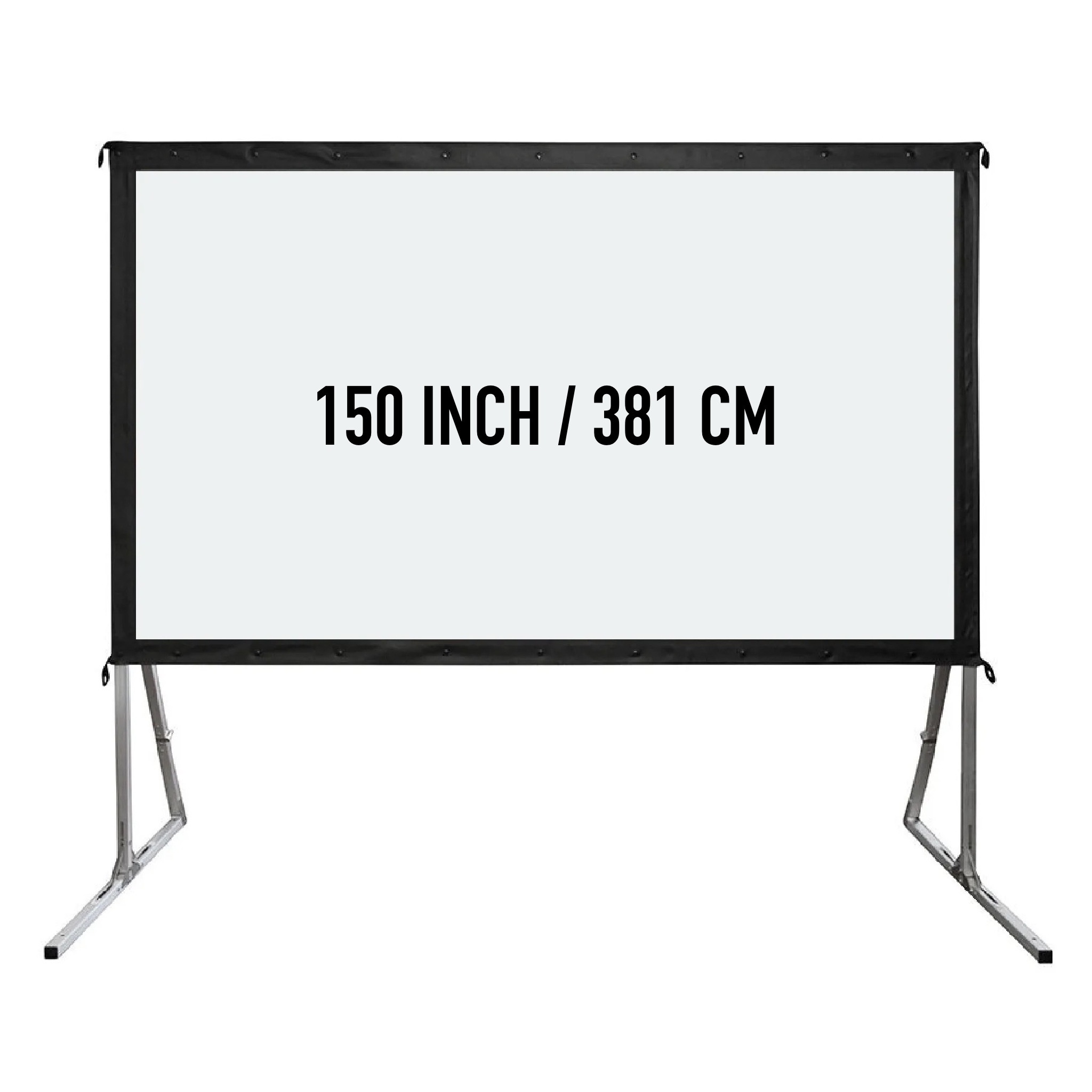
150 inch projection screen
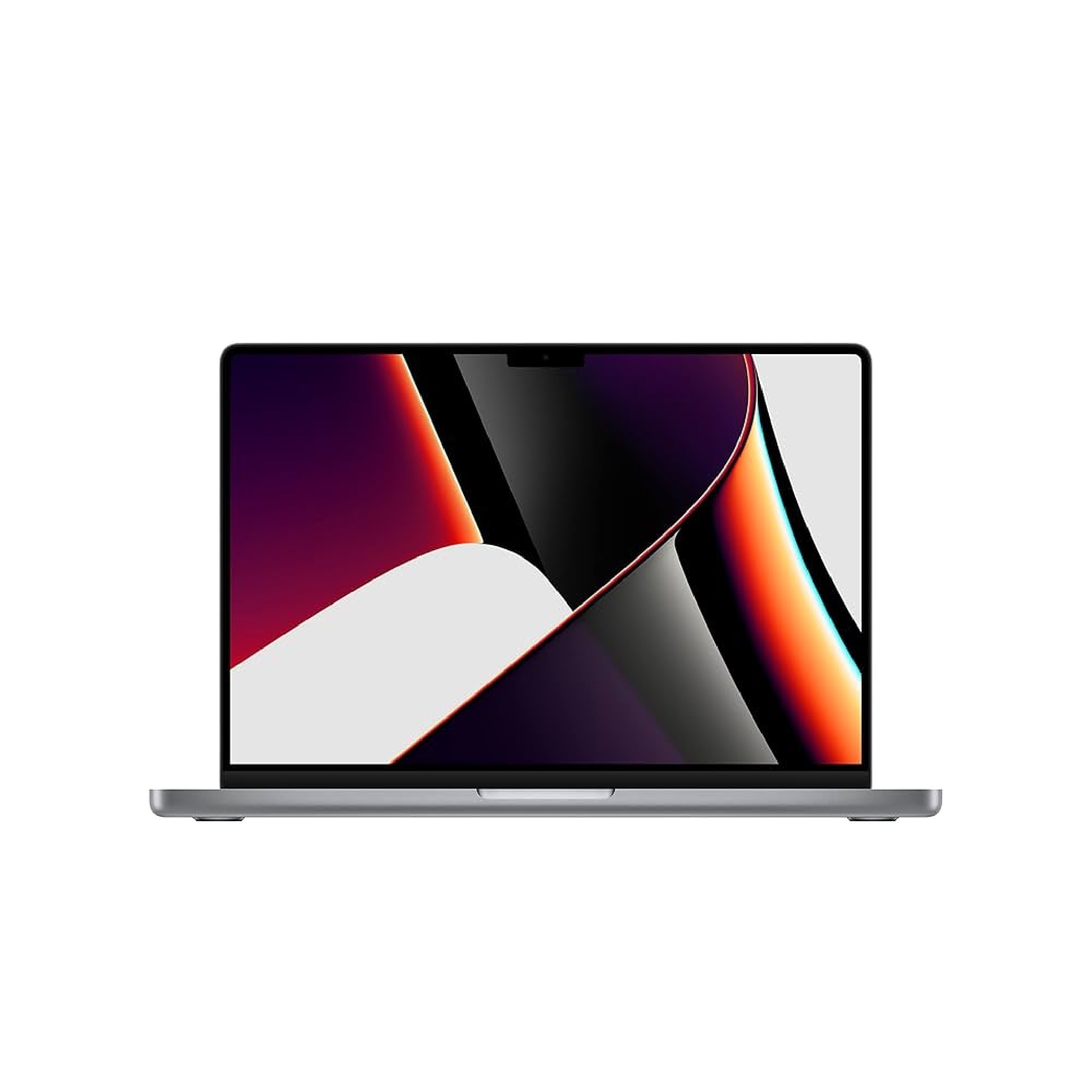
Apple MacBook Pro 14" M1 Pro 8-core 16GB RAM 512GB SSD
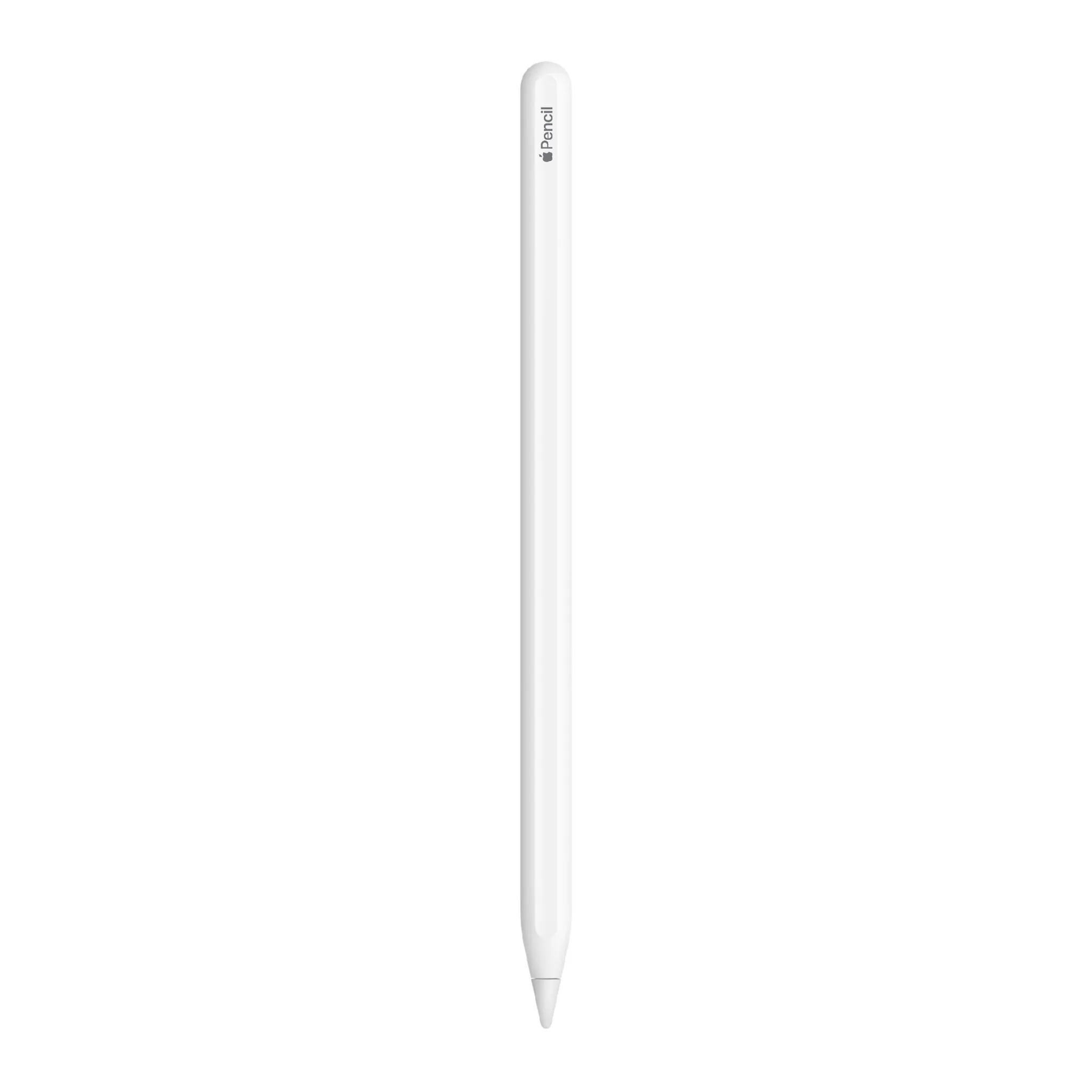
Apple Pencil 2nd gene
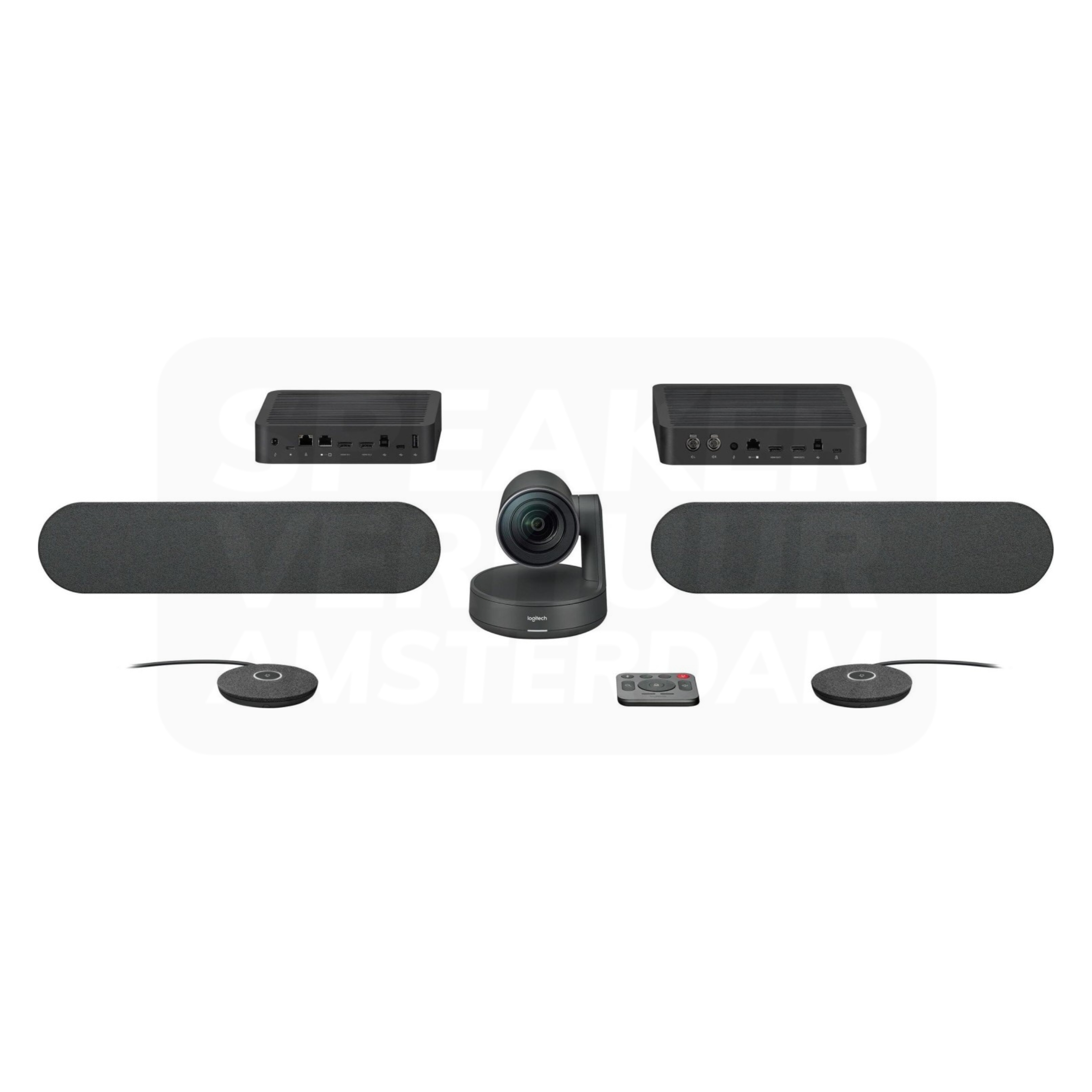
Logitech Rally Plus Video Conference System
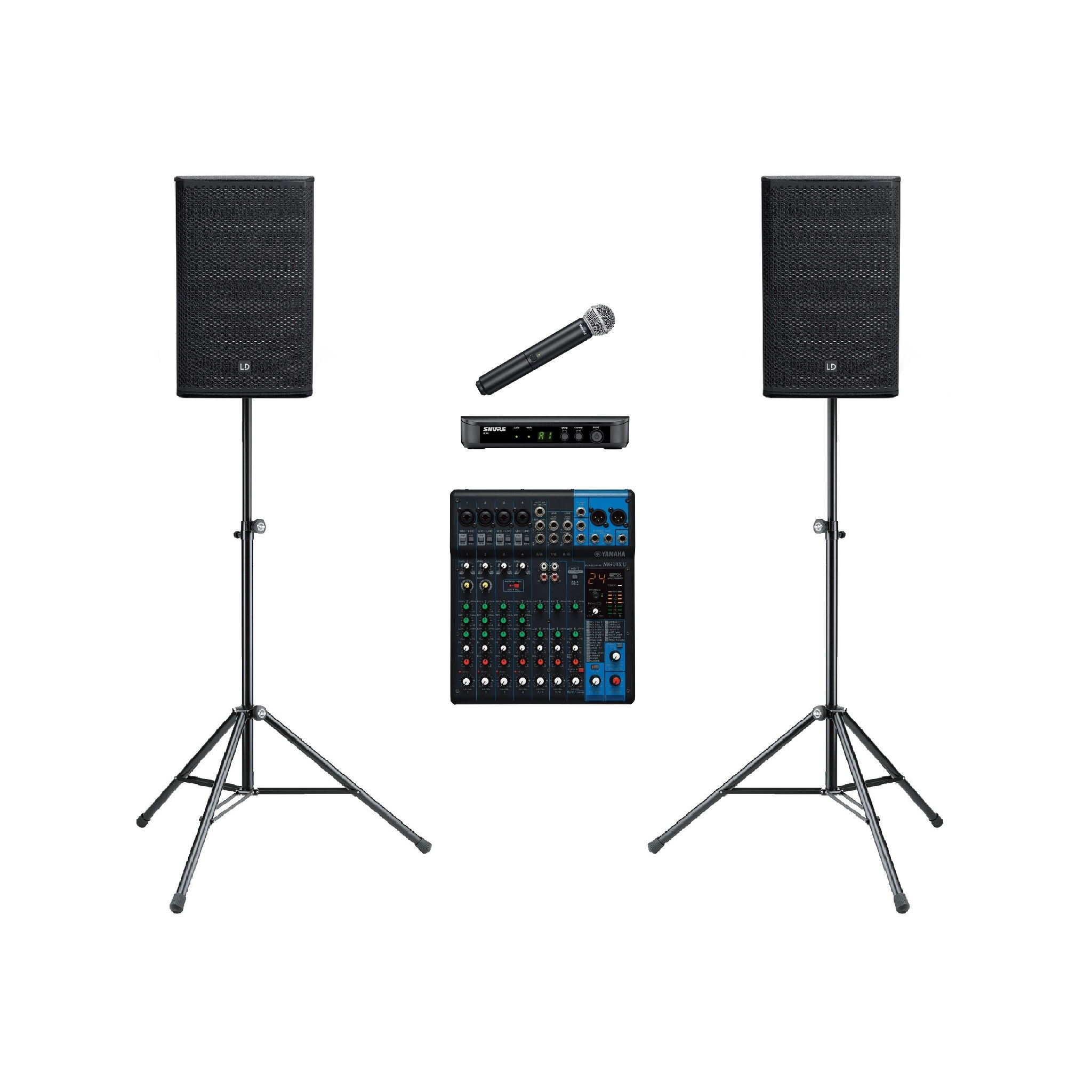
Presentation set 200 persons
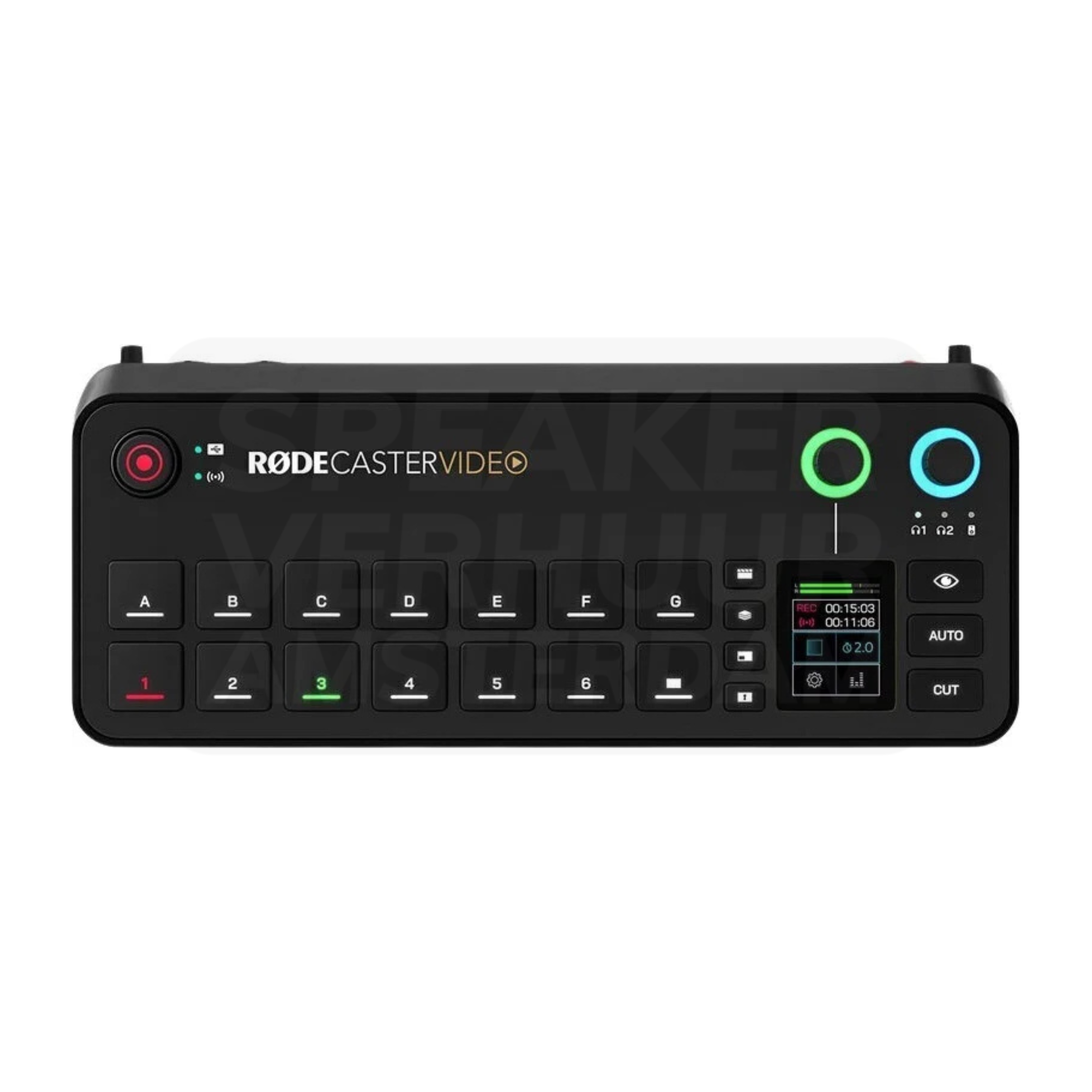
Red RedCaster Video mixer
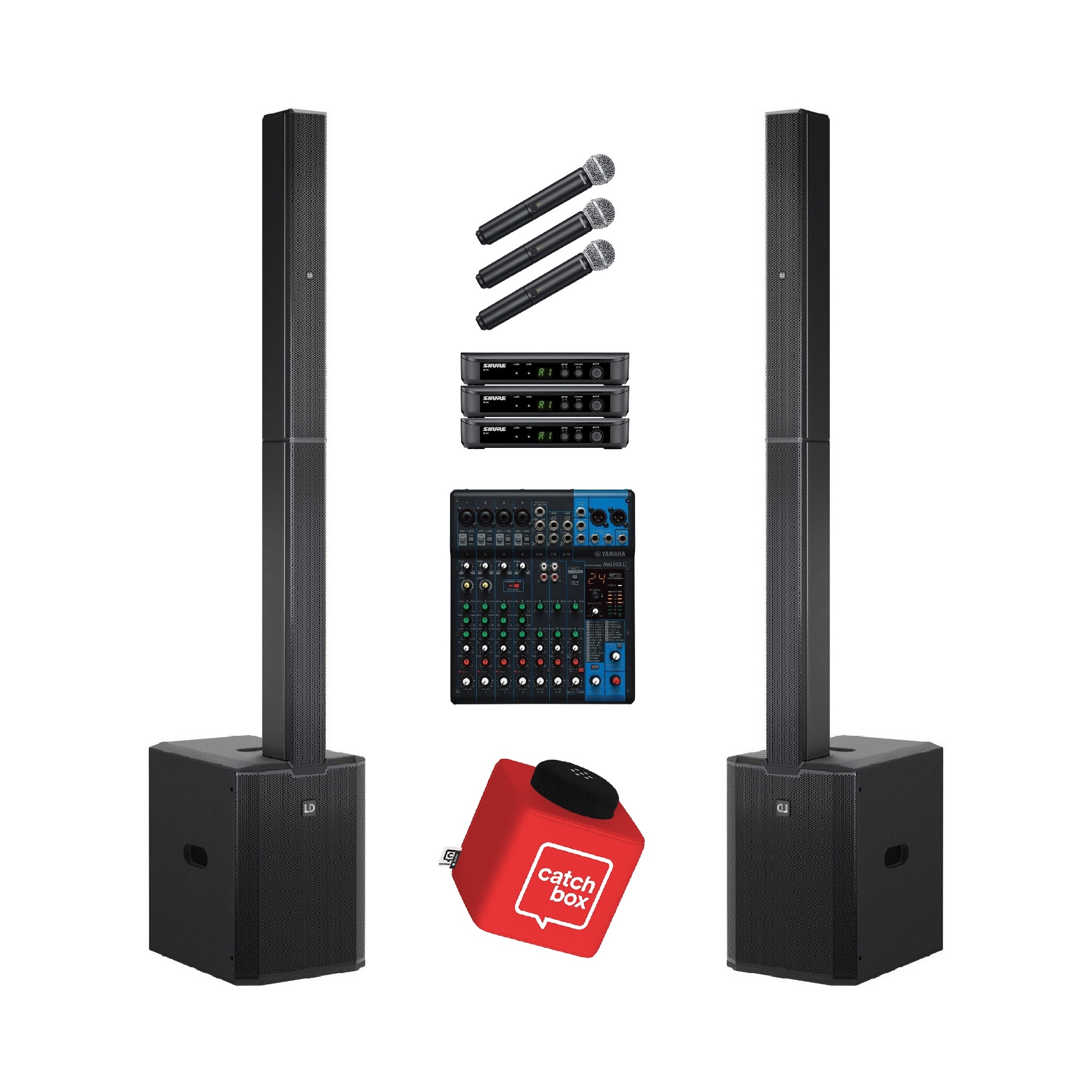
Panel Call & Meeting Set 100 Persons
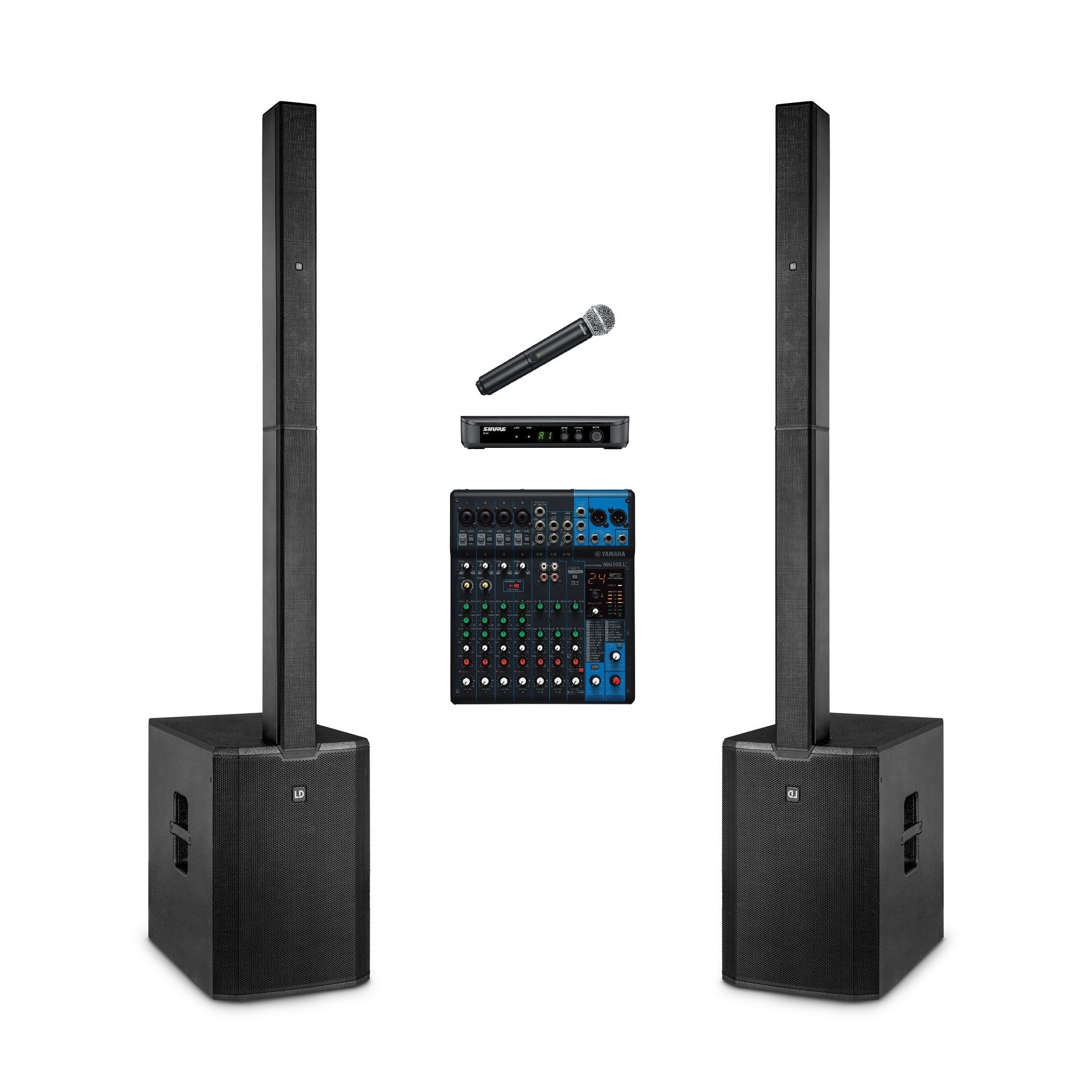
Presentation set 200 persons
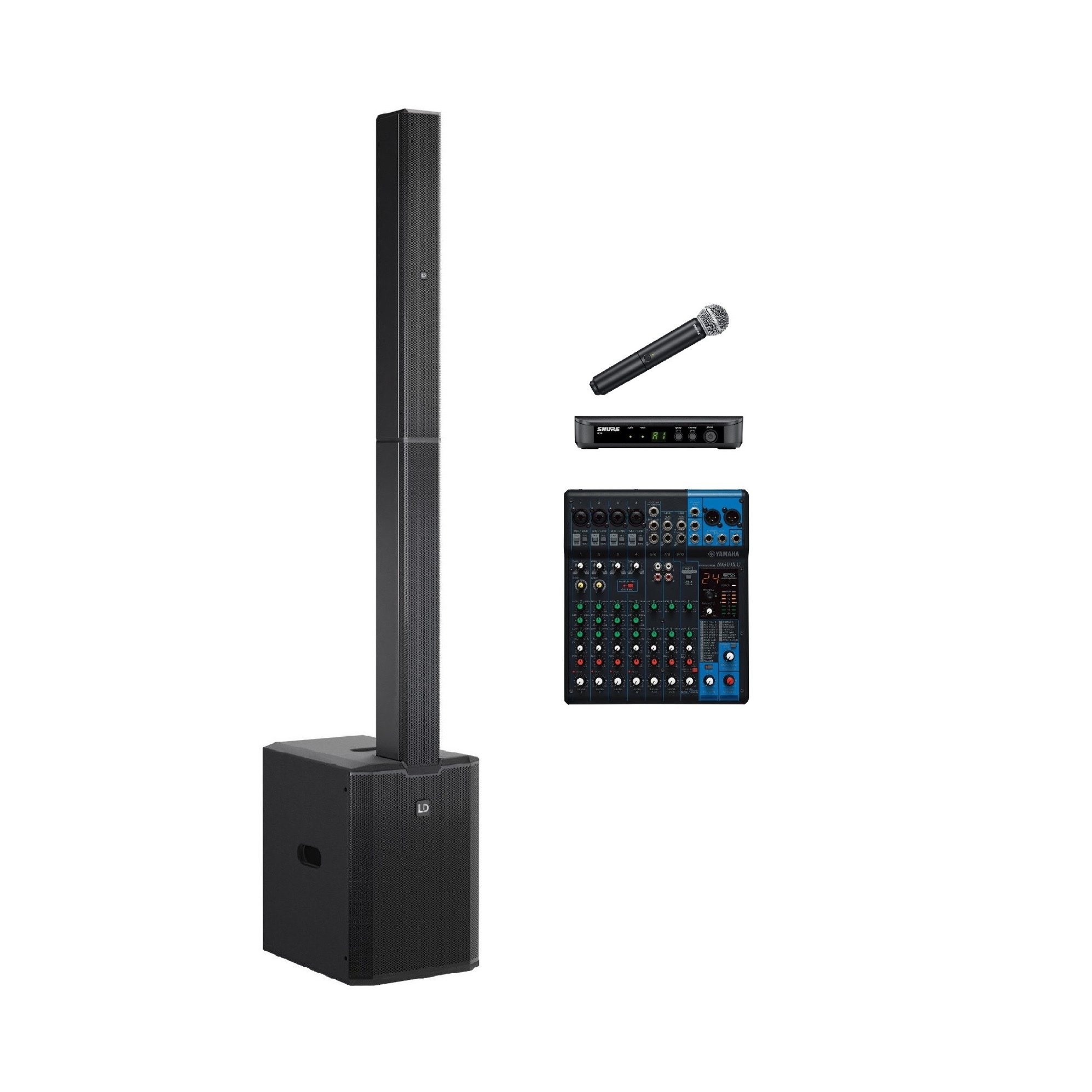
Presentation set 50 persons
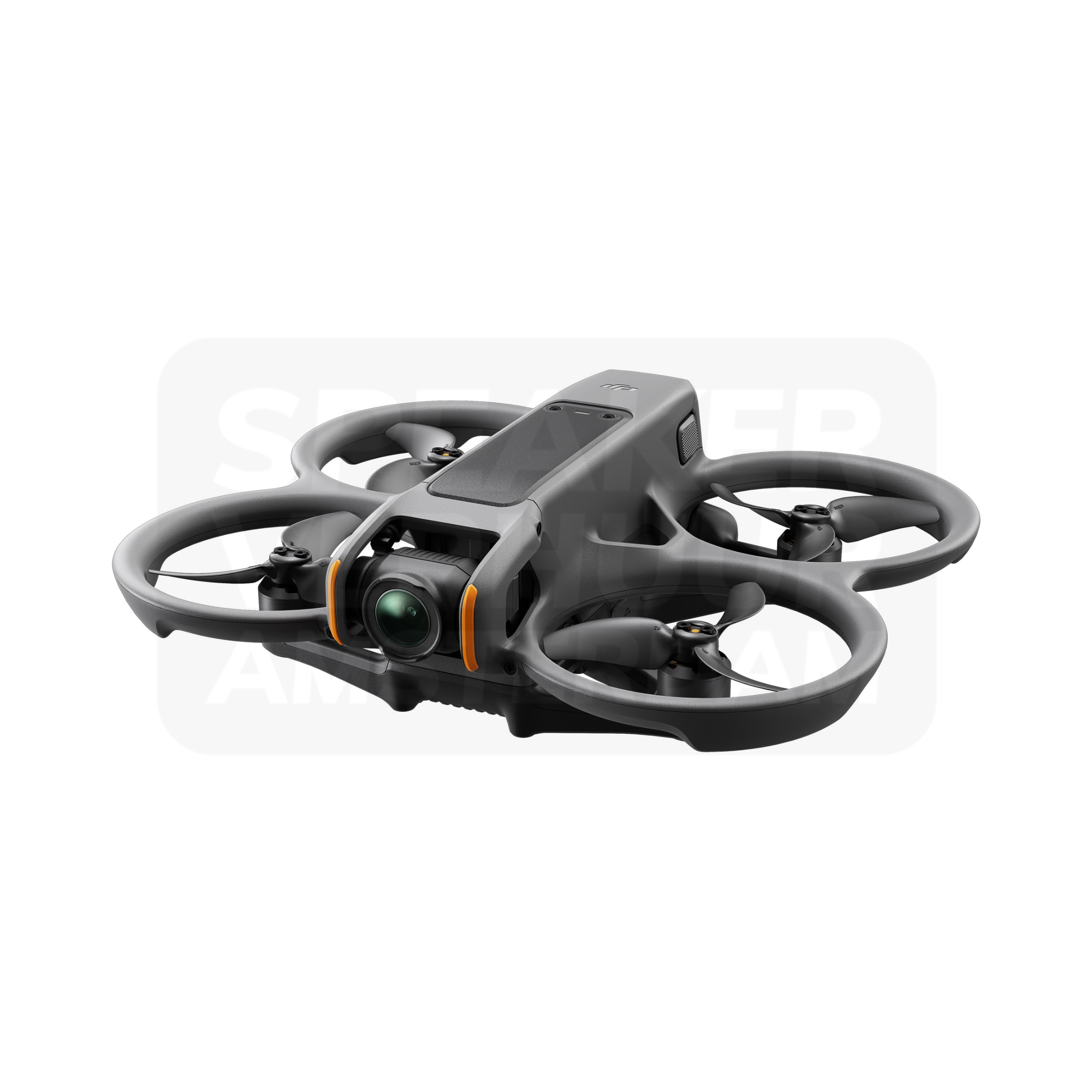
DJI Avata 2 FPV drone
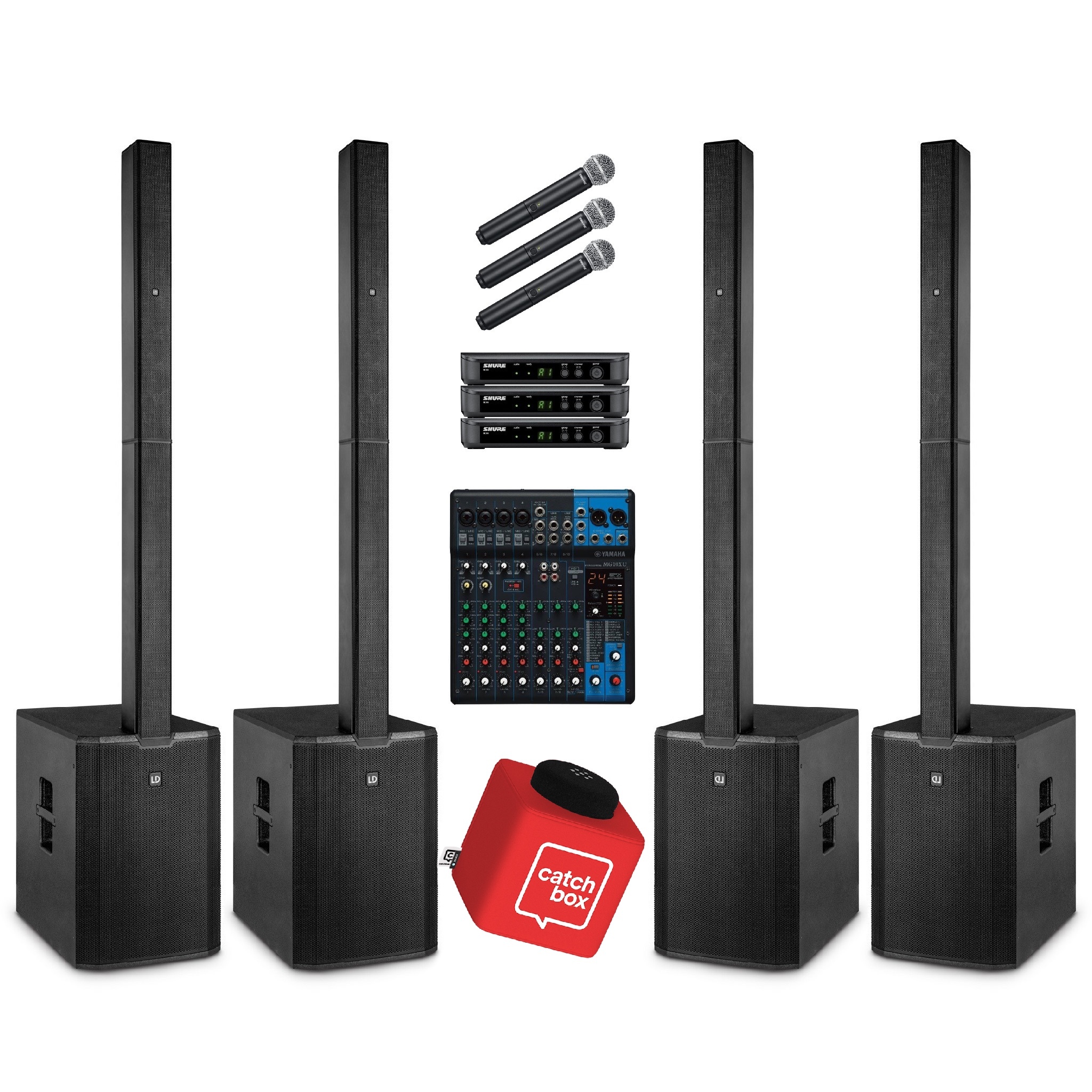
Panel call & Meeting Set 400 Persons
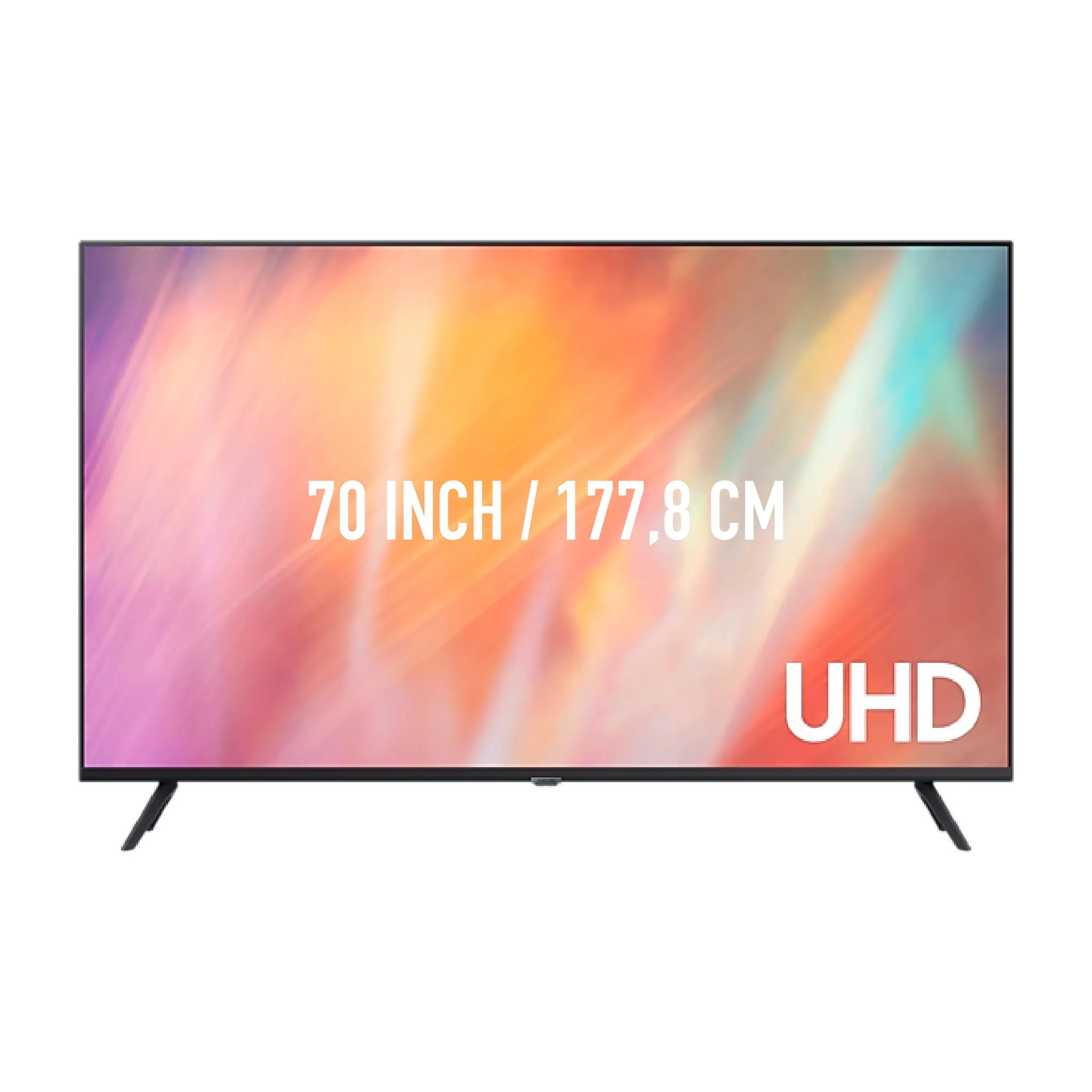
70 inch TV screen
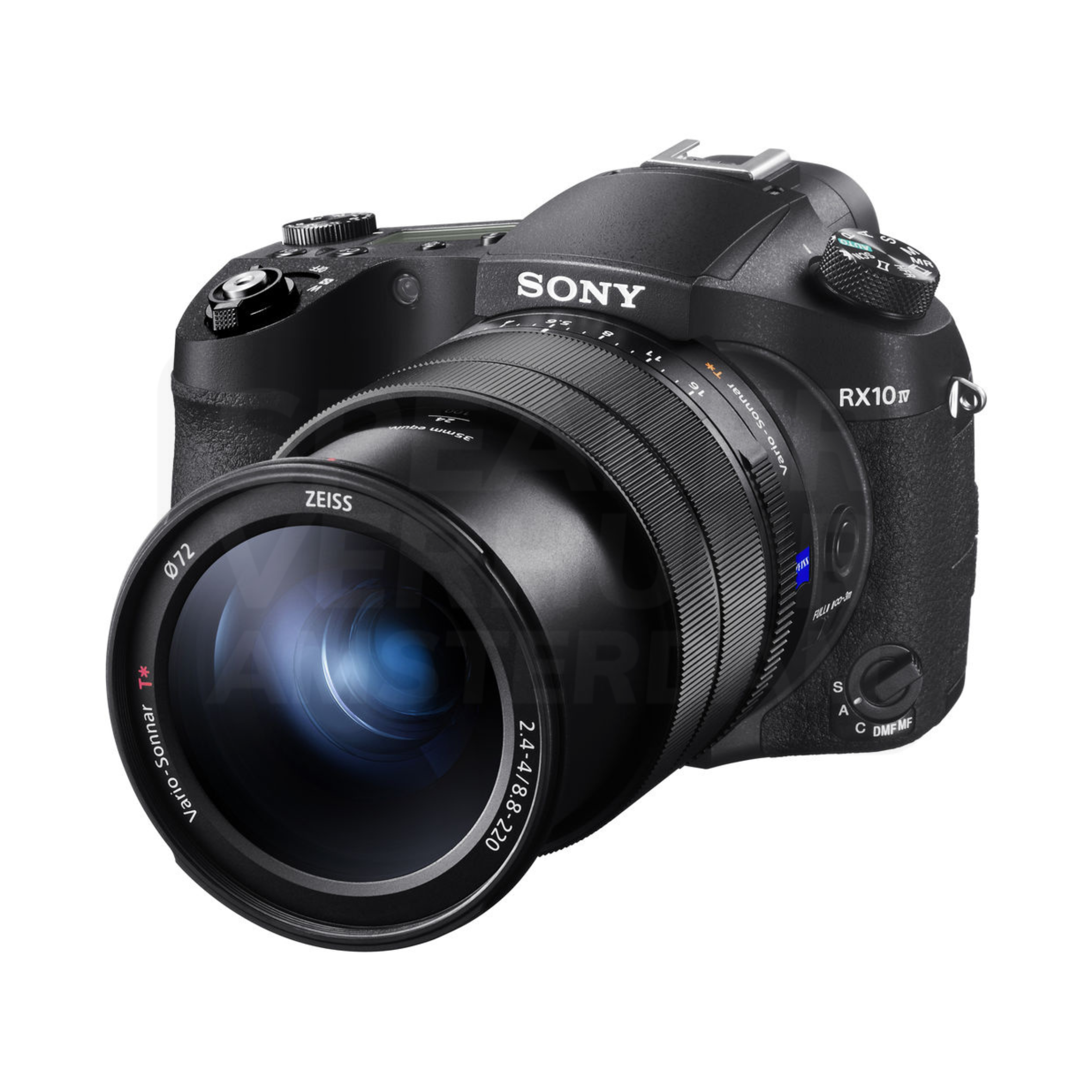
Sony RX10 IV camera
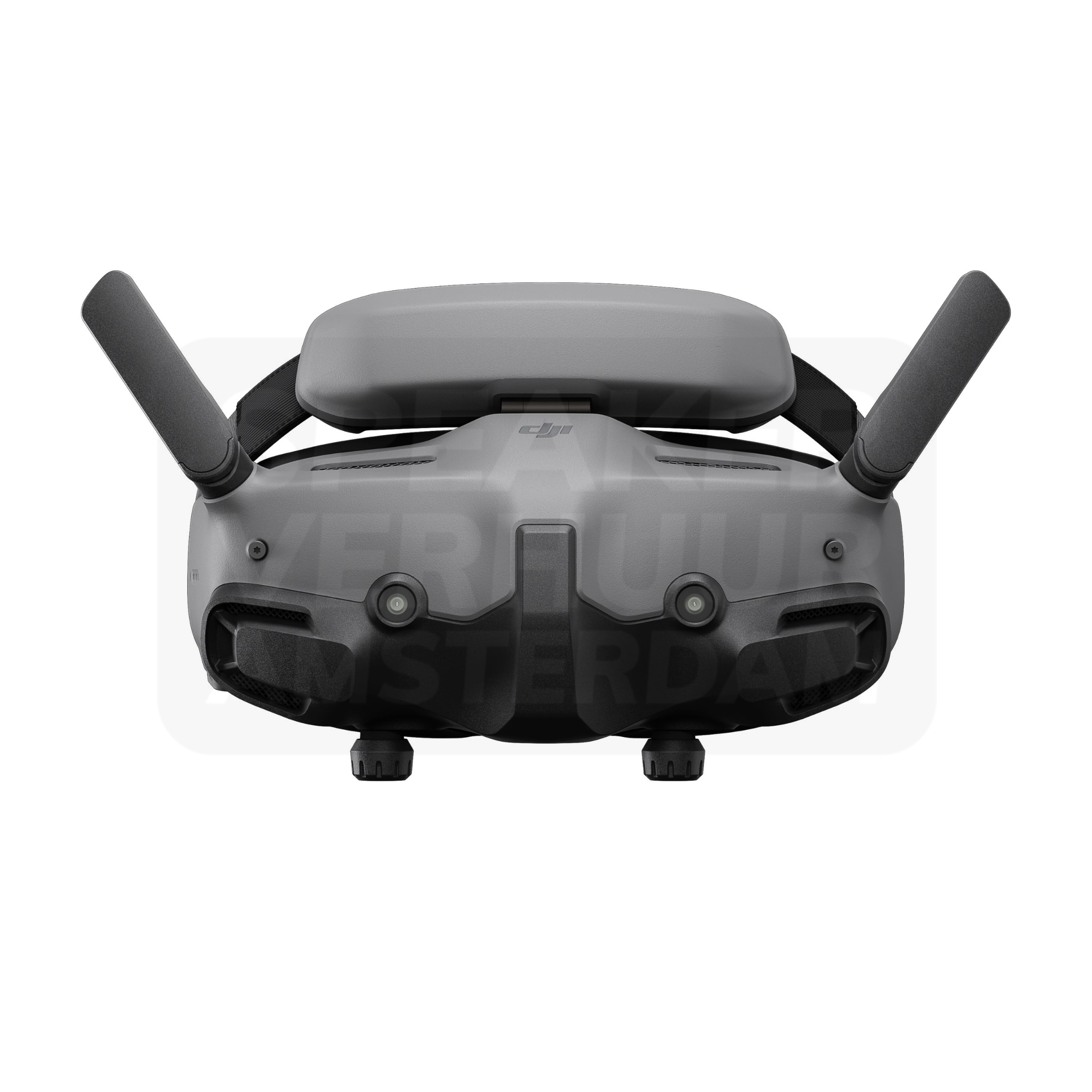
DJI FPV Goggles 3
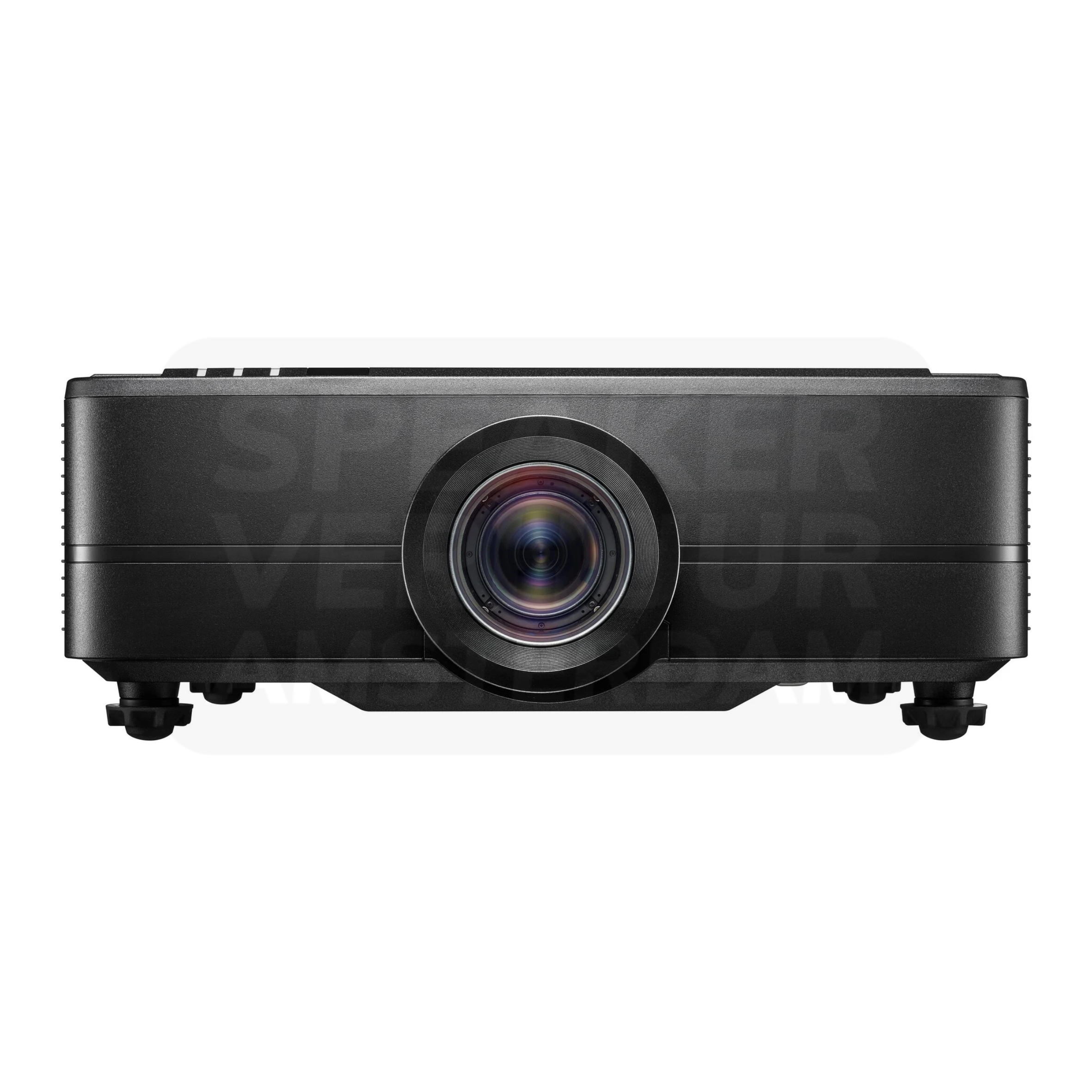
Optoma ZU820T 4K beamer 8800 lumen
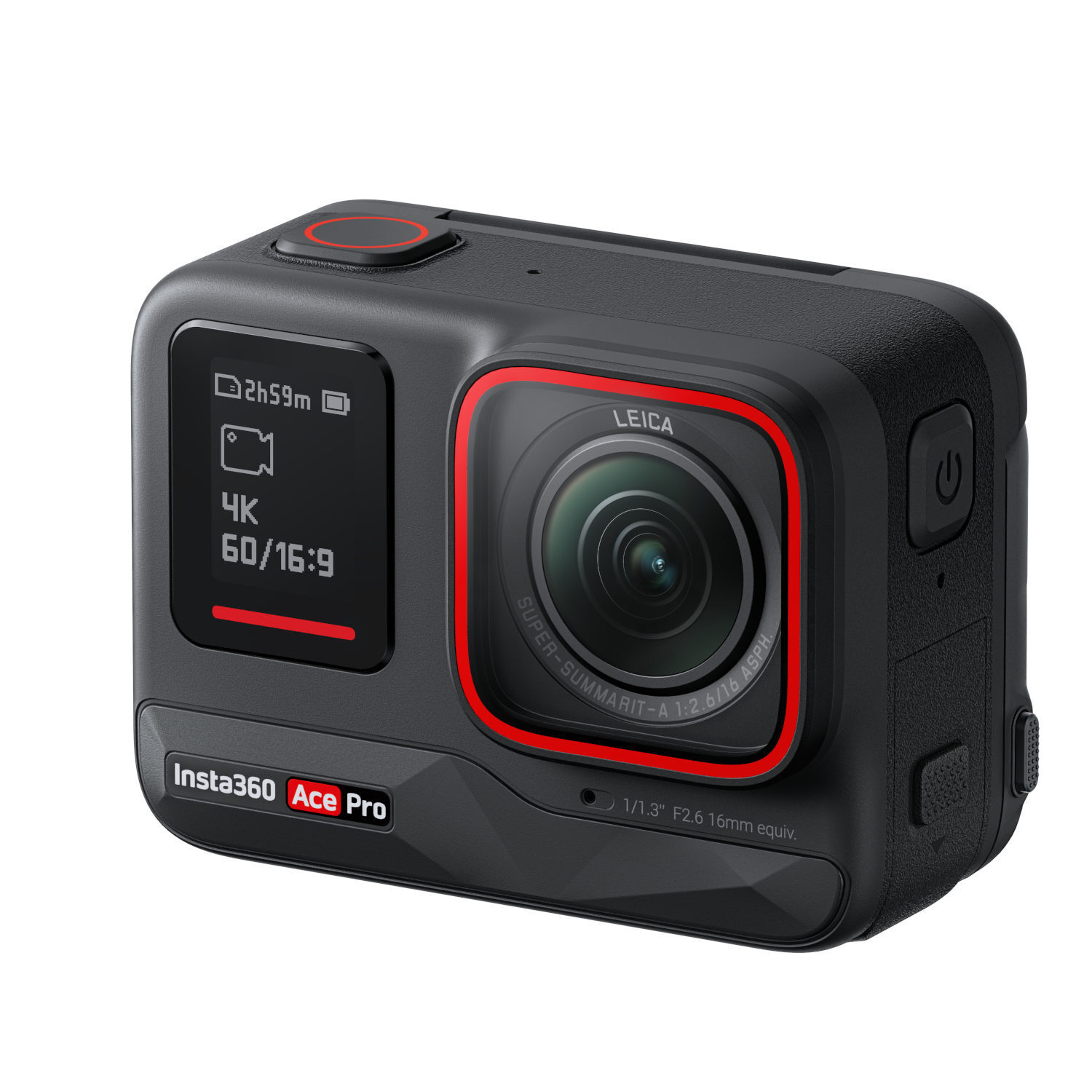
Insta360 Ace Pro
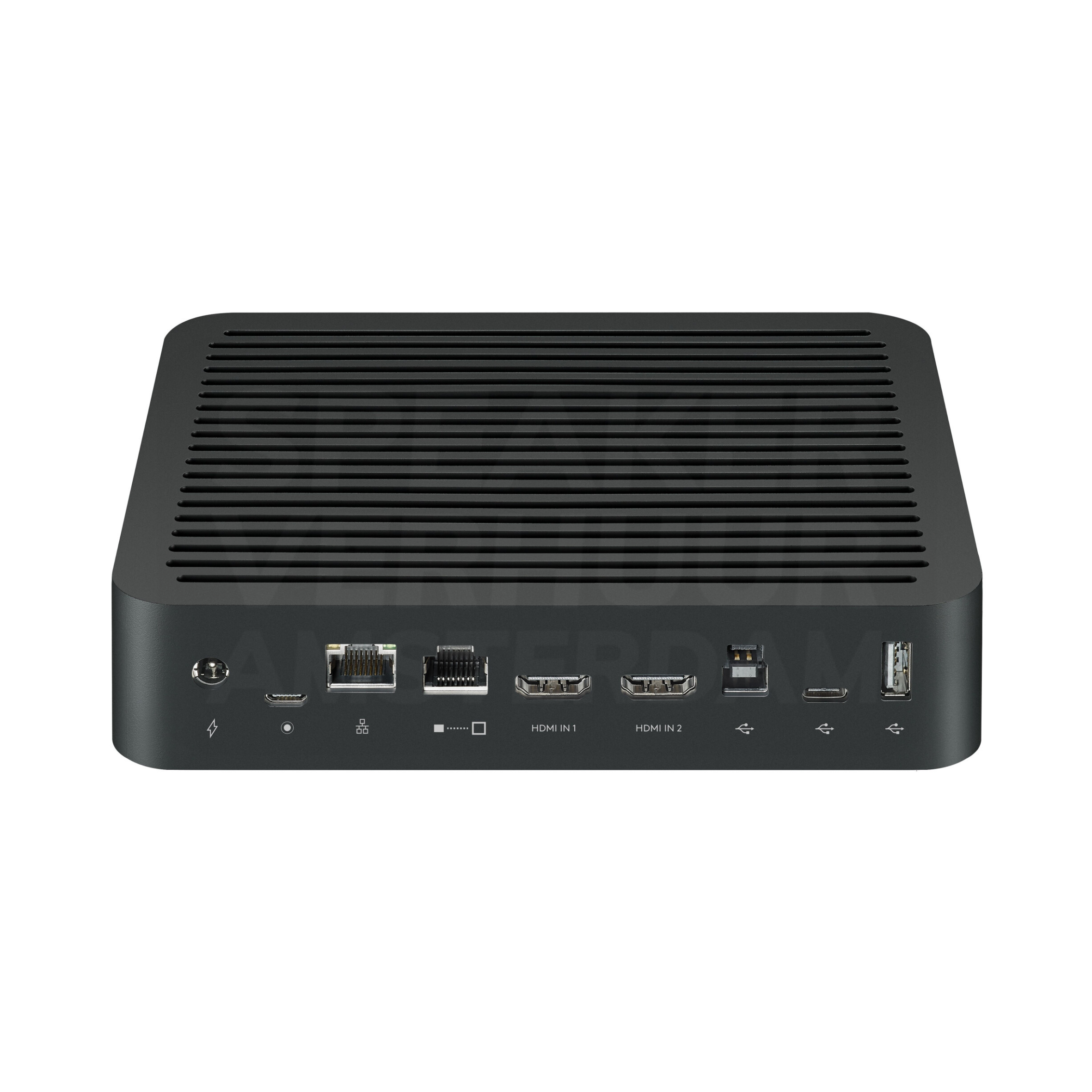
Logitech Rally Table Hub
Rental prices include 21% VAT. Choose your rental period for current pricing and availability. Deposits are shown separately on the product page.
What matters when renting video?
TV screens
A TV screen shows without the projection distance of a beaming device. For presentations, the content is especially readable from the farthest viewing point.
Choose from viewing distance and content. A video can remain recognizable remotely while a spreadsheet becomes too small. Also check lying or standing mounting and the desired screen height.
Test the laptop on the right input and capture the cable route. Leave space around the foot or mounting construction. Check whether the sound should run through the screen or through a separate sound set.
Projection screens
A projection screen determines the visible image plane of your setup. The image diagonal alone is not the total surface size: frame, feet and free space also take place.
Measure the floor space and determine the line of vision from the rear seat. Choose the beamer at the same time, so that the available projection distance fits the image size.
Set the construction down according to the instructions and leave space for passing. Check the aspect ratio with the presentation before setting the projector permanently.
Computers and mobile devices
A computer or mobile device can support presentation, operation or recording, and determine the right ports, storage and software access to fit the device in your process.
Write down the application and the required program features. Check your own accounts, adapters and any network access. A loose stylus or cable is not the same as the device that uses it.
Pre-test the files and connections. Create your own copy of important material and agree on how to handle accounts and personal data after use.
Video conferencing
A hybrid meeting requires a useful two-way connection: participants must see and hear the space remotely, while the attendees can follow them.
Determine the table layout, the number of participants and the meeting platform used. A single camera, hub or microphone pod is not the same as a full meeting system.
Make a test connection with someone outside of space. Test talking from different chairs, screen parts and listening back without echo. Also check network and necessary software.
Presentation sets
A presentation set focuses on understandable speech for visitors. A speaker at a lecturer, a panel at the table and a round of questions from the room each ask for a different microphone format.
Create a short program and note the number of simultaneous speakers. Also, please indicate whether pause music, laptop sound or video should be displayed.
Check the voice from the rear seat. Let the speaker practice at normal volume and agree who will take over control during changes between sources.
Drones
A drone setup requires an appropriate device, operation, power supply and a suitable operating location. A separate glasses, controller or aircraft battery is a system part and not a complete drone.
Check that the device, controller, glasses and battery are part of the same supported combination. Review the current conditions of use and location before planning a flight.
Test the equipment according to the instructions and check updates, charge and selected storage. Please let settings and operation be familiar before the recording day.
Cameras
A camera setup consists of recording, lens, power supply and storage. A separate body, lens or stabiliser has a different task to do than a complete camera.
Determine whether you want to create a photo, video or live image and check the desired connections. Check the camera model, mounting and supported functions with separate accessories.
Test the recording settings and view the saved file. Check battery, storage space and the necessary connection to a computer or screen.
Projectors
A beamer turns a source image into a larger projection image. The readability depends on resolution, light in space, screen size and the distance between projector and screen.
Look at the smallest letters the audience should read and the available projection distance. A 4K-compatible input does not always mean that the projector also has a native 4K panel.
Test your own laptop with the intended adapter and presentation. Place the projector stable, keep the lens free and route the cable outside the walkway. Check separately how the sound is displayed.
Compare the actual version
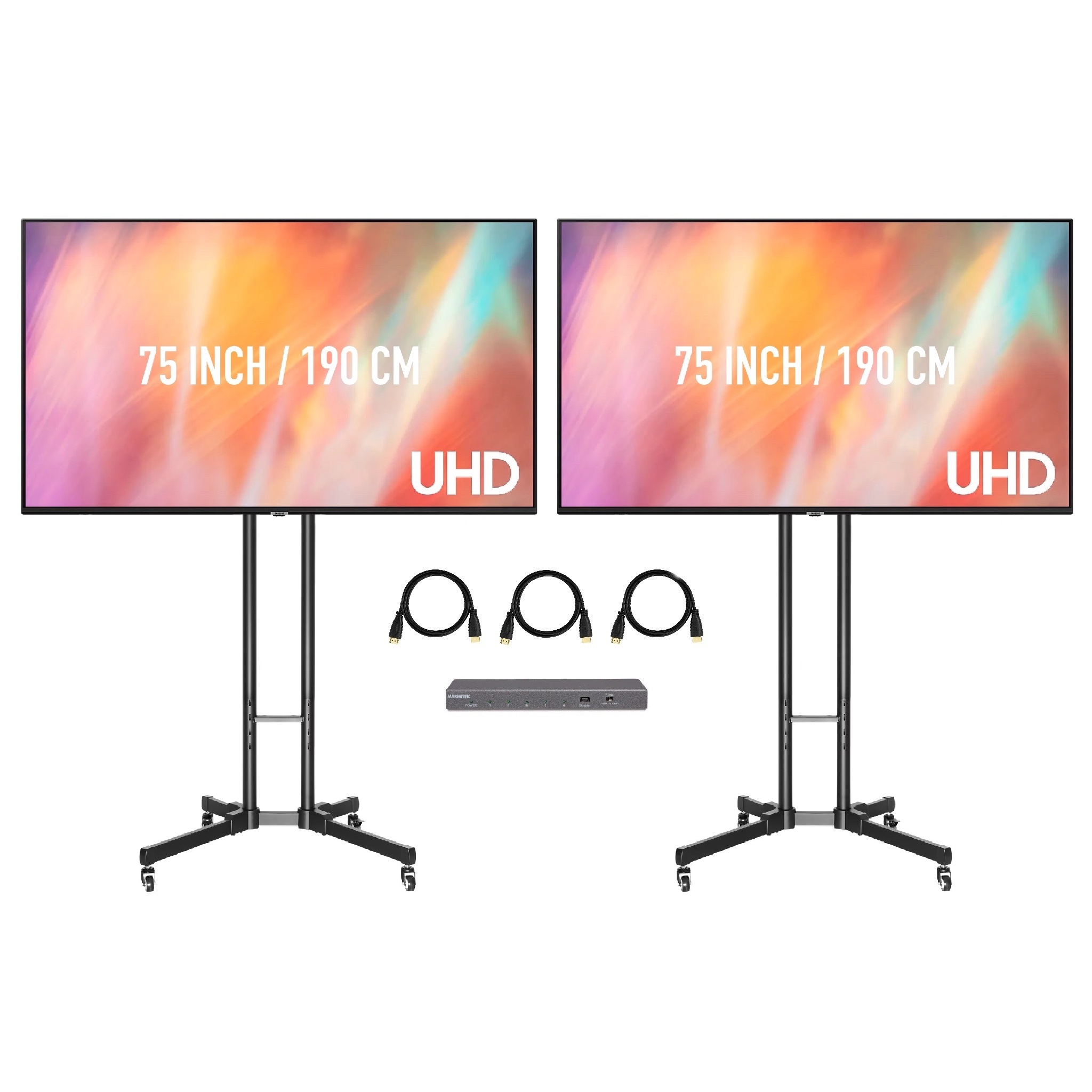
2x 75 inch TV screen on standard lists screen diagonal: 75 inch; number of units: 2. Check this against your source equipment, venue and programme.
150 inch projection screen lists screen diagonal: 150 inch. Check this against your source equipment, venue and programme.
Apple MacBook Pro 14" M1 Pro 8-core 16GB RAM 512GB SSD lists brand: Apple; ram: 16 GB; storage: 512 GB. Check this against your source equipment, venue and programme.
Apple Pencil 2nd gene lists brand: Apple. Check this against your source equipment, venue and programme.
Booking, collection and delivery
Choose rental dates that allow for setup and return. Pricing and deposits apply to the selected version. Collection and return at Theemsweg 40 in Amsterdam Sloterdijk are free by appointment. Arrange delivery, collection and installation separately; a quote or PDF does not reserve equipment. Booking is handled by Speaker Verhuur Amsterdam.
Questions about this rental category
Is there a standard on the screen?
Only if the selected version includes a stand. A bare display and a package with a stand contain different components.
Can I put the screen vertically?
This requires a design and assembly intended for this purpose. Reserve an explicitly vertically offered package or agree the desired orientation in advance.
Does every beamer fit this screen?
Compare aspect ratio, projection distance and desired image size. A projector must be able to fill the usable screen area at the available distance.
Can the screen be used outside?
Adjust that in advance to the screen model, the subsurface and the weather. A large projection surface captures wind; an interior setting is not automatically suitable for outdoor use.
Is the software I need already installed?
Compatibility depends on the software version, device and account requirements. Tell us which software you intend to use so we can check the proposed setup before you book.
Can I connect the device to a screen or beamer?
This depends on the available video output, adapter and receiver. Tune the connection to the specific device and the desired image view.
Does this work with my conference platform?
This depends on the computer, connection and support of the specific device. Please provide platform and operating system to match the combination.
Can a loose hub work without the rest of the system?
A system hub is intended for matching components. Check the entire setup, including camera, power supply, microphones and connection to the computer.