Epson rental
Compare products within epson. Search by model, filter by brand and open a product for its version, contents and price for your rental period.
Products and versions
2 products
No products found. Try a different search term or clear the filters.
Rental prices include 21% VAT. Choose your rental period for current pricing and availability. Deposits are shown separately on the product page.
What matters when renting projectors epson?
Projectors
A beamer turns a source image into a larger projection image. The readability depends on resolution, light in space, screen size and the distance between projector and screen.
Look at the smallest letters the audience should read and the available projection distance. A 4K-compatible input does not always mean that the projector also has a native 4K panel.
Test your own laptop with the intended adapter and presentation. Place the projector stable, keep the lens free and route the cable outside the walkway. Check separately how the sound is displayed.
Compare the actual version
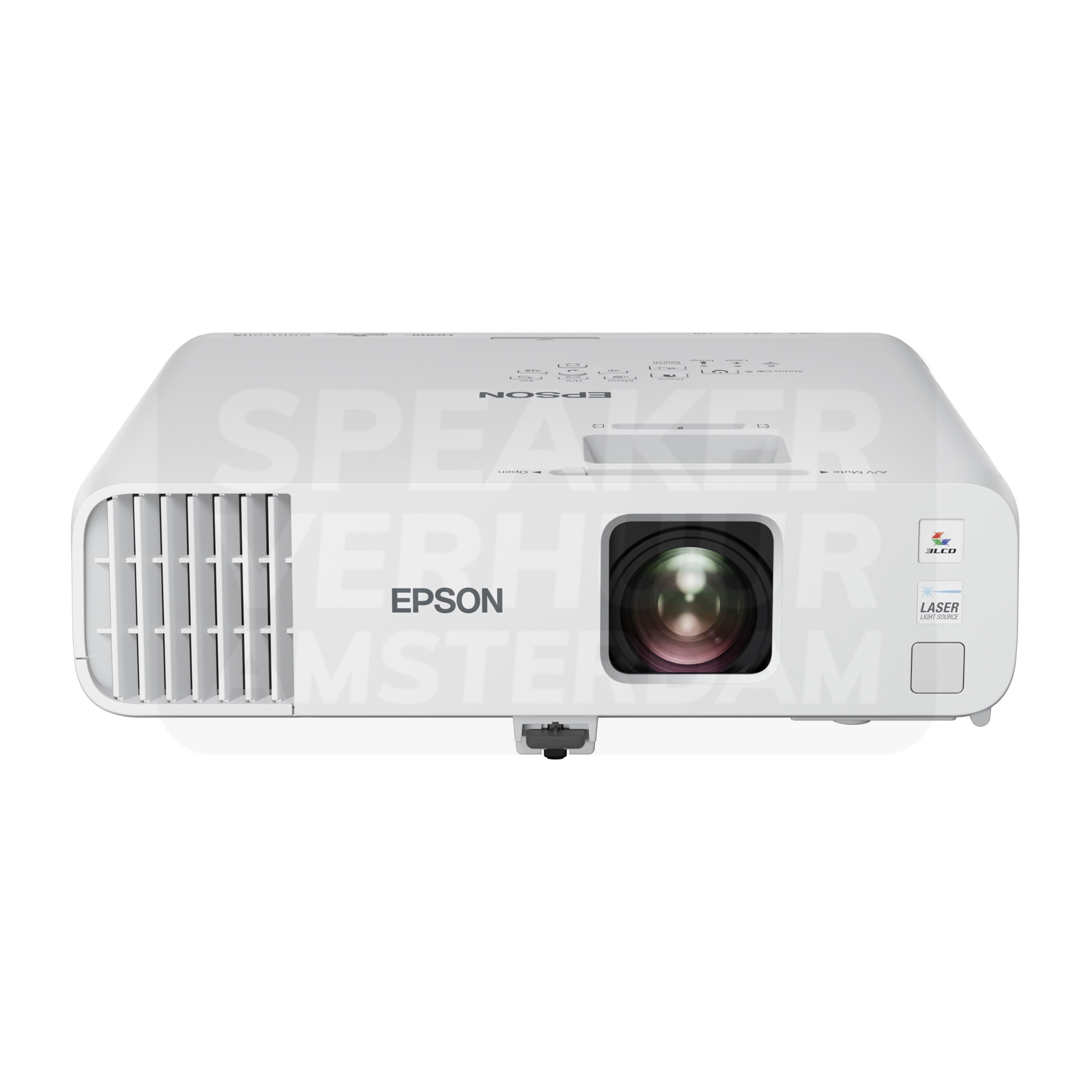
Epson EB-L200F HD beamer 4500 lumen lists brand: Epson; projection technology: 3LCD; native resolution: Full HD, 1920 × 1080. Check this against your source equipment, venue and programme.
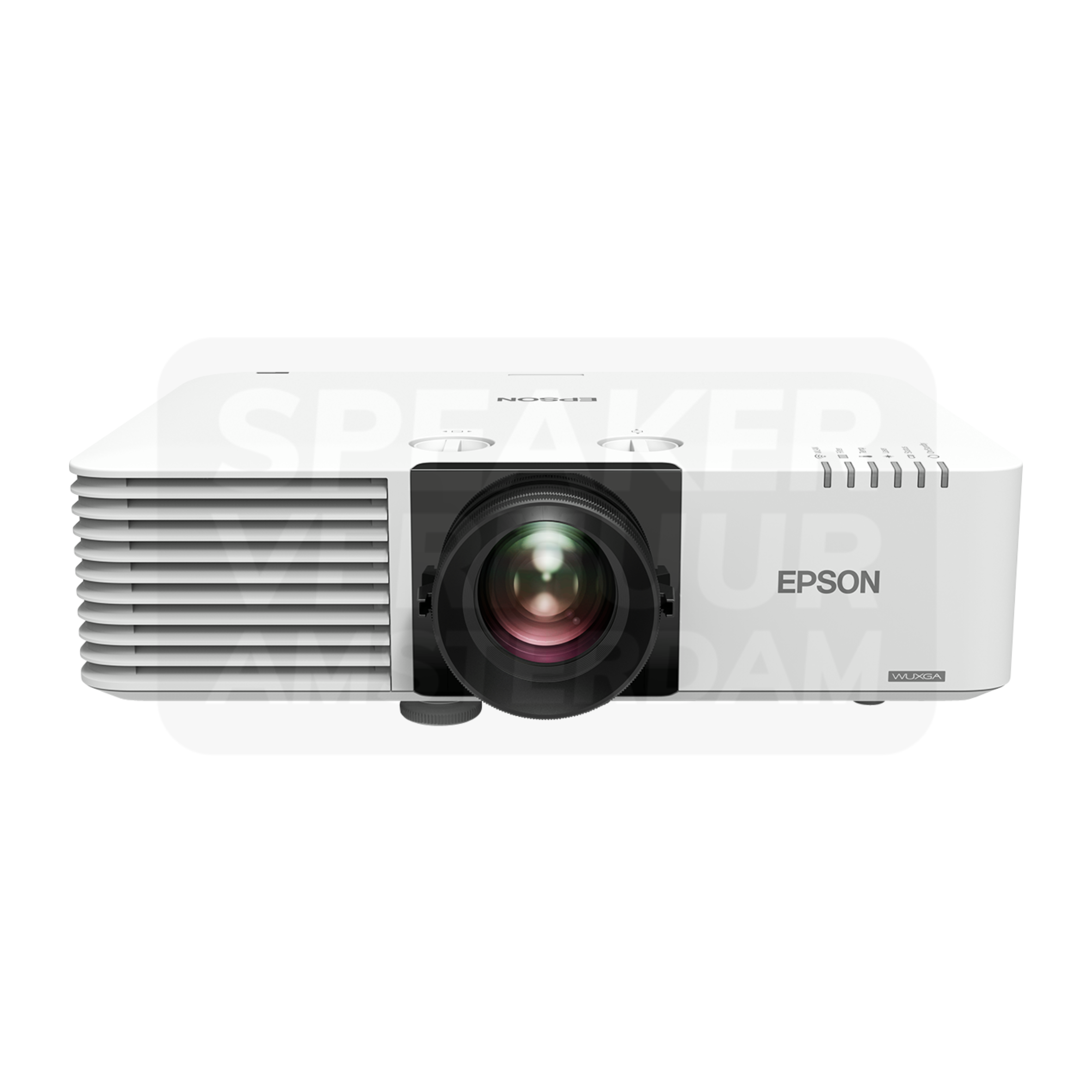
Epson EB-L630U HD beamer 6200 lumen lists brand: Epson; projection technology: 3LCD; native resolution: WUXGA, 1920 × 1200. Check this against your source equipment, venue and programme.
Booking, collection and delivery
Choose rental dates that allow for setup and return. Pricing and deposits apply to the selected version. Collection and return at Theemsweg 40 in Amsterdam Sloterdijk are free by appointment. Arrange delivery, collection and installation separately; a quote or PDF does not reserve equipment. Booking is handled by Speaker Verhuur Amsterdam.
Questions about this rental category
Can my laptop be directly on the beamer?
To do so, the video output, adapter and input must be connected together. Pass on the laptop model and the available ports, especially with USB-C adapters or long cable paths.
Do I need a projection screen, too?
A suitable screen helps with a predictable image size and surface. A loose beamer only includes that screen if it is explicitly in the package content.
How do I find the rental price for my chosen version?
Open your chosen product and select start and end dates. Pricing follows the selected version, quantity and rental period. Check the complete contents before proceeding to your basket.
Can I collect free of charge in Amsterdam Sloterdijk?
Yes, collection and return at Theemsweg 40, 1043 BJ Amsterdam Sloterdijk are free by appointment. Agree the handover time beforehand and bring a vehicle suitable for the complete order.
Can you deliver and help with installation?
Delivery, collection and installation can be arranged. Delivery pricing consists of a base fee plus €2 per kilometre of one-way driving distance. One-hour and four-hour windows have different fees; arrange technical support separately.
Does printing a quote PDF reserve equipment?
No. A quote PDF is an estimate for internal discussion only. It does not hold any equipment. Complete Checkout and check your confirmation to establish that the booking has been processed.
How do I know which accessories I need?
Review the included components for the selected version. List your sources, connections and venue power supply. If unsure, provide the exact models so Speaker Verhuur Haarlem can help assess which additional items suit the setup.
Where can I find deposits for products in this category?
Each product page lists its deposit separately from the rental price. Bundle deposits are the sum of the component deposits multiplied by their quantities. Also check the total in the basket.